


Speaker - Showing 169 - 192 of 1039 Products
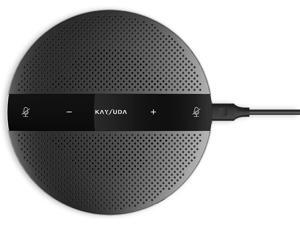
USB Speaker Phone 360° Omnidirectional Microphone Portable Conference Speakerphone ...
- Type: Wireless
- Model #: BEHA094ZC8
- Item #: 9SIVB0EJ5N0770
- Return Policy: Best Electronics Return Policy
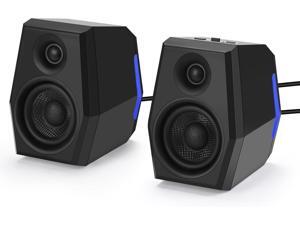
SW209 36W Computer Gaming PC Speakers - 2.75" Fiberglass Woofer and Silk Dome ...
- Color: Black
- Model #: GB003427
- Item #: 9SIVB0EKHE9405
- Return Policy: Best Electronics Return Policy
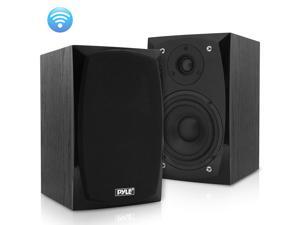
HiFi Desktop Bookshelf Speakers Pair - 300 Watt Powered Bluetooth Compatible Active ...
- Type: Bluetooth Speaker
- Model #: PBKSP22
- Item #: 9SIVB0EH6X3410
- Return Policy: Best Electronics Return Policy
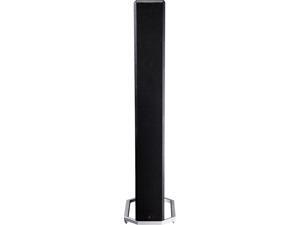
Definitive Technology - BP-9020 High Performance Home Theater Tower Speaker with ...
- Model #: BP9020(EA)-0
- Item #: 9SIVB0EJSS4390
- Return Policy: Best Electronics Return Policy
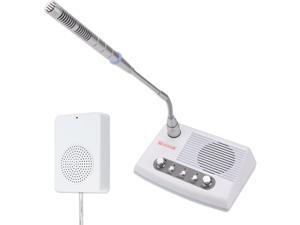
DS-989 Window Intercom, Full Duplex Window Speaker System,Loud Speaker, Connect ...
- Type: Other
- Model #: GB003071
- Item #: 9SIVB0EKFS8058
- Return Policy: Best Electronics Return Policy
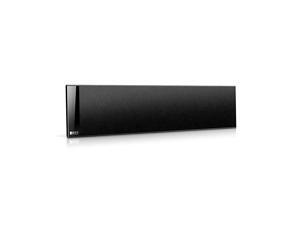
T301C Center Channel Speaker - Black (Single)
- Model #: d7Mc1-B004FLJ0BK
- Item #: 9SIVB0EH6X8096
- Return Policy: Best Electronics Return Policy
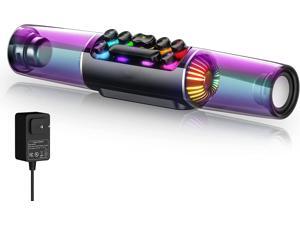
Computer Speakers, 14" Dynamic RGB Gaming PC Speakers Soundbar Desktop Bluetooth, ...
- Type: Wireless
- Model #: BESUOAISH1912V
- Item #: 9SIVB0EJYD3491
- Return Policy: Best Electronics Return Policy
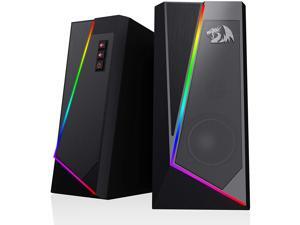
RGB Desktop Speakers, 2.0 Channel PC Computer Stereo Speaker with 6 Colorful LED Modes, ...
- Model #: HT-B08TH6
- Item #: 9SIVB0EHYS8787
- Return Policy: Best Electronics Return Policy
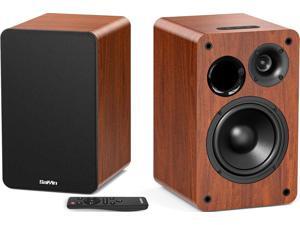
Bluetooth Bookshelf Speakers for Record Player, Powered Studio Monitor Speaker with 5.2 ...
- Model #: BESAIYIN5.2IN
- Item #: 9SIVB0EKK26619
- Return Policy: Best Electronics Return Policy
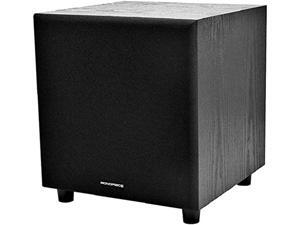
Monoprice 60-Watt Powered Subwoofer - 8 Inch With Auto-On Function, For Studio And Home ...
- Model #: 108248-0
- Item #: 9SIVB0EJSS4437
- Return Policy: Best Electronics Return Policy
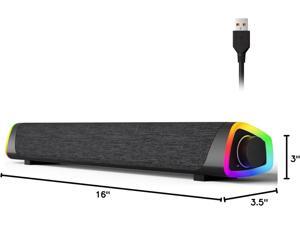
R30 Plus Bluetooth Computer Speakers for PC Desktop, All-in-one Control Button with 6 ...
- Model #: GB003430
- Item #: 9SIVB0EKHE9416
- Return Policy: Best Electronics Return Policy
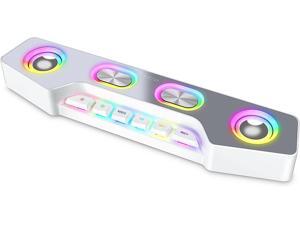
FIFINE Computer Speaker, Bluetooth Wireless Gaming RGB Desktop Speaker, Aux-in Wired ...
- Type: Wireless
- Color: White
- Model #: BEFIFINE A16 White
- Item #: 9SIVB0EK9P2790
- Return Policy: Best Electronics Return Policy
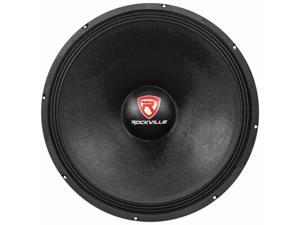
RVW1800P8 1800w 18" Raw DJ Subwoofer 8 Ohm Sub Woofer 107OZ Magnet
- Model #: MA#303240883878
- Item #: 9SIVB0EH6Y4885
- Return Policy: Best Electronics Return Policy
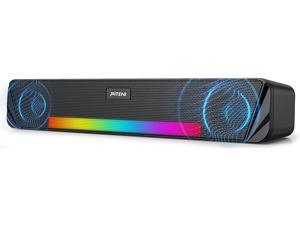
Wireless Computer Speaker, Rechargeable Bluetooth Speaker with AUX and 6 RGB Light ...
- Type: Wired with Bluetooth Wireless
- Model #: HD-TXYX10
- Item #: 9SIVB0EH6Y0463
- Return Policy: Best Electronics Return Policy
Hosa STX-120M 1/4 inch TRS to XLR3M Balanced Interconnect Cable, 20 feet
- Model #: ADIB0010CCL68
- Item #: 9SIV18MKA90922
- Return Policy: Adorama Camera Return Policy
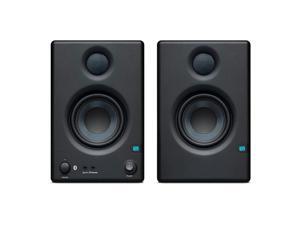
PreSonus Eris 3.5BT 3.5-Inch Media Reference Monitor with Bluetooth Connectivity
- Type: Wireless
- Model #: Eris 3.5BT
- Item #: 9SIV18MKBP9200
- Return Policy: Adorama Camera Return Policy
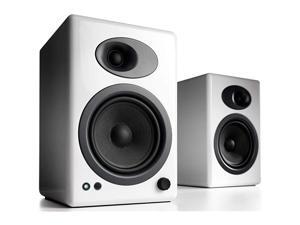
A5+ Plus Powered Speaker | Desktop Monitor Speakers Computer Sound System | 150W ...
- Model #: plsjN-B005OSR1C8
- Item #: 9SIVB0EHC07110
- Return Policy: Best Electronics Return Policy
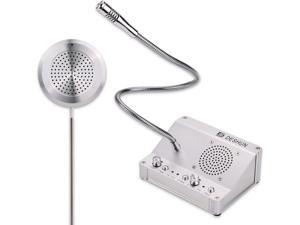
Window intercom, Window Speakers, Dual-Way Window Counter intercom Microphone, for ...
- Type: Other
- Model #: GB003062
- Item #: 9SIVB0EKFS8023
- Return Policy: Best Electronics Return Policy
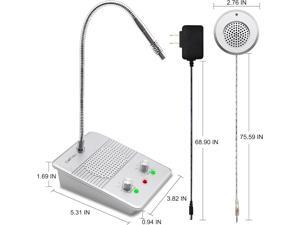
Window Speaker Intercom System,Anti-Interference Intercommunication Talk Through ...
- Type: Other
- Model #: GB003068
- Item #: 9SIVB0EKFS8045
- Return Policy: Best Electronics Return Policy
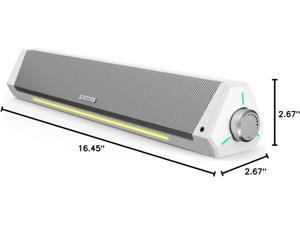
Computer Speakers, Bluetooth Computer Soundbar, HiFi Stereo, 3.5mm Aux-in ...
- Color: White
- Model #: GB003432
- Item #: 9SIVB0EKHE9424
- Return Policy: Best Electronics Return Policy
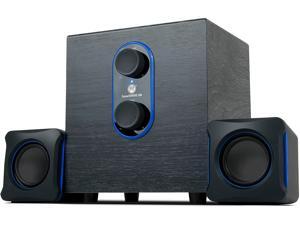
GOgroove SonaVERSE LBr 2.1 Computer Speakers with Subwoofer - USB Powered PC Speaker ...
- Model #: FB00ENMYSAE
- Item #: 9SIVB0EHF21181
- Return Policy: Best Electronics Return Policy
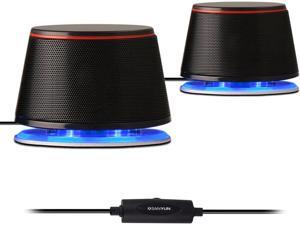
SW102 Computer Speakers, 5Wx2, Deep Bass in Small Body, Stereo 2.0 USB Powered 3.5mm ...
- Color: Black
- Model #: GB003421
- Item #: 9SIVB0EKHE9430
- Return Policy: Best Electronics Return Policy
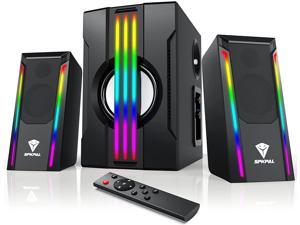
SPKPAL Bluetooth 2.1 Computer Speakers with Subwoofer,Multimedia Wired Gaming ...
- Features: Colorful RGB Light Up Room Filling Sound: Match the color of your gear, your room, or your mood with this powerful and dynamic 2.1 sound system. Color selectable LED drivers deliver your music with flair. Choose Multicolor,green, blue, red or keep the lights off Powerful 4-INCH Subwoofer / The SPKPAL S702 features a newly designed standalone 4” subwoofer with 21 Watts RMS/42 Watts Peak power of 2.1 speaker system delivers crisp sound and thundering bass. Dimensions( L x W x H)-Subwoofer 8.3 x 6 x 9.5 inches. Satellite Speakers-3 x3.9 x 6.9 inches Easily Access All Controls: including AC power, volume, bass, headphone jack and auxiliary jack on the right satellite speaker of the SPKPAL S702 2.1 speaker system.get convenient access to volume and playback controls with the included wireless remote
- Type: Wired with Bluetooth Wireless
- Model #: BY-YXX008
- Item #: 9SIVB0EHAY4077
- Return Policy: Best Electronics Return Policy
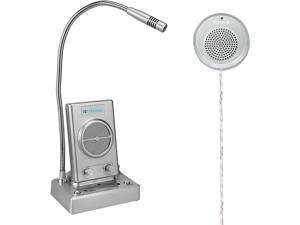
TW102 Window Intercom,Window Speakers, 8M Cable with Loud Outer Speaker, Connect ...
- Type: Other
- Model #: GB003070
- Item #: 9SIVB0EKFS8055
- Return Policy: Best Electronics Return Policy
Tips for Shopping for Computer Speakers
Introduction
When looking at a product description for a set of computer speakers, you will often see a list of terms and specifications. They convey information such as the amount of power the speakers can output, their range of sound reproduction, and more. Below, NeweggBusiness will explain several important terms and specifications to help you get started in choosing a computer speaker system.
Number of Speakers
A computer speaker system’s configuration describes the number of speakers that it has and is shown as a two digit number separated by a decimal. For instance, 2.1 would mean a total of three speakers, one front left, one front right, and one subwoofer. A 5.1 computer speaker system has a total of six speakers, a single center speaker, two front left and right speakers, two rear left and right speakers, and a single subwoofer. Computer speakers that are listed as 5.1, 7.1, or more are considered surround sound speakers.
Power (RMS and Peak)
Power is an important metric you can use to gauge computer speaker performance. It is measured in watts and indicates the amount of power that a speaker can handle. There are two types of power ratings for speakers, RMS and peak power. RMS is the amount of power that can be continuously sent to a computer speaker without it malfunctioning or being damaged. Peak power is the maximum amount of power that it can accept in short bursts.
Generally, a higher power rating means that a speaker can be louder and clearer. If you are utilizing the speakers in a large room for a large audience and need to raise the volume, a higher power rating is beneficial. A theater room with a projector for example, may require speakers with higher power ratings.
Frequency Response
Frequency response is used to describe the range of frequencies that a speaker can reproduce and is measured in hertz (Hz). If a sound card sends a signal that is outside the speaker’s frequency response range, then the computer speaker will not be able to play it. When shopping for computer speakers, you should try to find a set that matches the frequency response of your sound card.
Signal to Noise Ratio (SNR)
The signal to noise ratio of a computer speaker is a measurement of its sound clarity. The higher the SNR is, the less background noise you will be able to hear. If a set of computer speakers have a low SNR rating, you will be able to hear a slight buzz when raising the volume.

