


USB Flash Drives - Showing 817 - 840 of 971 Products
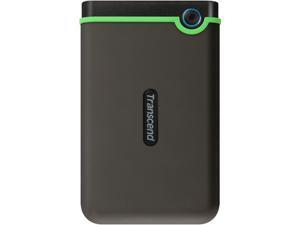
Transcend 2TB StoreJet 25M3 Military-grade Shock Resistance Portable External Hard Drive ...
- Brand: Transcend
- Windows Vista: Microsoft Windows 7, Microsoft Windows 8, Microsoft Windows 10, Mac OS X 10.7 or later, Linux Kernel 2.6.31 or later
- Features: USB 3.1 Gen 1 interface Up to 2TB storage capacity Three-stage shock protection system One-touch auto backup button Offers Transcend Elite data management software and RecoveRx data recovery software
- Model #: TS2TSJ25M3
- Item #: 9SIV2G293W4236
- Return Policy: PremierSource Return Policy
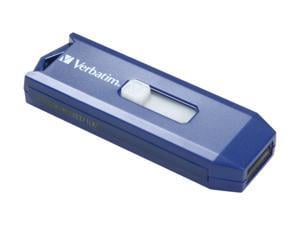
Verbatim Smart 16GB USB 2.0 Flash Drive 97275
- Brand: Verbatim
- Series: Smart
- Capacity: 16GB
- USB Specification: USB 2.0
- Features: Convenient cap-less design means less to lose and no more searching for lost caps Compatible with Windows 7, Vista, XP or 2000, Mac OS 9.x or higher, Linux kernel 2.6x or higher
- Dimensions: 74 x 21 x 11mm
- Weight: 8.98g
- Labor: 5 years limited
- Model #: 97275
- Item #: 9SIV2G293R6105
- Return Policy: PremierSource Return Policy
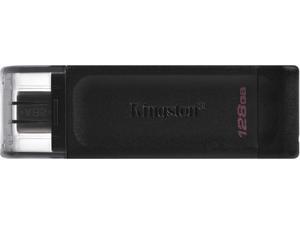
Kingston DataTraveler 70 128GB USB 3.2 Gen 1 USB-C Flash Drive Model DT70/128GBCR
- Brand: Kingston
- Series: DataTraveler 70
- Capacity: 128GB
- USB Specification: USB 3.2 Gen 1 USB-C
- Model #: DT70/128GBCR
- Item #: 9SIV2G2GRN2249
- Return Policy: PremierSource Return Policy
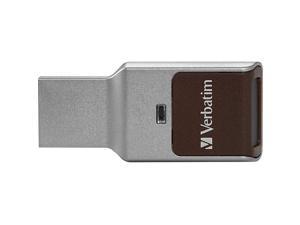
VERBATIM CORPORATION 70369 128GB FINGERPRINT SECURE SILVER
- Brand: Verbatim
- Color: Silver
- Model #: 70369
- Item #: 9SIV2G2B6E9565
- Return Policy: PremierSource Return Policy
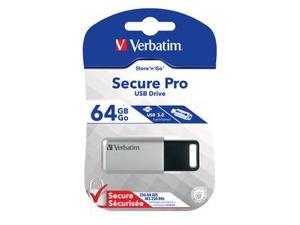
Verbatim 64GB Store'n' Go Secure Pro USB 3.0 Flash Drive with AES 256 Hardware Encryption - ...
- Brand: Verbatim
- Series: Store 'n' Go Secure Pro
- Capacity: 64GB
- Security: 256bit AES Encryption
- USB Specification: USB 3.0
- Color: Silver
- Features: We've taken data security to the next level with the Store 'n' Go Secure Pro USB drive. Once configured with your password, all data stored on a Secure Pro USB drive is encrypted with powerful hardware-based 256-bit AES encryption to prevent unauthorized access. The encrypted data is password protected, and additional anti-tampering features help safeguard your data from brute force attacks or password hacking attempts. Even if your device is stolen, the Store 'n' Go Secure Pro's features will keep your data safe and secure. With USB 3.0 connectivity, for faster transfer speeds, the Store 'n' Go Secure Pro is ideal for securing business data, legal documents, perso...
- Model #: 98666
- Item #: 9SIV2G293W6619
- Return Policy: PremierSource Return Policy
SENTRY ONE MANAGED SECURE USB
- Brand: DataLocker
- Model #: SONE016M
- Item #: 9SIV2G2F544817
- Return Policy: PremierSource Return Policy
Transcend JetFlash 350 8 GB USB 2.0 Flash Drive - Black - 1 Pack
- Brand: Transcend
- Series: JetFlash 350
- Capacity: 8GB
- USB Specification: USB 2.0
- Color: Black
- Dimensions: Height:0.3" x Width:0.7" x Length:2.4"
- Weight: 0.30 oz
- Model #: TS8GJF350
- Item #: 9SIV2G293R5025
- Return Policy: PremierSource Return Policy

SanDisk SDCZ73-032G-A46 32GB Ultra Flair USB 3.0
- Model #: SA#SDCZ73032GA46
- Item #: 9SIV0F2G920190
- Return Policy: TELeasy Return Policy
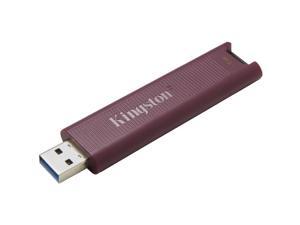
Kingston 1TB DataTraveler Max USB 3.2 Gen 2 Series Flash Drive DTMAXA1TB
- Brand: Kingston
- Capacity: 1TB
- Security: Lightweight
- Part Number: DTMAXA/1TB
- USB Specification: usb3.2_gen_2
- Color: Black
- Read Speed: 1000 megabytes_per_second
- Write Speed: 900 MB per second
- Model #: DTMAXA1TB
- Item #: 9SIV2G2JUD0991
- Return Policy: PremierSource Return Policy
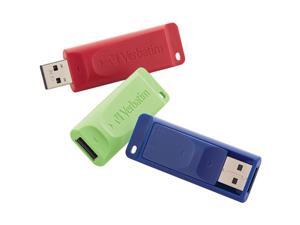
VERBATIM 99811 32GB Store N Go USB Flash Drive 3pk
- Model #: VE#99811
- Item #: 9SIV0F2EUB6481
- Return Policy: TELeasy Return Policy
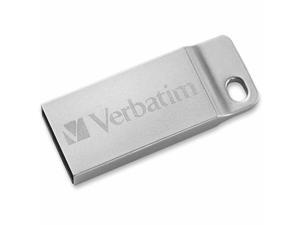
VERBATIM CORPORATION 98749 32GB METAL EXECUTIVE USB 2.0
- Brand: VERBATIM CORPORATION
- Capacity: 32GB
- USB Specification: USB 2.0
- Model #: 98749
- Item #: 9SIV2G293T8878
- Return Policy: PremierSource Return Policy
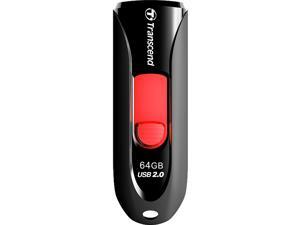
Transcend JetFlash 590 64GB USB 2.0 Flash Drive TS64GJF590K
- Brand: Transcend
- Series: JetFlash 590
- Capacity: 64GB
- USB Specification: USB 2.0
- Features: Fully compatible with Hi-Speed USB 2.0 Easy Plug and Play installation USB powered. No external power or battery needed LED usage status indicator Offers a free download of Transcend Elite data management tools
- Dimensions: 10.6mm x 21.2mm x 63.6mm (H x W x L)
- Weight: 4.9g
- Model #: TS64GJF590K
- Item #: 9SIV2G2FAV5133
- Return Policy: PremierSource Return Policy
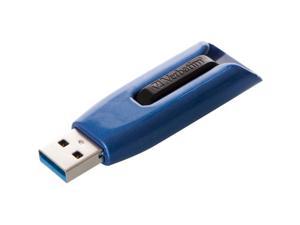
VERBATIM CORPORATION 49809 256GB STORE N GO V3 MAX USB 3.0
- Brand: Verbatim Corporation
- Color: Black
- Features: Sold as 1 Each.
- Model #: 49809
- Item #: 9SIV2G293P7594
- Return Policy: PremierSource Return Policy
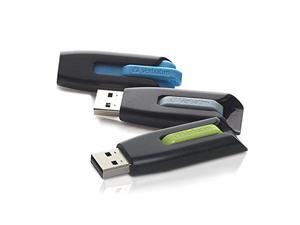
Verbatim Store 'n' Go V3 16GB USB 3.0 Flash Drive - 3pk - Blue, Green, Gray 99126
- Brand: Verbatim
- Series: Store 'n' Go V3
- Capacity: 16GB
- USB Specification: USB 3.0
- Color: Blue, Green, Gray
- Features: USB 3.0 interface is up to 10X faster than USB 2.0 interface New retractable design, shields USB connector in transit Faster data transfer vs USB 2.0 drives when used with USB 3.0 ports Available in a variety of trendy colors Password protection software available for download* *Works with Windows operating systems only
- Model #: 99126
- Item #: 9SIV2G293U0477
- Return Policy: PremierSource Return Policy
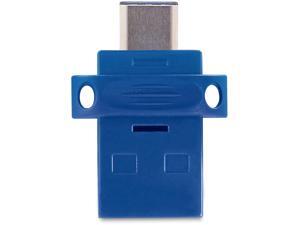
32GB STORENGO DUAL USB FLASH
- Brand: Verbatim
- Model #: 023492991540
- Item #: 9SIV2G293V3883
- Return Policy: PremierSource Return Policy
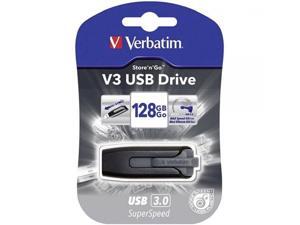
Verbatim 128GB Store 'n' Go V3 USB 3.0 Flash Drive, Black/Gray 49189
- Model #: ADIB00BXEIUQS
- Item #: 9SIV0F28EV5649
- Return Policy: TELeasy Return Policy
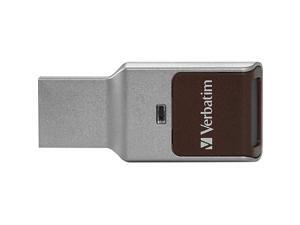
VERBATIM 70367 32GB Fingerprint USB 3.0
- Brand: Verbatim
- Color: Silver
- Model #: 70367
- Item #: 9SIV2G2B6E9523
- Return Policy: PremierSource Return Policy
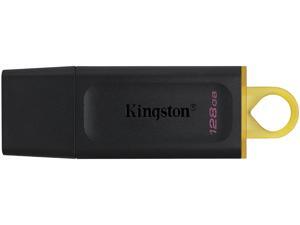
128GB USB3.2 Gen 1 DataTraveler Exodia (Black + Yellow) - CAN Retail
- Model #: 740617309874
- Item #: 9SIV2G2JTF4972
- Return Policy: PremierSource Return Policy
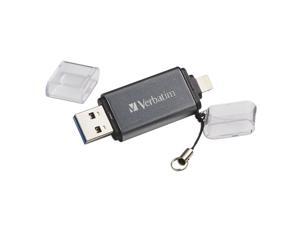
Verbatim Corporation 49301 64Gb Istorengo Dual Flash Drive Usb 3.0 Apple Lghtng
- Model #: 998355637913
- Item #: 9SIV0F2EUB6531
- Return Policy: TELeasy Return Policy
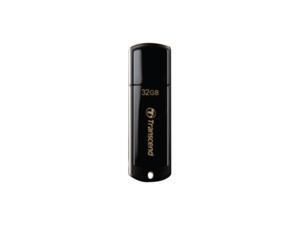
Transcend JetFlash 350 32 GB USB 2.0 Flash Drive - Black
- Brand: Transcend
- Series: JetFlash 350
- Capacity: 32GB
- USB Specification: USB 2.0
- Color: Black
- Dimensions: Height:0.3" x Width:0.7" x Length:2.4"
- Weight: 0.30 oz
- Model #: TS32GJF350
- Item #: 9SIV2G2BZN8612
- Return Policy: PremierSource Return Policy
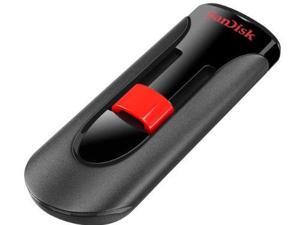
CRUZER GLIDE USB FLASH DRIVE 64 GB
- Brand: SanDisk
- Model #: SDCZ60-064G-B35S
- Item #: 9SIV2G2F7J9193
- Return Policy: PremierSource Return Policy
VERBATIM 49189 Verbatim Store n Go V3 - USB flash drive - 128 GB - USB 3.0 - black
- Model #: VER#49189
- Item #: 9SIV0F2EUB6466
- Return Policy: TELeasy Return Policy
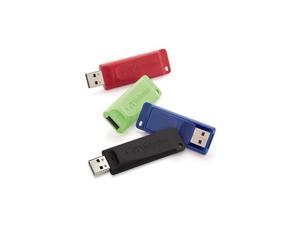
VERBATIM 99123 Verbatim Store n Go - USB flash drive - 16 GB - USB 2.0 ( pack of 4 )
- Model #: VER#99123
- Item #: 9SIV0F2EUB6524
- Return Policy: TELeasy Return Policy


SAMSUNG 128GB BAR Plus (Metal) USB 3.1 Flash Drive, Speed Up to 400MB/s ...
- Brand: SAMSUNG
- Series: BAR Plus
- Capacity: 128GB
- USB Specification: USB 3.1 Gen 1
- Color: Champagne Silver
- Read Speed: up to 400MB/s
- Write Speed: up to 100MB/s
- Features: Speed in Style A modern take on a classic. The next generation Bar Plus elevates the flash drive to an everyday essential, offering impressive speeds in a striking design. Fits in your hand, a pure minimalism that cleverly blends style, speed, and reliability. Move Files in a Flash Get your time back. Fast and convenient read speeds up to 400MB/s with the latest USB 3.1 standard gives you more time to work, play, watch, and create. Send a 3GB 4K UHD video file from your Bar Plus to your PC in just 10 seconds. Rugged Refinement As rugged as it is stylish. The sturdy metal body keeps your data safe and intact, and the integrated ...
- Model #: MUF-128BE3/AM
- Item #: 9SIVN52KTC0854
- Return Policy: yeye Return Policy
Other Uses for USB Flash Drives
Introduction
A USB flash drive is a versatile data storage solution that can be used for many purposes, some of which are not widely known. While flash drives are popular for backing up and transferring data, other uses include boosting computer performance or serving as an operating system boot disk. Below, NeweggBusiness presents several lesser-known benefits of flash drives that you may find useful.
Increase System Performance
Certain operating systems allow you to use a USB flash drive to increase system performance by complementing the main system memory. Known as ReadyBoost ®, it is supported by Windows® Vista®, Windows 7, and Windows 8. In order for a USB flash drive to be used, it must have at least 256 MB of unused space.
Portable Applications
What are portable applications? They are programs that can be installed onto a USB flash drive and run on a host computer without modifying the host computer’s settings or configurations. For instance, a portable .pdf reader on a USB flash drive will allow you to read .pdf files without requiring installation.
Boot Disk
A boot disk can be used for many purposes, including operating system installation, updating Basic Input / Output System (BIOS) settings, and troubleshooting operating system issues. Traditionally, boot disks were specially formatted 3.5 inch floppy disks and later optical discs, but USB flash drives can also be used. The process to make a USB flash drive a boot disk varies depending on the operating system.
Automated Backup
Some USB flash drives include automated backup software bundled or preinstalled onto the drive. With automatic backup, files, folders, and settings can be backed up to a flash drive whenever it is inserted into a USB slot.
Lock or Unlock a Computer
If you have concerns about computer security and do not feel that a password is sufficient protection, a USB flash drive can be used to add an extra layer of security. Some programs, when installed onto your computer and USB flash drive, require the flash drive to be inserted in order for the computer to be locked or unlocked.
Security Tools
By installing portable security tools onto a USB drive, you can scan for viruses and malware on any computer that the flash drive is connected to. A useful tool if you need to remove viruses, malware, or other malicious software from multiple computers or frequently use public computers.
Optical Drive Replacement
Installing an operating system typically requires you to have the installation disc, which can be an issue if the computer does not have an optical drive. One workaround is to use a USB flash drive as the installation medium, rather than an optical disc. This is accomplished by formatting the USB flash drive as a boot disk and copying the operating system installation files.

