


Webcam - Showing 2377 - 2400 of 3750 Products
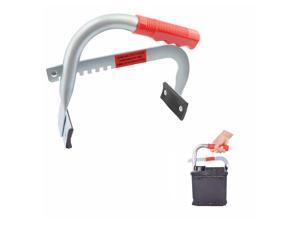
Duty Battery Carrier,Ergonomic&Adjustable 4.5 to 7.5 Inch Battery Hold Down Kit,Car Battery ...
- Model #: 492073418207
- Item #: 9SIVT2CKWV4816
- Return Policy: NingJingDeXiaTian Return Policy
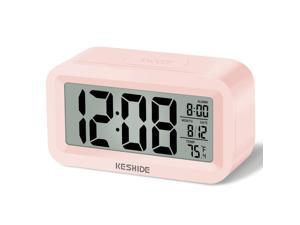
Travel Digital Alarm Clock Battery Operated with Indoor Temperature, Desk Small ...
- Model #: 976099312243
- Item #: 9SIVT2FKWU5826
- Return Policy: YouZiXingBaiHuo Return Policy
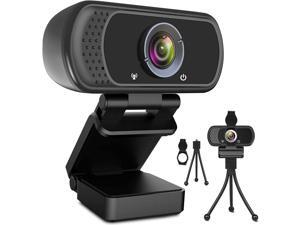
ToLuLu 1080P Webcam with Microphone, HD Webcam Web Camera with Tripod Stand, ...
- Model #: Lan7342456385707
- Item #: 9SIVNUDKKR3519
- Return Policy: DigitalFlash Return Policy
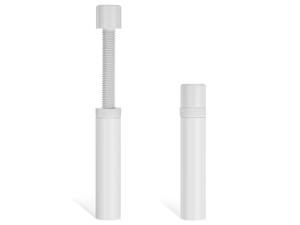
Graphics Card GPU Support Bracket, Adjustable Aluminum Alloy Anti Sag GPU Bracket, with ...
- Model #: 967659234000
- Item #: 9SIVT2CKWF0087
- Return Policy: NingJingDeXiaTian Return Policy
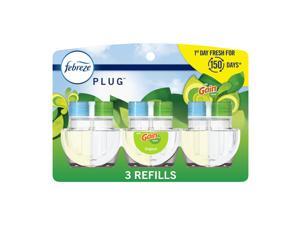
Plug-In Air Freshener, Odor-Fighting Scented Oil Refill, Air Fresheners for Home, Bathroom ...
- Model #: 519922124497
- Item #: 9SIVT2FKWV6255
- Return Policy: YouZiXingBaiHuo Return Policy
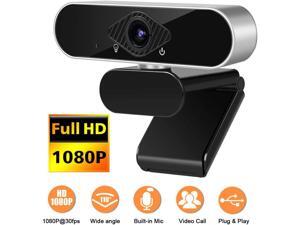
1080P Webcam with Microphone, NEK Tech Webcam Full HD PC Skype Camera, Video Calling ...
- Name: Full HD PC Skype Camera
- Interface: USB 2.0
- Effective Pixels: 2.0 M
- Video Capture Resolution: 1920 x 1080
- Frame Rate: 30 fps
- Disclaimer: NEK Tech
- Color: Black/Silver
- Model #: GD31-X
- Item #: 9SIVGEGKSZ6238
- Return Policy: ZerKorr Power Return Policy
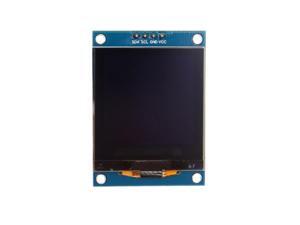
1.5" SH1107 128x128 OLED Display Module 1.5 Inch IIC I2C 4 Pin OLED Screen LCD Display ...
- Model #: 017320154988
- Item #: 9SIVSC0KWS7321
- Return Policy: DuoDuoShangHang Return Policy
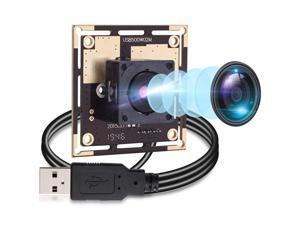
Autofocus 5 Megapixel USB Camera Module HD 2592X1944 USB Webcamera with CMOS ...
- Model #: 9555372229647
- Item #: 9SIVRZDKSU4600
- Return Policy: Qixingitech Return Policy
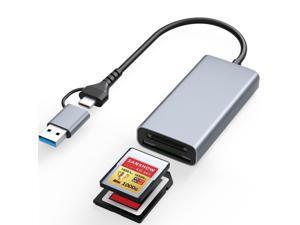
Professional CFexpress Type A and SD Dual-Slot Memory Card Reader with USB 3.2 Gen 2 ...
- Model #: 446385685873
- Item #: 9SIVT4VKXR0224
- Return Policy: halongzhiUKshop Return Policy
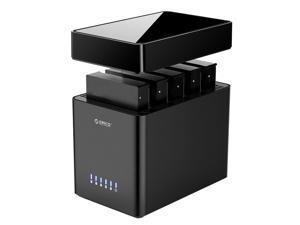
5 Bay Hard Drive Enclosure USB 3.0 to SATA Magnetic Tool-Free External HDD Docking Station ...
- Model #: 667546431626
- Item #: 9SIVT4VKXS0083
- Return Policy: halongzhiUKshop Return Policy
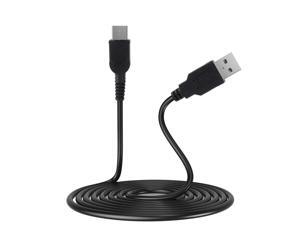
Gameboy Micro Charger, GBM USB Power Charging Cord Compatible with Game boy Micro, 3.9 ...
- Model #: 729665489828
- Item #: 9SIVT4VKXS2319
- Return Policy: halongzhiUKshop Return Policy
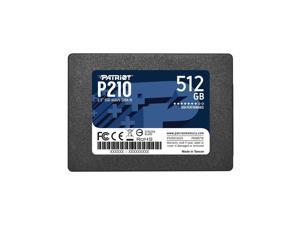
Patriot P210 512GB Internal SSD - SATA 3 2.5" - Solid State Drive - P210S512G25
- Model #: 865631963696
- Item #: 9SIVT4VKXP7491
- Return Policy: halongzhiUKshop Return Policy
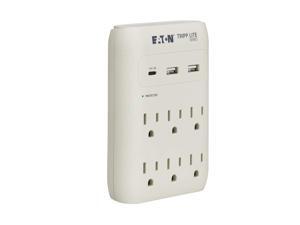
Eaton Tripp Lite SK60C Wall Surge Protector Power Strip & USB Wall Charger, 6-Outlet ...
- Model #: 060084479925
- Item #: 9SIVTAJKXT0018
- Return Policy: "Deal Mall" Return Policy
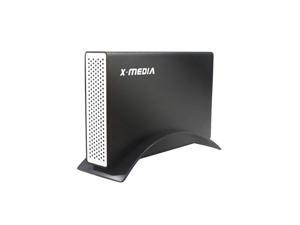
XM-EN3451 V3 [Upgraded USB 3.0] 3.5-Inch IDE/PATA or SATA Aluminum Hard Disk Drive ...
- Model #: 690290843032
- Item #: 9SIVT4VKXR9363
- Return Policy: halongzhiUKshop Return Policy
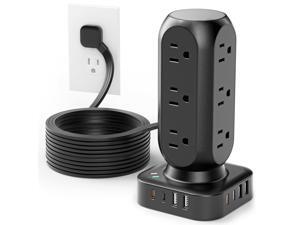
Flat Plug Power Strip Tower, TenTrend Dual PD 20W USB-C Surge Protector with 12 AC Outlets & 8 ...
- Model #: 681622612505
- Item #: 9SIVTAJKXT0154
- Return Policy: "Deal Mall" Return Policy
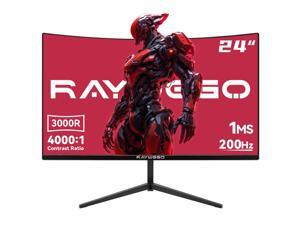
24 inch Curved Gaming Monitor 200Hz/180Hz 1ms,FHD 1920×1080P,4000:1 Contrast ...
- Model #: 183808555692
- Item #: 9SIVT4VKXR9861
- Return Policy: halongzhiUKshop Return Policy
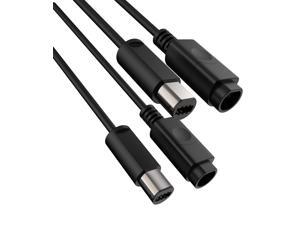
WiiGamecube Controller Extension Cable for Wii Gamecube GCN - 2pack/6.6ft
- Model #: 599820107874
- Item #: 9SIVT4VKXS2378
- Return Policy: halongzhiUKshop Return Policy
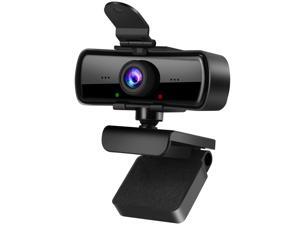
1080P HD Webcam with Microphone and Privacy Cover, USB Plug & Play Computer Camera, ...
- Model #: 263750732805
- Item #: 9SIVTHGKXS6924
- Return Policy: Denikyyer Return Policy
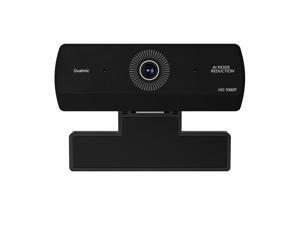
Webcam for PC, HD 1080P USB Plug-and-Play Computer Web Camera, High Definition ...
- Brand: ClearOne
- Interface: USB 3.0
- Image Sensor: CCD
- Max. Image Resolution: 1920 x 1080
- Effective Pixels: 8.0 M
- Power Source: USB, false
- Part Number: K1
- Disclaimer: not_applicable
- Model #: 637062620722
- Item #: 9SIVTHGKXS6831
- Return Policy: Denikyyer Return Policy
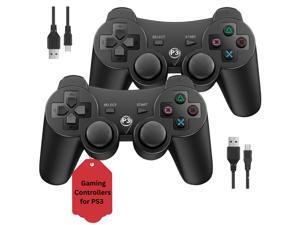
2 Pack Controller for PS3 | Wireless Controller for Sony Playstation 3 | Double Shock 3, ...
- Model #: 303881835809
- Item #: 9SIVT4VKXS4638
- Return Policy: halongzhiUKshop Return Policy
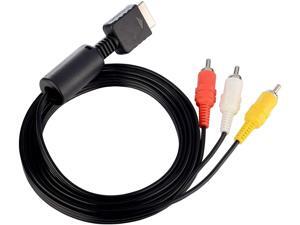
PS2 PS3 AV Cable, AV to RCA Cord for PlayStation 2 3 /PS2/PSX/PS3 Slim (6FT)
- Model #: 569129576221
- Item #: 9SIVT4VKXS2380
- Return Policy: halongzhiUKshop Return Policy
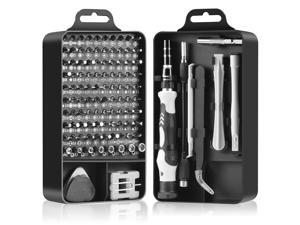
Precision Screwdriver Set, Premium 115 in 1 Magnetic Repair Tool Kit for Electronics, ...
- Model #: 207126704419
- Item #: 9SIVT2FKWT5863
- Return Policy: YouZiXingBaiHuo Return Policy
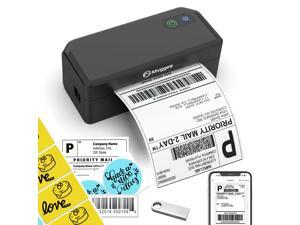
Shipping Label Printer,Bluetooth 4x6 Thermal Label Printer for Small Business Office or ...
- Model #: 397485377414
- Item #: 9SIVSC0KWY2693
- Return Policy: DuoDuoShangHang Return Policy
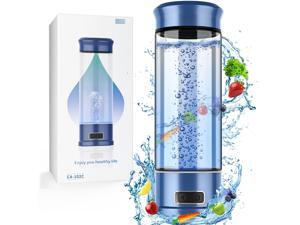
Hydrogen Water Bottle, Hydrogen Water Bottle Generator, 5-Min Electrolysis 1500 PPB Smart ...
- Model #: 829187568367
- Item #: 9SIVT2FKWU7132
- Return Policy: YouZiXingBaiHuo Return Policy
How to Choose the Right Webcam
Introduction
Adding a webcam to your conference calls and online conversations can enhance the experience for both you and the other party. In addition, it is a more economical and environmentally-friendly alternative to paying for a plane ticket and flying in for a face-to-face meeting in another city. Before purchasing a webcam however, you should consider how it will be used and what features you.
Video Resolution
Similar to a monitor or a HDTV, a webcam’s video resolution is represented as the number of horizontal pixels by vertical pixels. A few of the more common resolutions include 640 × 480, 1280 × 720 (720p), and 1920 × 1080 (1080p). A higher resolution means that the video you capture will be sharper and more detailed. For HD video recording, you will need a webcam that is capable of at least 720p video capture.
Image Resolution
Aside from recording and sending live video, a web cam can also be used to take still images. Some webcams have their video and image resolutions listed separately, with the latter rated in megapixels. If you plan to use the webcam to take still photos, you should try to find one that has a high megapixel rating.
Frame Rate
Along with resolution, frame rate is another important factor for capturing video. A higher frame rate will result in a smoother video with less stuttering. Some webcams are capable of 30 frames per second video recording, though more budget-oriented models may have frame rates that are slightly lower than that.
Microphone
For recording audio, you can either utilize a webcam’s built-in microphone or connect a dedicated microphone. A built-in microphone is usually adequate for most tasks that do not require professional-grade sound recording. If you plan to record or live stream studio-quality audio however, you will want to utilize a dedicated microphone.
Mounting
There are several different mounting methods and designs for webcams. Some need to be clipped on, others require a flat horizontal surface, and a few even support tripods. Clip-on webcams are excellent for use with thin LCD monitors and laptops but not for thicker objects such as desktop towers or CRT monitors. A freestanding webcam is beneficial if you have a large flat surface such as the top of a tower or perhaps a conference table.

