


Webcam - Showing 1081 - 1104 of 4072 Products
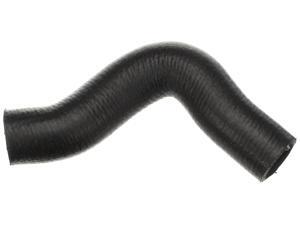
Gold 20382S Molded Upper Radiator Hose
- Model #: 944381141554
- Item #: 9SIVT2FKWV9039
- Return Policy: YouZiXingBaiHuo Return Policy
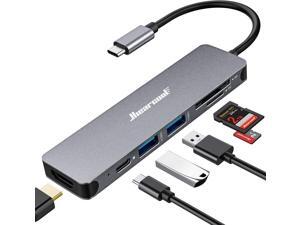
lUSB C Hub for MacBook 7-in-1 USBC Adapter with 4K HDMI, 100W PD, USB 3.0 5Gbps Ports, ...
- Model #: 026836545705
- Item #: 9SIVT2FKWU6005
- Return Policy: YouZiXingBaiHuo Return Policy
512GB External SSD, Portable Hard Drive USB 3.2 GEN 2x2 up to 2000MB/s, Portable SSD USB C ...
- Model #: 038795062551
- Item #: 9SIVT2CKWW2553
- Return Policy: NingJingDeXiaTian Return Policy
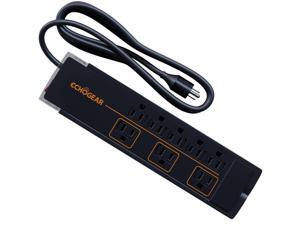
ShockBlocker 8 Outlet Surge Protector Power Strip - Slim Design Can Power & Protect Your Entire ...
- Model #: 716742027245
- Item #: 9SIVTAJKXT0088
- Return Policy: "Deal Mall" Return Policy
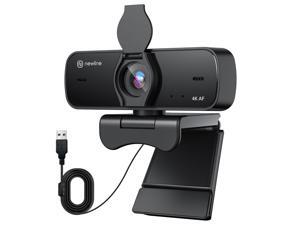
4K Webcam for PC, 4K UHD USB Webcam with Microphone, New Upgraded Auto Focus, Low ...
- Brand: ClearOne
- Name: NewEye 60s Webcam
- Interface: USB 3.0
- Image Sensor: CCD
- Max. Image Resolution: 1920 x 1080
- Focus Settings: Auto Focus
- Lens: Wide Angle
- Power Source: USB, false
- Model #: 423293267493
- Item #: 9SIVSY8KX29704
- Return Policy: YuShuHuaYiShangHang Return Policy
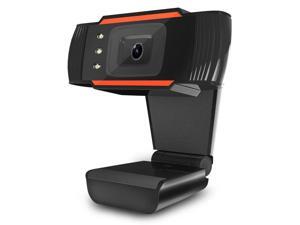
HD Webcam Web Cam Camera LED Computer PC Laptop 2.0 Webcam 720P HD Camera with ...
- Model #: DF-Web-Camera0320
- Item #: 9SIV9F7KGK1570
- Return Policy: Fashion Technology Return Policy
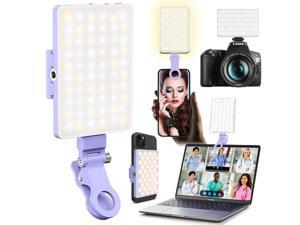
60 LED Portable Selfie Light Video Conference Lighting with Clip & Camera Tripod Adapter ...
- Model #: 589880625755
- Item #: 9SIVT2FKWU7621
- Return Policy: YouZiXingBaiHuo Return Policy
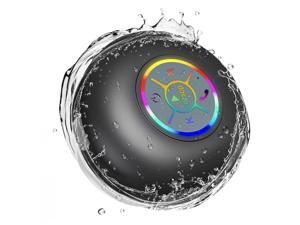
Bluetooth Shower Speaker with LED Portable Wireless Mini Speaker with Mic & Suction Cup, ...
- Model #: 890834952102
- Item #: 9SIVT2FKWU7720
- Return Policy: YouZiXingBaiHuo Return Policy
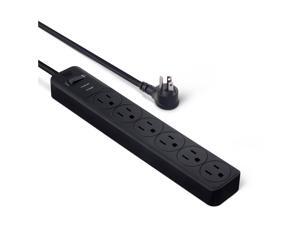
Surge Protector Power Strip, 6-Outlet, 790 Joules, 6ft Extension Cord, Black, LED Indicator
- Model #: 849329619830
- Item #: 9SIVT2CKWV8896
- Return Policy: NingJingDeXiaTian Return Policy
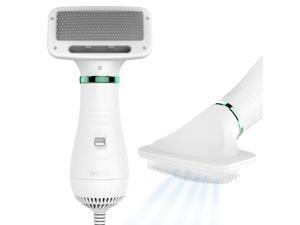
2-in-1 Dog Dryer with Slicker Brush for Small Dogs and Cats, Pet Hair Dryer, Dog Blow Dryer for ...
- Model #: 840573584003
- Item #: 9SIVT2FKWU5929
- Return Policy: YouZiXingBaiHuo Return Policy
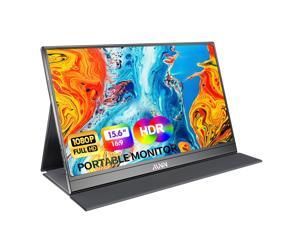
MNN Portable Monitor 15.6inch FHD 1080P USB C HDMI Gaming Ultra-Slim IPS Display ...
- Model #: 056105355612
- Item #: 9SIVSC0KWP9635
- Return Policy: DuoDuoShangHang Return Policy

Plus Faucet Mount Water Filtration System with Lead Reducing Mineral Core Filter, Attaches to ...
- Model #: 056208042326
- Item #: 9SIVT2FKWU7293
- Return Policy: YouZiXingBaiHuo Return Policy
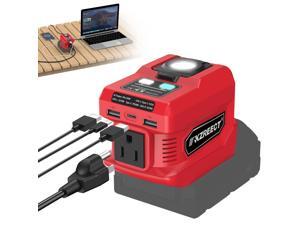
220W Power Inverter Compatible with Milwaukee 18V Batteries (Battery Not Included), DC to ...
- Model #: 574904515453
- Item #: 9SIVT2CKWG8542
- Return Policy: NingJingDeXiaTian Return Policy
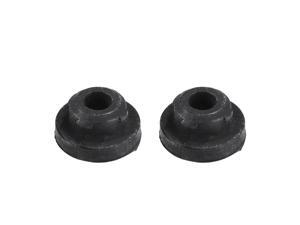
2pcs Upper Rubber Cushion Bushing Radiator Mount Insulator No.2150610V00 for Nissan ...
- Model #: 501742404231
- Item #: 9SIVT2FKWX1102
- Return Policy: YouZiXingBaiHuo Return Policy
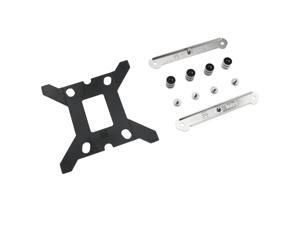
LGA1700 Mountig Kits for ID-Cooling CPU Air Cooler RLECS 1Set LGA17XX-SS2 CPU Cooler ...
- Model #: 105256702656
- Item #: 9SIVT2CKWE5984
- Return Policy: NingJingDeXiaTian Return Policy
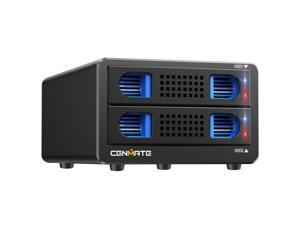
Aluminum 2 Bay Hard Drive RAID Enclosure with Cooling Fan for 2.5/3.5" SATA HDD/SSD with ...
- Model #: 411253547434
- Item #: 9SIVTAJKXW2326
- Return Policy: "Deal Mall" Return Policy
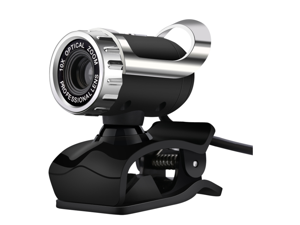
SA 720P Webcam for PC, Full HD Computer Camera, USB Web Cam with Microphone, Clip-on ...
- Interface: USB 2.0 3.5mm
- Max. Image Resolution: HD
- Video Capture Resolution: 640 x 480
- Color: Black/Silver
- Model #: Webcam-FG-luo-7
- Item #: 9SIVGEGKSZ3906
- Return Policy: ZerKorr Power Return Policy
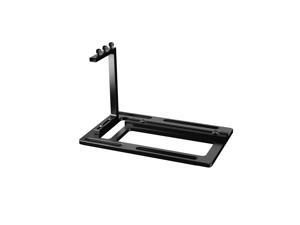
Vertical GPU Mount for PC Case Aluminum Support Bracket with PCIe Riser Slot and Fan ...
- Model #: 760585767220
- Item #: 9SIVT2CKWG9153
- Return Policy: NingJingDeXiaTian Return Policy
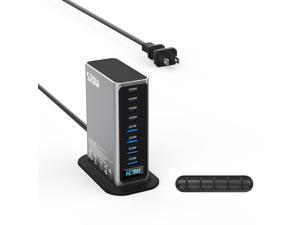
520W USB C Charger Station, 8-Port (4C+4A) GaN Fast Charger Block, 100W PD PPS for ...
- Model #: 558783163213
- Item #: 9SIVTAJKXK0924
- Return Policy: "Deal Mall" Return Policy
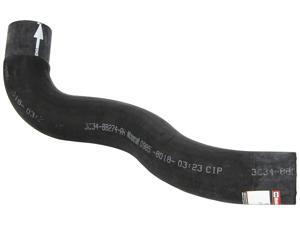
KM4783 Upper Radiator Hose
- Model #: 760193032249
- Item #: 9SIVT2FKWX1118
- Return Policy: YouZiXingBaiHuo Return Policy
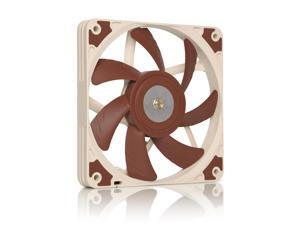
NF-A12x15 PWM, Premium Quiet Slim Fan, 4-Pin (120x15mm, Brown)
- Model #: 031315169006
- Item #: 9SIVT4VKXN8830
- Return Policy: halongzhiUKshop Return Policy

3 in 1 Portable SSD 500GB, Up to 1050MB/s, USB-C External Solid-State Drive with Multi-Port ...
- Model #: 663125391208
- Item #: 9SIVT2CKWW2554
- Return Policy: NingJingDeXiaTian Return Policy
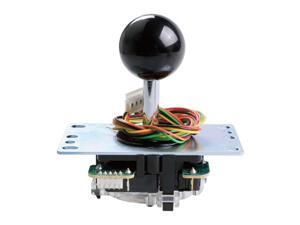
JLF-TP-8YT Joystick Black Original - for Arcade Jamma Game 4 & 8 Way Adjustable, ...
- Model #: 780678822633
- Item #: 9SIVSC0KX07156
- Return Policy: DuoDuoShangHang Return Policy
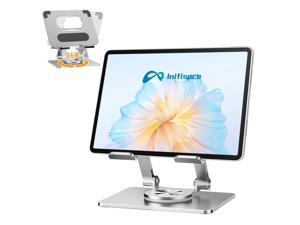
iPad Holder Stand, Tablet Holder with Thickened 360° Rotating Base Dual Rod Adjustable ...
- Model #: 952836684207
- Item #: 9SIVTAJKXR3695
- Return Policy: "Deal Mall" Return Policy
How to Choose the Right Webcam
Introduction
Adding a webcam to your conference calls and online conversations can enhance the experience for both you and the other party. In addition, it is a more economical and environmentally-friendly alternative to paying for a plane ticket and flying in for a face-to-face meeting in another city. Before purchasing a webcam however, you should consider how it will be used and what features you.
Video Resolution
Similar to a monitor or a HDTV, a webcam’s video resolution is represented as the number of horizontal pixels by vertical pixels. A few of the more common resolutions include 640 × 480, 1280 × 720 (720p), and 1920 × 1080 (1080p). A higher resolution means that the video you capture will be sharper and more detailed. For HD video recording, you will need a webcam that is capable of at least 720p video capture.
Image Resolution
Aside from recording and sending live video, a web cam can also be used to take still images. Some webcams have their video and image resolutions listed separately, with the latter rated in megapixels. If you plan to use the webcam to take still photos, you should try to find one that has a high megapixel rating.
Frame Rate
Along with resolution, frame rate is another important factor for capturing video. A higher frame rate will result in a smoother video with less stuttering. Some webcams are capable of 30 frames per second video recording, though more budget-oriented models may have frame rates that are slightly lower than that.
Microphone
For recording audio, you can either utilize a webcam’s built-in microphone or connect a dedicated microphone. A built-in microphone is usually adequate for most tasks that do not require professional-grade sound recording. If you plan to record or live stream studio-quality audio however, you will want to utilize a dedicated microphone.
Mounting
There are several different mounting methods and designs for webcams. Some need to be clipped on, others require a flat horizontal surface, and a few even support tripods. Clip-on webcams are excellent for use with thin LCD monitors and laptops but not for thicker objects such as desktop towers or CRT monitors. A freestanding webcam is beneficial if you have a large flat surface such as the top of a tower or perhaps a conference table.

