


Webcam - Showing 1177 - 1200 of 4072 Products
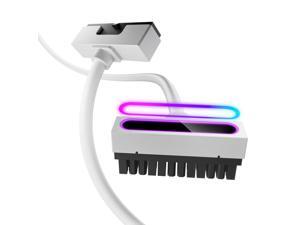
AsiaHorse Hydrus-24PIN PC PSU Extension, ATX 24PIN Motherboard Power Extension 90° ...
- Model #: 528537645792
- Item #: 9SIVSC0KX15293
- Return Policy: DuoDuoShangHang Return Policy
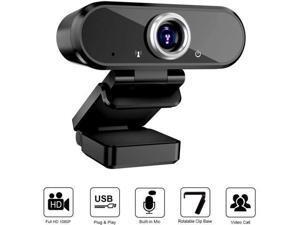
WISDUM HD 1080P Webcam Microphone Streaming Computer Web Camera Video Calling ...
- Brand: WISDUM
- Interface: USB
- Image Sensor: CMOS
- Max. Image Resolution: 1920 x 1080
- Color: Black
- Features: 1080P Full HD Webcam - The webcam provides 1080P video streaming at 30 frames per second, coupled with automatic light correction and HDR technology, these can ensure crisp image and crystal clear video.Noise-Canceling Microphone - USB webcam builts-in noise reduction microphone can automatically eliminate background noise and clearly capture voice within 8 meters, makes the sound purer and clearer for hassle-free communication.90 Degree Widescreen - Computer camera captures high def video at a wide angle of up to 90 degrees, Great for webinars, video conferencing & recording etc.Easy to Setup - No need to download or install complicated driver software, just plug and play. Rotatable clip with 1.9M / 6 ft. USB powe...
- Model #: 111601
- Item #: 9SIV9F7KKF1620
- Return Policy: Fashion Technology Return Policy
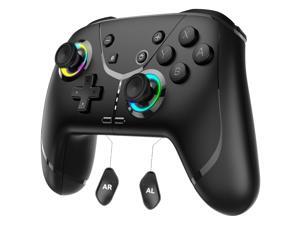
Wireless Pro Controller for Nintendo Switch 2/Switch/Lite/OLED, Bluetooth controllers ...
- Model #: 552512419101
- Item #: 9SIVSC0KX00237
- Return Policy: DuoDuoShangHang Return Policy
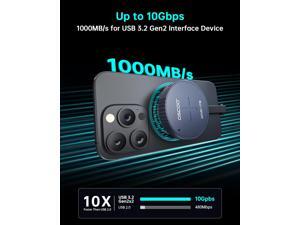
512GB Magnetic Portable SSD, USB 3.2 Gen2 External Hard Drive with PD 100W Pass-Through, ...
- Model #: 399449223620
- Item #: 9SIVT2CKWX0970
- Return Policy: NingJingDeXiaTian Return Policy
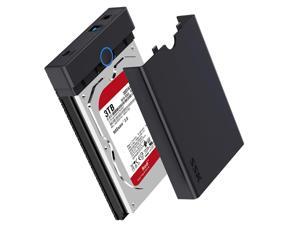
3.5 External Hard Drive Enclosure USB 3.0 to SATA Lay-Flat Tool-Free Case Dock for 3.5 2.5 inch ...
- Model #: 485985225445
- Item #: 9SIVT2CKWW2193
- Return Policy: NingJingDeXiaTian Return Policy
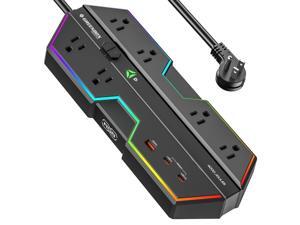
4000J Surge Protector Power Strip with USB Ports, 6 Outlet Power Strip with RGB Lights and PD ...
- Model #: 298729309912
- Item #: 9SIVT4VKXM3537
- Return Policy: halongzhiUKshop Return Policy
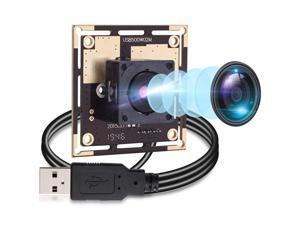
Autofocus 5 Megapixel USB Camera Module HD 2592X1944 USB Webcamera with CMOS ...
- Model #: 9555372229647
- Item #: 9SIVRZDKSU4600
- Return Policy: Qixingitech Return Policy
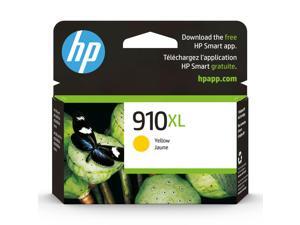
910XL Yellow High-Yield Ink Cartridge | Works with OfficeJet 8010, 8020 Series, OfficeJet Pro ...
- Model #: 334527641223
- Item #: 9SIVSC0KWS7539
- Return Policy: DuoDuoShangHang Return Policy
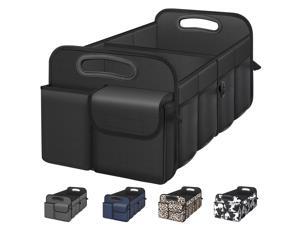
Car Trunk Organizer with Large Capacity Waterproof Car Accessories for Women & Men, ...
- Model #: 232618453611
- Item #: 9SIVT4VKXU9031
- Return Policy: halongzhiUKshop Return Policy
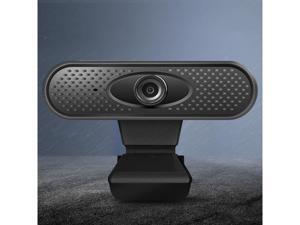
USB Camera Video Recording Web Camera with Microphone For PC 480P
- Disclaimer: SAKOSE
- Model #: GD20-X
- Item #: 9SIVGEGKSZ6394
- Return Policy: ZerKorr Power Return Policy
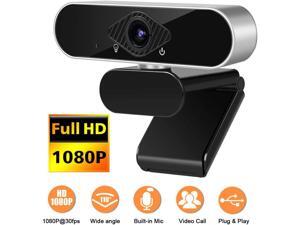
1080P Webcam with Microphone, NEK Tech Webcam Full HD PC Skype Camera, Video Calling ...
- Name: Full HD PC Skype Camera
- Interface: USB 2.0
- Effective Pixels: 2.0 M
- Video Capture Resolution: 1920 x 1080
- Frame Rate: 30 fps
- Disclaimer: NEK Tech
- Color: Black/Silver
- Model #: GD31-X
- Item #: 9SIVGEGKSZ6238
- Return Policy: ZerKorr Power Return Policy
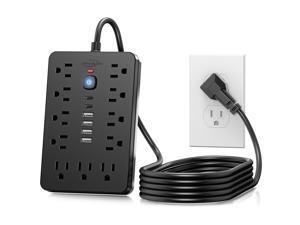
6 FT Flat Plug Surge Protector Power Strip,11 Multiple AC Outlets with 6 USB Ports (2 USB C), 6 ...
- Model #: 241449923490
- Item #: 9SIVT2CKWX1112
- Return Policy: NingJingDeXiaTian Return Policy
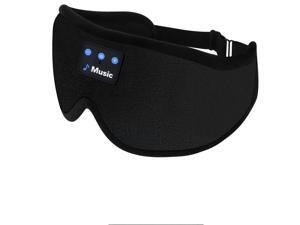
3D Sleep Mask with Bluetooth Headphones, Sleeping Headphones for Side Sleepers, ...
- Model #: 896051018590
- Item #: 9SIVT2FKWU7706
- Return Policy: YouZiXingBaiHuo Return Policy
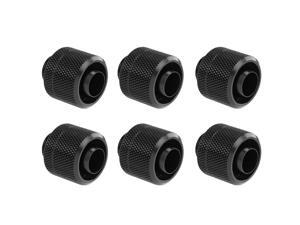
dracaena.io 6 Pack G1/4" Thread to 3/8" ID, 1/2" OD Compression Fitting for Soft Tubing, ...
- Model #: 623780359327
- Item #: 9SIVSC0KWP9598
- Return Policy: DuoDuoShangHang Return Policy
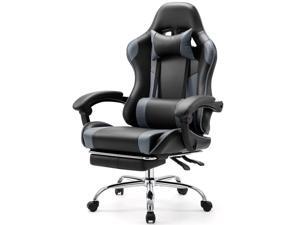
Computer Gaming Chair with Footrest, Ergonomic High Back PU Leather Video Racing Chair ...
- Model #: 764167992879
- Item #: 9SIVT2CKWW5645
- Return Policy: NingJingDeXiaTian Return Policy
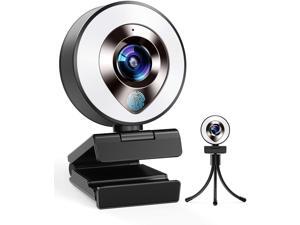
2021 CASECUBE FHD 1080P Webcam with Microphone and Ring Light,Plug and Play Web ...
- Color: Black
- Model #: SEN7726TYP35279
- Item #: 9SIVTERKX62597
- Return Policy: Zyngear Return Policy
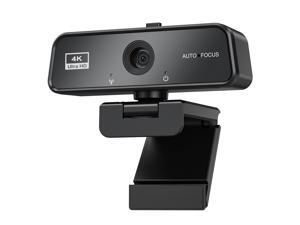
Basic 4K Autofocus Webcam, 90° Wide Angle Computer Camera with Adjustable Monitor Clip, ...
- Brand: ClearOne
- Name: 001
- Interface: USB 3.0
- Image Sensor: CCD
- Max. Image Resolution: 1920 x 1080
- Focus Settings: Auto Focus
- Lens: Wide Angle
- Power Source: USB, false
- Model #: 191514278000
- Item #: 9SIVSY8KX29349
- Return Policy: YuShuHuaYiShangHang Return Policy
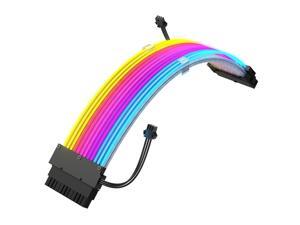
24 Pin RGB PSU Cable, Ribbon Fiber Optic Design with 24 LED Beads, Durable and RGB Power ...
- Model #: 014365329787
- Item #: 9SIVSC0KWM9518
- Return Policy: DuoDuoShangHang Return Policy
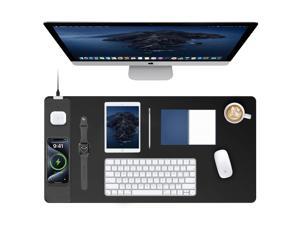
TopMade Mouse Pad with 15W Fast Wireless Charging, 31.5"x15.75" XXL Large Gaming ...
- Model #: 200614867238
- Item #: 9SIVSC0KWP9843
- Return Policy: DuoDuoShangHang Return Policy
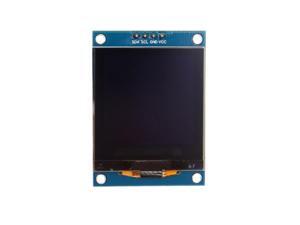
1.5" SH1107 128x128 OLED Display Module 1.5 Inch IIC I2C 4 Pin OLED Screen LCD Display ...
- Model #: 017320154988
- Item #: 9SIVSC0KWS7321
- Return Policy: DuoDuoShangHang Return Policy
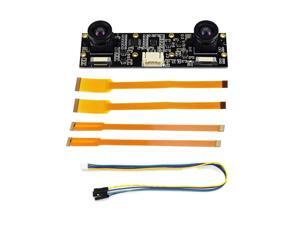
XYGStudy IMX219-83 Stereo Binocular Camera Sensor Module 3280x2464 8MP AI Depth ...
- Model #: 9435761185900
- Item #: 9SIVTDYKWB8415
- Return Policy: Voltrix Return Policy
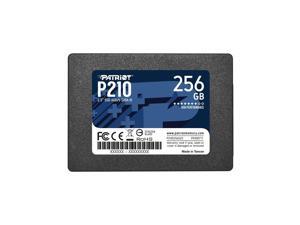
P210 SATA 3 256GB SSD 2.5 Inch Internal Solid State Drive - P210S256G25
- Model #: 127863710081
- Item #: 9SIVT4VKXN9011
- Return Policy: halongzhiUKshop Return Policy
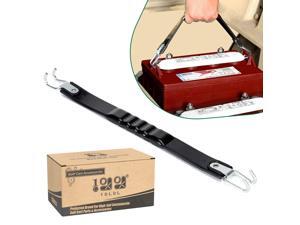
Golf Cart Battery Lifting Strap Works for Trojan Deep Cell Batteries, Universal Deep Cell Battery ...
- Model #: 810450695184
- Item #: 9SIVT2CKWV4825
- Return Policy: NingJingDeXiaTian Return Policy
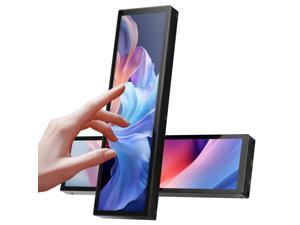
8.8 Inch Touchscreen Monitor,FHD IPS 1920x480 LCD Display,PC Temperature ...
- Model #: 258760599580
- Item #: 9SIVSC0KWS7458
- Return Policy: DuoDuoShangHang Return Policy
How to Choose the Right Webcam
Introduction
Adding a webcam to your conference calls and online conversations can enhance the experience for both you and the other party. In addition, it is a more economical and environmentally-friendly alternative to paying for a plane ticket and flying in for a face-to-face meeting in another city. Before purchasing a webcam however, you should consider how it will be used and what features you.
Video Resolution
Similar to a monitor or a HDTV, a webcam’s video resolution is represented as the number of horizontal pixels by vertical pixels. A few of the more common resolutions include 640 × 480, 1280 × 720 (720p), and 1920 × 1080 (1080p). A higher resolution means that the video you capture will be sharper and more detailed. For HD video recording, you will need a webcam that is capable of at least 720p video capture.
Image Resolution
Aside from recording and sending live video, a web cam can also be used to take still images. Some webcams have their video and image resolutions listed separately, with the latter rated in megapixels. If you plan to use the webcam to take still photos, you should try to find one that has a high megapixel rating.
Frame Rate
Along with resolution, frame rate is another important factor for capturing video. A higher frame rate will result in a smoother video with less stuttering. Some webcams are capable of 30 frames per second video recording, though more budget-oriented models may have frame rates that are slightly lower than that.
Microphone
For recording audio, you can either utilize a webcam’s built-in microphone or connect a dedicated microphone. A built-in microphone is usually adequate for most tasks that do not require professional-grade sound recording. If you plan to record or live stream studio-quality audio however, you will want to utilize a dedicated microphone.
Mounting
There are several different mounting methods and designs for webcams. Some need to be clipped on, others require a flat horizontal surface, and a few even support tripods. Clip-on webcams are excellent for use with thin LCD monitors and laptops but not for thicker objects such as desktop towers or CRT monitors. A freestanding webcam is beneficial if you have a large flat surface such as the top of a tower or perhaps a conference table.

