


Webcam - Showing 1441 - 1464 of 3750 Products
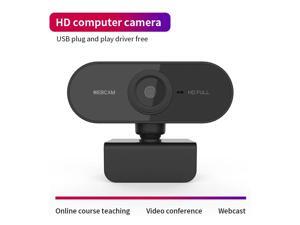
1080P Full HD USB Video Gamer Web Camera Web Cam Computer Built-in Microphone For PC ...
- Model #: 1-Web-Camera1176
- Item #: 9SIV9F7KGK1293
- Return Policy: Fashion Technology Return Policy
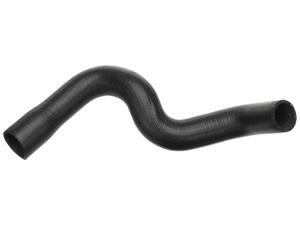
Gold 24052L Molded Lower Radiator Hose
- Model #: 788782829413
- Item #: 9SIVT2FKWV9057
- Return Policy: YouZiXingBaiHuo Return Policy
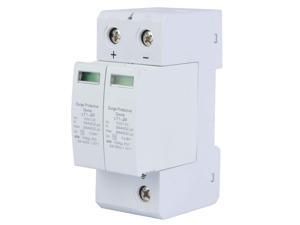
Dc Solar Surge Protector 2P Surge Protective Device DC Photovoltaic Lightning Protector ...
- Model #: 838462271240
- Item #: 9SIVT2CKWG7221
- Return Policy: NingJingDeXiaTian Return Policy
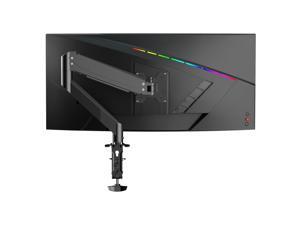
Gas Spring Monitor Arm 32 Inch,Adjustable Single Monitor Desk Mount with ...
- Model #: 596871919034
- Item #: 9SIVSC0KWP9528
- Return Policy: DuoDuoShangHang Return Policy
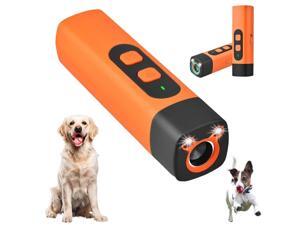
Dog Bark Deterrent Device, Anti Barking Devices for Dogs, Indoor Outdoor Use Rechargeable, ...
- Model #: 433891741386
- Item #: 9SIVT2FKWX2293
- Return Policy: YouZiXingBaiHuo Return Policy
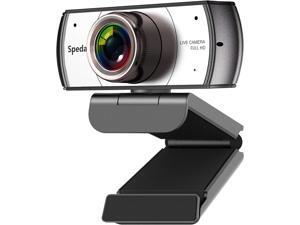
Wide Angle Webcam,120 Degree Large View Spedal 920 Pro Video Conference Camera, Full ...
- Model #: Lan46342456386025
- Item #: 9SIVNUDKKR3543
- Return Policy: DigitalFlash Return Policy
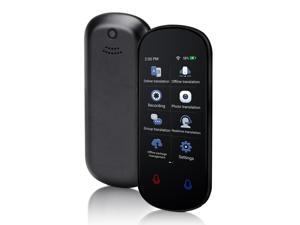
Language Translator Device, Two Way Real-Time Voice Translation, Support 138 ...
- Model #: 153341296304
- Item #: 9SIVT2FKWV7695
- Return Policy: YouZiXingBaiHuo Return Policy

Blind Spot Mirror, Universal Auxiliary Stick On Mirrors For Car (2 pack)
- Model #: 114644999696
- Item #: 9SIVT2CKWX4185
- Return Policy: NingJingDeXiaTian Return Policy
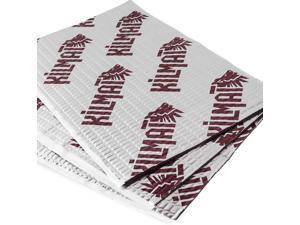
80 mil 10 sqft Car Sound Deadening Mat, Butyl Automotive Sound Deadener, Audio Noise ...
- Model #: 815061217458
- Item #: 9SIVT2CKWX6486
- Return Policy: NingJingDeXiaTian Return Policy
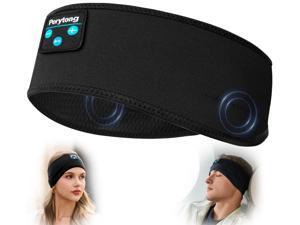
Sleep Headphones Bluetooth Headband Wireless Headphone Headband for Side Sleepers - ...
- Model #: 851463008206
- Item #: 9SIVRTNKX59546
- Return Policy: Jiamayanonly Return Policy
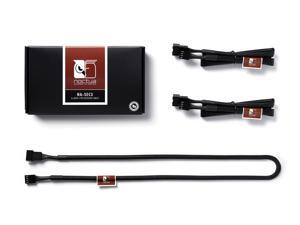
NA-SEC3, 4-pin Fan Extension Cables (60cm, Black)
- Model #: 131085146270
- Item #: 9SIVSC0KWM8952
- Return Policy: DuoDuoShangHang Return Policy
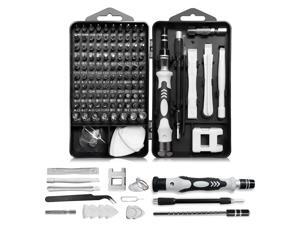
Precision Screwdriver Set, Professional 115 in 1 Magnetic Repair Tool Kit for Computer, Mobile ...
- Model #: 567650710201
- Item #: 9SIVT2FKWT5861
- Return Policy: YouZiXingBaiHuo Return Policy
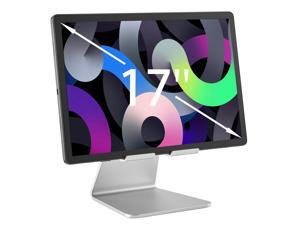
Heavy-Duty Tablet Stand for Desk, Portable Monitor Stand, iPad Stand, Especially Suitable for ...
- Model #: 457860318356
- Item #: 9SIVTAJKXR3237
- Return Policy: "Deal Mall" Return Policy
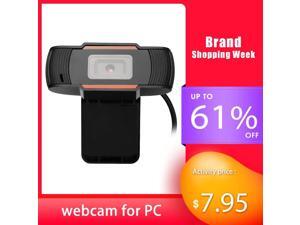
HD 1280P wide angle for PC Computer camera USB web cam pc With Microphone Video Call hd ...
- Model #: DF-Web-Camera0076
- Item #: 9SIV9F7KGK1634
- Return Policy: Fashion Technology Return Policy
webcam 1080p full hd pc web cam desktop computer USB Auto Focusing 60FPS night vision ...
- Model #: 1-Web-Camera1089
- Item #: 9SIVN52KTB6727
- Return Policy: yeye Return Policy
5V 3PIN Addressable RGB Graphics Card GPU Brace Support Video Card Sag Holder,Built-in 5V ...
- Model #: 014311043150
- Item #: 9SIVT2CKWF1702
- Return Policy: NingJingDeXiaTian Return Policy
GM Original Equipment RC27 (10409635) Radiator Fill Cap
- Model #: 609662251461
- Item #: 9SIVT2FKWV9094
- Return Policy: YouZiXingBaiHuo Return Policy
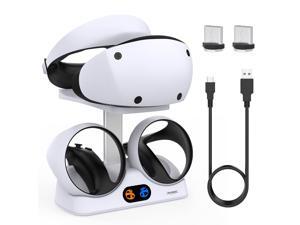
Charging Stand for PlayStation VR2, Vertical PS VR2 Headset & Sense Controller Charge Dock ...
- Model #: 810417448420
- Item #: 9SIVT2CKWW4604
- Return Policy: NingJingDeXiaTian Return Policy

Inflatable Gaming Chair for Kids & Teens with Cup Holders and Side Pocket - This Air Gaming ...
- Model #: 370939931171
- Item #: 9SIVSC0KWM4003
- Return Policy: DuoDuoShangHang Return Policy
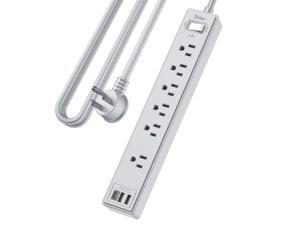
10Ft Power Strip Surge Protector - Yintar Extension Cord with 6 AC Outlets and 3 USB Ports for ...
- Model #: 429598409208
- Item #: 9SIVT2CKWX6023
- Return Policy: NingJingDeXiaTian Return Policy
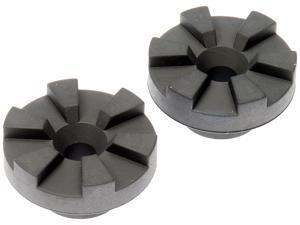
927-289 Radiator Mount Bushing Compatible with Select Dodge/Jeep Models, 2 Pack
- Model #: 505987619170
- Item #: 9SIVT2FKWV9205
- Return Policy: YouZiXingBaiHuo Return Policy

Collagen Booster Gel Serum for Korean Skin Care & Microcurrent Face Massagers, Filled With ...
- Model #: 927239360690
- Item #: 9SIVT2FKWU7273
- Return Policy: YouZiXingBaiHuo Return Policy
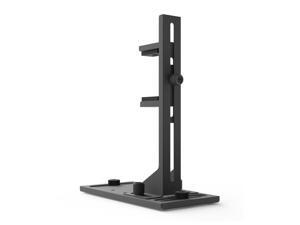
VS2 GPU Support Bracket, Screw Mount Graphics Card Brace, Adjustable Anti-Sag GPU Holder, ...
- Model #: 998777144977
- Item #: 9SIVT2FKWV4161
- Return Policy: YouZiXingBaiHuo Return Policy

Retro Video Game Console Four Button 9 Pin Controller for Retro Game Consoles, New Four ...
- Model #: 244219026423
- Item #: 9SIVT2FKWU7393
- Return Policy: YouZiXingBaiHuo Return Policy
How to Choose the Right Webcam
Introduction
Adding a webcam to your conference calls and online conversations can enhance the experience for both you and the other party. In addition, it is a more economical and environmentally-friendly alternative to paying for a plane ticket and flying in for a face-to-face meeting in another city. Before purchasing a webcam however, you should consider how it will be used and what features you.
Video Resolution
Similar to a monitor or a HDTV, a webcam’s video resolution is represented as the number of horizontal pixels by vertical pixels. A few of the more common resolutions include 640 × 480, 1280 × 720 (720p), and 1920 × 1080 (1080p). A higher resolution means that the video you capture will be sharper and more detailed. For HD video recording, you will need a webcam that is capable of at least 720p video capture.
Image Resolution
Aside from recording and sending live video, a web cam can also be used to take still images. Some webcams have their video and image resolutions listed separately, with the latter rated in megapixels. If you plan to use the webcam to take still photos, you should try to find one that has a high megapixel rating.
Frame Rate
Along with resolution, frame rate is another important factor for capturing video. A higher frame rate will result in a smoother video with less stuttering. Some webcams are capable of 30 frames per second video recording, though more budget-oriented models may have frame rates that are slightly lower than that.
Microphone
For recording audio, you can either utilize a webcam’s built-in microphone or connect a dedicated microphone. A built-in microphone is usually adequate for most tasks that do not require professional-grade sound recording. If you plan to record or live stream studio-quality audio however, you will want to utilize a dedicated microphone.
Mounting
There are several different mounting methods and designs for webcams. Some need to be clipped on, others require a flat horizontal surface, and a few even support tripods. Clip-on webcams are excellent for use with thin LCD monitors and laptops but not for thicker objects such as desktop towers or CRT monitors. A freestanding webcam is beneficial if you have a large flat surface such as the top of a tower or perhaps a conference table.

