


Webcam - Showing 1633 - 1656 of 4070 Products
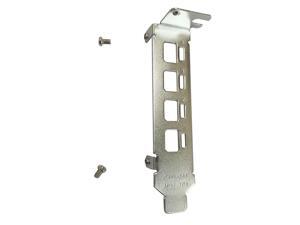
New Low Profile Short Bracket Replacement for NVIDIA Quadro K1200 NVS 510 P400 P600 P620 ...
- Model #: 023526333597
- Item #: 9SIVT2CKWE7537
- Return Policy: NingJingDeXiaTian Return Policy
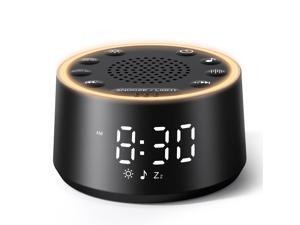
Sound Machine for Sleep - D1 Nova White Noise Sound Machine for Baby Adult with Alarm Clock, ...
- Model #: 168883789813
- Item #: 9SIVT2FKWU5688
- Return Policy: YouZiXingBaiHuo Return Policy
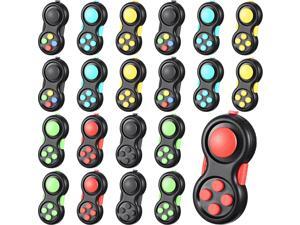
Woanger 24 Pcs Pad Classic Retro Controller Game Pad Controller Handheld Sensory ...
- Model #: 251843088034
- Item #: 9SIVSC0KWD2552
- Return Policy: DuoDuoShangHang Return Policy
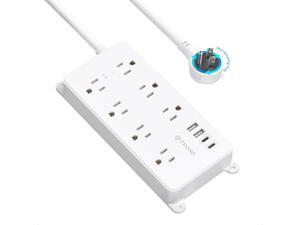
Surge Protector Power Strip with 360° Rotating Plug, 7 Widely-Spaced Outlets, 2 USB-A and 2 ...
- Model #: 166219453163
- Item #: 9SIVTAJKXT0118
- Return Policy: "Deal Mall" Return Policy
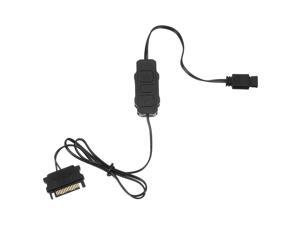
ARGB PC Fans Controller Kit, 5V 3PIN Computer Fan Controller SATA Direct Supply Power RGB ...
- Model #: 475375360206
- Item #: 9SIVTE8KWT8999
- Return Policy: Coretix Return Policy
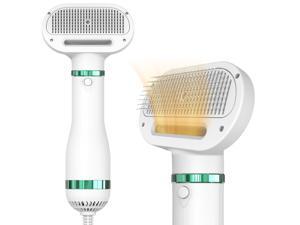
Pet Hair Dryer for Small-Sized Dogs and Cats | 2-in-1 Dog Hair Dryer with Self Cleaning Slicker ...
- Model #: 208894750216
- Item #: 9SIVT2FKWX4558
- Return Policy: YouZiXingBaiHuo Return Policy
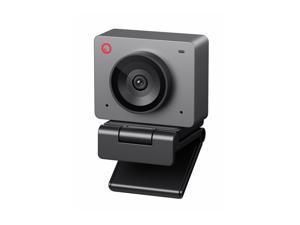
Meet SE 1080P 100FPS Webcam for PC, AI Framing Streaming Camera with 1/2.8" Sensor, ...
- Model #: 773766015864
- Item #: 9SIVSY8KX30600
- Return Policy: YuShuHuaYiShangHang Return Policy
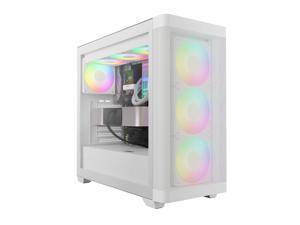
GAMDIAS White ATX Mid Tower Computer Case Tempered Glass, Gaming PC Case Support ...
- Model #: 965927490897
- Item #: 9SIVSC0KWP9529
- Return Policy: DuoDuoShangHang Return Policy
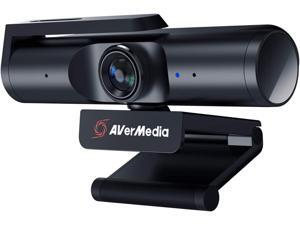
PW513 Live Streamer CAM - 4K Ultra HD Webcam with Microphone for Gaming and Streaming, ...
- Model #: WUQ323GF57905
- Item #: 9SIVFTRKCD7055
- Return Policy: SWYFLY Return Policy
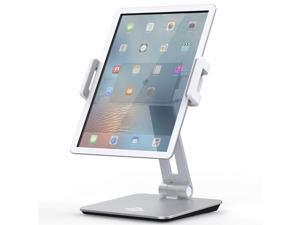
Tablet Stand Holder, Tightness Adjustable Multi-Angle Foldable Eye-Level Aluminum Solid ...
- Model #: 041049504728
- Item #: 9SIVTAJKXR3418
- Return Policy: "Deal Mall" Return Policy
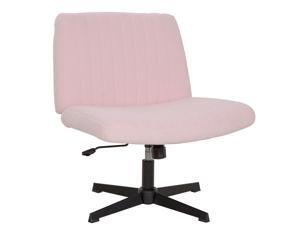
Criss Cross Chair Armless Cross Legged Office Desk Chair Adjustable Swivel Ergonomic ...
- Model #: 583386902429
- Item #: 9SIVSC0KWM4014
- Return Policy: DuoDuoShangHang Return Policy
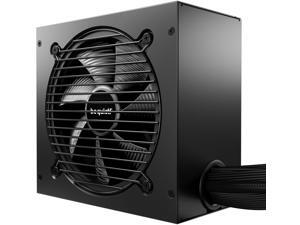
Pure Power 12 750W PSU | 80 Plus Gold | ATX 3.1 | PCIe 5.1 GPU Support Power Supply | Silent ...
- Model #: 264150241172
- Item #: 9SIVT2CKWX0775
- Return Policy: NingJingDeXiaTian Return Policy
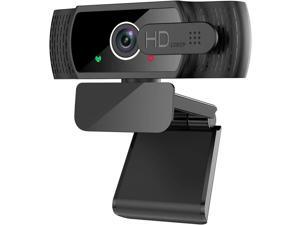
1080P Webcam with Microphone - FHD Web Cam with Privacy Cover, Plug and Play USB Web ...
- Model #: C00F-081925
- Item #: 9SIVN52KTA3443
- Return Policy: yeye Return Policy
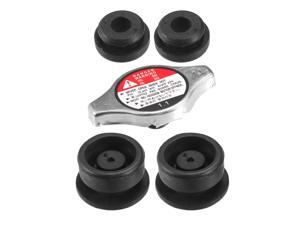
1 Set Radiator Mount Insulator for Honda Accord 1990-2020 for Honda Accord Crosstour 2010 ...
- Model #: 887585436214
- Item #: 9SIVT2FKWV9051
- Return Policy: YouZiXingBaiHuo Return Policy
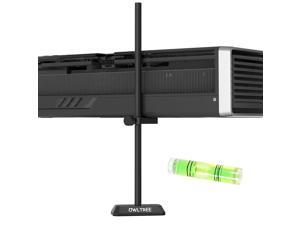
GPU Support Bracket, GPU Sag Graphics Card Anti Sag Bracket Aluminum Magnet GPU Support ...
- Model #: 255474632321
- Item #: 9SIVT2CKWF2063
- Return Policy: NingJingDeXiaTian Return Policy
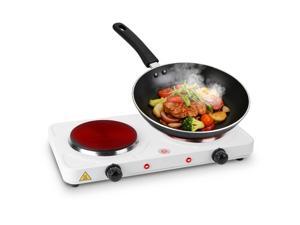
Electric Countertop Double Burner, 2000W Cooktop with Cast Iron Hot Plate, 5 Level ...
- Model #: 775107735986
- Item #: 9SIVT2FKWU7446
- Return Policy: YouZiXingBaiHuo Return Policy
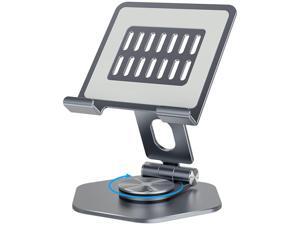
Aluminum Tablet Stand for Desk, 360° Swivel iPad & Tablet Holder Thickened Material & ...
- Model #: 463820744642
- Item #: 9SIVTAJKXR3630
- Return Policy: "Deal Mall" Return Policy
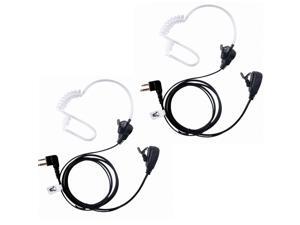
CP200,GP300,CLS1110,CLS1410 RDU4100 BPR40 Earpiece for M0torola Walkie Talkie Two ...
- Model #: 886055076724
- Item #: 9SIVT2FKWX8325
- Return Policy: YouZiXingBaiHuo Return Policy
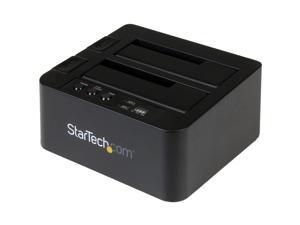
Standalone Hard Drive Duplicator, External Dual Bay HDD/SSD Cloner/Copier, USB to SATA III ...
- Model #: 945094191827
- Item #: 9SIVT2CKWW2541
- Return Policy: NingJingDeXiaTian Return Policy
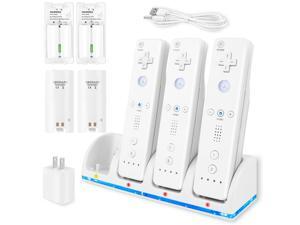
4-in-1 Charger Station for Wii/Wii U Remote Controller, Charging with 4 Pack 2800mAh ...
- Model #: 784758082436
- Item #: 9SIVT4VKXS5118
- Return Policy: halongzhiUKshop Return Policy
GPU Support Bracket - Large GPU Sag Bracket 2.9" - 5" - Premium GPU Stand with Rubber Pad - ...
- Model #: 200697643661
- Item #: 9SIVT2CKWE3738
- Return Policy: NingJingDeXiaTian Return Policy
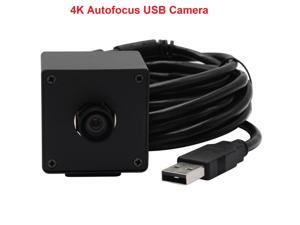
USB Web Camera 3840x2160 4K Cam High Resolution HD Computer Camera Webcam Video ...
- Model #: 1-Web-Camera1137
- Item #: 9SIVSSHKU17325
- Return Policy: tomorroW3 Return Policy
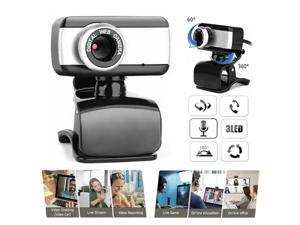
2.0 HD Webcam Camera Webcam High Definition Camera Web Cam with Microphone for ...
- Model #: 1-Web-Camera0213
- Item #: 9SIVSSHKU17155
- Return Policy: tomorroW3 Return Policy
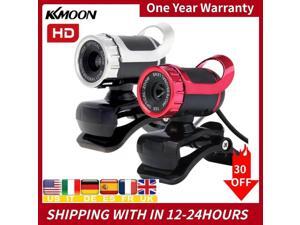
12 Megapixels HD Webcam MIC HD hd web Camera Web Cam 360 Degree Built-in Microphone ...
- Model #: WB3EW-1218-1
- Item #: 9SIVSSHKU21406
- Return Policy: tomorroW3 Return Policy
How to Choose the Right Webcam
Introduction
Adding a webcam to your conference calls and online conversations can enhance the experience for both you and the other party. In addition, it is a more economical and environmentally-friendly alternative to paying for a plane ticket and flying in for a face-to-face meeting in another city. Before purchasing a webcam however, you should consider how it will be used and what features you.
Video Resolution
Similar to a monitor or a HDTV, a webcam’s video resolution is represented as the number of horizontal pixels by vertical pixels. A few of the more common resolutions include 640 × 480, 1280 × 720 (720p), and 1920 × 1080 (1080p). A higher resolution means that the video you capture will be sharper and more detailed. For HD video recording, you will need a webcam that is capable of at least 720p video capture.
Image Resolution
Aside from recording and sending live video, a web cam can also be used to take still images. Some webcams have their video and image resolutions listed separately, with the latter rated in megapixels. If you plan to use the webcam to take still photos, you should try to find one that has a high megapixel rating.
Frame Rate
Along with resolution, frame rate is another important factor for capturing video. A higher frame rate will result in a smoother video with less stuttering. Some webcams are capable of 30 frames per second video recording, though more budget-oriented models may have frame rates that are slightly lower than that.
Microphone
For recording audio, you can either utilize a webcam’s built-in microphone or connect a dedicated microphone. A built-in microphone is usually adequate for most tasks that do not require professional-grade sound recording. If you plan to record or live stream studio-quality audio however, you will want to utilize a dedicated microphone.
Mounting
There are several different mounting methods and designs for webcams. Some need to be clipped on, others require a flat horizontal surface, and a few even support tripods. Clip-on webcams are excellent for use with thin LCD monitors and laptops but not for thicker objects such as desktop towers or CRT monitors. A freestanding webcam is beneficial if you have a large flat surface such as the top of a tower or perhaps a conference table.

