


Webcam - Showing 1849 - 1872 of 3750 Products
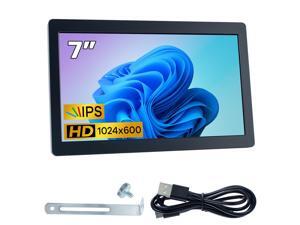
7 Inches USB C Mini Monitor 1024x600 IPS LCD Display Type C Secondary Screen for PC Laptop ...
- Model #: 415821376410
- Item #: 9SIVSC0KWS7254
- Return Policy: DuoDuoShangHang Return Policy

Battery Power Digital Photo Frame Button Badge Electronic Button LED Screen Customizable ...
- Model #: 989915859071
- Item #: 9SIVSC0KWS7300
- Return Policy: DuoDuoShangHang Return Policy
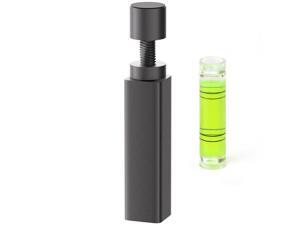
GPU Support Bracket, Aluminum Adjustable Graphics Card Holder, Video Card Stand, Anti Sag ...
- Model #: 481392857599
- Item #: 9SIVT2CKWG6686
- Return Policy: NingJingDeXiaTian Return Policy
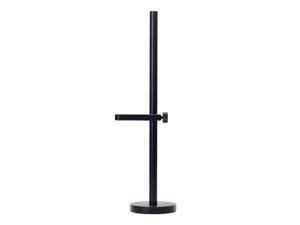
GPU Support Bracket, Adjustable Aluminum Anti Sag GPU Bracket, Video Graphics Card ...
- Model #: 236136603306
- Item #: 9SIVT2FKWV4171
- Return Policy: YouZiXingBaiHuo Return Policy
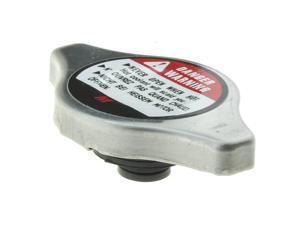
T-37 Radiator Cap (Product Sticker Design May Vary) Fits Honda Accord 9423 Civic 9223 CR-V ...
- Model #: 224151253617
- Item #: 9SIVT2FKWW9580
- Return Policy: YouZiXingBaiHuo Return Policy
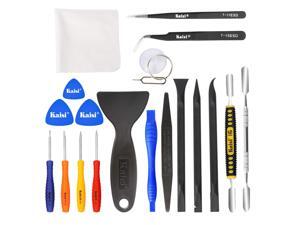
Professional Electronics Opening Pry Tool Repair Kit with Metal Spudger Non-Abrasive Nylon ...
- Model #: 067208764144
- Item #: 9SIVT2FKWY1479
- Return Policy: YouZiXingBaiHuo Return Policy
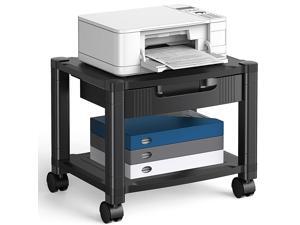
Printer Stand with Cable Management and Storage Drawer, Printer Table with Locking Wheels, ...
- Model #: 021930868886
- Item #: 9SIVSC0KWS7397
- Return Policy: DuoDuoShangHang Return Policy
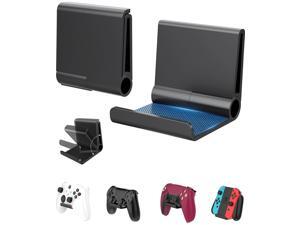
4 Pack Foldable Controller Wall Mount Holder, Xbox Controller Stand , Compatible with Xbox ...
- Model #: 498839012894
- Item #: 9SIVSC0KWC8661
- Return Policy: DuoDuoShangHang Return Policy
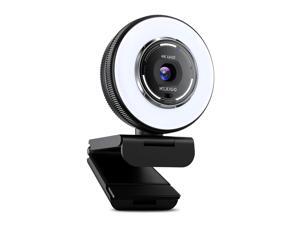
N680E Pro 4K Webcam with Ring Light, PDAF Autofocus, 1080p 60FPS, Dual Noise-Canceling ...
- Model #: 890437886427
- Item #: 9SIVSY8KX30603
- Return Policy: YuShuHuaYiShangHang Return Policy
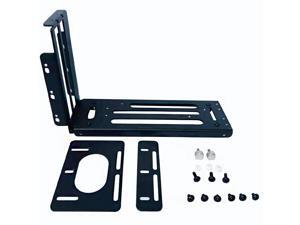
GPU Mount Bracket, 3 Slots Graphics Card Holder with Hardware, eGPU Dock, External GPU ...
- Model #: 518058436821
- Item #: 9SIVT2CKWG8986
- Return Policy: NingJingDeXiaTian Return Policy
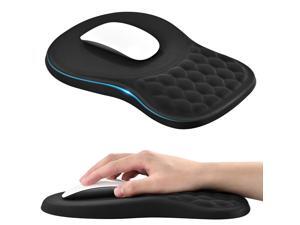
Ergonomic Mouse Pad with Wrist Rest, Massage Design Large Mousepad with Memory Foam ...
- Model #: 411674295474
- Item #: 9SIVSC0KX24585
- Return Policy: DuoDuoShangHang Return Policy
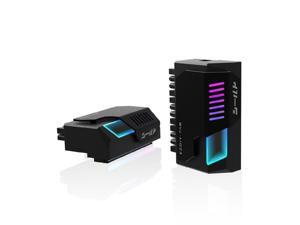
Shield 24-pin 90 Degree Angle Adapter with Infinity Mirror ARGB Light,ATX 24 Pin Power ...
- Model #: 112777971908
- Item #: 9SIVSC0KWM9540
- Return Policy: DuoDuoShangHang Return Policy
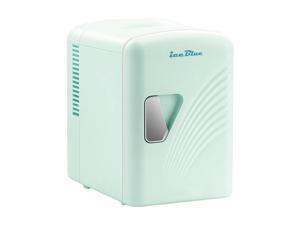
Mini Fridge, Retro 4 Liter /6 Cans Mini Skincare Fridge, AC Plug & 12V Car Charger Mini Makeup ...
- Model #: 525843209392
- Item #: 9SIVT2FKWU3367
- Return Policy: YouZiXingBaiHuo Return Policy
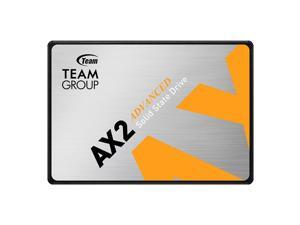
AX2 512GB 3D NAND TLC 2.5 Inch SATA III Internal Solid State Drive SSD (Read Speed up to 530 ...
- Model #: 829889312251
- Item #: 9SIVT2CKWW9354
- Return Policy: NingJingDeXiaTian Return Policy
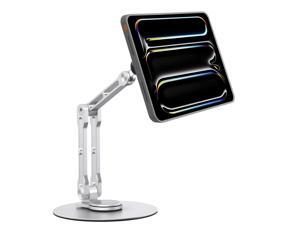
Magnetic iPad Stand for Desk, Foldable Aluminum Alloy Tablet Holder with 360° Adjustable ...
- Model #: 826673840898
- Item #: 9SIVTAJKXR3303
- Return Policy: "Deal Mall" Return Policy
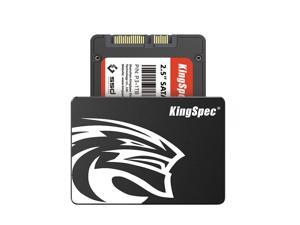
512GB 2.5 SSD SATA III Internal - 550MB/s Read, 520MB/s Write with 3D NAND Flash, for ...
- Model #: 682906421633
- Item #: 9SIVT2CKWW2547
- Return Policy: NingJingDeXiaTian Return Policy
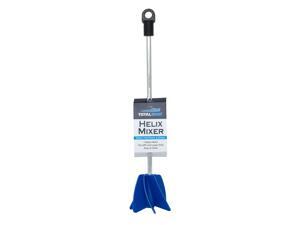
Helix Mixer Drill Attachment - Stirrer Mixes Epoxy Resin, Paint and Silicone - Tool Fits All 3/8 ...
- Model #: 758047401473
- Item #: 9SIVT2FKWV7958
- Return Policy: YouZiXingBaiHuo Return Policy
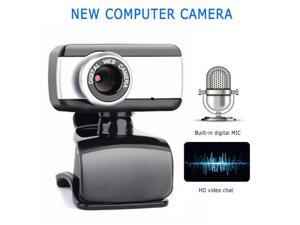
Computer Webcam Video USB 2.0 Web Camera With Microphone Laptop Desktop PC ...
- Model #: DF-Web-Camera1476
- Item #: 9SIVP88KNP1755
- Return Policy: XuanPin Return Policy
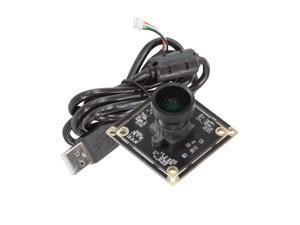
Arducam 5MP Wide Angle USB Camera for Computer, 1/4" CMOS OV5648 Mini UVC USB2.0 ...
- Model #: 694782982847
- Item #: 9SIVTDYKWC8131
- Return Policy: Voltrix Return Policy
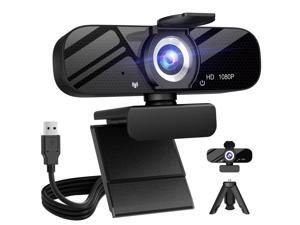
Full HD Webcam with Built-in Microphone and Rotatable Tripod, 1080P Video and Wide Angle ...
- Brand: ClearOne
- Name: TW-05
- Interface: USB 3.0
- Image Sensor: CCD
- Max. Image Resolution: 1920 x 1080
- Focus Settings: Auto Focus
- Lens: Wide Angle
- Power Source: USB, false
- Model #: 167237528920
- Item #: 9SIVT2CKWW9845
- Return Policy: NingJingDeXiaTian Return Policy
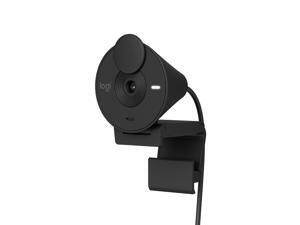
Brio 301 Full HD Webcam with Privacy Shutter, Noise Reduction Microphone, USB-C, Certified ...
- Brand: ClearOne
- Name: brio
- Image Sensor: CCD
- Max. Image Resolution: 1920 x 1080
- Video Capture Resolution: 1920 x 1080
- Focus Settings: Fixed Focus
- Lens: Custom Logi 4 element lens with anti-reflective coating
- Power Source: false
- Model #: 944940392820
- Item #: 9SIVSY8KX32425
- Return Policy: YuShuHuaYiShangHang Return Policy
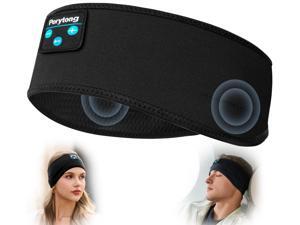
Sleep Headphones Bluetooth Wireless Sports Headband, Long Playtime Lightweight ...
- Model #: 696552309356
- Item #: 9SIVT2FKWU7690
- Return Policy: YouZiXingBaiHuo Return Policy
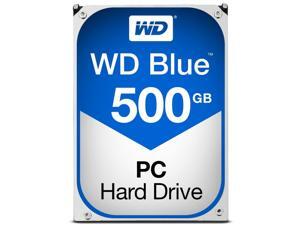
Blue 500GB Desktop Hard Disk Drive - 7200 RPM Class SATA 6Gb/s 32MB Cache 3.5 Inch - ...
- Model #: 632238429609
- Item #: 9SIVT2CKWW2921
- Return Policy: NingJingDeXiaTian Return Policy
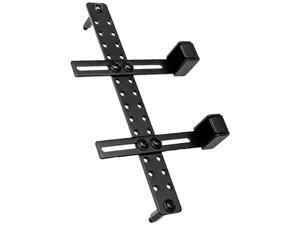
GB-002 Graphic Card Anti-Sag Bracket - GB-002
- Model #: 537161857285
- Item #: 9SIVT2FKWV4155
- Return Policy: YouZiXingBaiHuo Return Policy
How to Choose the Right Webcam
Introduction
Adding a webcam to your conference calls and online conversations can enhance the experience for both you and the other party. In addition, it is a more economical and environmentally-friendly alternative to paying for a plane ticket and flying in for a face-to-face meeting in another city. Before purchasing a webcam however, you should consider how it will be used and what features you.
Video Resolution
Similar to a monitor or a HDTV, a webcam’s video resolution is represented as the number of horizontal pixels by vertical pixels. A few of the more common resolutions include 640 × 480, 1280 × 720 (720p), and 1920 × 1080 (1080p). A higher resolution means that the video you capture will be sharper and more detailed. For HD video recording, you will need a webcam that is capable of at least 720p video capture.
Image Resolution
Aside from recording and sending live video, a web cam can also be used to take still images. Some webcams have their video and image resolutions listed separately, with the latter rated in megapixels. If you plan to use the webcam to take still photos, you should try to find one that has a high megapixel rating.
Frame Rate
Along with resolution, frame rate is another important factor for capturing video. A higher frame rate will result in a smoother video with less stuttering. Some webcams are capable of 30 frames per second video recording, though more budget-oriented models may have frame rates that are slightly lower than that.
Microphone
For recording audio, you can either utilize a webcam’s built-in microphone or connect a dedicated microphone. A built-in microphone is usually adequate for most tasks that do not require professional-grade sound recording. If you plan to record or live stream studio-quality audio however, you will want to utilize a dedicated microphone.
Mounting
There are several different mounting methods and designs for webcams. Some need to be clipped on, others require a flat horizontal surface, and a few even support tripods. Clip-on webcams are excellent for use with thin LCD monitors and laptops but not for thicker objects such as desktop towers or CRT monitors. A freestanding webcam is beneficial if you have a large flat surface such as the top of a tower or perhaps a conference table.

