


Webcam - Showing 2233 - 2256 of 4099 Products
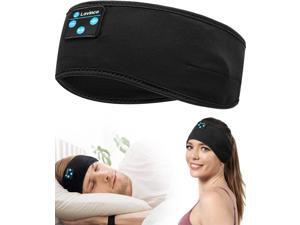
Sleep Headphones - Bluetooth Headband for Side Sleepers, Elastic Music Sleeping Band ...
- Model #: 826792796175
- Item #: 9SIVT2FKWX4470
- Return Policy: YouZiXingBaiHuo Return Policy
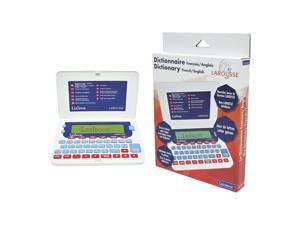
, Larousse, French/English Dictionary, 400,000 Words, Expressions and translations, 3000 ...
- Model #: 677796569711
- Item #: 9SIVT2CKWW4405
- Return Policy: NingJingDeXiaTian Return Policy
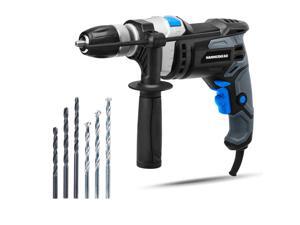
7.5-Amp 1/2 Inch Variable Speed Hammer Drill with 6pcs Bit - HAHD075
- Model #: 019029746689
- Item #: 9SIVT2FKWU7430
- Return Policy: YouZiXingBaiHuo Return Policy
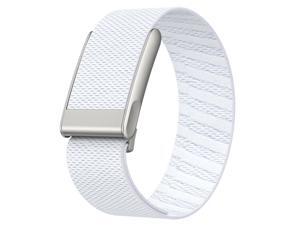
Nylon Sport Band Compatible with Whoop 5.0 Bands One, Peak, Life, and MG Band, Soft, ...
- Model #: 674195305165
- Item #: 9SIVSC0KX12629
- Return Policy: DuoDuoShangHang Return Policy
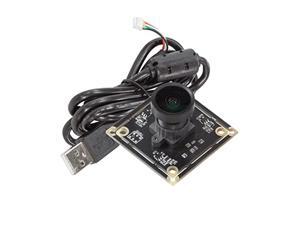
Arducam 5MP Wide Angle USB Camera for Computer, 1/4" CMOS OV5648 Mini UVC USB2.0 ...
- Model #: 990160759439
- Item #: 9SIVTDYKWC8156
- Return Policy: Voltrix Return Policy
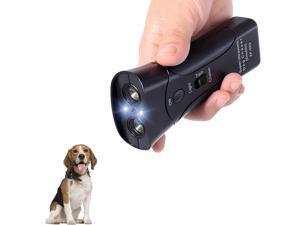
Ultrasonic Dog Bark Deterrent Devices,Anti Barking Device for Dogs,Portable No Barking ...
- Model #: 718634631216
- Item #: 9SIVT2FKWX4560
- Return Policy: YouZiXingBaiHuo Return Policy
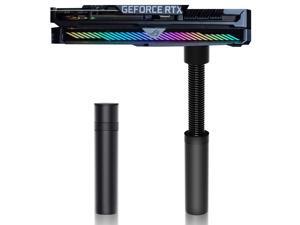
GPU Support Bracket, Graphics Video Card Brace with Height Adjustable, Anti Sag Holder for ...
- Model #: 204095112560
- Item #: 9SIVT2FKWV4170
- Return Policy: YouZiXingBaiHuo Return Policy
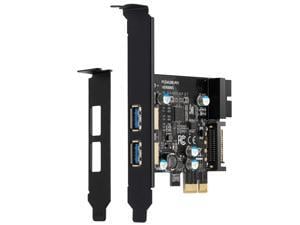
PCI E USB 3.0 Card Express 1X 2 Ports with Internal 19 Pin USB 3.0 Connector Superspeed ...
- Model #: 714590171136
- Item #: 9SIVSYUKWX5058
- Return Policy: OujinbaihuSHOP Return Policy
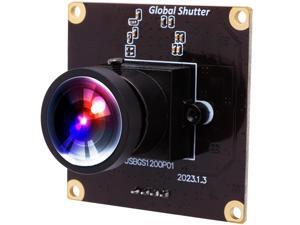
Wecamera_usb High Speed Wide Angle Global Shutter USB Camera Module for Computer ...
- Model #: 9435761201679
- Item #: 9SIVTDYKWD6603
- Return Policy: Voltrix Return Policy
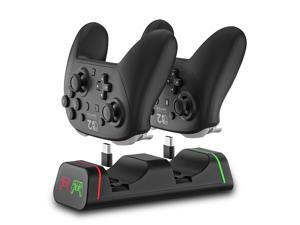
Controller Charging Dock for Switch Pro & Switch 2 Pro Controller, PS5 Controller, Xbox Series ...
- Model #: 944107243807
- Item #: 9SIVT2CKWW4514
- Return Policy: NingJingDeXiaTian Return Policy
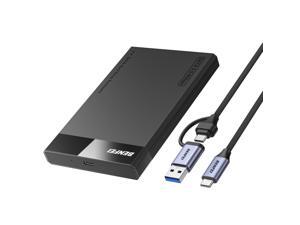
2.5 Inch SATA to USB Tool Free External Hard Drive Enclosure (6Gbps, Optimized for SSD, ...
- Model #: 389262962612
- Item #: 9SIVT2CKWW2209
- Return Policy: NingJingDeXiaTian Return Policy
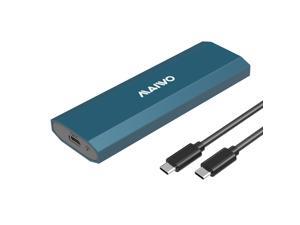
M.2 SSD Enclosure for PCIe NVMe and NGFF SATA Solid State Drive, USB C 3.1 10Gbps with UASP ...
- Model #: 068560440992
- Item #: 9SIVSC0KWW7641
- Return Policy: DuoDuoShangHang Return Policy
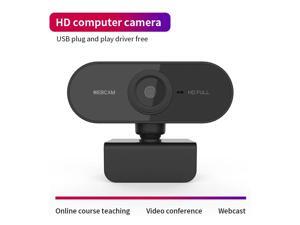
1080P Full HD USB Video Gamer Web Camera Web Cam Computer Built-in Microphone For PC ...
- Model #: 1-Web-Camera1176
- Item #: 9SIV9F7KGK1293
- Return Policy: Fashion Technology Return Policy
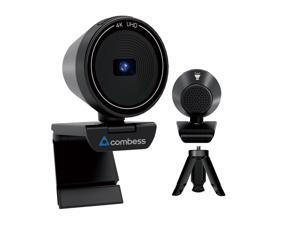
4K USB Webcam for PC with Speaker & Microphone, 85° Wide Angle Web Camera, Auto Focus, ...
- Brand: Combess
- Name: CUP 4K
- Interface: USB
- Image Sensor: 1 megapixels
- Max. Image Resolution: 4K
- Effective Pixels: 8 megapixels
- Video Capture Resolution: 4K
- Focus Settings: Auto Focus
- Model #: 986918307746
- Item #: 9SIVSKTKXA9765
- Return Policy: xiuhuishangmao Return Policy
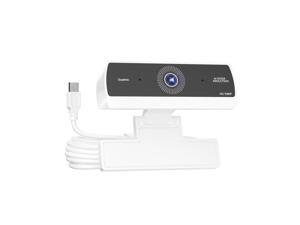
Webcam for PC,HD 1080P USB Plug-and-Play Computer Web Camera, HighDefinition ...
- Brand: ClearOne
- Name: K1
- Interface: USB 3.0
- Image Sensor: CCD
- Max. Image Resolution: 1920 x 1080
- Effective Pixels: 8.0 M
- Focus Settings: Auto Focus
- Power Source: USB, false
- Model #: 299117741318
- Item #: 9SIVT4VKXP1551
- Return Policy: halongzhiUKshop Return Policy
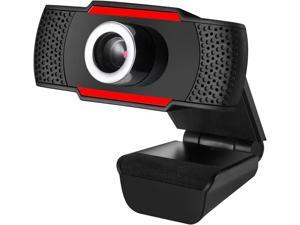
ADESSO CyberTrack H3 Webcam 12 Megapixel 30 fps USB 20 1280x720 Video CMOS Sensor ...
- Model #: Lan167342456387152
- Item #: 9SIVNUDKKR3985
- Return Policy: DigitalFlash Return Policy
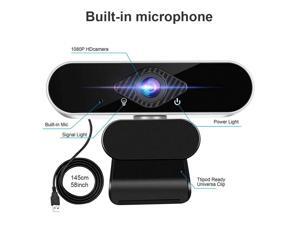
SA Full HD 1080p Webcam, Webcam with Microphone Streaming Computer Web Cam for PC ...
- Brand: Tropro
- Name: Full HD 1080p Webcam, Webcam with Microphone Streaming Computer Web Cam for Pc Laptop Desktop Rotation Computer Camera Highly Compatible with Win10/8/8.1/7/XP Linux Mac
- Interface: USB
- Max. Image Resolution: 1920 x 1080
- Video Capture Resolution: 1920 x 1080
- Frame Rate: 30 fps
- Focus Settings: Auto Focus
- Operating Systems Supported: Windows XP/7/8/8.1, Win 10 and higher, Android V5.0, OS, Vista, MAC OS10.6 or higher. It widely connects with PC, Desktop, Laptop, Mac, Mac Book, Smart TV, and LCD Monitors. supports mass social media and game Apps, like SKY GO, Netflix, OBS, Xbox, YouTube, Facebook, Face Time and more.
- Model #: GD43-X
- Item #: 9SIVGEGKSZ4402
- Return Policy: ZerKorr Power Return Policy
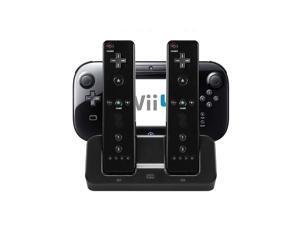
3 in 1 Charger Dock Charging Station Base for Wii U Gamepad Charger Stand wii u Gamepad ...
- Model #: 365214593112
- Item #: 9SIVT2CKWW4524
- Return Policy: NingJingDeXiaTian Return Policy
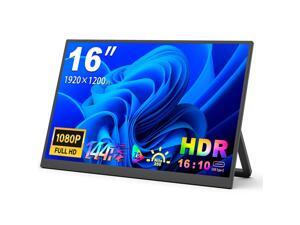
16-inch Portable Monitor 1200P Full HD, IPS Panel USB-C as Core Interface HDR HDMI USB-C ...
- Model #: 484231878024
- Item #: 9SIVSC0KWS7295
- Return Policy: DuoDuoShangHang Return Policy
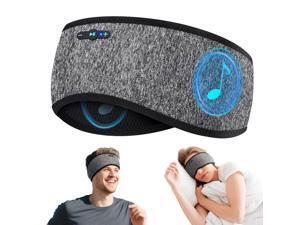
Sleep Headphones Bluetooth 6.0 Headband, 20H Playtime Headband Headphones with HD ...
- Model #: 773840971684
- Item #: 9SIVT2FKWU7730
- Return Policy: YouZiXingBaiHuo Return Policy
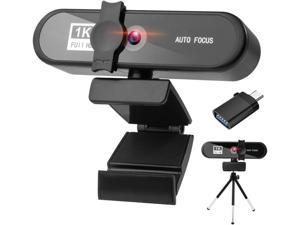
LucaSng 1080p Webcam with Microphone USB HD Web Camera with Privacy Cover and Tripod ...
- Model #: RB08Y8FJM75
- Item #: 9SIV9F7KE28334
- Return Policy: Fashion Technology Return Policy
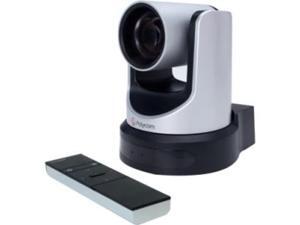
Poly EagleEye Video Conferencing Camera - 30 fps - USB 2.0 (7230-60896-001)
- Model #: 677658759316
- Item #: 9SIVG1JKXW4441
- Return Policy: Fastparts Return Policy
Video Game Party Bag Inculde 13'' Large Tissue Paper Greeting Card, Gamer Theme Birthday ...
- Model #: 702198052413
- Item #: 9SIVT2FKWU7402
- Return Policy: YouZiXingBaiHuo Return Policy
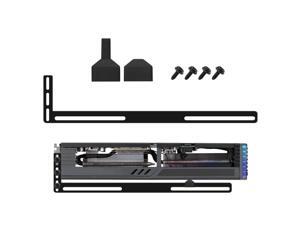
GPU Support Bracket, Graphics Card GPU Brace Support Video Card Sag Holder, Single or Dual ...
- Model #: 952961172306
- Item #: 9SIVT2CKWG6687
- Return Policy: NingJingDeXiaTian Return Policy
How to Choose the Right Webcam
Introduction
Adding a webcam to your conference calls and online conversations can enhance the experience for both you and the other party. In addition, it is a more economical and environmentally-friendly alternative to paying for a plane ticket and flying in for a face-to-face meeting in another city. Before purchasing a webcam however, you should consider how it will be used and what features you.
Video Resolution
Similar to a monitor or a HDTV, a webcam’s video resolution is represented as the number of horizontal pixels by vertical pixels. A few of the more common resolutions include 640 × 480, 1280 × 720 (720p), and 1920 × 1080 (1080p). A higher resolution means that the video you capture will be sharper and more detailed. For HD video recording, you will need a webcam that is capable of at least 720p video capture.
Image Resolution
Aside from recording and sending live video, a web cam can also be used to take still images. Some webcams have their video and image resolutions listed separately, with the latter rated in megapixels. If you plan to use the webcam to take still photos, you should try to find one that has a high megapixel rating.
Frame Rate
Along with resolution, frame rate is another important factor for capturing video. A higher frame rate will result in a smoother video with less stuttering. Some webcams are capable of 30 frames per second video recording, though more budget-oriented models may have frame rates that are slightly lower than that.
Microphone
For recording audio, you can either utilize a webcam’s built-in microphone or connect a dedicated microphone. A built-in microphone is usually adequate for most tasks that do not require professional-grade sound recording. If you plan to record or live stream studio-quality audio however, you will want to utilize a dedicated microphone.
Mounting
There are several different mounting methods and designs for webcams. Some need to be clipped on, others require a flat horizontal surface, and a few even support tripods. Clip-on webcams are excellent for use with thin LCD monitors and laptops but not for thicker objects such as desktop towers or CRT monitors. A freestanding webcam is beneficial if you have a large flat surface such as the top of a tower or perhaps a conference table.

