


Computer Cases - Showing 889 - 912 of 1031 Products
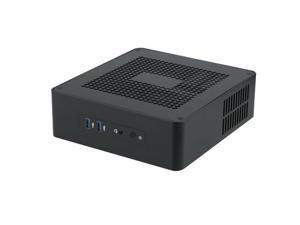
Goodisory TA65 Black Aluminium Desktop HTPC Mini-ITX Computer Chassis Support DC Pico ...
- Model #: G3F1C783-XM6150335
- Item #: 9SIVTR1KZD0304
- Return Policy: Weiersenlk Return Policy


ASUS case 4mm high-strength tempered glass
- Model #: ROG Strix Helios GX601S HATSUNE MIKU
- Item #: 9SIVT66M4H9685
- Return Policy: Infinite Energypmax Co., Limited Return Policy
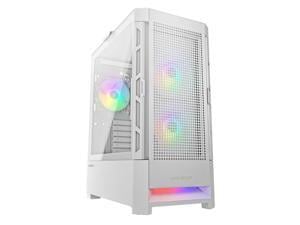

Cougar Airface RGB White Mid Tower Computer Case with Mesh Front Panel
- Motherboard Compatibility: ATX / Micro ATX / Mini ITX / SSI CEB
- 120mm Fans: 1
- Brand: COUGAR
- Series: Airface
- Color: White
- Type: ATX Mid Tower
- Side Panel: with Side Window
- Model #: Airface RGB White
- Item #: 9SIVD7ZJHR7059
- Return Policy: Cougar Return Policy
Motherboard USB3.0 extension cable / PC Case front I/O / 19Pin extension cable Chassis ...
- Model #: .jiudian-YC5KU-0452
- Item #: 9SIVSMNM148115
- Return Policy: nonstop_7 Return Policy
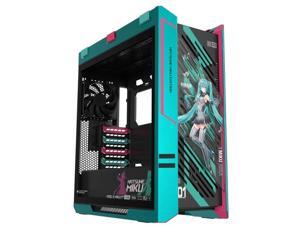
ASUS GX601S case
- Model #: GX601S MIKU/GN/TG
- Item #: 9SIVU77M5W8602
- Return Policy: Einguer Return Policy
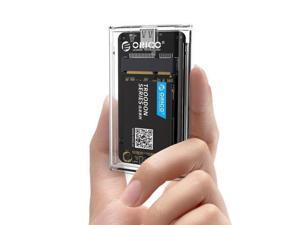
USB 3.0 mSATA SSD Enclosure, 5Gbps Transparent External SSDs Adapter with USB-C to C/A ...
- Brand: LORDWORLD
- Model #: 26-7CXY16-442
- Item #: 9SIVTM6M1G6948
- Return Policy: Teinkllyiov Return Policy
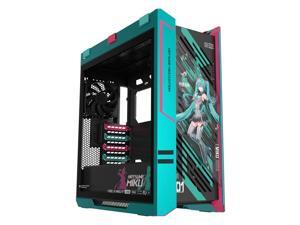
ASUS ROG GX601S Helios Mid-Tower Case, Hatsune Miku Edition, Supports EATX ...
- Motherboard Compatibility: EATX (12"x10.9") ATX Micro-ATX Mini-ITX
- Front Ports: 1 x Headphones / Microphone 2 x USB 3.2 Gen 2x2 Type-C 4 x USB 3.2 Gen 1
- Brand: ASUS
- Color: Black / Green
- Case Material: Aluminum / Tempered Glass
- Side Panel: 3 x Sides Tempered Glass Panel
- Model #: GX601 Helios Case
- Item #: 9SIVMWBM066705
- Return Policy: STELLAR Return Policy
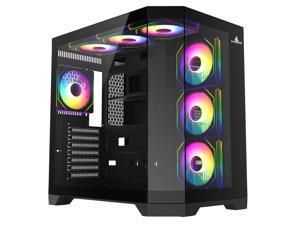
Iceberg PC Gaming ATX Case Crystal Edge Full Panoramic View Three Sides Tempered Glass ...
- Motherboard Compatibility: Micro ATX / ATX
- Front Ports: USB 3.0 / Audio
- 120mm Fans: 7X 120mm
- Brand: ICEBERG
- Series: CRYSTAL
- Color: Black
- Case Material: ABS / Steel / Tempered Glass
- Type: ATX Cube Case
- Model #: Crystal Edge Black
- Item #: 9SIVMKHKFB0433
- Return Policy: Iceberg Gaming Return Policy
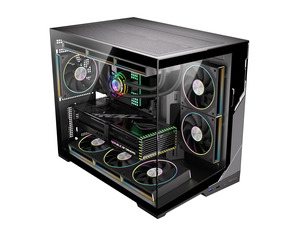
ESGAMING Zero M- ATX PC Case Mini-Tower Airflow Computer Gaming Case ^^ 8 Slanted Base ...
- Model #: 617327158781
- Item #: 9SIVUF8M6A2471
- Return Policy: NorthFlow Smart Store Return Policy
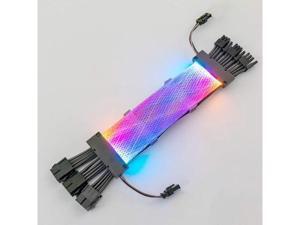
Qingsea PSU Cable Synchronous ARGB Extension Sleeved Cable Kit Custom Power Supply ...
- Model #: G3F1C783-XM6150991
- Item #: 9SIVTR1KZC9427
- Return Policy: Weiersenlk Return Policy
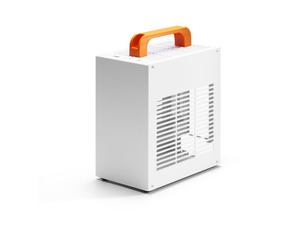
SGPC K39 5L Mini ITX Case,Portable SFF Gaming Chassis,White Standard Edition
- Model #: K39 White
- Item #: 9SIVJMRM006218
- Return Policy: SGPC Mini Case Official Return Policy
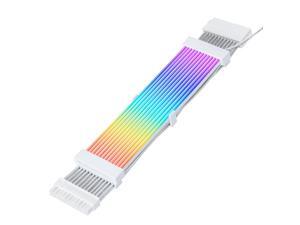
ITJTV 24 Pin RGB PSU Cables,ARGB PC Cable for Motherboard Power Supply Extension, ...
- Model #: 588395660868
- Item #: 9SIVU0XM7R1363
- Return Policy: Ankelay shop Return Policy
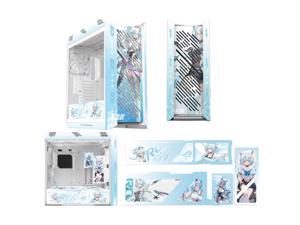
ASUS ROG GX601S Strix Snow Custom Mid-Tower Case, supports EATX motherboards, ...
- Brand: ASUS
- Model #: 13 ROG GX601S Strix Snow
- Item #: 9SIVMWBM0T2730
- Return Policy: STELLAR Return Policy
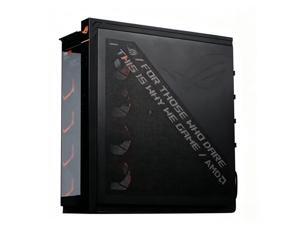
ASUS ROG Cronox GR801 AMD Co branded Chassis, Curved Luxury Edition, Soft Light ...
- Motherboard Compatibility: E-ATX (up to 12“×10.9”), ATX, Micro-ATX, Mini-ITX
- Front Ports: 1 x Headphones / Microphone 2 x USB 3.2 Gen 2x2 Type-C 4 x USB 3.2 Gen 1
- PSU Mount: Bottom
- Color: Black
- Case Material: Aluminum, steel, tempered glass,ABS plastic
- Type: ATX Mid Tower
- Side Panel: 2 x Sides Tempered Glass Panel
- Model #: ROG Cronox GR801 AMD
- Item #: 9SIVMWBM225442
- Return Policy: STELLAR Return Policy
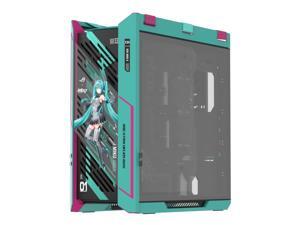
ASUS ROG Strix Helios GX601S RGB Mid-Tower Computer Case for up to EATX Motherboards ...
- Model #: Helios GX601S RO JI x HATSUNE MIKU
- Item #: 9SIVSRKKUH3295
- Return Policy: SongFengQiaoMaoYiShangDian Return Policy
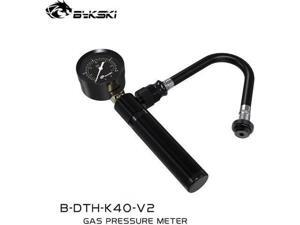
Liquid building leakage testing instrument, computer case water cooling sealing testing tool, ...
- Model #: G3F1C783-XM6150421
- Item #: 9SIVTR1KZD0232
- Return Policy: Weiersenlk Return Policy
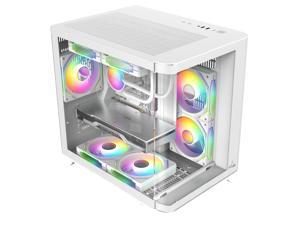
Iceberg Crystal Wave M Micro ATX Tower Gaming PC Case Full-View Panoramic Curved ...
- Motherboard Compatibility: Micro ATX
- Front Ports: USB 3.0 / Audio
- 120mm Fans: 3X 120mm
- Brand: Iceberg
- Series: Crystal
- Color: White
- Case Material: ABS / Steel / Tempered Glass
- Type: Micro ATX Cube Case
- Model #: Crystal Wave M WTH
- Item #: 9SIVMKHKFB0423
- Return Policy: Iceberg Gaming Return Policy
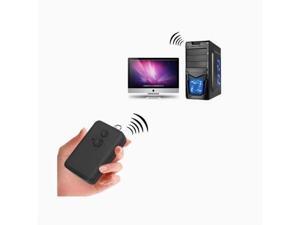
computer desktop switch Internet cafe | home computer desktop case switch wireless ...
- Model #: C6WV-0730-OYJ-631
- Item #: 9SIVTFKM377158
- Return Policy: Yefer Trading Co., Ltd. Return Policy
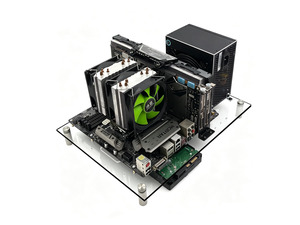
Open Air Acrylic PC Test Bench Case, Transparent Open Frame Computer Chassis for ...
- Model #: 880395261794
- Item #: 9SIVUG2M6A1546
- Return Policy: Hanbo Supply Store Return Policy
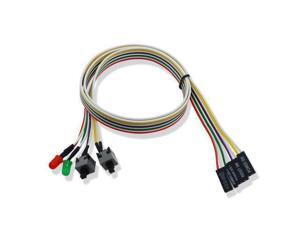
PC Power Switch Cable with LED Light Desktop Computer Case Re-starting Button Power ...
- Model #: .jiudian-YC5KU-0545
- Item #: 9SIVSMNM147964
- Return Policy: nonstop_7 Return Policy
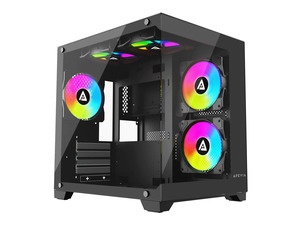
Apevia Prism-BK Dual Chamber Micro-ATX Case with 5X ARGB PWM Fans
- Model #: 916268514077
- Item #: 9SIVUGBM697840
- Return Policy: SmartJoy Shop Return Policy
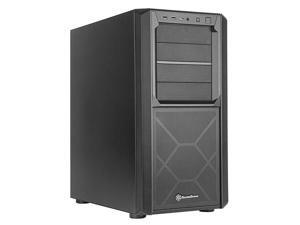
SETA D1 Minimalistic mid-tower ATX chassis with immense storage capability & versatility
- Model #: SED1-B
- Item #: 9SIVMNFKKS0875
- Return Policy: haoyuzeshang Return Policy
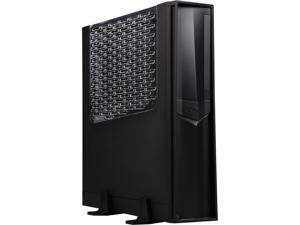
SilverStone RAVEN RVZ02B-W Black Reinforced plastic outer shell, steel body Mini-ITX ...
- Motherboard Compatibility: Mini ITX
- Front Ports: 2 x USB 3.0, 2 x Audio
- Brand: SilverStone
- Series: RAVEN
- Color: Black
- Case Material: Reinforced plastic outer shell, steel body
- Type: Mini-ITX
- Power Supply: Compatible with SFX & SFX-L
- Model #: RVZ02B-W
- Item #: 9SIVNK4KGN4581
- Return Policy: Computer Host Accessories Return Policy
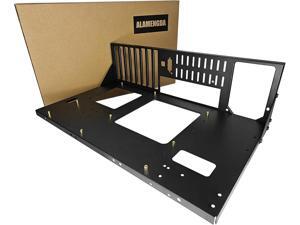
AL01 Open Frame Computer case DIY PC Test Bench for ATX M-Board,1Pc
- Model #: 476991912569Portworldrld
- Item #: 9SIVTGBM7C7270
- Return Policy: Zeorillniky Return Policy
Considerations for Choosing a New PC Case
Introduction
When assembling a new computer system, you will at some point need to decide what computer case to use. To find the ideal case for your build, you should consider details such as size, weight, compatibility, number of drive bays, and more.
Size / Form Factor
The size of a computer case is an important factor that can determine what type of motherboard you can use, how many internal drives you can install, and more. As the size of the case increases, the number and size of components that you can install increase as well.
Computer cases fall into several categories in terms of size and form factor. For standard ATX form factor motherboards, tower cases are one of the most popular types of cases. They can be categorized as being either full size tower, mid-size tower, or mini tower. Computer cases for smaller form factors such as Mini-ITX and Micro ATX tend to be more varied in design.
Weight
The weight of a computer case is a factor of both its size and materials. There are several types of materials commonly used in computer cases, each with their own pros and cons.
- Steel – The heaviest type of case material, steel is also very sturdy and durable. Cases that are made from steel are not as transportable due to their weight.
- Aluminum – Computer cases made from aluminum are relatively light but tend cost more than steel cases. Aluminum is often used to make cases that are designed to be easily transportable.
- Acrylic – Acrylic is primarily used for clear computer cases to achieve a completely transparent aesthetic. It is also sometimes used in steel and aluminum computer cases that have transparent surfaces or windows.
Drive Bays
There are three types of drive bays, 5.25 inch external bays, 3.5 inch external bays, and 3.5 inch internal bays. External bays are typically used by devices such as optical drives, card readers, and floppy disk drives. Internal drive bays are mostly used for solid state drives and hard disk drives. When choosing a computer case, ensure that it has the adequate amount of internal and external bays for your needs.
Expansion Slots
An expansion slot is used to add and enhance a system’s functionality, such as adding wireless networking or improving graphics performance. Most mid and full tower computer cases can support up to seven expansion cards, which is the ATX standard.
However, larger motherboards such as extended ATX motherboards can sometimes have more than seven expansion card slots. In order to take advantage of the additional slots, you will need to find a computer case that supports E-ATX motherboards with additional slots.
Front Panel Ports
Connecting audio and USB cables to a computer using rear ports can be a hassle and sometimes may require the use of a longer cable. Front panel ports add convenience by providing more easily accessible ports for many different types of devices. When shopping for a computer case, try to find one with a front panel port that is adequate for your needs.

