


Desktop Memory - Showing 1729 - 1752 of 2173 Products


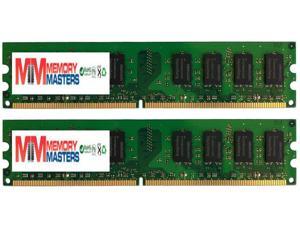
MemoryMasters 4GB 2x 2GB DDR2 PC2 4200 533Mhz 240 Pin DIMM 4 GB CL 4 KIT
- CAS Latency: CL4
- Model #: M-M-20B003PJI9CE
- Item #: 9SIV1JTB1X0381
- Return Policy: MemoryMasters Return Policy
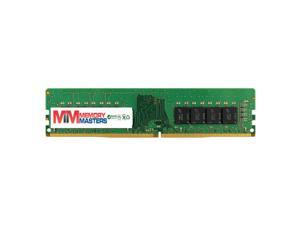
MemoryMasters V51K2 - 16GB PC4-17000 DDR4-2133MHz 2Rx8 1.2V Non-ECC UDIMM ...
- Model #: M-M-1251B07Q7GSVX1
- Item #: 9SIV1JTB1W7327
- Return Policy: MemoryMasters Return Policy
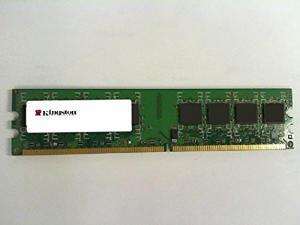
KINGSTON KTD-DM8400A/512 512MB DESKTOP DIMM DDR2 PC4200(533) UNBUF 1.8v 1RX8 ...
- Model #: KTD-DM8400AT/512
- Item #: 9SIV1JT7AH4032
- Return Policy: MemoryMasters Return Policy
MemoryMasters 2GB 2x 1GB DDR2 PC2 5300 667Mhz 240 Pin DIMM 2 GB KIT
- Model #: M-M-49B003PJPUVW
- Item #: 9SIV1JTB1X0368
- Return Policy: MemoryMasters Return Policy
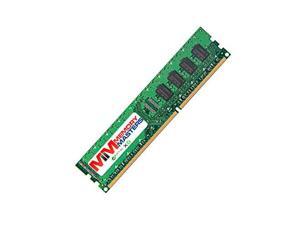
MemoryMasters 8Gb for SuperMicro A+ Server Series 1012A-M73RF 1012A-MRF 1012G-MTF ...
- Model #: B01H7B2LW4
- Item #: 9SIV1JT7AH4331
- Return Policy: MemoryMasters Return Policy
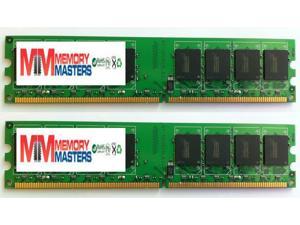
MemoryMasters 4GB ( 2 x 2GB ) DDR2 DIMM (240 PIN) AM2 800Mhz PC2 6400 / PC2 6300, ...
- Model #: M-M-1378 B0032CJPO0
- Item #: 9SIV1JTB293014
- Return Policy: MemoryMasters Return Policy
MemoryMasters PC4-17000 4GB DDR4 CL15 Non ECC Unbuffered 1.2V 1R8 Single Rank 288 ...
- CAS Latency: CL15
- Model #: B075QDKRLS
- Item #: 9SIV1JT78K8747
- Return Policy: MemoryMasters Return Policy
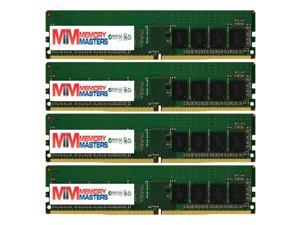
MemoryMasters 8GB ( 4 x 2GB ) DDR2 DIMM (240 PIN) AM2 667Mhz PC2 5400 / PC2 5300 , LP UT ...
- Model #: M-M-3794 B0032CQXQI
- Item #: 9SIV1JTB291838
- Return Policy: MemoryMasters Return Policy
MemoryMasters 2GB for Supermicro MEM-DR220L-HL01-UN6 (1x2GB) DDR2 667 (PC2 ...
- Model #: MEM-DR220L-HL01-UN6
- Item #: 9SIV1JT8J92410
- Return Policy: MemoryMasters Return Policy
MemoryMasters 4GB 2X 2GB DDR2 667MHz PC2-5300 PC2-5400 DDR2 667 (240 PIN) DIMM ...
- Model #: M-M-3959 B00I5N0GX0
- Item #: 9SIV1JTB291660
- Return Policy: MemoryMasters Return Policy


Crucial 4GB DDR3 1600 (PC3 12800) Desktop Memory Model CT51264BA160B
- CAS Latency: CL11
- Voltage: 1.50V
- Recommend Use: Intel Compatible
- Buffered/Registered: Unbuffered
- Color: N/A
- Features: Retail package
- Model #: CT51264BA160B
- Item #: 9SIV1W8KD53472
- Return Policy: The Best Part Inc. Return Policy
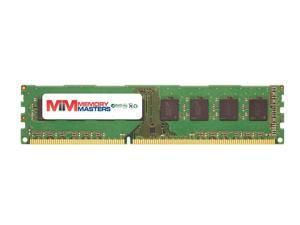
MemoryMasters 8Gb for Supermicro MEM-DR380L-HL03-UN16 (1x8GB) DDR3 1600 (PC3 ...
- Model #: MEM-DR380L-HL03-UN16
- Item #: 9SIV1JT8J92413
- Return Policy: MemoryMasters Return Policy
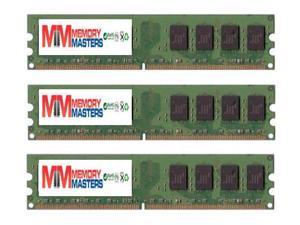
MemoryMasters 6GB ( 3 x 2GB ) DDR2 DIMM (240 PIN) AM2 800Mhz PC2 6400 / PC2 6300 , LP UT ...
- Model #: M-M-1219 B0032CLGUQ
- Item #: 9SIV1JTB293171
- Return Policy: MemoryMasters Return Policy
MemoryMasters 1GB 172pin PC2700(333Mhz) 64x8 DDR MicroDIMM
- Model #: MM-S319B0044V3Y7C
- Item #: 9SIV1JT8S04904
- Return Policy: MemoryMasters Return Policy
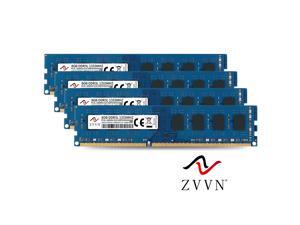
ZVVN 32GB Kit (4x 8GB) DDR3L 1333 (PC3L 10600) 1.35V DIMM PC RAM Computer Desktop ...
- CAS Latency: CL9
- Voltage: 1.35V
- Brand: ZVVN
- Capacity: 32GB (4 x 8GB)
- Speed: DDR3L 1333 (PC3L 10600)
- Color: Blue
- LED Color: None
- Model #: 3U8L13C9ZV04-L
- Item #: 9SIV44PEUC1184
- Return Policy: ZVVN Official Store(US) Return Policy
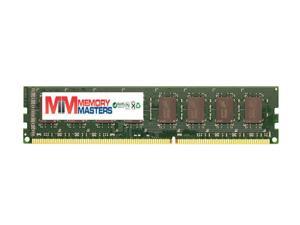
MemoryMasters 1GB DDR 333MHz PC2700 184-PIN Memory RAM DIMM for Desktop PC
- Model #: MMCS-2697B01MZ6EDRK
- Item #: 9SIV1JT9671171
- Return Policy: MemoryMasters Return Policy
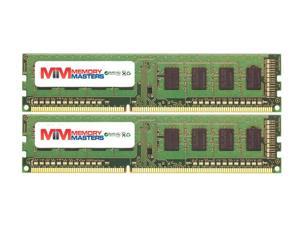
MemoryMasters 4GB (2x2GB) DDR3-1066MHZ PC3-8500 NON-ECC UDIMM 2Rx8 Desktop ...
- Model #: MM-6B07D446YJ2W
- Item #: 9SIV1JT8S04610
- Return Policy: MemoryMasters Return Policy
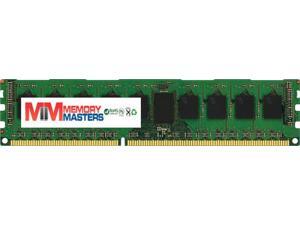
MemoryMasters Crucial 8GB Single DDR3/DDR3L 1600 MT/s (PC3-12800) DR x8 ECC UDIMM ...
- Model #: I373B008EM147P149
- Item #: 9SIV1JT8S04398
- Return Policy: MemoryMasters Return Policy

Patriot Signature 2GB DDR3 1333 (PC3 10600) Desktop Memory Model PSD32G133381
- CAS Latency: CL9
- Voltage: 1.50V
- Features: 240-Pin Dual in-line memory module 2GB Non-ECC Unbuffered module 1 Rank Single-Sided modules 7.8US Refresh Interval (8192 CYCLES/64MS) 1.5V Power Requirement
- Model #: PSD32G133381
- Item #: 9SIV1JT78K8840
- Return Policy: MemoryMasters Return Policy
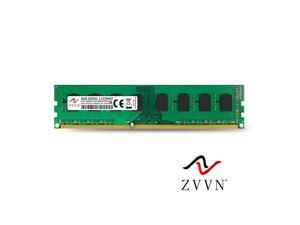
ZVVN 8GB DDR3L 1333 (PC3L 10600) 1.35V 240Pin Desktop DIMM RAM Computer Memory ...
- CAS Latency: CL9
- Voltage: 1.35V
- Brand: ZVVN
- Capacity: 8GB
- Speed: DDR3L 1333 (PC3L 10600)
- Color: Green
- LED Color: None
- Model #: 3U8E13C9ZV01-L
- Item #: 9SIV44PEUC1178
- Return Policy: ZVVN Official Store(US) Return Policy
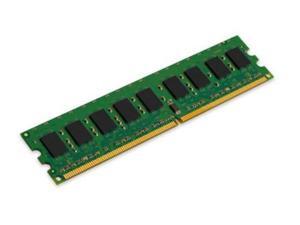
Kingston ValueRAM 2GB 800MHz DDR2 ECC CL6 DIMM Desktop Memory
- Model #: KVR800D2E6S/2G
- Item #: 9SIV1JT7AH4445
- Return Policy: MemoryMasters Return Policy
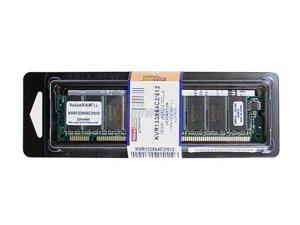
Kingston 512MB PC 133 Desktop Memory Model KVR133X64C2/512
- CAS Latency: CL2
- Voltage: 3.30V
- Parts: Lifetime
- Labor: Lifetime
- Model #: KVR133X64C2/512
- Item #: 9SIV1JT7EM4754
- Return Policy: MemoryMasters Return Policy
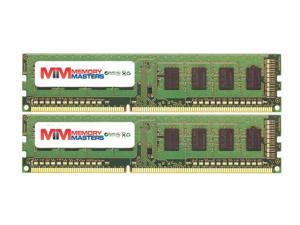
MemoryMasters 4GB (2x2GB) DDR3-1066MHZ PC3-8500 NON-ECC UDIMM 2Rx8 Desktop ...
- Model #: 250B07D4453TXP
- Item #: 9SIV1JT8S04051
- Return Policy: MemoryMasters Return Policy
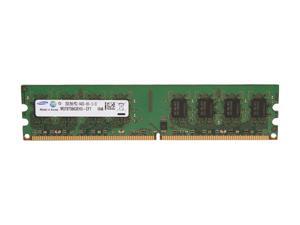

SAMSUNG 2GB DDR2 800 (PC2 6400) Desktop Memory Model M378T5663EH3-CF7
- CAS Latency: CL6
- Chipset: Samsung Chipset
- Model #: M378T5663EH3-CF7
- Item #: 9SIV1JT70V8574
- Return Policy: MemoryMasters Return Policy
Common Questions about Desktop Memory
Introduction
For a sluggish or underperforming desktop computer, a PC memory upgrade is often an effective way to increase performance. However, choosing the right desktop memory upgrade is not always easy. If you are looking for desktop memory, the memory finder tool is an excellent resource. In the next section, NeweggBusiness answers several of the most common questions about upgrading PC memory.
Questions
Why does PC memory have MHz ratings and what do they mean?
The MHz rating for PC memory is an indication of how quickly it can transfer data. The higher the MHz rating, the quicker the memory can transfer data. However, the transfer speed is bottlenecked by the motherboard and processor. If a stick of memory is rated at 1600 MHz but the processor and motherboard are limited to 1333 MHz, the memory will operate at the slower speed.
What does latency or timing mean for PC memory?
PC memory timings are performance measurements based around four parameters. These four ratings are written as four numbers separated by dashes, such as 7-8-7-24. It is better to have lower timings, as that means less latency. You should prioritize having lower latencies over faster MHz ratings.
What does memory voltage mean?
In order for PC memory modules to achieve their rated timings, they must operate at indicated voltages. If the memory modules are ran either under or over-voltage, there will be a risk of system instability and damage to the memory. However, increasing memory voltage can also lower timings for slightly faster performance.
Are there any advantages to multi-channel memory kits?
Multi-module PC memory upgrades are often marketed as dual-channel, triple-channel, or quad-channel. Known as matched memory, they are designed to work in conjunction for slightly increased performance. However, the motherboard must support multi-channel memory for there to be any benefit.
For example, if you have a motherboard that supports dual-channel memory, utilizing a matched 8 GB (2 x 4 GB) memory upgrade kit will net slightly better performance gains than two unmatched 4 GB memory sticks.
Can I use different memory brands, capacities, and speeds in the same computer?
Yes, you can use PC memory modules from different brands, with different capacities, and different speeds in the same computer. However, there will be no multi-channel performance gains because they will not be matched sets of memory. In addition, if the PC memory modules have different speeds, they will all run at the speed of the slowest module.
Are there limitations on how much memory I can install?
Yes, there are several limiting factors on how much memory you can install into one system. Most desktop motherboards only accommodate up to four unbuffered memory modules. On top of that, the largest capacity for a single unbuffered memory module is 8 GB. So the maximum amount of memory based on hardware limitations is 64 GB for unbuffered memory.
Another limitation on the benefits of additional PC memory is the operating system. An operating system can only utilize a limited amount of memory, and any extra memory past that amount will not be recognized. For example, Windows® 8 64-bit supports a maximum of 128 GB of PC memory while Windows 8 32-bit supports up to 4 GB. Past those maximums, any extra PC memory will not be recognized.

