


Document Scanners - Showing 169 - 186 of 186 Products
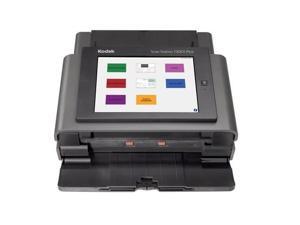
Refurbished: Kodak Scan Station 730 EX Plus 1060094 Document Scanner - 600 dpi - Desktop ...
- Model #: 1060094
- Item #: 9SIV02WKSF6021
- Return Policy: Tech For Less Return Policy
Refurbished: Acuant ScanShell 2000R Lightweight A4 Portable Driver Licens Scanner w/USB ...
- Model #: 309825203186
- Item #: 9SIV4G9K7E6001
- Return Policy: Tekswamp Return Policy

Refurbished: Kodak i2600 Color Document Passthrough Scanner Auto Feeder w/Bundle
- Model #: 304825203179
- Item #: 9SIV4G9K6H1710
- Return Policy: Tekswamp Return Policy

Refurbished: Fujitsu FI-6130 Duplex Document Color Scanner w/ Rollers / Trays / Adapter
- Brand: Fujitsu
- Series: fi Series
- Type: Sheet Fed
- Element Type: CCD
- Scanning Speed: 40 ppm
- Optical Resolution: 600 x 600 dpi
- Weight: 9.2 lbs (4.2 kg)
- Model #: 303283505473
- Item #: 9SIV4G9KF92520
- Return Policy: Tekswamp Return Policy
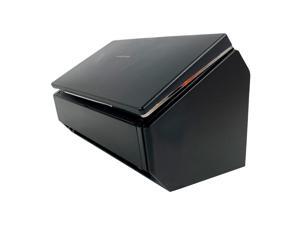
Refurbished: Fujitsu ScanSnap iX500 High-Speed Color Duplex Portable Desktop Document ...
- Model #: 304873231736
- Item #: 9SIV4G9JSE7523
- Return Policy: Tekswamp Return Policy
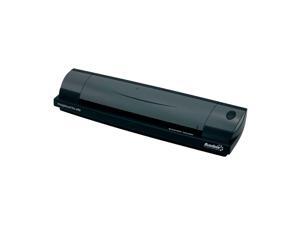
Refurbished: Ambir Technology DS490-3 Portable Color Duplex ID Document Scanner USB ...
- Model #: 304875079180
- Item #: 9SIV4G9JSE7518
- Return Policy: Tekswamp Return Policy
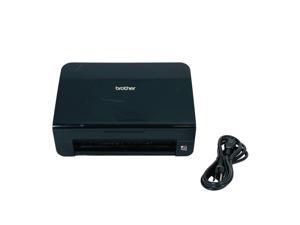
Refurbished: Brother ADS-2000e ADF Document Scanner USB 2.0 with Power Cord
- Model #: 304959065696
- Item #: 9SIV4G9JYJ1914
- Return Policy: Tekswamp Return Policy

Refurbished: Fujitsu Fi-6130 Color Duplex Sheet-Fed Scanner with Adapter USB Setup Drivers
- Brand: Fujitsu
- Series: fi Series
- Type: Sheet Fed
- Element Type: CCD
- Scanning Speed: 40 ppm
- Optical Resolution: 600 x 600 dpi
- Weight: 9.2 lbs (4.2 kg)
- Model #: 303283505474
- Item #: 9SIV4G9KF92523
- Return Policy: Tekswamp Return Policy
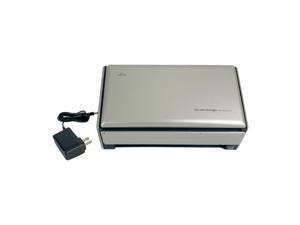
Refurbished: Fujitsu ScanSnap FI-S1500 Duplex Color Pass-Through Document Scanner for ...
- Model #: 304873482199
- Item #: 9SIV4G9JSE7522
- Return Policy: Tekswamp Return Policy
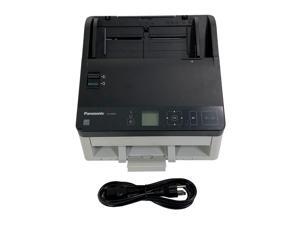
Refurbished: Panasonic KV-S1057C MK2 High Speed Document Scanner USB 3.1 with Power ...
- Model #: 304951601441
- Item #: 9SIV4G9JYJ1916
- Return Policy: Tekswamp Return Policy
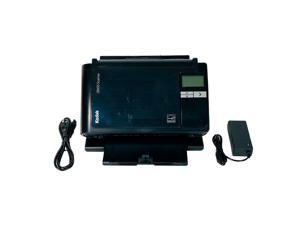
Refurbished: Kodak i2600 Sheetfed Color Duplex Document Scanner USB 2.0 w/Bundle
- Model #: 304675160437
- Item #: 9SIV4G9JCH4379
- Return Policy: Tekswamp Return Policy
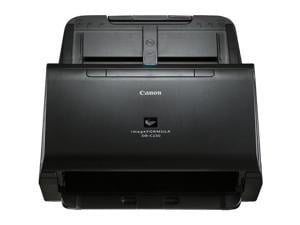
CANON USA - SCANNERS 2646C002 IMAGEFORMULA DR-C230 OFFICE
- Weight: 9.05
- Color: N/A
- Model #: 2646C002
- Item #: 9B-1SR-0031-00155
- Return Policy: Standard Return Policy
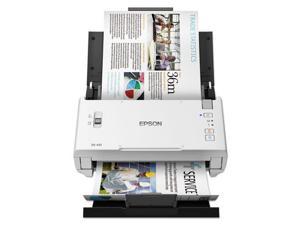
Epson WorkForce DS-410 Document Scanner
- Light Source: 3-Color RGB LED
- Scanning Speed: 26 ppm
- Max. Document Size: 8.5" x 36"
- USB Ports: Hi-Speed USB 2.0
- Power Requirements: 100 - 240 VAC, 50 - 60 Hz
- Power Consumption: Normal mode: 18 Watts Ready mode: 7 Watts Sleep mode: 1.6 Watts Off: 0.4 Watt
- Operating Systems Supported: Windows 10, Windows 8/8.1, Windows 7 Mac OS X 10.9.8 - macOS 10.12.x
- Dimensions: 6.10" x 11.70" x 6.00"
- Model #: B11B249201
- Item #: 9B-1JF-002B-00016
- Return Policy: Standard Return Policy

Canon DR-C240 Office Document Scanner
- Brand: Canon
- Series: imageFORMULA
- Type: Sheet Fed
- Element Type: CMOS
- Light Source: RGB LED
- Scanning Speed: Maximum Mono Scan Speed (ppm): 45 Maximum Color Scan Speed (ppm): 30 Maximum Mono Scan Speed (ipm): 90 Maximum Color Scan Speed (ipm): 60
- Optical Resolution: 600 dpi
- Max. Document Size: 8.5" x 14"
- Model #: 0651C002
- Item #: 9B-1SR-0031-00040
- Return Policy: Standard Return Policy
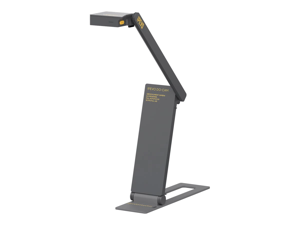
IPEVO DO-CAM USB Document Camera
- Part Number: 5-897-3-01-00
- Max. Document Size: Max Shooting Area 13.93" x 10.47" (354 x 266mm)
- USB Ports: USB 2.0 Video Class (UVC) interface
- Operating Systems Supported: Works with Mac, PC, and Chromebook Mac Minimum Requirements Intel Core i5 CPU 1.8 GHz or higher OS X 10.10 or higher 2 GB RAM 200MB of free hard disk space 256MB of dedicated video memory (For lag-free live streaming up to 1920 x 1080) Recommended Requirements Intel Core i5 CPU 2.5 GHz or higher OS X 10.10 or higher 4 GB RAM Solid-state drive, and 200MB of free hard disk space 256MB of dedicated video memory (For lag-free live streaming up to 1920 x 1080, and video recording of 1920 x 1080) Windows Minimum Requirements Microsoft Windows 7 Service Pack 1 or higher Intel Core i3 CPU 3.20 GHz or higher 4 GB RAM 200MB of free hard disk space 256...
- Model #: 5-897-3-01-00
- Item #: 9B-38-212-003
- Return Policy: Standard Return Policy

Refurbished: IRIS IRISCan Desk 7 Business CMOS 5696 x 4272 pixels (24MP) Camera ...
- Brand: IRIS
- Series: IRISCan
- Type: Camera
- Element Type: CMOS
- Light Source: White LED Lamp (Max. 400 Lux)
- Optical Resolution: 5696 x 4272 pixels (24MP)
- Max. Document Size: 11.7" x 16.5"
- USB Ports: USB Type-C
- Model #: 464416
- Item #: 9B-38-002-007
- Return Policy: Standard Return Policy

Refurbished: IRIS IRIScan Visualizer 7 + Readiris Dyslexic 2.0 All-in-One Document Camera
- Brand: IRIS
- Series: IRISCan
- Part Number: 464665
- Type: Camera
- Element Type: 1/3.06" Sony CMOS camera 13MP
- Optical Resolution: 4160 x 3120 pixels (13MP)
- Max. Document Size: 12.99" x 17.32"
- USB Ports: USB Type-C
- Model #: 464665
- Item #: 9B-38-002-006
- Return Policy: Standard Return Policy

Refurbished: IRIS IRIScan Visualizer 7 All-in-One Document Camera
- Brand: IRIS
- Series: IRISCan
- Part Number: 464412
- Type: Camera
- Element Type: CMOS
- Optical Resolution: 4160 x 3120 pixels (13MP)
- Max. Document Size: 12.99" x 17.32"
- USB Ports: USB Type-C
- Model #: 464412
- Item #: 9B-38-002-005
- Return Policy: Standard Return Policy
Is a Document Scanner Right for Your Organization?
Introduction
If your organization needs a digital scanner but you are not sure if a document scanner is the right type of digital scanner to get, the information below will help you decide. A document scanner is an excellent choice if your organization’s professionals need to scan large amounts of papers such as records, forms, letters, receipts, and similar items. Below, NeweggBusiness will detail the strengths and features of document scanners that make them so well suited for paper media.
Scanning one side of a page
Scanning one side of a page is possible with both a sheet fed document scanner and a flatbed scanner, but using a sheetfed scanner can be more time-efficient. With a traditional flatbed scanner, a user will need to lift the cover, carefully position the paper on the scanning surface, and then close the cover to begin scanning. With a sheetfed scanner, a user will just need to make sure that the page is properly placed on the feeder tray.
Scanning both sides of a page
Duplex scanners can make scanning both sides of a document easier for your staff by automating much of the process. A duplex scanner can work in one of two ways. The first method is that the scanner scans one side of a paper, and instead of ejecting the paper, the scanner flips the paper to scan the other side. The second method is that the scanner has two cameras to scan both sides in one pass.
Multiple pages
A document scanner with an automatic document feeder (ADF) can take several pages and automatically feed them one at a time into the scanner, thereby allowing the user to scan all pages without having to manually insert each page. A document scanner equipped with an ADF may also be called an ADF scanner.
Text recognition
Some document scanners include software called optical character recognition software (OCR) that can convert scanned text into a format that is editable in word processing software. An OCR scanner can be used to enter editable form data, import contact information from business cards, make lengthy documents searchable in word processing software, and more.
Network connectivity
A network document scanner can allow multiple computers on a network to have access to the scanner. Typically on a scanner without network connectivity, all scanned content would be saved onto one computer. With a network scanner, your staff can save scanned content to their own computers directly.

