


Hard Drive / SSD Enclosures - Showing 409 - 423 of 423 Products
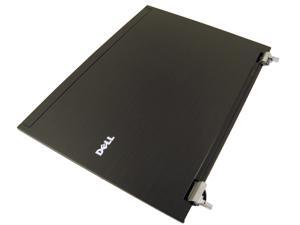

Refurbished: Dell OEM Latitude E6400 14.1" Lid Assembly Hinges for EPV LCD Back Cover ...
- Model #: D517J
- Item #: 9SIV1FG7232697
- Return Policy: Parts-People - Dell Parts Experts Return Policy
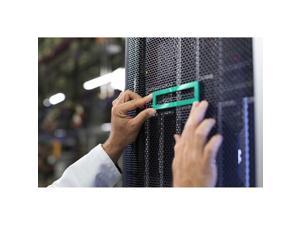

Refurbished: HPE 826690-B21 Drive Enclosure
- Type: Drive Enclosure
- Model #: 826690-B21
- Item #: 9SIV0NRKT58888
- Return Policy: IT WHOLESALERS Return Policy
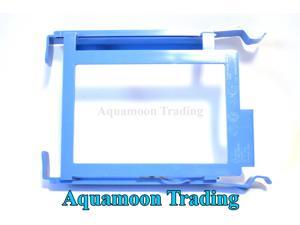
Refurbished: DELL Dimension OptiPlex Precision Enclosure HDD Drive Caddy YJ221 G8354 ...
- Model #: b9b-723595000141744
- Item #: 9SIV0NRKT59487
- Return Policy: IT WHOLESALERS Return Policy
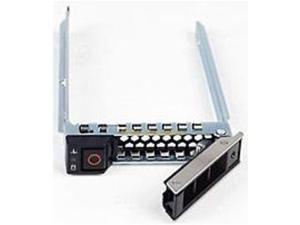
Refurbished: Dell DXD9H 2.5-inch SAS/SATA SFF Hot-Plug Tray/Caddy
- Material: Metal
- Type: Drive Bay Adapter
- Model #: DXD9H
- Item #: 9SIV0NRKT58610
- Return Policy: IT WHOLESALERS Return Policy
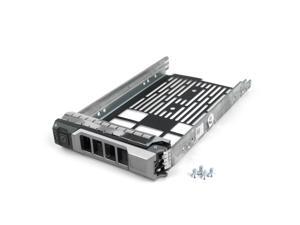
Refurbished: Dell 3.5in R-Series Caddy
- Type: Other
- Weight: 0.5
- Model #: 640320696929
- Item #: 9SIV0NRKT59483
- Return Policy: IT WHOLESALERS Return Policy
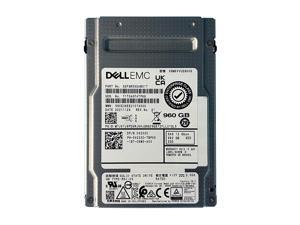
Refurbished: Dell 42XXC 960GB SAS 12GBPS MU 2.5" SSD SDFGR56DAB01T ...
- Type: HDD/SSD
- Model #: 42XXC
- Item #: 9SIV1JDKC65631
- Return Policy: Avanti Data Products Return Policy
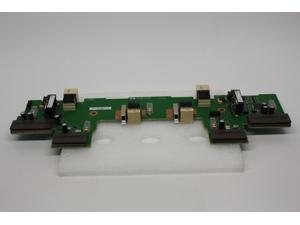
Refurbished: HP 461492-001 For Storageworks Enclosure AG638-60200
- Model #: AG638-60200
- Item #: 9SIV1JD7AM8240
- Return Policy: Avanti Data Products Return Policy
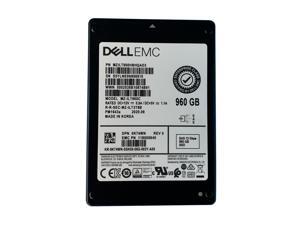
Refurbished: Dell K74WN 960GB SAS 12GBPS 2.5" SSD MZILT960HBHQAD3 MZ-ILT960C
- Type: HDD/SSD
- Model #: K74WN
- Item #: 9SIV1JDKC64220
- Return Policy: Avanti Data Products Return Policy
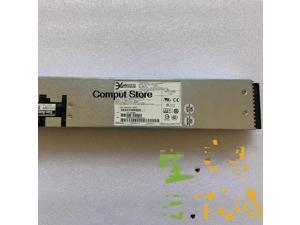
Refurbished: For 3Y Power Supply YM-2381A 9ACPSU-0010 CP-1349R2 Hard Drive Cabinet
- Model #: 722954730283
- Item #: 9SIVB8UKAA5597
- Return Policy: Magicpower Return Policy
Refurbished: KHACHIMO Storage cabinet disk drive power EVT-II MP-00014877-000 PCM
- Model #: 745635673846
- Item #: 9SIVB8UKD64788
- Return Policy: Magicpower Return Policy
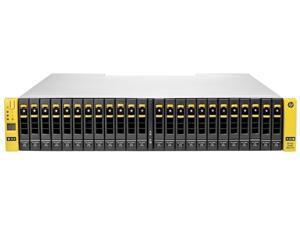
Refurbished: HP StoreServ M6710 84025 7200 Node Base Rack Mount Cabinet Hard Drive ...
- Type: Hard Drive Enclosure
- Model #: HP QR490-84025 QR490-63012
- Item #: 9SIVSRKKV72595
- Return Policy: SongFengQiaoMaoYiShangDian Return Policy
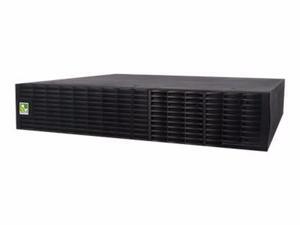

CYBERPOWER BP72V60ART2U - BATTERY ENCLOSURE - LEAD ACID - 9 AH - BP72V60ART2U
- Model #: BP72V60ART2U
- Item #: 9B-0VN-00BS-00002
- Return Policy: Standard Return Policy
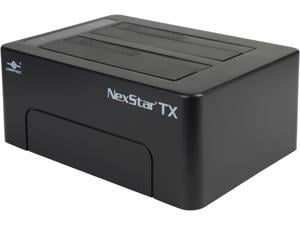
VANTEC NexStar TX Dual 2.5"/3.5" SATA 6Gb/s to USB 3.0 SSD/HDD Dock
- AC Adapter: Univeral Switching AC adapter, Output: 12VDC, 3A
- Material: Plastic
- Dimensions: 2.40" x 6.00" x 4.30"
- Specifications: Device Support: SATA I/II/III SSD or Hard Drive Interface Cable: USB Type A to Type B USB Cable Length: 800mm
- Type: Dock
- Number of Bay: 2
- Maximum Capacity (per Bay): Up to 8TB
- Operating Systems Supported: Latest version of Windows 7, 8 or Windows 10 / Mac OS X 10.6 or later Computer with USB 3.0 or USB 2.0 port
- Model #: NST-D428S3-BK
- Item #: 9B-17-392-099
- Return Policy: Standard Return Policy
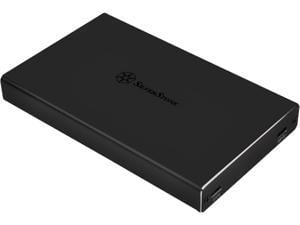
SilverStone SST-TS15B Aluminum 2.5" Black SATA I/II/III USB 3.1 External Enclosure
- Material: Aluminum
- Dimensions: 0.63" x 3.15" x 4.80"
- Specifications: Enclosure connector: USB 3.1 Gen 1 Type-C x 1 Type-C x 1 (USB PD profile 4, charging only) USB 3.1 Gen 1 Type-A x 1 (Compatible with USB 2.0 / 1.1) USB 3.1 Gen 1 Type-A with charging downstream port x 1, up to 5V 1.5A
- Type: Enclosure
- Operating Systems Supported: Microsoft Windows 7 (32bit/64bit)*, 8/8.1/10 (32bit/64bit)** or future release version Mac OS 10.5*** or above
- Weight: 0.29 lb.
- Model #: SST-TS15B
- Item #: 9B-17-256-192
- Return Policy: Standard Return Policy
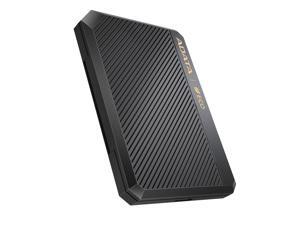

AData EC600 2.5-inch HDD / SSD Enclosure USB3.2 Black
- Size: 2.5"
- External Interface: USB 3.0
- Internal Interface: SATA II
- Model #: EC600-BCBK
- Item #: 9SIV04GKFS9338
- Return Policy: Hot Deals 4 Less Return Policy
How to Buy a Hard Drive Enclosure
Introduction
External hard drives are useful for a variety of purposes, why not create your own with a hard drive enclosure? By using an enclosure, you will have the ability to use an internal hard drive or solid state drive of your choice. Alternatively, if you have multiple internal hard drives that you want to use externally, consider a hard drive dock. If the customizability of a hard drive enclosure or dock appeals to you, NeweggBusiness offers some considerations that will help you select the ideal solution.
Special Features
In this section, NeweggBusiness will outline some special features that you will find in some hard drive docks and enclosures.
Hot Swapping
The ability to hot swap a hard drive means that you can remove and replace the drive without the need to restart the computer. To the operating system, the enclosure or dock will still show as being connected even if the hard drive has been removed. It is a feature that makes backing up data to multiple hard drives a more time-efficient process.
Cloning/Duplication
Cloning or duplicating a hard drive means mirroring all the contents to an image file or another hard drive. It is more comprehensive than copying and pasting files, as cloning captures all data on the drive and not just visible files. With some dual-bay docks, cloning can be as simple as inserting two hard drives and pressing a button to begin the process.
Redundant Array of Independent Disks/Drives (RAID)
A RAID array is a method of setting up multiple hard drives so that they appear and function as a single volume. A RAID setup can be used to improve read/write performance and decrease the likelihood of total data loss, depending on how it is configured.
Just a Bunch of Disks/Drives (JBOD)
Similar to a RAID setup, a JBOD array consists of multiple hard drives. But with JBOD, you can choose to have the drives appear as distinct volumes or one volume.
However, when the drives are set up to appear as one to the operating system, data is not striped or mirrored like how it is in a RAID array. Instead, the JBOD writes data to a drive until it is at capacity and then continues on another drive.
Enclosure or Dock
Below, NeweggBusiness details the differences between external hard drive enclosures and docks.
Enclosure
 An enclosure is a case that houses an internal hard drive to protect it and adapt the internal connectors for external use. Similar to external hard drives, enclosures come in a variety of sizes and form factors.
Some smaller cases for instance, can convert laptop hard drives into portable solutions. On the other end of the spectrum, there large enclosures that can accommodate multiple hard drives and manage them in RAID and JBOD configurations.
Dock
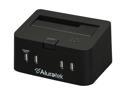 Compared to an enclosure, a hard drive dock fulfills a slightly different role. A dock is ideal if you have multiple hard drives and frequently switch between them. For that reason, many docks support hot swapping. Some dual-bay hard drive docks also have duplication functionality built-in.

