


Keyboard - Showing 1201 - 1224 of 7180 Products


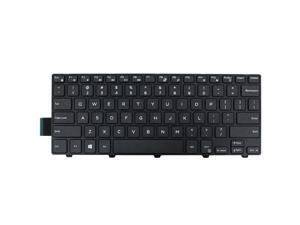
AUTENS Keyboard for Dell Inspiron or Vostro 3441 3442 3443 3445 3446 3449 3451 3452 3458 ...
- Model #: SVK00044_a
- Item #: 9SIV2N6HYR5594
- Return Policy: AUTENS DIRECT Return Policy
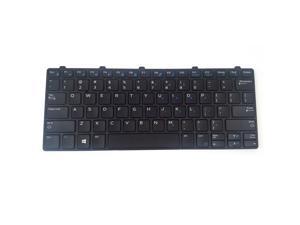
AUTENS Keyboard for Dell Latitude 3180 3189 3190 3380 Laptop No Backlight, US Laptop ...
- Model #: SVK00131
- Item #: 9SIV2N6HYG7392
- Return Policy: AUTENS DIRECT Return Policy
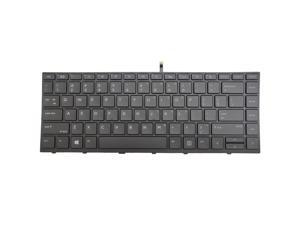
AUTENS Keyboard for HP Probook 430 G5, 440 G5, 445 G5, 640 G4, 645 G4, 640 G5 Laptop ...
- Model #: SVK00162
- Item #: 9SIV2N6J796575
- Return Policy: AUTENS DIRECT Return Policy
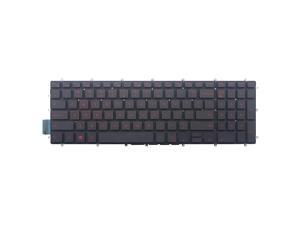
AUTENS Keyboard for Dell Inspiron 3579 3583 3779 5565 5567 5570 5575 5587 7566 7567 ...
- Backlit: Yes
- Model #: SVK00056
- Item #: 9SIV2N6HYG8180
- Return Policy: AUTENS DIRECT Return Policy
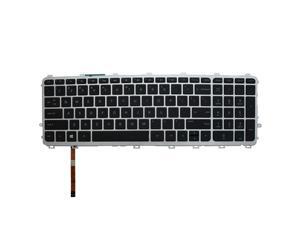
AUTENS Keyboard for HP Envy (TouchSmart) 17-j000 17t-j000 CTO 17-j100 17t-j100 CTO ...
- Backlit: Yes
- Model #: SVK00037_b
- Item #: 9SIV2N6HYR5681
- Return Policy: AUTENS DIRECT Return Policy
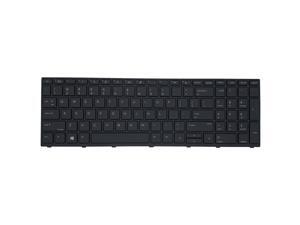
AUTENS Keyboard for HP ProBook 450 G5, 455 G5, 470 G5, 650 G4, 650 G5, 655 G4, 655 G5 ...
- Model #: SVK00218
- Item #: 9SIV2N6J047420
- Return Policy: AUTENS DIRECT Return Policy
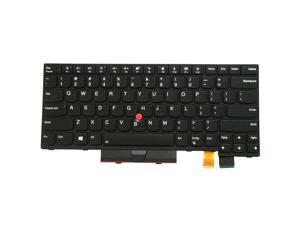
AUTENS Keyboard for Lenovo ThinkPad T470 T480 Laptop Backlight (Not Fit T470s T470p ...
- Model #: SVK00032
- Item #: 9SIV2N6HYR5718
- Return Policy: AUTENS DIRECT Return Policy
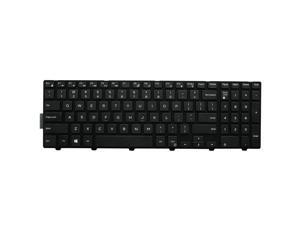
AUTENS Keyboard for Dell Inspiron 5748 5749 5755 5758 5759, 7557 7559 Laptop (No ...
- Model #: SVK00015_d
- Item #: 9SIV2N6J796746
- Return Policy: AUTENS DIRECT Return Policy

AUTENS Keyboard for Lenovo ThinkPad T470 T480 Laptop No Backlight (Not Fit T470s T470p ...
- Model #: SVK00019
- Item #: 9SIV2N6HYR5852
- Return Policy: AUTENS DIRECT Return Policy
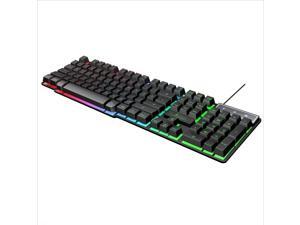
jinglue Keycap Character Illuminated Backlit Playback Wired Keyboard Wired USB Keycap ...
- Model #: KB098XJNR1Y
- Item #: 9SIV0GJHRN4134
- Return Policy: SSD-DISK Return Policy
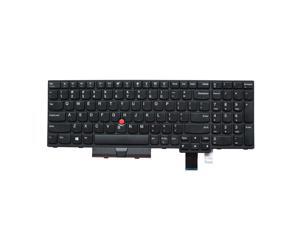
AUTENS Keyboard for Lenovo ThinkPad T570 T580 P51s P52s Laptop No Backlight, US Laptop ...
- Model #: SVK00004
- Item #: 9SIV2N6HYR8165
- Return Policy: AUTENS DIRECT Return Policy
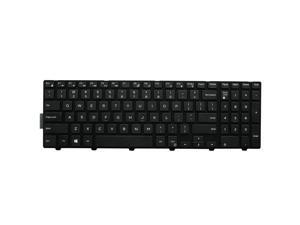
AUTENS Keyboard for Dell Latitude 3550 3560 3570 3580 Laptop (No Backlight), US Laptop ...
- Model #: SVK00015_b
- Item #: 9SIV2N6J796727
- Return Policy: AUTENS DIRECT Return Policy
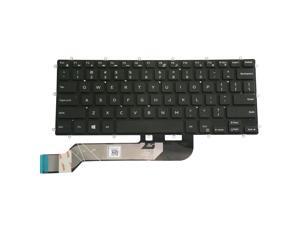
AUTENS Keyboard for Dell Inspiron 5368 5378 5370 5379 5568 5578 5579 7368 7370 7373 ...
- Model #: SVK00150
- Item #: 9SIV2N6HY51283
- Return Policy: AUTENS DIRECT Return Policy
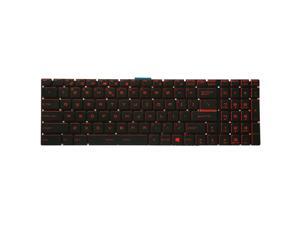
AUTENS Keyboard for MSI GS60 GS63 GS63VR GS70 GS72 GT62 GT62VR GT72 GT73VR GE62 ...
- Model #: SVK00119
- Item #: 9SIV2N6J047590
- Return Policy: AUTENS DIRECT Return Policy
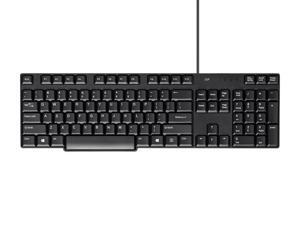
Monoprice USB Keyboard - Black, Spill Resistant Membrane, Comfortable, Standard Layout - ...
- Model #: 135106
- Item #: 9SIV0GS8UY5207
- Return Policy: Monoprice Return Policy
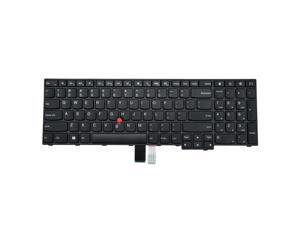
AUTENS Keyboard for Lenovo ThinkPad E550 E550c E555 E560 E565 Laptop No Backlight, US ...
- Model #: SVK00010
- Item #: 9SIV2N6HYR7958
- Return Policy: AUTENS DIRECT Return Policy
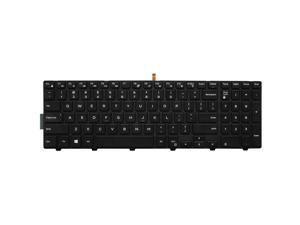
AUTENS Keyboard for Dell Latitude 3550 3560 3570 3580 Laptop (White Backlight), US Laptop ...
- Model #: SVK00008_b
- Item #: 9SIV2N6J796296
- Return Policy: AUTENS DIRECT Return Policy
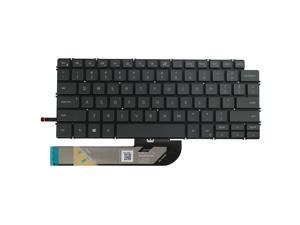
AUTENS Keyboard for Dell Inspiron 5300 5301 5390 5391 5400 5401 5402 5405 5406 5408 ...
- Model #: SVK00211
- Item #: 9SIV2N6J047079
- Return Policy: AUTENS DIRECT Return Policy
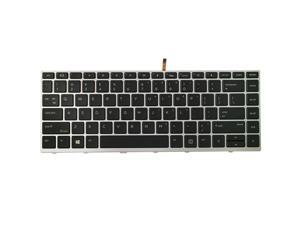
AUTENS Keyboard for HP Probook 430 G5, 440 G5, 445 G5, 640 G4, 645 G4, 640 G5 Laptop Silver ...
- Model #: SVK00203
- Item #: 9SIV2N6HY27845
- Return Policy: AUTENS DIRECT Return Policy
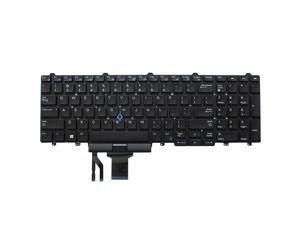
AUTENS Keyboard for Dell Latitude E5550 E5570 5550 5580 5590 5591 / Precision 3510 3520 ...
- Model #: SVK00052
- Item #: 9SIV2N6HYG8186
- Return Policy: AUTENS DIRECT Return Policy
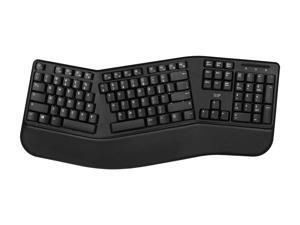
Monoprice Ergonomic Wireless Split 105-Key Keyboard, 2.4GHz Wireless, 13 Multimedia ...
- Model #: 144520
- Item #: 9SIV0GSKBX7501
- Return Policy: Monoprice Return Policy
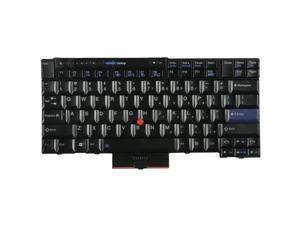
AUTENS Replacement US Keyboard for Lenovo ThinkPad T520 T520i T420S T420 T420i ...
- Model #: SVK00007
- Item #: 9SIV2N6HYR7967
- Return Policy: AUTENS DIRECT Return Policy
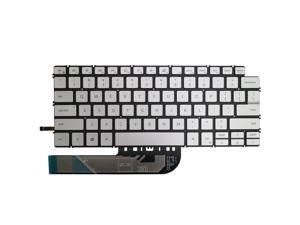
AUTENS Keyboard for Dell Vostro 3400 3401 3405 5300 5301 5390 5391 5401 5402 5490 ...
- Model #: SVK00212_a
- Item #: 9SIV2N6J047105
- Return Policy: AUTENS DIRECT Return Policy
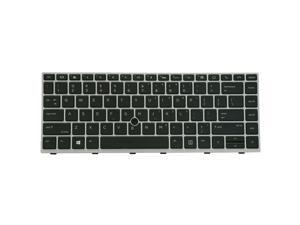
AUTENS Keyboard for HP EliteBook 840 G5, 840 G6, 745 G5, 745 G6 Laptop Silver Frame ...
- Model #: SVK00103
- Item #: 9SIV2N6HZV6479
- Return Policy: AUTENS DIRECT Return Policy
Computer Keyboard Buying Tips
Introduction
Your staff may sometimes be at their workstations for hours on end, which means that they will need to have ergonomic computer keyboards that are adequate for the tasks that they will be performing. Purchasing keyboards with features that your staff will not utilize is not good use of your budget however, and you should try to find a balance between price and features. Below, NeweggBusiness will outline some considerations so that you can decide if they will be of value to your staff.
Connectivity
Keyboards can be connected to computers in one of two ways, wired or wireless. In terms of cost, wired keyboards can be found at much lower prices than wireless keyboards; however wireless keyboards can be used in situations where using wired keyboards would not be practical. Generally, most desktop workstations for completing general office tasks do not require wireless keyboards except in rare cases.
Wired computer keyboards have several advantages over wireless keyboards, including better responsiveness, not requiring additional software, and no need for batteries. Wireless keyboards on the other hand, decrease cable clutter and can be used with media center computers. If the computer will be used from a distance, a wireless keyboard is better than using a wired keyboard with long extension cables.
In addition to computers, keyboards can also be used with tablets to give them laptop-like functionality. For use with tablets, a keyboard will need Bluetooth® functionality, as tablets typically lack support for USB keyboards. Bluetooth keyboards can also be used with laptops and desktops, but they will need to have support for Bluetooth.
Layout
A standard Windows® compatible QWERTY computer keyboard has a 104-key layout, but there are specialized keyboards with additional keys or altered key placement. For example, a standard full-sized QWERTY keyboard will typically have a number pad to the right side of the keyboard but other layouts may drop the number pad in favor of slimmer dimensions.
Then there are multimedia keyboards and gaming keyboards that have programmable buttons, program-specific keys, and more. A standard Windows QWERTY keyboard is more than sufficient for most office tasks, and specialized keyboards are only needed for workstations that will be used for tasks that require those extra keys and functionality.
Ergonomics
Ergonomics are a very important consideration when selecting keyboards to use with your organization’s computers, as poor ergonomics can result in wrist injuries. To alleviate concerns about ergonomics, keyboard manufacturers have designed and market keyboards with comfortable ergonomics in mind. These keyboards typically have designs that split the QWERTY pattern in half and angle them so that the wrist is not bent when typing. Another approach that manufacturers may take to improve ergonomics is including wrist rests, which are often detachable. Ergonomic keyboards are usually more expensive but can reduce injury, so you may want to consider equipping workstations with them if their users will be typing for very long periods of time.

