


Keyboard - Showing 1825 - 1848 of 7206 Products


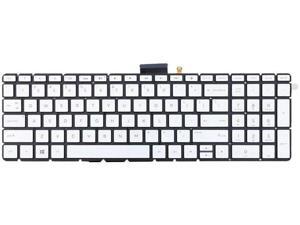
US Silver Backlit Keyboard for HP Pavilion 15-CD 15Z-CD000 15-CD001CA 15-CD001
- Model #: ZP0626ZP.20264606
- Item #: 9SIVTTKM076847
- Return Policy: Roamfiter Return Policy
Keyboard for LENOVO U510 SILVER FRAME BLACK 0AK0-B62UK13 US
- Model #: ZP0626ZP.20264619
- Item #: 9SIVTTKM077210
- Return Policy: Roamfiter Return Policy
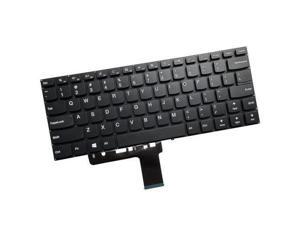
US black Keyboard for Lenovo IDEapad V110-14AST V110-14IAP no frame
- Model #: ZP0626ZP.20263869
- Item #: 9SIVTTKM074575
- Return Policy: Roamfiter Return Policy
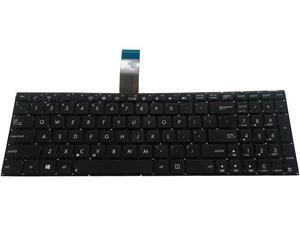
US Black Keyboard for ASUS X552 X552C X552CL X552E X552EA X552EP X552L X552LD
- Model #: ZP0626ZP.20264823
- Item #: 9SIVTTKM076748
- Return Policy: Roamfiter Return Policy
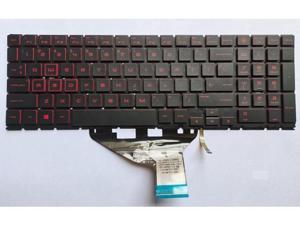
replacement keyboard for HP omen 15-DH 15-DH002NR 15-DH001 15-DH0161TX US ...
- Model #: ZP0626ZP.20263454
- Item #: 9SIVTTKM074295
- Return Policy: Roamfiter Return Policy
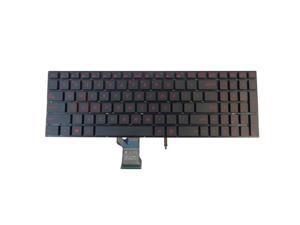
replacement keyboard for Asus FX502VD FX502VM Backlit
- Model #: ZP0626ZP.20264525
- Item #: 9SIVTTKM076746
- Return Policy: Roamfiter Return Policy
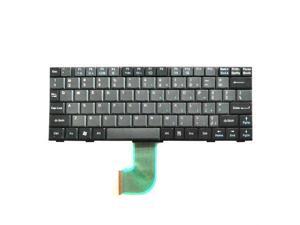
Laptop Keyboard For Panasonic Toughbook CF-18 CF-19 English US Without Backlit
- Model #: ZP0626ZP.20263443
- Item #: 9SIVTTKM074143
- Return Policy: Roamfiter Return Policy
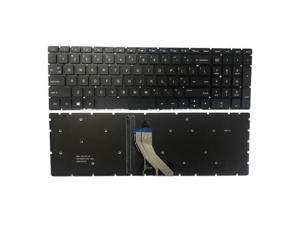
replacement keyboard for HP 15-cp0053cl 15-cp0086nr 15-cp0010nr US Backlit Black
- Model #: ZP0626ZP.20264535
- Item #: 9SIVTTKM077035
- Return Policy: Roamfiter Return Policy
replacement keyboard for Asus adol13u adol13f S13 S330 X330UA 13.3 inches US with backlit
- Model #: ZP0626ZP.20265257
- Item #: 9SIVTTKM077720
- Return Policy: Roamfiter Return Policy
US Keyboard for Q430 Q460 RF410 RF411 P330 SF310 SF410 SF411 Q330 QX411
- Model #: ZP0626ZP.20265199
- Item #: 9SIVTTKM077502
- Return Policy: Roamfiter Return Policy
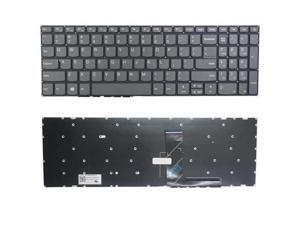
US Keyboard for Lenovo IDEapad 320-15ISK 320-15IKB 80XL 80YE 81BG 81BT 320-15IAP
- Model #: ZP0626ZP.20265241
- Item #: 9SIVTTKM077538
- Return Policy: Roamfiter Return Policy
US Keyboard For ASUS VivoBook 14 X415JA X415JANS X415JF X415JP X415EA X415EA
- Model #: ZP0626ZP.20264284
- Item #: 9SIVTTKM076049
- Return Policy: Roamfiter Return Policy
replacement keyboard for Lenovo ThinkPad L430 L530 Non-Backlit with Pointer
- Model #: ZP0626ZP.20263810
- Item #: 9SIVTTKM074861
- Return Policy: Roamfiter Return Policy
replacement keyboard for Lenovo ThinkPad E450 E450C E455 E460 E465 with Pointer ...
- Model #: ZP0626ZP.20263853
- Item #: 9SIVTTKM074857
- Return Policy: Roamfiter Return Policy
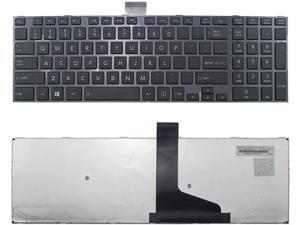
US Black Keyboard for Toshiba Satellite L55D-A5252 L55D-A5293 L55D-A5349 L55-A
- Model #: ZP0626ZP.20264838
- Item #: 9SIVTTKM077201
- Return Policy: Roamfiter Return Policy
Laptop US Keyboard for TOSHIBA Satellite L50-B L50D-B L50t-B L55-B L55D-B L55T-B
- Model #: ZP0626ZP.20264133
- Item #: 9SIVTTKM076139
- Return Policy: Roamfiter Return Policy
replacement keyboard for Lenovo 04Y0565 04W2369 Non-Backlit with Pointer
- Model #: ZP0626ZP.20263656
- Item #: 9SIVTTKM074773
- Return Policy: Roamfiter Return Policy

Backlight Keyboard US for HP Spectre X360 15-BL 13-AC Series 13-AC063DX TPN-Q20
- Model #: ZP0626ZP.20264121
- Item #: 9SIVTTKM075753
- Return Policy: Roamfiter Return Policy
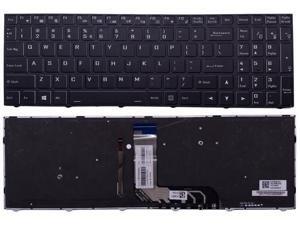
US RGB Keyboard for CLEVO NB5xTxx NH5x NH7x N96xTx N97xTxx PC5xxx PB7xx
- Model #: ZP0626ZP.20264280
- Item #: 9SIVTTKM075852
- Return Policy: Roamfiter Return Policy
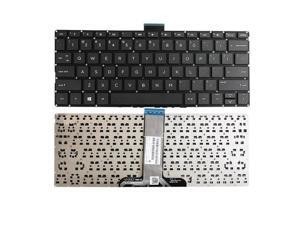
replacement keyboard for HP Pavilion 11 x360 11-u000 m1-u000 M1-U001DX Series ...
- Model #: ZP0626ZP.20263931
- Item #: 9SIVTTKM075500
- Return Policy: Roamfiter Return Policy
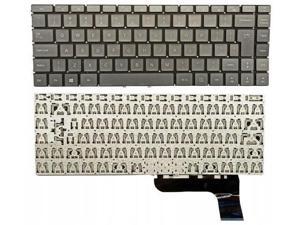
LAYOUT US KEYBOARD for Medion Akoya S6445 MD61354 0KN1-5L5GE1Z
- Model #: ZP0626ZP.20263947
- Item #: 9SIVTTKM074709
- Return Policy: Roamfiter Return Policy
US Keyboard For HP Pavilion 15 AB Silver Backlit Without Frame 7J15C0
- Model #: ZP0626ZP.20264863
- Item #: 9SIVTTKM076884
- Return Policy: Roamfiter Return Policy
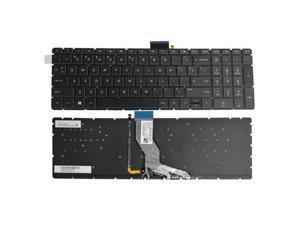
replacement keyboard for HP 15-cc 15-cc050wm 15-cc060wm 15-cc0xx with backlight Black
- Model #: ZP0626ZP.20263731
- Item #: 9SIVTTKM074619
- Return Policy: Roamfiter Return Policy
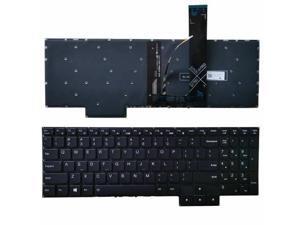
replacement keyboard for Lenovo Legion 5-17ARH05H 5-17IMH05 5-17IMH05H US Backlit ...
- Model #: ZP0626ZP.20263410
- Item #: 9SIVTTKM074072
- Return Policy: Roamfiter Return Policy
Computer Keyboard Buying Tips
Introduction
Your staff may sometimes be at their workstations for hours on end, which means that they will need to have ergonomic computer keyboards that are adequate for the tasks that they will be performing. Purchasing keyboards with features that your staff will not utilize is not good use of your budget however, and you should try to find a balance between price and features. Below, NeweggBusiness will outline some considerations so that you can decide if they will be of value to your staff.
Connectivity
Keyboards can be connected to computers in one of two ways, wired or wireless. In terms of cost, wired keyboards can be found at much lower prices than wireless keyboards; however wireless keyboards can be used in situations where using wired keyboards would not be practical. Generally, most desktop workstations for completing general office tasks do not require wireless keyboards except in rare cases.
Wired computer keyboards have several advantages over wireless keyboards, including better responsiveness, not requiring additional software, and no need for batteries. Wireless keyboards on the other hand, decrease cable clutter and can be used with media center computers. If the computer will be used from a distance, a wireless keyboard is better than using a wired keyboard with long extension cables.
In addition to computers, keyboards can also be used with tablets to give them laptop-like functionality. For use with tablets, a keyboard will need Bluetooth® functionality, as tablets typically lack support for USB keyboards. Bluetooth keyboards can also be used with laptops and desktops, but they will need to have support for Bluetooth.
Layout
A standard Windows® compatible QWERTY computer keyboard has a 104-key layout, but there are specialized keyboards with additional keys or altered key placement. For example, a standard full-sized QWERTY keyboard will typically have a number pad to the right side of the keyboard but other layouts may drop the number pad in favor of slimmer dimensions.
Then there are multimedia keyboards and gaming keyboards that have programmable buttons, program-specific keys, and more. A standard Windows QWERTY keyboard is more than sufficient for most office tasks, and specialized keyboards are only needed for workstations that will be used for tasks that require those extra keys and functionality.
Ergonomics
Ergonomics are a very important consideration when selecting keyboards to use with your organization’s computers, as poor ergonomics can result in wrist injuries. To alleviate concerns about ergonomics, keyboard manufacturers have designed and market keyboards with comfortable ergonomics in mind. These keyboards typically have designs that split the QWERTY pattern in half and angle them so that the wrist is not bent when typing. Another approach that manufacturers may take to improve ergonomics is including wrist rests, which are often detachable. Ergonomic keyboards are usually more expensive but can reduce injury, so you may want to consider equipping workstations with them if their users will be typing for very long periods of time.

