


Keyboard - Showing 1849 - 1872 of 7206 Products


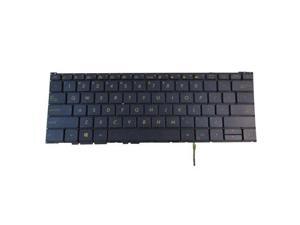
replacement keyboard for Asus Zenbook 3 UX390U UX390UA UX390UAK US Backlit
- Model #: ZP0626ZP.20263902
- Item #: 9SIVTTKM074864
- Return Policy: Roamfiter Return Policy
US Keyboard For Sony VAIO VGN-AW Series VGN-AW17 AW18 AW19 AW21 AW22 PCG-8131M
- Model #: ZP0626ZP.20264534
- Item #: 9SIVTTKM076964
- Return Policy: Roamfiter Return Policy
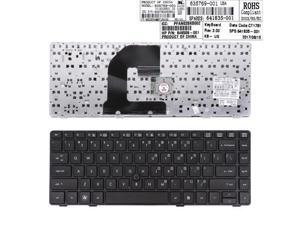
US Keyboard for HP EliteBook 8460P Black Frame Black With Piont Stick 635769 001
- Model #: ZP0626ZP.20263727
- Item #: 9SIVTTKM074550
- Return Policy: Roamfiter Return Policy
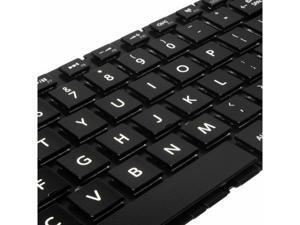
US Keyboard Backlit For Toshiba Satellite S55t-B5136 S55t-B5150 S55t-B5152
- Model #: ZP0626ZP.20264212
- Item #: 9SIVTTKM076147
- Return Policy: Roamfiter Return Policy
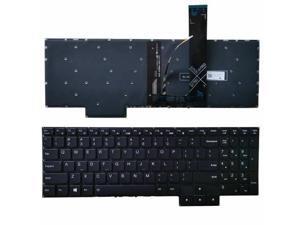
replacement keyboard for Lenovo Legion 5-15ARH05H 5-15IMH05 5-15IMH05H US White ...
- Model #: ZP0626ZP.20263348
- Item #: 9SIVTTKM073670
- Return Policy: Roamfiter Return Policy
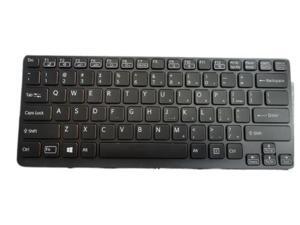
Keyboard For Black Sony VAIO SVE14A15FXS SVE14A190X SVE14AA1 backlit 149122511US
- Model #: ZP0626ZP.20264079
- Item #: 9SIVTTKM075447
- Return Policy: Roamfiter Return Policy
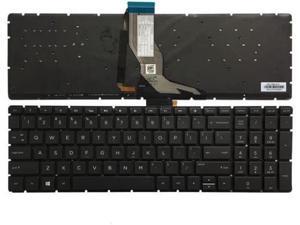
US backlit keyboard for HP PAVILION 15-CW0075NR 15-CW0017CA 15-CW0027CA 15-CW
- Model #: ZP0626ZP.20264067
- Item #: 9SIVTTKM075340
- Return Policy: Roamfiter Return Policy
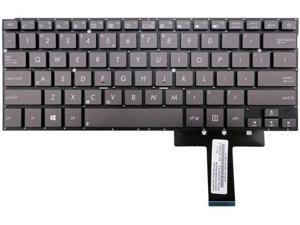
US Keyboard for Asus Zenbook UX31 UX31A UX31E UX31L UX31LA UX31S
- Model #: ZP0626ZP.20265130
- Item #: 9SIVTTKM077648
- Return Policy: Roamfiter Return Policy
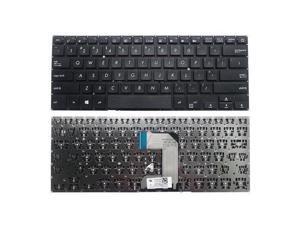
US Keyboard for ASUS L406 L406MA L406SA L406NA
- Model #: ZP0626ZP.20264508
- Item #: 9SIVTTKM076453
- Return Policy: Roamfiter Return Policy
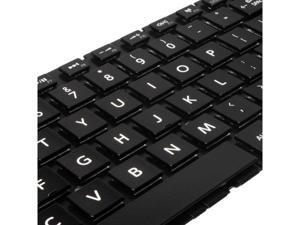
Laptop Keyboard with Backlit For Toshiba Satellite S55t-B5158 S55t-B5165SM PSPQCU US
- Model #: ZP0626ZP.20263825
- Item #: 9SIVTTKM074285
- Return Policy: Roamfiter Return Policy
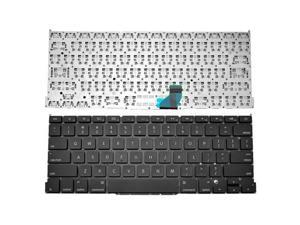
Keyboard for Pro Retina 13 inches A1502 2013 2014 2015 US
- Model #: ZP0626ZP.20264469
- Item #: 9SIVTTKM076398
- Return Policy: Roamfiter Return Policy
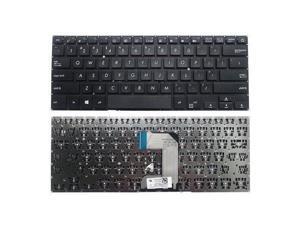
US Keyboard for ASUS R420 R420MA R420SA R420NA
- Model #: ZP0626ZP.20264523
- Item #: 9SIVTTKM076721
- Return Policy: Roamfiter Return Policy
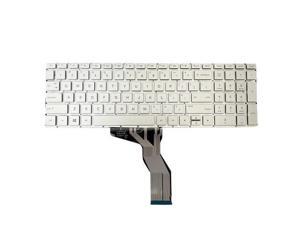
replacement keyboard for HP 15-cc023cl 15-cc034cl 15-cc044cl 15-cc000 Silver US backlight
- Model #: ZP0626ZP.20264866
- Item #: 9SIVTTKM076939
- Return Policy: Roamfiter Return Policy
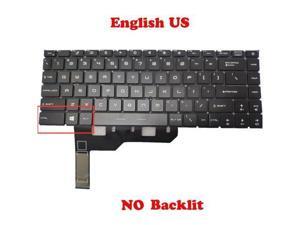
NO Backlit US Keyboard For MSI P14 Prestige 14-A12S A12SC 14-A12U A12UC MS-14C6
- Model #: ZP0626ZP.20265040
- Item #: 9SIVTTKM077325
- Return Policy: Roamfiter Return Policy
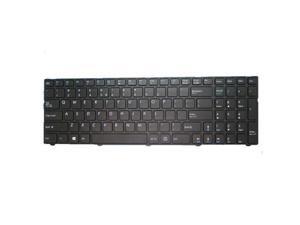
Laptop Keyboard For MEDION AKOYA P6670 MD99960 MD60400 United States US Black
- Model #: ZP0626ZP.20263716
- Item #: 9SIVTTKM074316
- Return Policy: Roamfiter Return Policy
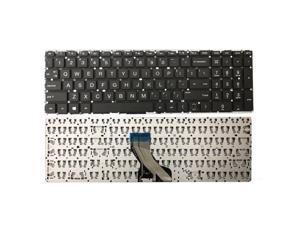
replacement keyboard for HP 15-db0047wm 15-db0048ca 15-db0048nr 15-db0049nr ...
- Model #: ZP0626ZP.20264772
- Item #: 9SIVTTKM076896
- Return Policy: Roamfiter Return Policy
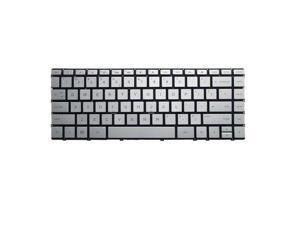
Laptop US Keyboard For HP For ENVY 13-AH 13-AH0000 With Backlight Sliver
- Model #: ZP0626ZP.20264820
- Item #: 9SIVTTKM076718
- Return Policy: Roamfiter Return Policy
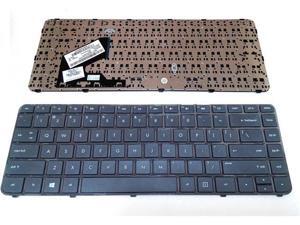
US Keyboard for HP 697904-001 696276-001 AEU33U00110 9Z.N8LSQ.301 ...
- Model #: ZP0626ZP.20264077
- Item #: 9SIVTTKM075391
- Return Policy: Roamfiter Return Policy
US International UI Keyboard for Pro Unibody A1278 A1322 MB467 BLA
- Model #: ZP0626ZP.20265036
- Item #: 9SIVTTKM077310
- Return Policy: Roamfiter Return Policy
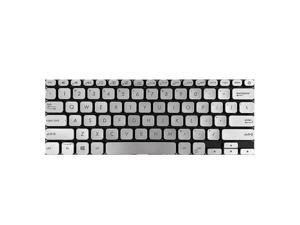
Laptop Keyboard For ASUS X330UA X330FA X330FL X330FN English US Silver
- Model #: ZP0626ZP.20264842
- Item #: 9SIVTTKM077309
- Return Policy: Roamfiter Return Policy
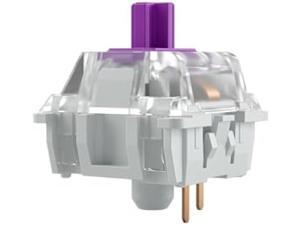
Kailh Pro Purple Mechanical Keyboard Switches Tactile 120-Pack for Custom Keyboards - ...
- Model #: PCMART968662889213
- Item #: 9SIVDVYK5D8555
- Return Policy: PCPLUS Return Policy
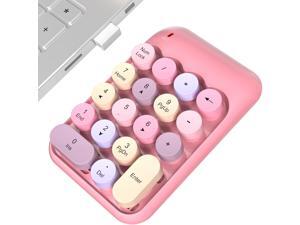
Wireless Number Pads, Cute Colorful Numeric Keypad Numpad Portable 2.4 GHz Financial ...
- Keyboard Interface: USB Type-C
- Design Style: Modern
- Keyboard Color: Black
- Brand: Lenovo
- Type: Wireless
- Mouse Interface: USB
- Tracking Method: TouchPad
- Buttons: 2
- Model #: 616369609831
- Item #: 9SIVTHDKZU8179
- Return Policy: Bisi Global Purchase Return Policy
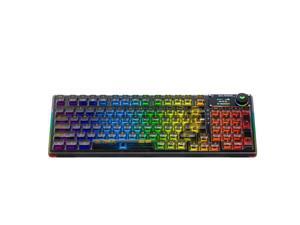
AULA F98 Pro Wireless Mechanical Keyboard with Transparent ...
- Model #: BZ59-4064
- Item #: 9SIVTERKX58569
- Return Policy: Zyngear Return Policy
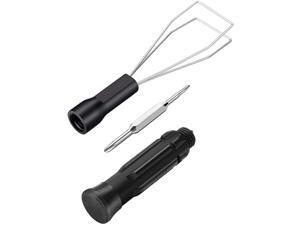
lucare Universal Keycap Puller Key Puller Keycap Remover Keyboard Removal Tool, Keyboard ...
- Model #: KB092L25CKY
- Item #: 9SIVTJDKZ61966
- Return Policy: Mingyun Department Store Co., Ltd. Return Policy
Computer Keyboard Buying Tips
Introduction
Your staff may sometimes be at their workstations for hours on end, which means that they will need to have ergonomic computer keyboards that are adequate for the tasks that they will be performing. Purchasing keyboards with features that your staff will not utilize is not good use of your budget however, and you should try to find a balance between price and features. Below, NeweggBusiness will outline some considerations so that you can decide if they will be of value to your staff.
Connectivity
Keyboards can be connected to computers in one of two ways, wired or wireless. In terms of cost, wired keyboards can be found at much lower prices than wireless keyboards; however wireless keyboards can be used in situations where using wired keyboards would not be practical. Generally, most desktop workstations for completing general office tasks do not require wireless keyboards except in rare cases.
Wired computer keyboards have several advantages over wireless keyboards, including better responsiveness, not requiring additional software, and no need for batteries. Wireless keyboards on the other hand, decrease cable clutter and can be used with media center computers. If the computer will be used from a distance, a wireless keyboard is better than using a wired keyboard with long extension cables.
In addition to computers, keyboards can also be used with tablets to give them laptop-like functionality. For use with tablets, a keyboard will need Bluetooth® functionality, as tablets typically lack support for USB keyboards. Bluetooth keyboards can also be used with laptops and desktops, but they will need to have support for Bluetooth.
Layout
A standard Windows® compatible QWERTY computer keyboard has a 104-key layout, but there are specialized keyboards with additional keys or altered key placement. For example, a standard full-sized QWERTY keyboard will typically have a number pad to the right side of the keyboard but other layouts may drop the number pad in favor of slimmer dimensions.
Then there are multimedia keyboards and gaming keyboards that have programmable buttons, program-specific keys, and more. A standard Windows QWERTY keyboard is more than sufficient for most office tasks, and specialized keyboards are only needed for workstations that will be used for tasks that require those extra keys and functionality.
Ergonomics
Ergonomics are a very important consideration when selecting keyboards to use with your organization’s computers, as poor ergonomics can result in wrist injuries. To alleviate concerns about ergonomics, keyboard manufacturers have designed and market keyboards with comfortable ergonomics in mind. These keyboards typically have designs that split the QWERTY pattern in half and angle them so that the wrist is not bent when typing. Another approach that manufacturers may take to improve ergonomics is including wrist rests, which are often detachable. Ergonomic keyboards are usually more expensive but can reduce injury, so you may want to consider equipping workstations with them if their users will be typing for very long periods of time.

