


Laptop Memory - Showing 505 - 528 of 969 Products


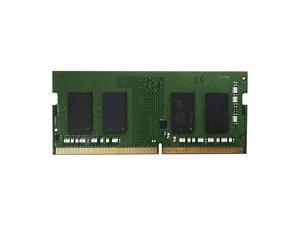
QNAP 4GB 260-Pin DDR4 SO-DIMM DDR4 2666 (PC4 21300) Memory, T1 Version Model ...
- Model #: RAM-4GDR4T1-SO-2666
- Item #: 9SIV3HVKW23914
- Return Policy: asgroupllcb2b Return Policy
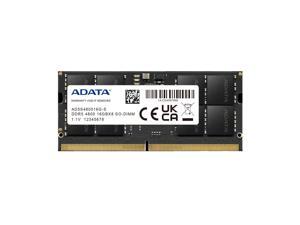

ADATA 16GB 262-Pin DDR5 SO-DIMM DDR5 4800 (PC4 38400) Laptop Memory Model ...
- Brand: ADATA
- Capacity: 16GB
- Type: 262-Pin DDR5 SO-DIMM
- Speed: DDR5 4800 (PC4 38400)
- Model #: AD5S480016G-B
- Item #: 9SIV1HJKVY6135
- Return Policy: ADATA Return Policy
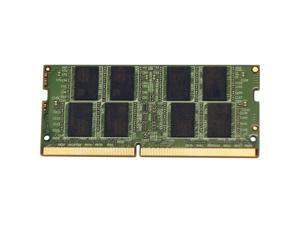
VisionTek 901266 32GB DDR4 SDRAM Memory Module - For Notebook - 32 GB (32 GB) - ...
- CAS Latency: CL19
- Voltage: 1.20V
- Buffered/Registered: Unbuffered
- Model #: 901266
- Item #: 9SIV02WKSH0855
- Return Policy: Tech For Less Return Policy


Dell 8GB 260-Pin DDR4 SO-DIMM DDR4 3200 (PC4 25600) Laptop Memory Model AB371023
- Model #: AB371023
- Item #: 9SIV18PKEA5381
- Return Policy: Neworld Return Policy

Lenovo 8GB DDR3L 1600 (PC3L 12800) Notebook Memory
- Model #: 0B47381
- Item #: 9SIV7KVK7H7010
- Return Policy: Micron Tech Return Policy

Kingston FURY Impact 16GB (2 x 8GB) 260-Pin DDR4 SO-DIMM DDR4 3200 (PC4 25600) ...
- Brand: Kingston
- Series: FURY Impact
- Capacity: 16GB (2 x 8GB)
- Type: 260-Pin DDR4 SO-DIMM
- Speed: DDR4 3200 (PC4 25600)
- CAS Latency: CL20
- Timing: 20-22-22
- Voltage: 1.20V
- Model #: KF432S20IBK2/16
- Item #: 9SIV18PKVJ7401
- Return Policy: Neworld Return Policy
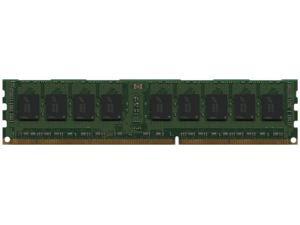

HP 16GB PC3-10600 DDR3-1333 4Rx4 1.35v ECC Registered RDIMM (HP PN# 628974-081)
- Model #: 0H4SP3VC
- Item #: 9SIV2GPJ9P5724
- Return Policy: ITS Distribution Return Policy
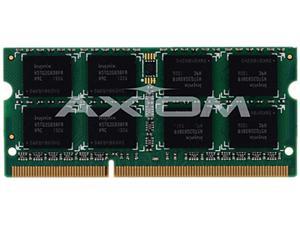
Axiom 4GB 204-Pin DDR3 SO-DIMM DDR3 1333 (PC3 10600) Memory for Elo Touch Solutions ...
- Features: The next evolution of DDR memory is now - Axiom's new DDR3 memory modules, offering breakthroughs in speed and power, are now available. DDR3 has set out to be the new standard in the industry and Axiom has designed and engineered these modules to set that standard. With rigorous testing and endless research and development, you can trust Axiom DDR3's to be the best memory in the market today. DDR3 offers: Powerful performance - DDR3 nearly doubles the speed of DDR2 by offering faster data rates. Low Power Consumption - DDR3 operates on a reduced supply voltage thanks to its efficient design. Higher Bandwidth and Density - DDR3 allows better computer performance thanks to the fastest data transfer rates available.
- Model #: E581416-AX
- Item #: 9SIV7KVK7H6993
- Return Policy: Micron Tech Return Policy
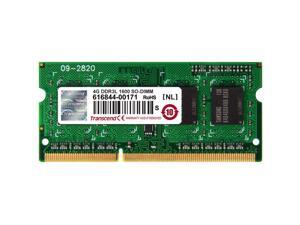
4GB DDR3L 1600 SO-DIMM 1RX8
- CAS Latency: CL11
- ECC: Non-ECC
- Buffered/Registered: Unbuffered
- Model #: TS512MSK64W6H
- Item #: 9SIV0F3BCB4151
- Return Policy: MichaelElectronics2 Return Policy
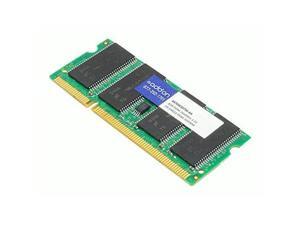
ADDON LENOVO 4X70W30750 COMP 8GB DDR4-2666MHZ 1.2V SRX8 SODIMM
- Model #: 4X70W30750AA
- Item #: 9SIV0F3BG03482
- Return Policy: MichaelElectronics2 Return Policy

ADDON SNPN2M64C/8G-AA ADDON DELL SNPN2M64C/8G COMP
- Brand: AddOn
- Series: 8GB DDR3 SDRAM Memory Module
- Capacity: 8 Gb
- Type: 204-Pin SO-DIMM
- Speed: 1600 MHz
- CAS Latency: 11 cycles
- Timing: 11 cycles
- Voltage: 1.35 volts
- Model #: SNPN2M64C/8G-AA
- Item #: 9SIV0F3BCB5069
- Return Policy: MichaelElectronics2 Return Policy
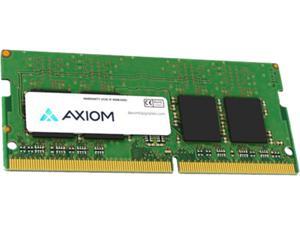
AXIOM 8GB DDR42666 SODIMM FOR APPLE
- Model #: APL2666SB8-AX
- Item #: 9SIV0F3BCC6442
- Return Policy: MichaelElectronics2 Return Policy
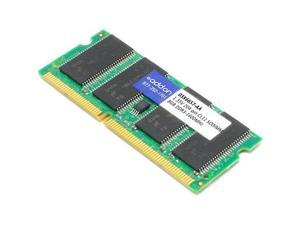
Addon 03X6657-AA Ddr3 - 8 Gb - So-Dimm 204-Pin - 1600 Mhz / Pc3-12800 - Cl11 - 1.35 V - ...
- Model #: 03X6657-AA
- Item #: 9SIV0F3BCC5886
- Return Policy: MichaelElectronics2 Return Policy
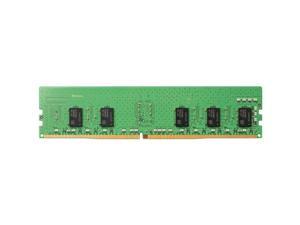
AddOn HP 4VN06UT ABA Compatible 8GB DDR4-2666MHz 1.2V Srx8 SoDIMM
- Model #: 4VN06UTABAAA
- Item #: 9SIV0F3BG03383
- Return Policy: MichaelElectronics2 Return Policy
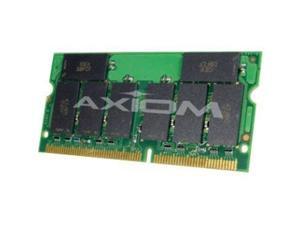
Axiom 864G5SV114 64MB SDRAM Memory Module
- Buffered/Registered: Unbuffered
- Parts: Lifetime Limited
- Model #: 864G5SV114
- Item #: 9SIV0F3BCB5246
- Return Policy: MichaelElectronics2 Return Policy
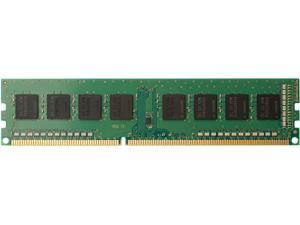
Addon Z4Y85UT-AA Ddr4 - 8 Gb - So-Dimm 260-Pin - 2400 Mhz / Pc4-19200 - Cl15 - 1.2 V - ...
- CAS Latency: CL15
- Voltage: 1.20V
- Buffered/Registered: Unbuffered
- Model #: Z4Y85UT-AA
- Item #: 9SIV0F3BG03194
- Return Policy: MichaelElectronics2 Return Policy
Axiom AXWB-FX/23 64MB SDRAM Memory Module
- Buffered/Registered: Unbuffered
- Parts: Lifetime Limited
- Model #: AXWB-FX/23
- Item #: 9SIV0F3BDZ0828
- Return Policy: MichaelElectronics2 Return Policy
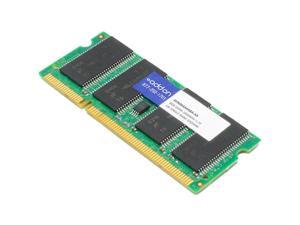
AddOn 8GB DDR4 SDRAM Memory Module 4VN06AAABAAA
- Model #: 4VN06AAABAAA
- Item #: 9SIV0F3BG03381
- Return Policy: MichaelElectronics2 Return Policy
Axiom RNB/64-AX 64MB SDRAM Memory Module
- Buffered/Registered: Unbuffered
- Parts: Lifetime
- Model #: RNB/64-AX
- Item #: 9SIV0F3BFU9414
- Return Policy: MichaelElectronics2 Return Policy
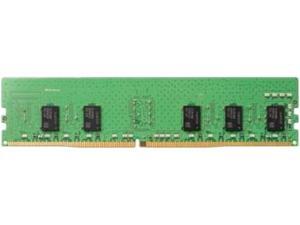
AddOn 8GB DDR4 SDRAM Memory Module
- Brand: AddOn
- Capacity: 8 Gb
- Type: RAM Module
- Speed: 2666 MHz
- CAS Latency: CL15
- Timing: 15
- Voltage: 1.20V
- ECC: Non-ECC
- Model #: 4VN06AA-AA
- Item #: 9SIV0F3BG03293
- Return Policy: MichaelElectronics2 Return Policy
ADDON A7022339-AA DELL A7022339 COMP MEMORY
- CAS Latency: CL11
- ECC: Non-ECC
- Buffered/Registered: Unbuffered
- Model #: 11801238
- Item #: 9SIV0F3BCB4661
- Return Policy: MichaelElectronics2 Return Policy
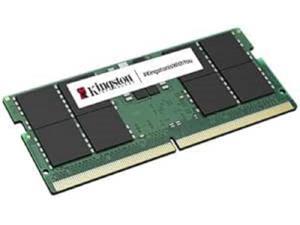
Kingston 48GB 262-Pin DDR5 SODIMM DDR5 5600 (PC5 44800) Notebook Memory
- Brand: Kingston
- Capacity: 48GB
- Type: 262-Pin DDR5 SO-DIMM
- Speed: DDR5 5600 (PC5 44800)
- CAS Latency: CL46
- Timing: 46-45-45
- Voltage: 1.10V
- Model #: KVR56S46BD8-48
- Item #: 9SIV0F3KC31043
- Return Policy: MichaelElectronics2 Return Policy
ADDON HP 3TK88AT COMP 8GB DDR4-2666MHZ 1.2V SRX8 SODIMM
- Brand: Add-On
- Capacity: 8 Gb
- Type: SO-DIMM
- Speed: 2666 MHz
- CAS Latency: 15
- Timing: 15
- Voltage: 1.2 volts
- Buffered/Registered: Lightweight
- Model #: 3TK88ATAA
- Item #: 9SIV0F3BG03376
- Return Policy: MichaelElectronics2 Return Policy
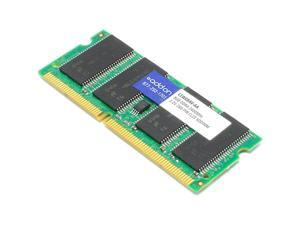
AddOn AA2133D4DR8S/8G x1 HP L1W08AV Compatible 8GB DDR4-2133MHz Unbuffered ...
- CAS Latency: CL15
- Voltage: 1.20V
- ECC: Non-ECC
- Buffered/Registered: Unbuffered
- Parts: Lifetime
- Labor: Lifetime
- Model #: L1W08AV-AA
- Item #: 9SIV0F3BG03519
- Return Policy: MichaelElectronics2 Return Policy
Common Questions about Laptop Memory
Introduction
When shopping for a laptop memory upgrade, you will encounter technical terms such as CAS latency, bandwidth, and SO-DIMM. Knowing what those terms mean is very important, as they can be indicators for performance and determine compatibility. To help you find the ideal laptop memory upgrade, NeweggBusiness defines the most important terms and technologies below.
Terms
Bandwidth
Also sometimes referred to as memory speed, it is a measurement of the rate that data can be transferred onto and off memory. The higher the bandwidth, the faster the laptop will be able to load files that are stored in memory. However, it is generally more beneficial to have more memory than to have faster memory.
CAS Latency
CAS latency a measure of the delay from when the motherboard requests data stored in memory to when the data is received by the motherboard. A lower CAS latency rating is better for performance. However, you should prioritize having more memory over having memory with lower CAS latencies. Having more laptop memory will provide more performance gains than having faster laptop memory.
Double Data Rate (DDR)
A technology that improves data transfer speeds for memory, it has since been superseded by DDR2 and DDR3. DDR, DDR2, and DDR3 laptop memory are not interchangeable with each other. Of the three different types of memory, DDR3 has the fastest speeds and is the current standard for new laptops and notebooks.
SO-DIMM
Short for Small Outline Dual In-line Memory Module, SO-DIMM laptop memory modules have much smaller dimensions than desktop memory. SO-DIMM memory is commonly used by laptops and small-form-factor desktops, such as PCs with Mini-ITX motherboards.
Voltage
A memory module’s rated voltage indicates how much power it needs to achieve its rated speed and timings. Lower voltage memory has the advantage of utilizing less power, which can mean longer battery life.

