


Mouse - Showing 2065 - 2088 of 69933 Products


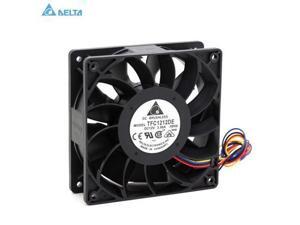
TFC1212DE for delta 120mm DC 12V 5200RPM 252CFM For Bitcoin Miner Powerful Server Case ...
- Model #: C43K-0420-994
- Item #: 9SIVRKBKW91403
- Return Policy: sunpengshop Return Policy
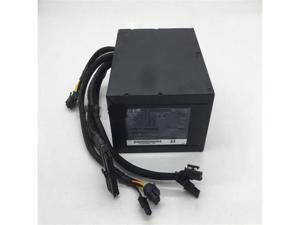
650W Switching Power Supply PS-8651-2
- Model #: C5JS-Z0529-1074
- Item #: 9SIVSKVKY80956
- Return Policy: JuWeiWangLuo Return Policy
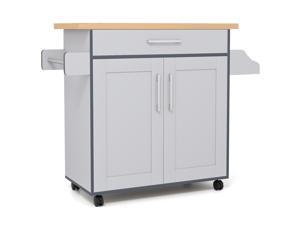
COSTWAY Kitchen Island On Wheels, Rolling Storage Trolley Cart with Large Cabinet, Drawer, ...
- Model #: JC5TJ-0603-807
- Item #: 9SIVSSHKY68814
- Return Policy: tomorroW3 Return Policy
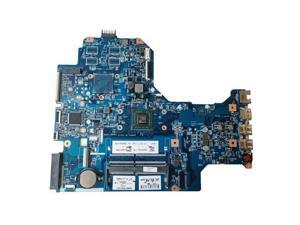
Laptop 17-AK Main Board 926192-601 16892-2 448.0CB02.0021
- Model #: C5JS-Z05221227
- Item #: 9SIVSKVKXR2039
- Return Policy: JuWeiWangLuo Return Policy
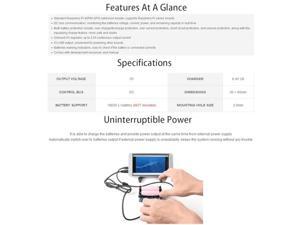
Uninterruptible Power Supply UPS HAT for Raspberry Pi 4B/3B+/3B, Support Power Supply ...
- Model #: C2AG-C-051500392
- Item #: 9SIVRKBKYS5639
- Return Policy: sunpengshop Return Policy

aportt Black White Grey Mouse Pad XXL Anime Cool Geometric Japanese Extended Desk Mat ...
- Model #: STARWELL306322044419LanG
- Item #: 9SIVNJ2KMU0358
- Return Policy: DianLan Return Policy
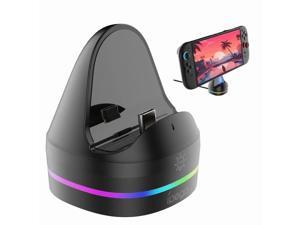
Switch2 console charging dock/charger for NS2 game console with RGB colorful lighting
- Model #: C53R-M-527-171
- Item #: 9SIVS8XKXU5455
- Return Policy: zijianmaoyigongsi Return Policy
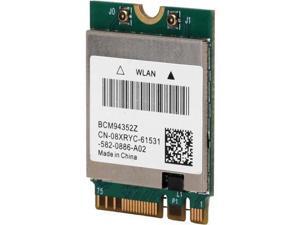
Vszerda Wireless Network Card BCM94352Z Wireless Dual Band WiFi Card NGFF M.2 ...
- Model #: JC75J-0608-529
- Item #: 9SIVTNBKYS5583
- Return Policy: Stoerllyer Return Policy
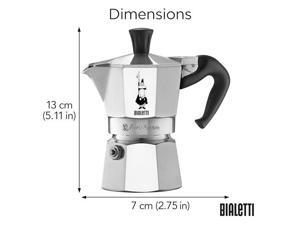
Bialetti - Moka Express: Iconic Stovetop Espresso Maker, Makes Real Italian Coffee, Moka Pot ...
- Model #: JC40E.0520.1002
- Item #: 9SIVRH8KXC5712
- Return Policy: qianhaimaoyi Return Policy
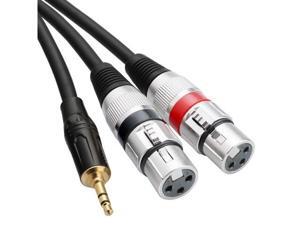
Dual XLR to 3.5mm Stereo Mic Cable 2 XLR Female to 1/8 Inch Mini Jack Y-Splitter Breakout ...
- Model #: YC5KU.265282176
- Item #: 9SIVSMNKXW7962
- Return Policy: nonstop_7 Return Policy
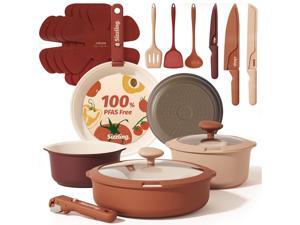
CAROTE 22 Pcs Non Stick Pots and Pans Set, Boho Ceramic Cookware Set Detachable ...
- Model #: YC5TJ.630334
- Item #: 9SIVSSHKY82197
- Return Policy: tomorroW3 Return Policy
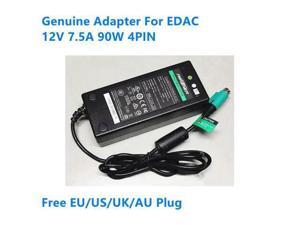
OIAGLH 12V 7.5A 90W 4PIN EA11001A-120 AC Adapter For EDAC Power Supply Charger
- Model #: C43K-0420-5177
- Item #: 9SIVRKBKW86161
- Return Policy: sunpengshop Return Policy

Tribesigns 31.5" Square Conference Table Set of 4, 10 ft Industrial Office Meeting Table for ...
- Model #: C6TY-H0515-1202
- Item #: 9SIVTDWKX68340
- Return Policy: Yerllnikret Return Policy
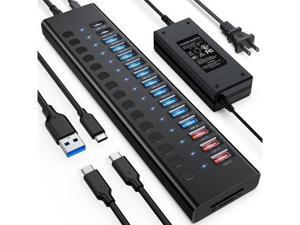
Powered USB Hub 17-Port 90W USB 3.0 Hub (10 USB 3.0 Ports+3 QC24W Fast Charging ...
- Model #: C5YM-S520-1645
- Item #: 9SIVTMDKYH5426
- Return Policy: Micnoieruntlr Return Policy
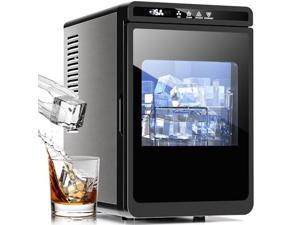
Kismile Clear Ice Cube Makers,3 Crystal Ice Cube in 20Mins, 155pcs/Day,Auto-Cleaning,Ice ...
- Model #: JC40E.0520.644
- Item #: 9SIVRH8KXC6318
- Return Policy: qianhaimaoyi Return Policy
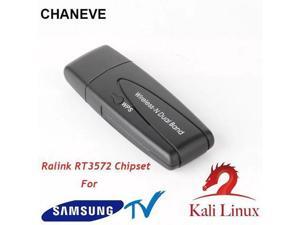
Dual band 300Mbps Wireless Lan Adapter 5.8Ghz USB Wi-Fi Adapter Ralink RT3572 Dongle ...
- Model #: VTR1-H609-1524
- Item #: 9SIVTR1KYT3392
- Return Policy: Weiersenlk Return Policy
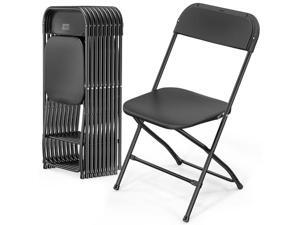
VINGLI 10 Pack Black Plastic Folding Chair, Indoor Outdoor Portable Stackable Commercial ...
- Model #: JC40E.0520.712
- Item #: 9SIVRH8KXC6211
- Return Policy: qianhaimaoyi Return Policy
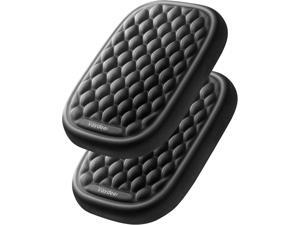
Vaydeer Ergonomic Wrist Rest Pad, 2 Pcs Armrest Pad Elbow Rest Padded, Relieve Elbow Pain ...
- Model #: JU473814472996
- Item #: 9SIVSTVKYB1976
- Return Policy: Yongxian Pan Business Co., Limited Return Policy
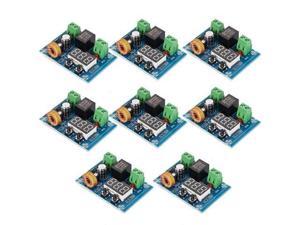
12V-36V DC Voltage Protection Module Digital Low Voltage Protector Disconnect Switch Cut Off ...
- Model #: C5YJ-S527-2803
- Item #: 9SIVSW2KY02588
- Return Policy: QinQinDACANshop Return Policy
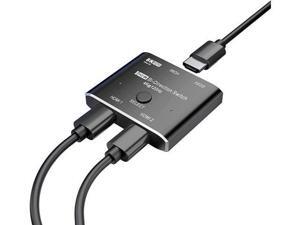
HDMI switcher hdmi Splitter 2 in 1 Out/1 in 2 Out Ultra 8K HD Bi-Directional Switch 8K@60Hz ...
- Model #: C53R-Z-521.1202
- Item #: 9SIVS8XKXK5996
- Return Policy: zijianmaoyigongsi Return Policy
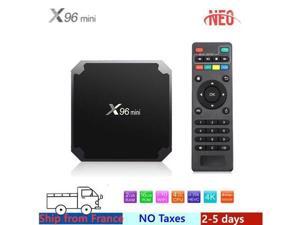
Best android tv box x96 mini box android tv box Amlogic S905W 1G 8G 2G 16G x96mini smart ip ...
- Model #: C5YM-S520-1119
- Item #: 9SIVTMDKYH3268
- Return Policy: Micnoieruntlr Return Policy
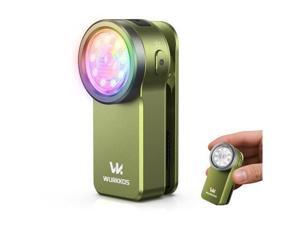
HD03 EDC Flashlight Rechargeable Clip-on Light, 680Lumens Mini Pocket Flashlight with ...
- Model #: VTR1-H609-523
- Item #: 9SIVTR1KYS9985
- Return Policy: Weiersenlk Return Policy
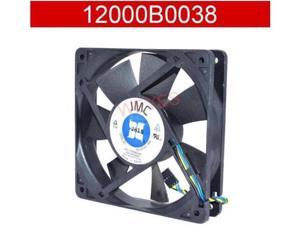
For JMC 12000B0038 DC12V 1.84A 120x120x25mm Square Cooling Fan
- Model #: C43K-0420-2630
- Item #: 9SIVRKBKW84824
- Return Policy: sunpengshop Return Policy
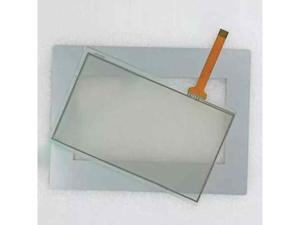
For TP-4660S1 touch screen glass + protective film
- Model #: C5JS-Z05221181
- Item #: 9SIVSKVKXR2146
- Return Policy: JuWeiWangLuo Return Policy
Considerations for Buying Computer Mice
Introduction
Like a keyboard, a computer mouse is an essential device for any workstation, even though touchscreen input is becoming more popular. However, with so many different features and types of mice available, you may be wondering which ones are essential for your staff and which ones are unneeded. Below, NeweggBusiness will go over some common considerations when purchasing computer mice.
Optical Technology
There are two major types of optical technology used in mice today, LED and laser. Neither is better than the other, as they are ideal for different types of users.
LED
An LED mouse usually costs less than a laser mouse, but may have slightly lower dots per inch (DPI) and is not as capable on shiny, black, and transparent surfaces. Sensitivity for an optical mouse typically ranges from 400 to 800 DPI, which is more than adequate for most tasks such as internet browsing, checking e-mail, or data entry.
Laser
One major advantage of a laser mouse is sensitivity, which can reach up to several thousand DPI. Also, laser mice can be used with a wider variety of surfaces than LED mice. So while an LED mouse may struggle with shiny, black, or glass surfaces, a laser mouse has no trouble. However, one downside is that laser mice typically cost more than most LED mice.
Connectivity
There are two types of connectivity for mice, wired and wireless. Users often debate over which type is superior, but to definitely declare that one is superior to the other is a difficult. Similar to the distinction between laser and LED, wired and wireless mice appeal to different types of users.
Wired
Some of the advantages of purchasing wired mice include lower cost, no worries about batteries, and no worries about wireless interference. It is the ideal option for staff that do not travel with their computers or mice in tow. If your staff do not have unused USB ports on their computers, consider equipping them with accessories such as USB hubs or Bluetooth dongles so that they can use Bluetooth mice.
Wireless
Wireless mice can potentially have issues with interference and many use batteries that need to be replaced, but does that make them inferior? Not quite, as they offer more convenience and are better suited for travellers and professionals mired by cable clutter. If you’ve decided to purchase wireless for some of your staff, then you will need to decide between RF mice and Bluetooth® mice.
- Radio frequency (RF) – RF wireless mice require use of USB dongles that are included with the mice. Some users may not like the fact that USB dongles are required, as it uses a USB port and can be lost if not careful.
- Bluetooth – Bluetooth mice do not require USB dongles but will require Bluetooth functionality on the computer. Another advantage of using Bluetooth mice is that they can be used with some tablets. However, some users do report that Bluetooth mice do require a little bit of time to “wakeup” after long periods of inactivity.
Size and Ergonomics
Mice can come in several sizes, with some better for laptop users and others for desktop users. Smaller mice are more convenient, especially if your users will be packing them into messenger bags or laptop cases. Desktop users that don’t expect to move their computers very much will find that larger mice are more than adequate
Alternatives
While most people are familiar with the standard mouse, there are a few alternatives that NeweggBusiness offers. Some are designed for increased ergonomics while others for precision. Here are two of the more common options.
Vertical Mice
These are special types of mice that are used with your hand in a vertical position, similar to how a joystick is held. Some manufacturers assert that using a vertical mouse puts less strain on the wrist and shoulder.
Trackball Mice
Trackball mice track movements of a ball in a socket instead of the entire mouse. The ball can be manipulated by the thumb, fingers, or palm depending on the design of the trackball mouse. Similar to vertical mice, trackball mice manufacturers state that they reduce strain and the likelihood of injury.

