


Mouse - Showing 2137 - 2160 of 69846 Products


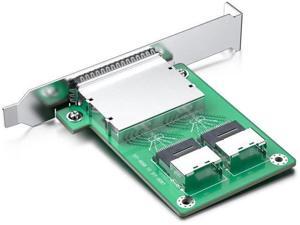
Internal SFF-8087 to External SFF-8088 MiniSAS Adapter, Dual Ports
- Model #: C4RM-S525-1711
- Item #: 9SIVTMDKYM9351
- Return Policy: Micnoieruntlr Return Policy
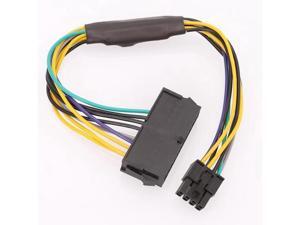
24 Pin to 8 Pin ATX PSU Power Adapter Cable Compatible with DELL Optiplex 3020 7020 9020 ...
- Model #: C5KU.0420357
- Item #: 9SIVSMNKVH9205
- Return Policy: nonstop_7 Return Policy
Shield M.2 SSD Heatsink with Build-in 20mm PWM Fan, Premium Aluminum Design, ...
- Model #: C53R-Z-521.804
- Item #: 9SIVS8XKXK7317
- Return Policy: zijianmaoyigongsi Return Policy
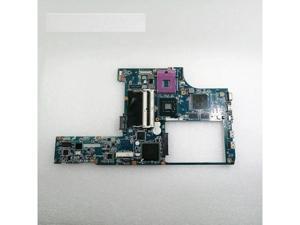
FOR PCG-61111T 61412T 61113T 61114T MBX-214 Mbx-226 Main Board
- Model #: C5JS-Z05220506
- Item #: 9SIVSKVKXR3415
- Return Policy: JuWeiWangLuo Return Policy
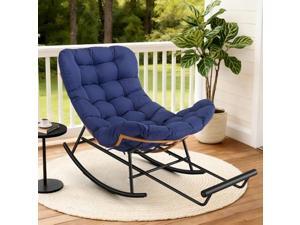
Oversized Papasan Rocking Chair Footstool Ergonomic Wicker Frame, Extendable Footrest, ...
- Model #: JC40E.0519.1562
- Item #: 9SIVRH8KXC9301
- Return Policy: qianhaimaoyi Return Policy
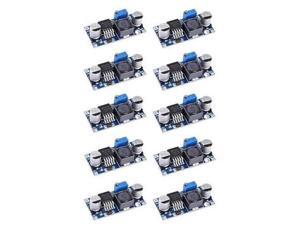
LM2596S LM2596 Buck Converter 3A DC-DC 3-40V to 1.5-35v DC Voltage Regulator Step ...
- Model #: C5YJ-S527-1565
- Item #: 9SIVSW2KXS6189
- Return Policy: QinQinDACANshop Return Policy
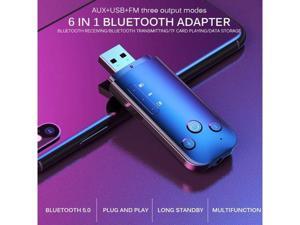
5.0 Adapter Receiver Transmitter Mini Dongle Wireless USB Adapter For Computer PC Laptop ...
- Model #: VTR1-H609-1629
- Item #: 9SIVTR1KYT3646
- Return Policy: Weiersenlk Return Policy
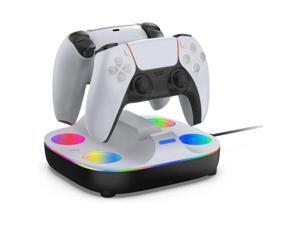
Controller, PS5 controller charging stand, charger, 2 devices at the same time, Preste 5 ...
- Model #: C53R-M-527-293
- Item #: 9SIVS8XKXU5549
- Return Policy: zijianmaoyigongsi Return Policy
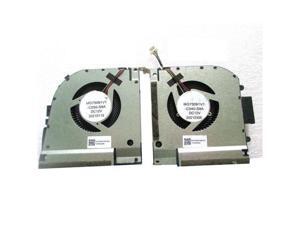
Gpu and Cpu cooling fan for Thor TR ZERO 2021 RTX30 MG75091V1-C050-S9A
- Model #: C5JS-Z05141681
- Item #: 9SIVSKVKX79039
- Return Policy: JuWeiWangLuo Return Policy
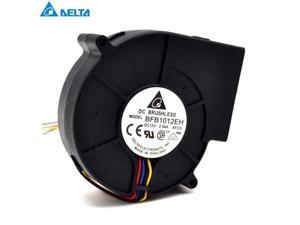
Delrta 97*97*33mm 3-wire BFB1012EH-AF00 9733 12V 2.94A double ball bearing Turbo air ...
- Model #: C5JS-Z05144333
- Item #: 9SIVSKVKX71684
- Return Policy: JuWeiWangLuo Return Policy
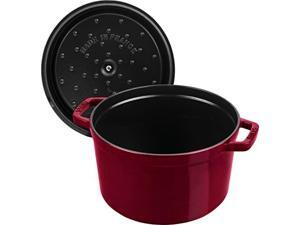
Staub Cast Iron Dutch Oven 5-qt Tall Cocotte, Made in France, Serves 5-6, Grenadine
- Model #: JC40E0521.161
- Item #: 9SIVRH8KXH0345
- Return Policy: qianhaimaoyi Return Policy
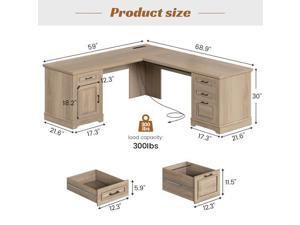
SEDETA Farmhouse 69" Executive L Shaped Desk, Corner Computer Desk with Storage ...
- Model #: C6TY-H0515-49
- Item #: 9SIVTDWKX73222
- Return Policy: Yerllnikret Return Policy
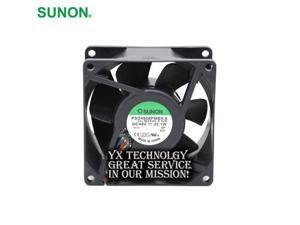
SUNON and package PSD4808PMBX-A 8038 48V 22.1W winds of four -wire fan 80*80*38mm
- Model #: C5JS-Z05144162
- Item #: 9SIVSKVKX72099
- Return Policy: JuWeiWangLuo Return Policy
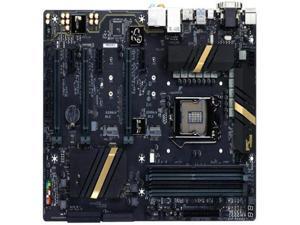
Z170X-UD3 Z170 luxury large board 1151 pins DDR4 memory, support 6th-7th generation ...
- Model #: C5JS-Z05220363
- Item #: 9SIVSKVKXR3599
- Return Policy: JuWeiWangLuo Return Policy
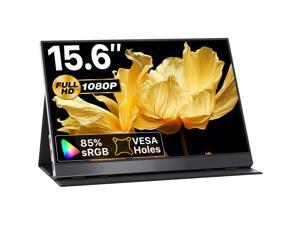
VisionOwl Portable Monitor 15.6 Inch 1080P FHD 85% sRGB Second Screen, USB-C HDMI HDR ...
- Model #: C5YM-S528-238
- Item #: 9SIVTN0KYH7335
- Return Policy: Cuicuiqintoy Return Policy
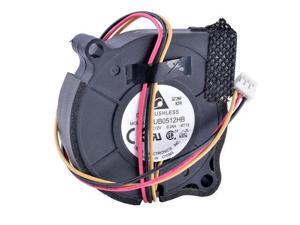
BUB0512HB 5CM 5015 fan centrifugal turbine cooling fan 12V 0.24A
- Model #: C43K-0420-4121
- Item #: 9SIVRKBKW82273
- Return Policy: sunpengshop Return Policy
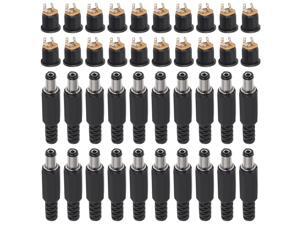
anicorn 40Pcs (20Pair) 12V 3A 5.5x2.1mm DC Power Male Plugs Connector DC Power Socket ...
- Model #: B3EW.06020257
- Item #: 9SIVTKAKYF3298
- Return Policy: Fenlliker Return Policy
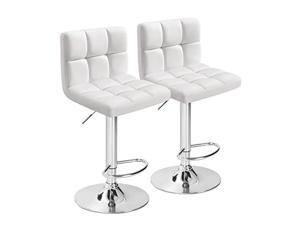
Furmax Bar Stools Modern Pu Leather Swivel Adjustable Hydraulic Bar Stool Square Counter ...
- Model #: C6TY-H05140689
- Item #: 9SIVTDWKX78056
- Return Policy: Yerllnikret Return Policy
Hunter - Nolita 1-light Alturas Gold, Small Pendant Light, Dimmable, Modern Style, Cone ...
- Model #: JC5TJ-0602-68
- Item #: 9SIVSSHKY56347
- Return Policy: tomorroW3 Return Policy
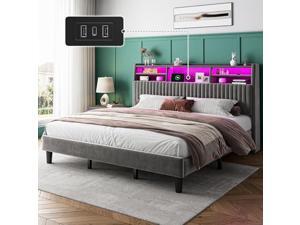
Homkdom King Size Bed Frame, Vertical Channel Tufted Headboard with Storage Shelves, ...
- Model #: C6TY-H0515-436
- Item #: 9SIVTDWKX70583
- Return Policy: Yerllnikret Return Policy

JUMMICO 3-Piece Wooden Round Table & Chair Set, Space Saving Kitchen Breakfast Nook ...
- Model #: JC40E-0521-316
- Item #: 9SIVRH8KXG5938
- Return Policy: qianhaimaoyi Return Policy
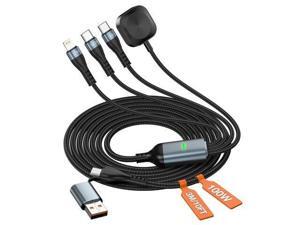
4-in-2 Multi Charging Cable for iWatch Charger 10FT Travel USB-C 100W Fast Charger Cord ...
- Model #: YC5KU.265261584
- Item #: 9SIVSMNKXU6532
- Return Policy: nonstop_7 Return Policy

LAMA Smart Keyboard Case with Mouse for iPad Air 11-inch (M2) 2024 & iPad Pro 11 inch ...
- Model #: C5YM-S520-1871
- Item #: 9SIVTMDKYH6105
- Return Policy: Micnoieruntlr Return Policy
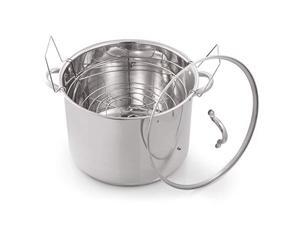
McSunley 620 Medium Stainless Steel Prep N Cook Water Bath Canner, 21.5 Quart, Silver ...
- Model #: JC40E-0533.815
- Item #: 9SIVRH8KY10863
- Return Policy: qianhaimaoyi Return Policy
Considerations for Buying Computer Mice
Introduction
Like a keyboard, a computer mouse is an essential device for any workstation, even though touchscreen input is becoming more popular. However, with so many different features and types of mice available, you may be wondering which ones are essential for your staff and which ones are unneeded. Below, NeweggBusiness will go over some common considerations when purchasing computer mice.
Optical Technology
There are two major types of optical technology used in mice today, LED and laser. Neither is better than the other, as they are ideal for different types of users.
LED
An LED mouse usually costs less than a laser mouse, but may have slightly lower dots per inch (DPI) and is not as capable on shiny, black, and transparent surfaces. Sensitivity for an optical mouse typically ranges from 400 to 800 DPI, which is more than adequate for most tasks such as internet browsing, checking e-mail, or data entry.
Laser
One major advantage of a laser mouse is sensitivity, which can reach up to several thousand DPI. Also, laser mice can be used with a wider variety of surfaces than LED mice. So while an LED mouse may struggle with shiny, black, or glass surfaces, a laser mouse has no trouble. However, one downside is that laser mice typically cost more than most LED mice.
Connectivity
There are two types of connectivity for mice, wired and wireless. Users often debate over which type is superior, but to definitely declare that one is superior to the other is a difficult. Similar to the distinction between laser and LED, wired and wireless mice appeal to different types of users.
Wired
Some of the advantages of purchasing wired mice include lower cost, no worries about batteries, and no worries about wireless interference. It is the ideal option for staff that do not travel with their computers or mice in tow. If your staff do not have unused USB ports on their computers, consider equipping them with accessories such as USB hubs or Bluetooth dongles so that they can use Bluetooth mice.
Wireless
Wireless mice can potentially have issues with interference and many use batteries that need to be replaced, but does that make them inferior? Not quite, as they offer more convenience and are better suited for travellers and professionals mired by cable clutter. If you’ve decided to purchase wireless for some of your staff, then you will need to decide between RF mice and Bluetooth® mice.
- Radio frequency (RF) – RF wireless mice require use of USB dongles that are included with the mice. Some users may not like the fact that USB dongles are required, as it uses a USB port and can be lost if not careful.
- Bluetooth – Bluetooth mice do not require USB dongles but will require Bluetooth functionality on the computer. Another advantage of using Bluetooth mice is that they can be used with some tablets. However, some users do report that Bluetooth mice do require a little bit of time to “wakeup” after long periods of inactivity.
Size and Ergonomics
Mice can come in several sizes, with some better for laptop users and others for desktop users. Smaller mice are more convenient, especially if your users will be packing them into messenger bags or laptop cases. Desktop users that don’t expect to move their computers very much will find that larger mice are more than adequate
Alternatives
While most people are familiar with the standard mouse, there are a few alternatives that NeweggBusiness offers. Some are designed for increased ergonomics while others for precision. Here are two of the more common options.
Vertical Mice
These are special types of mice that are used with your hand in a vertical position, similar to how a joystick is held. Some manufacturers assert that using a vertical mouse puts less strain on the wrist and shoulder.
Trackball Mice
Trackball mice track movements of a ball in a socket instead of the entire mouse. The ball can be manipulated by the thumb, fingers, or palm depending on the design of the trackball mouse. Similar to vertical mice, trackball mice manufacturers state that they reduce strain and the likelihood of injury.

