


Mouse - Showing 2113 - 2136 of 69846 Products


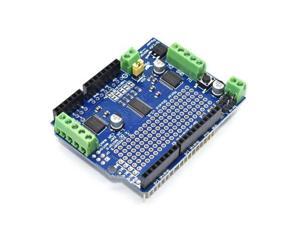
For Compatible IIC I2C TB6612 Motor/Stepper/Servo Shield V2 PWM Servo Driver Module DC ...
- Model #: C43K-0420-1898
- Item #: 9SIVRKBKW85557
- Return Policy: sunpengshop Return Policy
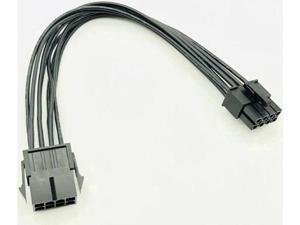
BUCIER 8Pin CPU Power Cable 8 Pin PCI-E to 8 Pin ATX EPS Male to Female PSU Motherboard ...
- Model #: C5K8.0420598
- Item #: 9SIVSM8KVJ0830
- Return Policy: Guohuashangmao Return Policy
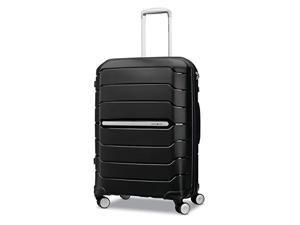
Samsonite Freeform 24-Inch Medium Luggage with Dual 360° Spinner Wheels - Checked ...
- Model #: JC40E.0519.157
- Item #: 9SIVRH8KXC9289
- Return Policy: qianhaimaoyi Return Policy
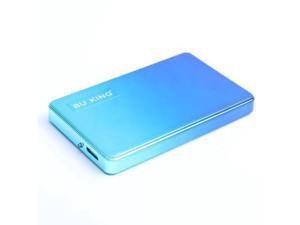
USB3.0 External HDD Hard Drive Gradual Color Design Mobile Hard Disk 500G 1TB 2TB for ...
- Model #: YC5KU05151401
- Item #: 9SIVSMNKXE7361
- Return Policy: nonstop_7 Return Policy
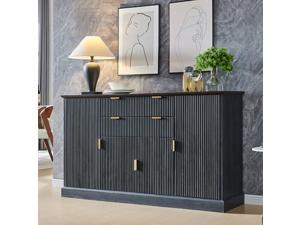
IFGET Fluted Buffet Cabinet with Storage, Sideboard Cabinet with Adjustable Shelves, Wood ...
- Model #: JC40E-0521-1771
- Item #: 9SIVRH8KXG3823
- Return Policy: qianhaimaoyi Return Policy
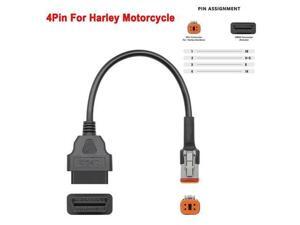
FOR Motorcycle Motobike Extension Cable For 3/4pin Motobike OBD2 Connector for 4/6PIN ...
- Model #: C43K-0420-3907
- Item #: 9SIVRKBKW82624
- Return Policy: sunpengshop Return Policy
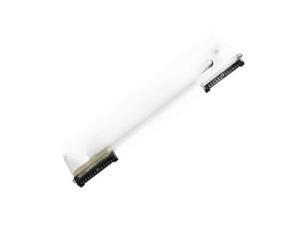
Printhead 497-0431579 for 7167 and 7197 thermal receipt printers
- Model #: C5JS-Z05220560
- Item #: 9SIVSKVKXR3391
- Return Policy: JuWeiWangLuo Return Policy
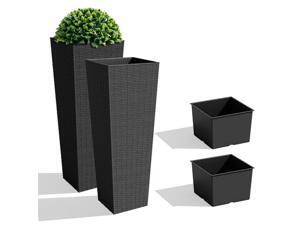
JUMMICO Set of 2 Resin Rattan Tall Planters for Outdoor Plants, Large Tapered Planters with ...
- Model #: C6TY-H05140470
- Item #: 9SIVTDWKX80514
- Return Policy: Yerllnikret Return Policy
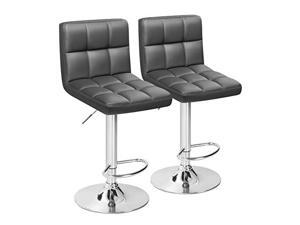
Furmax Bar Stools Modern Pu Leather Swivel Adjustable Hydraulic Bar Stool Square Counter ...
- Model #: JC40E-0521-733
- Item #: 9SIVRH8KXG9069
- Return Policy: qianhaimaoyi Return Policy
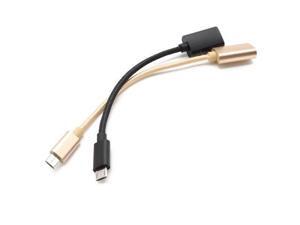
USB Female OTG Cable Adapter for S6 S7 for for Camera Tablet Converter to Phone Sync
- Model #: YC5KU05151554
- Item #: 9SIVSMNKXE6879
- Return Policy: nonstop_7 Return Policy
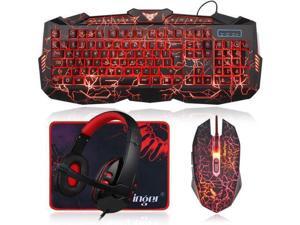
Gaming Keyboard Mouse Headset Combo,USB Wired Crack Backlit Keyboard,114 Keys ...
- Model #: C5YM-S520-608
- Item #: 9SIVTMDKYH1418
- Return Policy: Micnoieruntlr Return Policy
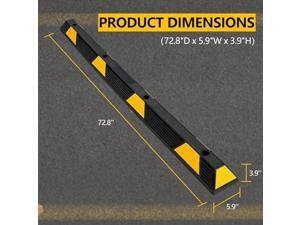
TrailBlaze Heavy-Duty Rubber Parking Curb Stopper Extra Wide 72" Car Wheel Block for ...
- Model #: JC40E.0519.579
- Item #: 9SIVRH8KXD1042
- Return Policy: qianhaimaoyi Return Policy
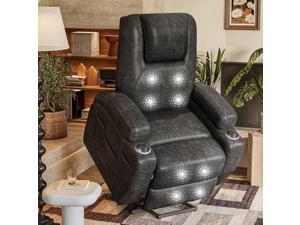
Electric Power Lift Recliner Chair with Massage for Elderly Corduroy Fabric Recliner Single Sofa ...
- Model #: JC40E-0521-773
- Item #: 9SIVRH8KXG9802
- Return Policy: qianhaimaoyi Return Policy
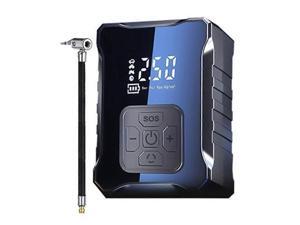
Ecocleanpath 150PSI Portable Air Compressor for Car Tires, 2X Fast Digital Tire Inflator with ...
- Model #: WC5K805200230
- Item #: 9SIVSM8KXE1249
- Return Policy: Guohuashangmao Return Policy
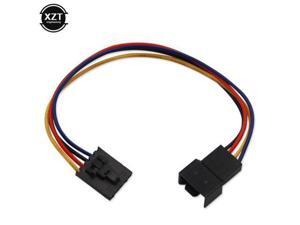
18CM Dedicated Fan Adapter 5 Pin 4 Wire Interface Computer PWM CPU Case Cooling Fan ...
- Model #: C5K8.0421076
- Item #: 9SIVSM8KVH7150
- Return Policy: Guohuashangmao Return Policy
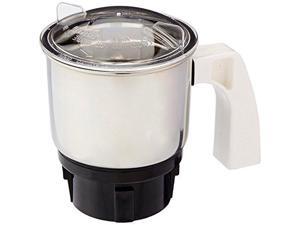
Preethi 0.4L Chutney Jar for Eco Plus/Chef Pro and Blue Leaf, 0.4-Liter
- Model #: JC40E0521.82
- Item #: 9SIVRH8KXH0570
- Return Policy: qianhaimaoyi Return Policy
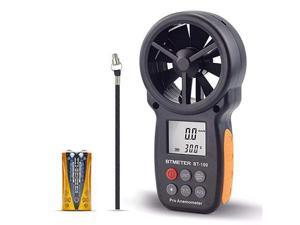
BT100 Handheld Anemometer Digital Wind Speed Meter Gauge for HVAC CFM Tester Air Flow ...
- Model #: C5YM-S520-424
- Item #: 9SIVTMDKYH1130
- Return Policy: Micnoieruntlr Return Policy
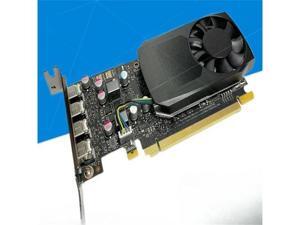
P400 P620 P600 P1000 P2000 P2200 Professional Graphics Design
- Model #: C5JS-Z0529-1492
- Item #: 9SIVSKVKY81165
- Return Policy: JuWeiWangLuo Return Policy
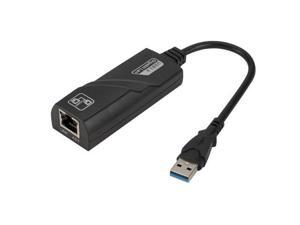
USB 3.0 Ethernet Adapter Network Card USB 3.0 To RJ45 Lan Gigabit Internet for Computer for ...
- Model #: C5KU.0420457
- Item #: 9SIVSMNKVH8711
- Return Policy: nonstop_7 Return Policy
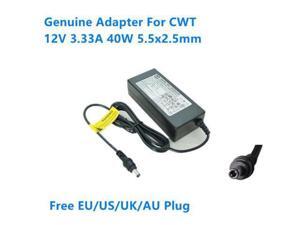
12V 3.33A 40W 5.5x2.5mm KPL-040F-VI KPL-040F AC Adapter For CWT Power Supply ...
- Model #: C43K-0420-414
- Item #: 9SIVRKBKW96462
- Return Policy: sunpengshop Return Policy
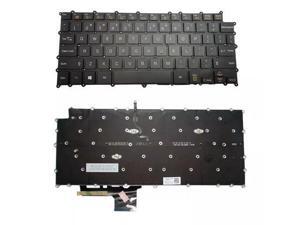
For Gram 14Z980 14Z980C 14Z980B 14Z980U 14Z980G Backlit Keyboard Laptop US
- Model #: C5JS-Z05180317
- Item #: 9SIVSKVKXP0404
- Return Policy: JuWeiWangLuo Return Policy
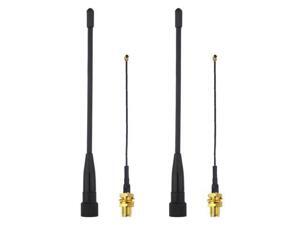
10dBi Meshtastic 915MHz LoRa Soft Whip Antenna kit (2 Sets), 7 inch Long Range SMA Male ...
- Model #: C32P.0427787
- Item #: 9SIVPXNKVV9794
- Return Policy: yinyueshengdianzishangwuyouxiangongsi Return Policy
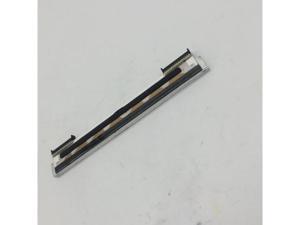
FOR For Print Head ZP450 550 ZP450 ZP500 ZP505 ZP550 GK420D GX420D Thermal Printers ...
- Model #: C5ZY.0429280
- Item #: 9SIVTE8KWW8956
- Return Policy: Coretix Return Policy
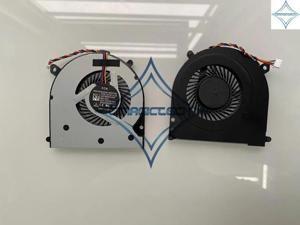
OEM for HP EliteBook 740 745 755 840 850 ZBook 14 G1 G2 DFS200005050T 730792-001 ...
- Model #: C5YJ-S527-2922
- Item #: 9SIVSW2KXU8355
- Return Policy: QinQinDACANshop Return Policy
Considerations for Buying Computer Mice
Introduction
Like a keyboard, a computer mouse is an essential device for any workstation, even though touchscreen input is becoming more popular. However, with so many different features and types of mice available, you may be wondering which ones are essential for your staff and which ones are unneeded. Below, NeweggBusiness will go over some common considerations when purchasing computer mice.
Optical Technology
There are two major types of optical technology used in mice today, LED and laser. Neither is better than the other, as they are ideal for different types of users.
LED
An LED mouse usually costs less than a laser mouse, but may have slightly lower dots per inch (DPI) and is not as capable on shiny, black, and transparent surfaces. Sensitivity for an optical mouse typically ranges from 400 to 800 DPI, which is more than adequate for most tasks such as internet browsing, checking e-mail, or data entry.
Laser
One major advantage of a laser mouse is sensitivity, which can reach up to several thousand DPI. Also, laser mice can be used with a wider variety of surfaces than LED mice. So while an LED mouse may struggle with shiny, black, or glass surfaces, a laser mouse has no trouble. However, one downside is that laser mice typically cost more than most LED mice.
Connectivity
There are two types of connectivity for mice, wired and wireless. Users often debate over which type is superior, but to definitely declare that one is superior to the other is a difficult. Similar to the distinction between laser and LED, wired and wireless mice appeal to different types of users.
Wired
Some of the advantages of purchasing wired mice include lower cost, no worries about batteries, and no worries about wireless interference. It is the ideal option for staff that do not travel with their computers or mice in tow. If your staff do not have unused USB ports on their computers, consider equipping them with accessories such as USB hubs or Bluetooth dongles so that they can use Bluetooth mice.
Wireless
Wireless mice can potentially have issues with interference and many use batteries that need to be replaced, but does that make them inferior? Not quite, as they offer more convenience and are better suited for travellers and professionals mired by cable clutter. If you’ve decided to purchase wireless for some of your staff, then you will need to decide between RF mice and Bluetooth® mice.
- Radio frequency (RF) – RF wireless mice require use of USB dongles that are included with the mice. Some users may not like the fact that USB dongles are required, as it uses a USB port and can be lost if not careful.
- Bluetooth – Bluetooth mice do not require USB dongles but will require Bluetooth functionality on the computer. Another advantage of using Bluetooth mice is that they can be used with some tablets. However, some users do report that Bluetooth mice do require a little bit of time to “wakeup” after long periods of inactivity.
Size and Ergonomics
Mice can come in several sizes, with some better for laptop users and others for desktop users. Smaller mice are more convenient, especially if your users will be packing them into messenger bags or laptop cases. Desktop users that don’t expect to move their computers very much will find that larger mice are more than adequate
Alternatives
While most people are familiar with the standard mouse, there are a few alternatives that NeweggBusiness offers. Some are designed for increased ergonomics while others for precision. Here are two of the more common options.
Vertical Mice
These are special types of mice that are used with your hand in a vertical position, similar to how a joystick is held. Some manufacturers assert that using a vertical mouse puts less strain on the wrist and shoulder.
Trackball Mice
Trackball mice track movements of a ball in a socket instead of the entire mouse. The ball can be manipulated by the thumb, fingers, or palm depending on the design of the trackball mouse. Similar to vertical mice, trackball mice manufacturers state that they reduce strain and the likelihood of injury.

