All Categories
Built for How Business Buys.
All Categories







OUT OF STOCK

OUT OF STOCK

OUT OF STOCK
If your organization has several computers and will continue to increase that number, you should consider purchasing server and workstation systems. They are computer systems that function as centralized resources for a network. Before shopping for a server though, there are a few basics that you need to know.
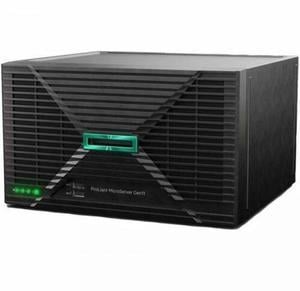
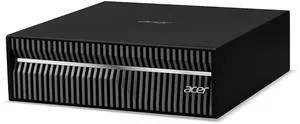
A server is a computer that provides services or data to other computers, known as clients. In most network configurations, the server is the main gateway between an organization’s internal network and the internet. It can be used for a variety of purposes, from storing files to hosting Web sites. The hardware inside server and workstation systems is similar to what you would find in a desktop computer. They have the usual components such as processors, memory, and hard drives. The difference is that the components inside a server are designed for long and continuous use with little to no downtime.
If your organization has data that needs to be accessed by multiple users, then it will benefit from utilizing server and workstation systems. Even if a network is comprised of only two computers, a server is excellent for storing and sharing files for those two computers. And if you have mobile staff that frequently travel, they will be able to remotely access information and programs on your organization’s network through the server.
Larger organizations will probably have several servers, each performing different tasks. For example, one server could be for file sharing, one for hosting the Web site, and another for handling the e-mail needs of the staff. For larger organizations with multiple offices, having a server means that the staff will be able to easily share files across different geographic locations.
There are three types of server and workstation systems, tower, rack-mount, and blade. Which one you should use depends on the size of your organization’s network and the amount of traffic you expect.
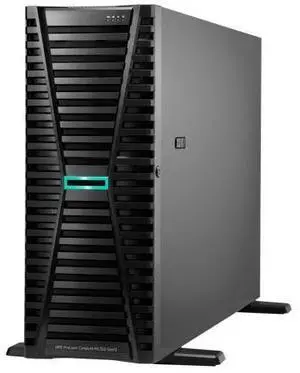
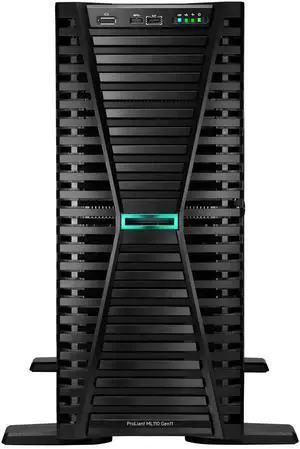
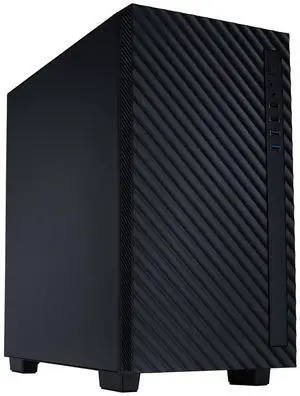
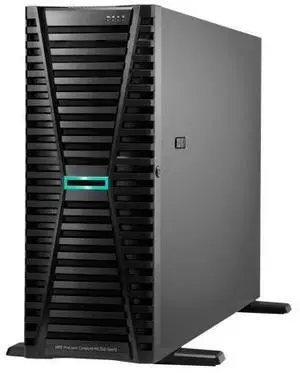
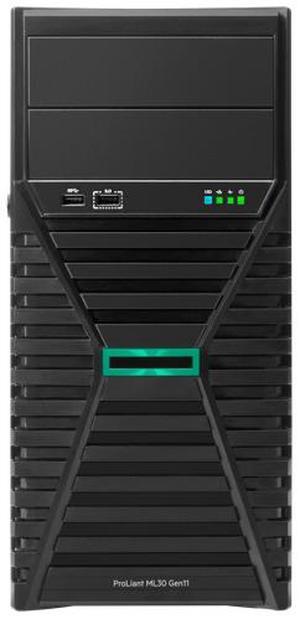
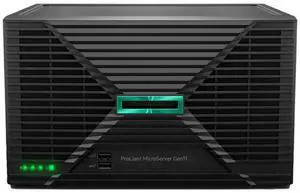
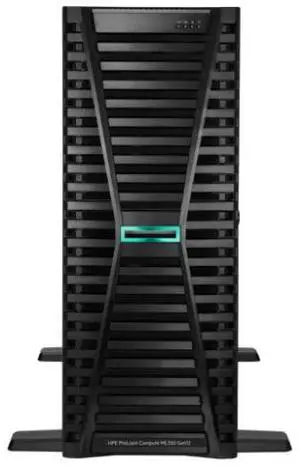
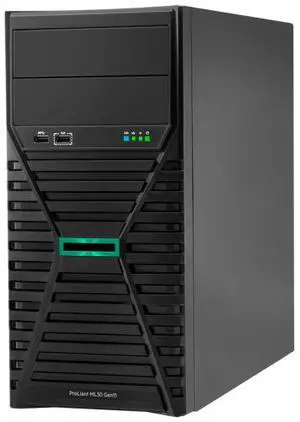
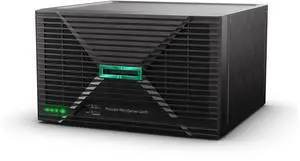
The most basic of the three, a tower server looks very similar to a desktop tower computer. One advantage of a tower server is that it does not require a great deal of space and is ideal for organizations with a small network.
The downsides of a tower system are that it has limited expandability and utilizes a fair amount of cabling. In an office with several tower server systems, this can mean a jumble of cables and a lot of space used up by peripherals and input devices.
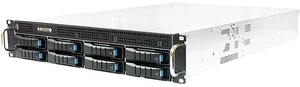
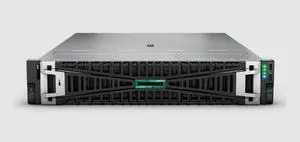
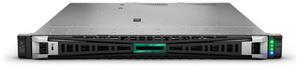
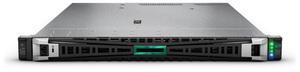
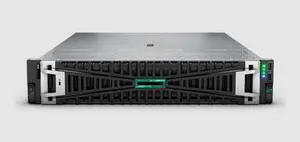
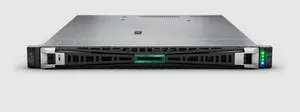
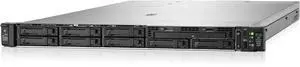
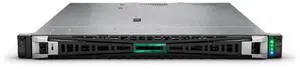
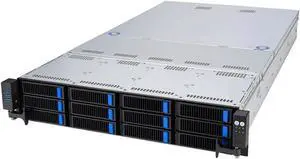
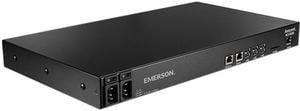
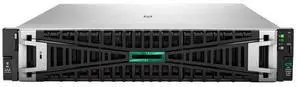
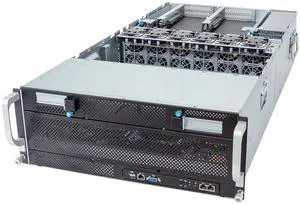
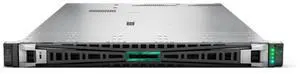
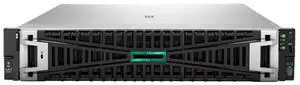
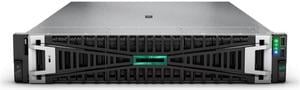
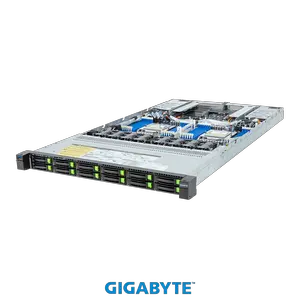
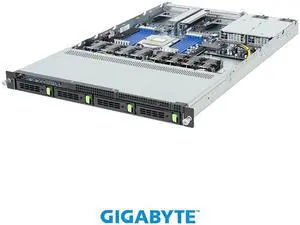
A rack-mounted server bears little resemblance to a desktop tower. It has standardized dimensions and is designed to be inserted into a rack-mount server chassis. A rack-mount chassis can hold several servers in slots, one on top of another. A rack-mount setup is much more space-efficient than a tower and it is possible to put many more servers into one space than with tower server systems. Aside from the space savings, rack-mount servers also makes cabling more manageable.
A blade server is similar to a rack-mounted workstation computer in that it also needs to be installed into an enclosure. However, a blade computer server is much more compact and space-efficient than a rack-mount, because the internal components are designed to have a low profile or be integrated onto the motherboard.