


USB Flash Drives - Showing 817 - 840 of 1003 Products
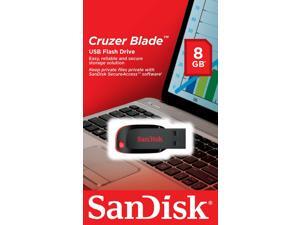

Sandisk CRUZER BLADE 8GB SDCZ50-008G-B35 USB 2.0 Flash Pen Drive 8G NEW Micro
- Model #: 069-795444000330781
- Item #: 9SIV1ZZ8ET0893
- Return Policy: OEMPCWORLD Return Policy
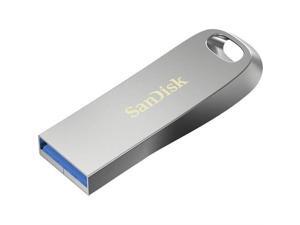

WESTERN DIGITAL SDCZ74-064G-A46 64GB ULTRA METAL USB 3.1 TYPE A
- Brand: SanDisk
- Parts: 5 Year
- Model #: SDCZ74064GA46
- Item #: 9SIVAFKH013079
- Return Policy: F22PARTS Return Policy
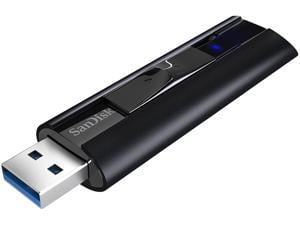
SanDisk 128GB Extreme Pro USB 3.2 Gen 1 Solid State Flash Drive, Speed up to 420MB/s ...
- Brand: SanDisk
- Series: Extreme Pro
- Capacity: 128GB
- Security: 128bit AES Encryption
- USB Specification: USB 3.2 Gen 1
- USB Connectors: Type A
- Color: Black
- Read Speed: up to 420MB/s
- Model #: SDCZ880-128G-G46
- Item #: 9SIV1VH8PV9177
- Return Policy: Best iStore Return Policy
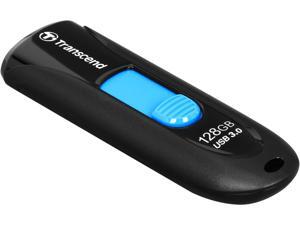
Transcend JetFlash 790 128GB USB 3.0 Flash Drive TS128GJF790K
- Brand: Transcend
- Series: JetFlash 790
- Capacity: 128GB
- USB Specification: USB 3.0
- USB Connectors: Type A
- Color: Blue
- Features: Fully compatible with SuperSpeed USB 3.0 & Hi-Speed USB 2.0 Capless design with slide-out USB connector LED usage status indicator Lightweight and compact Lanyard / key ring attachment loop Exclusive Transcend Elite data management software
- Dimensions: 10.6mm x 63.6mm x 21.2mm (H x W x D)
- Model #: TS128GJF790K
- Item #: 9SIV1ZZDE19768
- Return Policy: OEMPCWORLD Return Policy
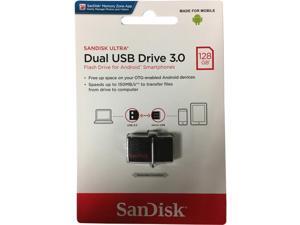
SanDisk Ultra 128GB Dual USB Drive 3.0 (SDDD2-128G-G46)
- Brand: SanDisk
- Capacity: 128GB
- Security: Lightweight
- Part Number: SDDD2-128G-GAM46
- USB Specification: usb3.0
- Color: Black
- Read Speed: 150 unknown_modifier
- Write Speed: 150.0
- Model #: MODB019FN63OO
- Item #: 9SIV1ZZ8D37143
- Return Policy: OEMPCWORLD Return Policy
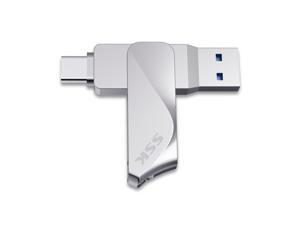
SSK 64GB USB C Flash Drive Dual Drive 2 in 1 OTG USB 3.2 + Type C Memory Stick Thumb Drive, ...
- Capacity: 64GB
- USB Specification: USB 3.2 Gen 1
- Color: Silver
- Model #: FDU061 64GB
- Item #: 9SIV6NDJAD5188
- Return Policy: SSK Direct US Store Return Policy

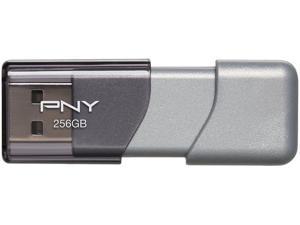
PNY 256GB Turbo USB 3.0 Flash Drive (P-FD256TBOP-GE)
- Brand: PNY
- Series: Turbo
- Capacity: 256GB
- Ready Boost: Yes
- USB Specification: USB 3.0
- Color: Silver
- Features: Features lightning fast transfer of large files such as movies and videos Allows for quick and easy transfer of any files while saving time Transfer speeds approx. 10X Faster than PNY standard USB 2.0 Flash Drives * Speeds quoted for USB 3.0 devices. Speeds are based on PNY standard USB 2.0 (3.5 MB/s) write speed. Performs at USB 2.0 speeds when used on 2.0 devices
- Dimensions: 0.43" x 0.80" x 2.26"
- Model #: P-FD256TBOP-GE
- Item #: 9SIV01FKH20050
- Return Policy: tradeCOzone Return Policy
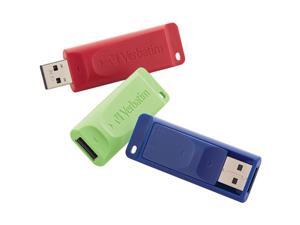
VERBATIM 99811 32GB Store N Go USB Flash Drive 3pk
- Model #: VE#99811
- Item #: 9SIV0F2EUB6481
- Return Policy: TELeasy Return Policy
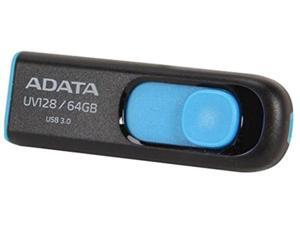

a-data memory flash auv128-64g-rbe 64gb usb3.0 flash drive uv128 (r90 w40) black/blue ...
- Brand: ADATA
- Color: Blue
- Model #: RNAB00DOJKBF8
- Item #: 9SIV2G2J279283
- Return Policy: PremierSource Return Policy
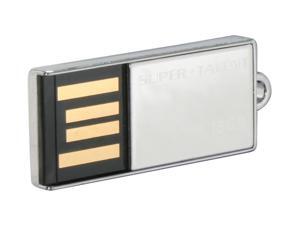
SUPER TALENT PICO-C 16GB Flash Drive (USB2.0 Portable) STU16GPCS
- Brand: SUPER TALENT
- Series: PICO-C
- Capacity: 16GB
- Speed Class Rating: Up to 30MB/s (200X) data transfer rate
- Ready Boost: Yes
- USB Specification: USB 2.0
- Features: Color: Chrome Capless Fully compatible with USB 2.0 and 1.1 Water resistant Hot Plug & Play
- Labor: Lifetime limited
- Model #: STU16GPCS
- Item #: 9SIV0F2KFW4057
- Return Policy: TELeasy Return Policy
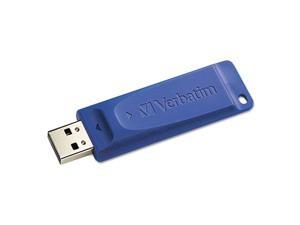
USB FLASH DRIVE 8GB BLUE
- Brand: Verbatim
- Model #: 97088
- Item #: 9SIV2G293W3256
- Return Policy: PremierSource Return Policy
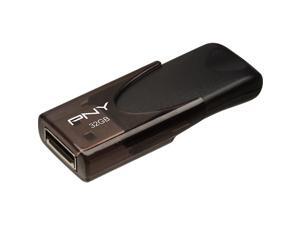
PNY MEMORY P-FD32GATT4-GE PNY 32GB ATTACH 4 USB 2.0 FLASH
- Brand: PNY MEMORY
- Capacity: 32GB
- USB Specification: USB 2.0
- Model #: PFD32GATT4GE
- Item #: 9SIV2G2AEE6901
- Return Policy: PremierSource Return Policy
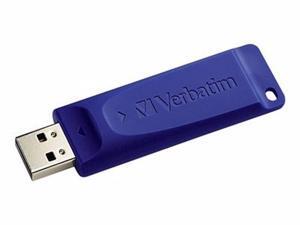
VERBATIM USB DRIVE - USB FLASH DRIVE - 128 GB-98659
- Brand: Verbatim
- Model #: TCH98659
- Item #: 9SIV0F26YB8305
- Return Policy: TELeasy Return Policy
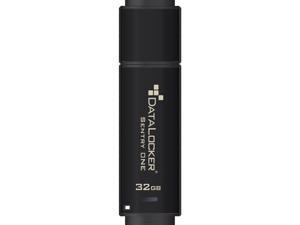
SENTRY ONE SECURE USB 3.1 GEN 1
- Brand: DataLocker
- Color: Black
- Features: Sold as 1 Each.
- Model #: SONE032
- Item #: 9SIV2G2G2G0847
- Return Policy: PremierSource Return Policy
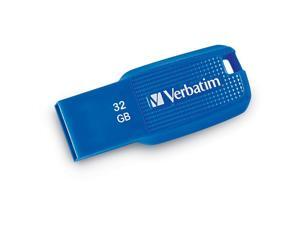
VERBATIM CORPORATION 70878 VERBATIM 32GB ERGO USB 3.0 BLUE
- Brand: Verbatim
- Color: Blue
- Model #: 70878
- Item #: 9SIV2G2JS21340
- Return Policy: PremierSource Return Policy
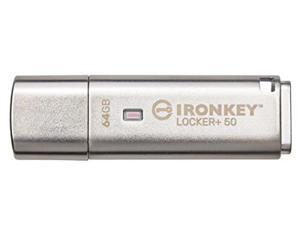
IronKey Locker+ 50 USB Flash Drive IKLP5064GB
- Brand: Kingston
- Capacity: 64GB
- Model #: IKLP5064GB
- Item #: 9SIV2G2JVZ8976
- Return Policy: PremierSource Return Policy
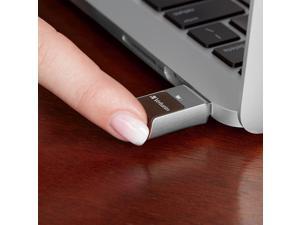
VERBATIM CORPORATION 70368 64GB FINGERPRINT SECURE SILVER
- Brand: Verbatim
- Color: Silver
- Model #: 70368
- Item #: 9SIV2G2B6E9566
- Return Policy: PremierSource Return Policy
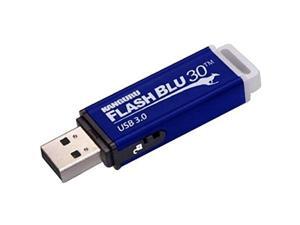
flashblu30 with physical write protect switch
- Model #: RNAB00JJIE95G
- Item #: 9SIV0F2KU39064
- Return Policy: TELeasy Return Policy
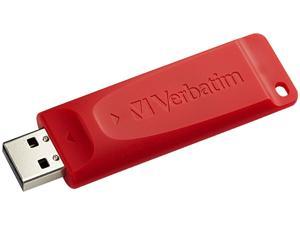
Verbatim Store 'n' Go 32GB Flash Drive (USB2.0 Portable / Red) 96806
- Brand: Verbatim
- Series: Store 'n' Go
- Capacity: 32GB
- Ready Boost: Yes
- USB Specification: USB 2.0
- Features: Store n Go USB drive makes transporting and sharing files simple Compatible with Windows 7 Retractable USB Connector - No cap to lose Password security feature to protect sensitive data
- Dimensions: 74 x 21 x 11mm
- Weight: 8.98g
- Model #: 96806
- Item #: 9SIV2G293T6023
- Return Policy: PremierSource Return Policy
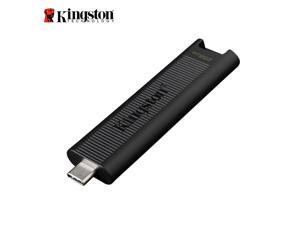
Kingston DataTraveler Max 256GB USB 3.2 Gen 2 Type-C Flash Drive Up to 1,000MB/s read ...
- Brand: Kingston
- Series: DataTraveler Max
- Capacity: 256GB
- Security: Lightweight
- Part Number: DTMAX/256GB
- USB Specification: USB 3.2 Gen 2
- USB Connectors: Type C
- Color: Black
- Model #: DTMAX/256GB
- Item #: 9SIV2G2J279255
- Return Policy: PremierSource Return Policy
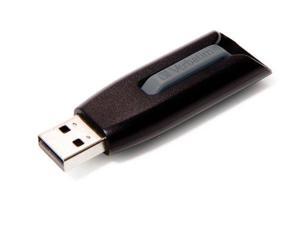
Verbatim 128 GB Store 'n' Go V3 USB 3.0 Flash Drive, Black/Gray 49189
- Model #: 012304076650
- Item #: 9SIV0F28EU6095
- Return Policy: TELeasy Return Policy
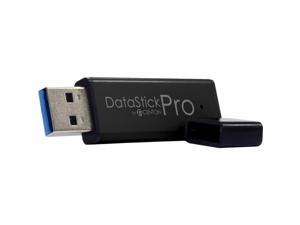
Centon MP Essential USB 3.0 Datastick Pro (Black) 256GB
- Brand: CENTON
- Color: Black
- Model #: S1-U3P6-256G
- Item #: 9SIV2G293T9448
- Return Policy: PremierSource Return Policy
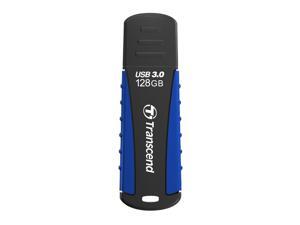
128GB Transcend JetFlash 810 USB3.0 Rugged Flash Drive
- Brand: Transcend
- Series: JetFlash 810
- Capacity: 128GB
- Ready Boost: Yes
- USB Specification: USB 3.0
- Color: Black
- Model #: TS128GJF810
- Item #: 9SIV2G299V8537
- Return Policy: PremierSource Return Policy
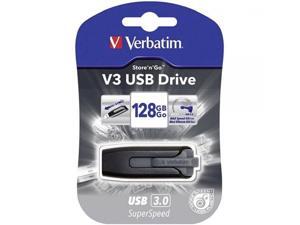
Verbatim 128GB Store 'n' Go V3 USB 3.0 Flash Drive, Black/Gray 49189
- Model #: ADIB00BXEIUQS
- Item #: 9SIV0F28EV5649
- Return Policy: TELeasy Return Policy
Other Uses for USB Flash Drives
Introduction
A USB flash drive is a versatile data storage solution that can be used for many purposes, some of which are not widely known. While flash drives are popular for backing up and transferring data, other uses include boosting computer performance or serving as an operating system boot disk. Below, NeweggBusiness presents several lesser-known benefits of flash drives that you may find useful.
Increase System Performance
Certain operating systems allow you to use a USB flash drive to increase system performance by complementing the main system memory. Known as ReadyBoost ®, it is supported by Windows® Vista®, Windows 7, and Windows 8. In order for a USB flash drive to be used, it must have at least 256 MB of unused space.
Portable Applications
What are portable applications? They are programs that can be installed onto a USB flash drive and run on a host computer without modifying the host computer’s settings or configurations. For instance, a portable .pdf reader on a USB flash drive will allow you to read .pdf files without requiring installation.
Boot Disk
A boot disk can be used for many purposes, including operating system installation, updating Basic Input / Output System (BIOS) settings, and troubleshooting operating system issues. Traditionally, boot disks were specially formatted 3.5 inch floppy disks and later optical discs, but USB flash drives can also be used. The process to make a USB flash drive a boot disk varies depending on the operating system.
Automated Backup
Some USB flash drives include automated backup software bundled or preinstalled onto the drive. With automatic backup, files, folders, and settings can be backed up to a flash drive whenever it is inserted into a USB slot.
Lock or Unlock a Computer
If you have concerns about computer security and do not feel that a password is sufficient protection, a USB flash drive can be used to add an extra layer of security. Some programs, when installed onto your computer and USB flash drive, require the flash drive to be inserted in order for the computer to be locked or unlocked.
Security Tools
By installing portable security tools onto a USB drive, you can scan for viruses and malware on any computer that the flash drive is connected to. A useful tool if you need to remove viruses, malware, or other malicious software from multiple computers or frequently use public computers.
Optical Drive Replacement
Installing an operating system typically requires you to have the installation disc, which can be an issue if the computer does not have an optical drive. One workaround is to use a USB flash drive as the installation medium, rather than an optical disc. This is accomplished by formatting the USB flash drive as a boot disk and copying the operating system installation files.

