


Webcam - Showing 505 - 528 of 2276 Products
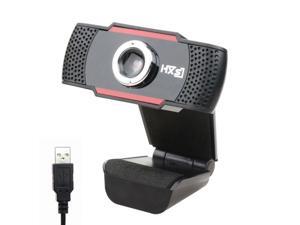
480P HD Webcam with Microphone External USB Computer Camera for PC Laptop Desktop ...
- Video Capture Resolution: 640 x 480
- Color: Black
- Model #: E-S20-A1
- Item #: 9SIV155BC98561
- Return Policy: ESTONE'S Business Return Policy
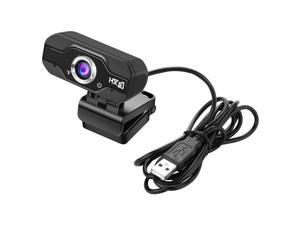
US inventory 720P HD Webcam InTeching USB Widescreen Computer Camera with ...
- Brand: LUOM
- Name: Webcam USB Camera with MIC Microphone Web Camera For PC Laptop Computer
- Interface: USB 2.0
- Image Sensor: CMOS
- Max. Image Resolution: 1280 x 720
- Effective Pixels: 2.0 M
- Video Capture Resolution: 1280 x 720
- Frame Rate: 30 fps
- Model #: J-HXSJ S50B1
- Item #: 9SIV13NBZM7548
- Return Policy: Brinch's marketplace Return Policy
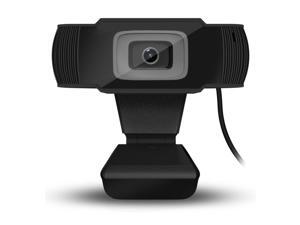
Computer Peripheral Camera Webcam Autofocus Web 12 Megapixel 480P Video Call Built-in ...
- Video Capture Resolution: 640 x 480
- Color: Black
- Model #: E-HXSJ A870B-A2
- Item #: 9SIV155BC98541
- Return Policy: ESTONE'S Business Return Policy
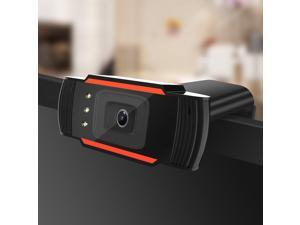
HXSJ A870C3 USB HD 640X480 12.0M-Pixel Webcam Peripherals Absorption Microphone PC ...
- Brand: LUOM
- Name: Webcam USB Camera with MIC Microphone Web Camera For PC Laptop Computer
- Interface: USB 2.0
- Image Sensor: CMOS
- Max. Image Resolution: 640 x 480
- Effective Pixels: 1.0 M
- Video Capture Resolution: 640 x 480
- Frame Rate: 30 fps
- Model #: J-A870C3-F
- Item #: 9SIV13N9AS4989
- Return Policy: Brinch's marketplace Return Policy
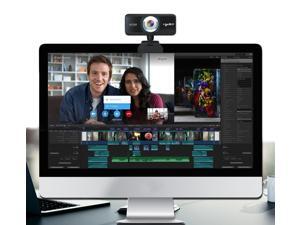
US inventory USB Web Camera 720P HD 1MP Computer Camera Webcam Built-in ...
- Brand: LUOM
- Name: Webcam USB Camera with MIC Microphone Web Camera For PC Laptop Computer
- Interface: USB 2.0
- Image Sensor: CMOS
- Max. Image Resolution: 1280 x 720
- Effective Pixels: 2.0 M
- Video Capture Resolution: 1280 x 720
- Frame Rate: 30 fps
- Model #: J-HXSJ S90B-F
- Item #: 9SIV13NB7V1549
- Return Policy: Brinch's marketplace Return Policy
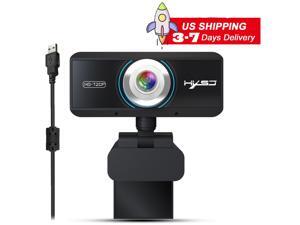
US inventory Webcam 720P, HD Web Camera with Mic, USB Computer Camera for Skype, Plug ...
- Brand: LUOM
- Name: Webcam USB Camera with MIC Microphone Web Camera For PC Laptop Computer
- Interface: USB 2.0
- Image Sensor: CMOS
- Max. Image Resolution: 1280 x 720
- Effective Pixels: 2.0 M
- Video Capture Resolution: 1280 x 720
- Frame Rate: 30 fps
- Model #: J-HXSJ S90A6-1
- Item #: 9SIV13NBZV1697
- Return Policy: Brinch's marketplace Return Policy
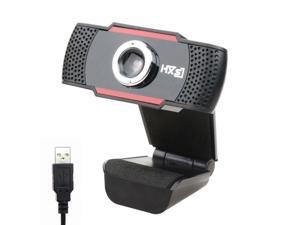
HD Webcam 480P PC 30fps HD Web USB Camera High-Definition Cam Video Call with ...
- Brand: LUOM
- Name: Webcam USB Camera with MIC Microphone Web Camera For PC Laptop Computer
- Interface: USB 2.0
- Image Sensor: CMOS
- Max. Image Resolution: 640 x 480
- Effective Pixels: 2.0 M
- Video Capture Resolution: 640 x 480
- Frame Rate: 30 fps
- Model #: J-S20-A1
- Item #: 9SIV13NBB82707
- Return Policy: Brinch's marketplace Return Policy
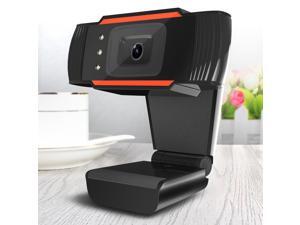
Auto Focus Webcam 480P Video Camera Microphone Recording Desktop Laptop 0.5MP ...
- Brand: LUOM
- Name: Webcam USB Camera with MIC Microphone Web Camera For PC Laptop Computer
- Interface: USB 2.0
- Image Sensor: CMOS
- Max. Image Resolution: 640 x 480
- Effective Pixels: 1.0 M
- Video Capture Resolution: 640 x 480
- Frame Rate: 30 fps
- Model #: J-HXSJ A870C3-A2
- Item #: 9SIV13NBB82682
- Return Policy: Brinch's marketplace Return Policy
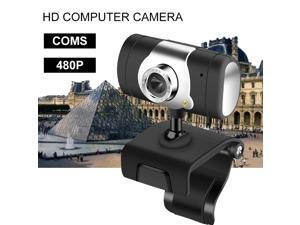
480P HD USB Webcam, USB Desktop Laptop Camera Built-in Mic, 360 Degrees Web ...
- Brand: LUOM
- Name: Webcam USB Camera with MIC Microphone Web Camera For PC Laptop Computer
- Interface: USB 2.0
- Image Sensor: CMOS
- Max. Image Resolution: 640 x 480
- Effective Pixels: 1.0 M
- Video Capture Resolution: 640 x 480
- Frame Rate: 30 fps
- Model #: J-HXSJ A847-A1
- Item #: 9SIV13NBB82709
- Return Policy: Brinch's marketplace Return Policy
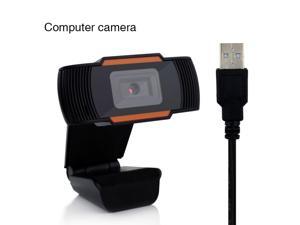
Jieyuteks Computer 12 MP HD Webcam Video Webcam Web Camera Built-in Sound ...
- Brand: LUOM
- Name: Webcam USB Camera with MIC Microphone Web Camera For PC Laptop Computer
- Interface: USB 2.0
- Image Sensor: CMOS
- Max. Image Resolution: 12MP
- Effective Pixels: 1.0 M
- Video Capture Resolution: 640 * 480
- Frame Rate: 30 fps
- Model #: A870
- Item #: 9SIV13N5Y98959
- Return Policy: Brinch's marketplace Return Policy
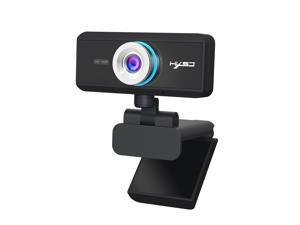
US inventory USB 720P HD Webcam, 1MP 720p 30 FPS - 1280 x 720 Dynamic Resolution - ...
- Video Capture Resolution: 1280 x 720
- Color: Black
- Model #: E-HXSJ S90B-1
- Item #: 9SIV155B947755
- Return Policy: ESTONE'S Business Return Policy
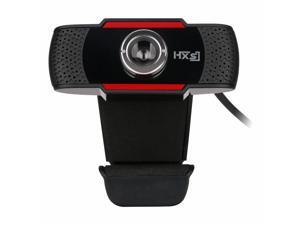
HXSJ S30 USB 720P HD Webcam, 720p 30 FPS - 1280 x 720 Dynamic Resolution - Built-in ...
- Video Capture Resolution: 1280 x 720
- Color: Black
- Model #: E-HXSJ S30B-1
- Item #: 9SIV155B947737
- Return Policy: ESTONE'S Business Return Policy
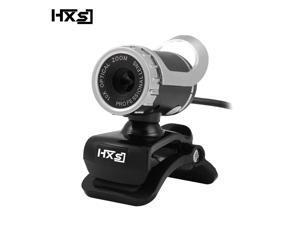
HXSJ A859 HD Built-in Sound-absorbing Microphone Manually-Focused USB2.0 640x480 ...
- Brand: LUOM
- Name: Webcam USB Camera with MIC Microphone Web Camera For PC Laptop Computer
- Interface: USB 2.0
- Image Sensor: CMOS
- Max. Image Resolution: 640 x 480
- Effective Pixels: 1.0 M
- Video Capture Resolution: 640 x 480
- Frame Rate: 30 fps
- Model #: J-HXSJ A859-BK-1
- Item #: 9SIV13N8T00812
- Return Policy: Brinch's marketplace Return Policy
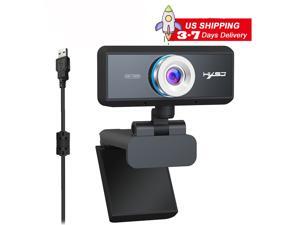
720P Webcam for PC Laptop Desktop,HXSJ S90 1MP 360-Degree Rotation Streaming ...
- Brand: LUOM
- Name: Webcam USB Camera with MIC Microphone Web Camera For PC Laptop Computer
- Interface: USB 2.0
- Image Sensor: CMOS
- Max. Image Resolution: 1280 x 720
- Effective Pixels: 2.0 M
- Video Capture Resolution: 1920 x 720
- Frame Rate: 30 fps
- Model #: JS90-12
- Item #: 9SIV13NDMH9936
- Return Policy: Brinch's marketplace Return Policy
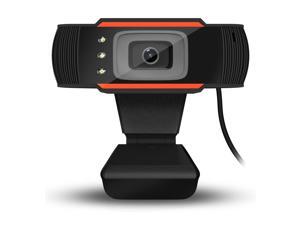
HXSJ A870C3 Webcam built-in sound absorption microphone with 12.0M pixels and 640 * 480 ...
- Brand: LUOM
- Name: Webcam USB Camera with MIC Microphone Web Camera For PC Laptop Computer
- Interface: USB 2.0
- Image Sensor: CMOS
- Max. Image Resolution: 640 x 480
- Effective Pixels: 1.0 M
- Video Capture Resolution: 640 x 480
- Frame Rate: 30 fps
- Model #: J-A870C3
- Item #: 9SIV13N9AS4987
- Return Policy: Brinch's marketplace Return Policy
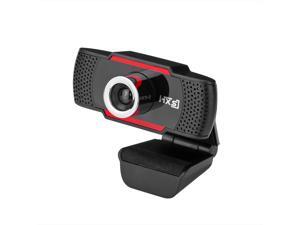
LUOM 1.0 Millionpixels 720P HD Pro Webcam S30 , Advanced ManuallyFocus Video Calling ...
- Brand: LUOM
- Name: Webcam USB Camera with MIC Microphone Web Camera For PC Laptop Computer
- Interface: USB 2.0
- Image Sensor: CMOS
- Max. Image Resolution: 1280 x 720
- Effective Pixels: 2.0 M
- Video Capture Resolution: 1280 x 720
- Frame Rate: 30 fps
- Model #: J-HXSJ S30A2
- Item #: 9SIV13NB838653
- Return Policy: Brinch's marketplace Return Policy
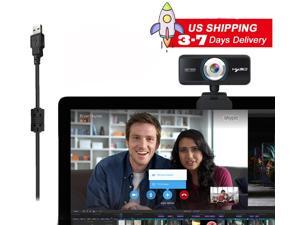
S90 1MP 720P Webcam with Microphone, Streaming Web Camera, USB Computer Camera for ...
- Brand: LUOM
- Name: Webcam USB Camera with MIC Microphone Web Camera For PC Laptop Computer
- Interface: USB 2.0
- Image Sensor: CMOS
- Max. Image Resolution: 1280 x 720
- Effective Pixels: 2.0 M
- Video Capture Resolution: 1920 x 720
- Frame Rate: 30 fps
- Model #: JS90-7
- Item #: 9SIV13NDMH9942
- Return Policy: Brinch's marketplace Return Policy
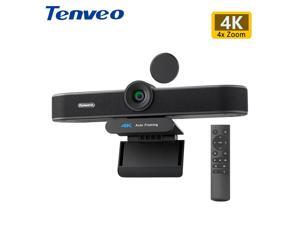
VA300C 4K EPTZ Webcam Conference Webcam 8MP 4x Digital Zoom with Auto Framing USB PC ...
- Brand: Tenveo
- Name: 4K EPTZ Webcam with 4X Digital Zoom
- Interface: USB 3.0
- Image Sensor: CMOS
- Max. Image Resolution: 8.0 MP (Software Enhanced)
- Effective Pixels: 8.0 M
- Video Capture Resolution: 4K
- Frame Rate: 30FPS
- Model #: VA300C
- Item #: 9SIV7C1JMC8974
- Return Policy: Tenveo Return Policy
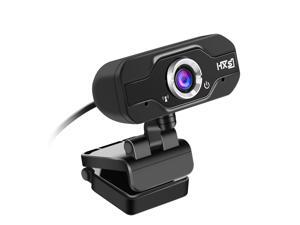
US inventory Web Camera 720P HD PC Camera USB HD Webcam Video Record with ...
- Image Sensor: CMOS
- Max. Image Resolution: 1280 x 720
- Frame Rate: 30 fps
- Lens: high-quality five-layer glass lens
- Power Source: USB
- Operating Systems Supported: Windows 2000 / XP / Win7 / 8 / 10 / Vista 32bit OS
- Windows Vista: Works with Windows Vista
- Color: Black
- Model #: E-HXSJ S50-1
- Item #: 9SIV1558V50237
- Return Policy: ESTONE'S Business Return Policy
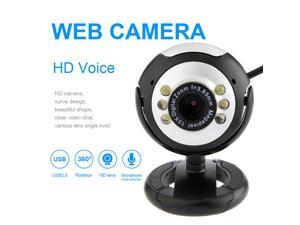
LED Computer PC Laptop USB2.0 Webcam 480P HD Camera with Microphone Live Broadcast ...
- Video Capture Resolution: 640 x 480
- Color: Black
- Model #: E-HXSJ M26 Webcam-A2
- Item #: 9SIV155BC98568
- Return Policy: ESTONE'S Business Return Policy
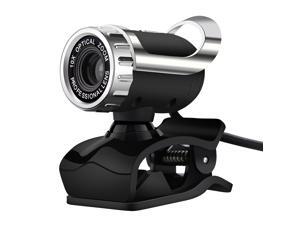
Webcam with Microphone HD 480P Rotatable Computer Camera 0.3 Megapixel AutoFocus ...
- Video Capture Resolution: 640 x 480
- Color: Black
- Model #: E-HXSJ A859B-A2
- Item #: 9SIV155BC98566
- Return Policy: ESTONE'S Business Return Policy
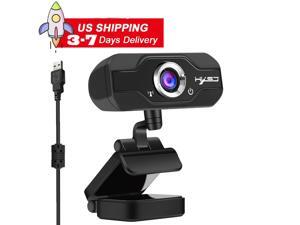
Ultra S50 1MP HD Pro Computer Webcam - 720p Streaming Camera Widescreen Video - 2 ...
- Video Capture Resolution: 1920 x 720
- Color: Black
- Model #: ES50-9
- Item #: 9SIV155DEA5476
- Return Policy: ESTONE'S Business Return Policy
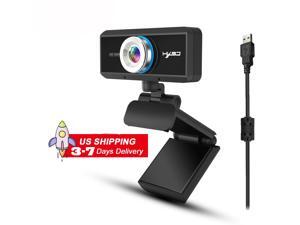
1MP 720P Webcam,S90 Computer Camera, Webcam with Microphone for Desktop and ...
- Brand: LUOM
- Name: Webcam USB Camera with MIC Microphone Web Camera For PC Laptop Computer
- Interface: USB 2.0
- Image Sensor: CMOS
- Max. Image Resolution: 1280 x 720
- Effective Pixels: 2.0 M
- Video Capture Resolution: 1920 x 720
- Frame Rate: 30 fps
- Model #: JS90-10
- Item #: 9SIV13NDMH9927
- Return Policy: Brinch's marketplace Return Policy
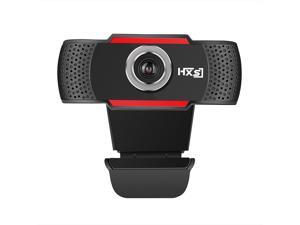
ESTONE S30 High Definition 1280*720 720p HD Webcams Web Cam Camera ManuallyFocus ...
- Video Capture Resolution: 1280 x 720
- Color: Black
- Model #: E-HXSJ S30B2
- Item #: 9SIV155B9D7852
- Return Policy: ESTONE'S Business Return Policy
How to Choose the Right Webcam
Introduction
Adding a webcam to your conference calls and online conversations can enhance the experience for both you and the other party. In addition, it is a more economical and environmentally-friendly alternative to paying for a plane ticket and flying in for a face-to-face meeting in another city. Before purchasing a webcam however, you should consider how it will be used and what features you.
Video Resolution
Similar to a monitor or a HDTV, a webcam’s video resolution is represented as the number of horizontal pixels by vertical pixels. A few of the more common resolutions include 640 × 480, 1280 × 720 (720p), and 1920 × 1080 (1080p). A higher resolution means that the video you capture will be sharper and more detailed. For HD video recording, you will need a webcam that is capable of at least 720p video capture.
Image Resolution
Aside from recording and sending live video, a web cam can also be used to take still images. Some webcams have their video and image resolutions listed separately, with the latter rated in megapixels. If you plan to use the webcam to take still photos, you should try to find one that has a high megapixel rating.
Frame Rate
Along with resolution, frame rate is another important factor for capturing video. A higher frame rate will result in a smoother video with less stuttering. Some webcams are capable of 30 frames per second video recording, though more budget-oriented models may have frame rates that are slightly lower than that.
Microphone
For recording audio, you can either utilize a webcam’s built-in microphone or connect a dedicated microphone. A built-in microphone is usually adequate for most tasks that do not require professional-grade sound recording. If you plan to record or live stream studio-quality audio however, you will want to utilize a dedicated microphone.
Mounting
There are several different mounting methods and designs for webcams. Some need to be clipped on, others require a flat horizontal surface, and a few even support tripods. Clip-on webcams are excellent for use with thin LCD monitors and laptops but not for thicker objects such as desktop towers or CRT monitors. A freestanding webcam is beneficial if you have a large flat surface such as the top of a tower or perhaps a conference table.

