


Webcam - Showing 1105 - 1128 of 3750 Products
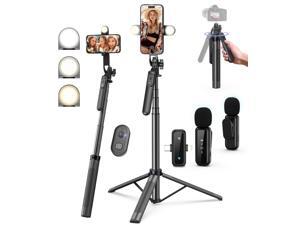
Vlogging Kit for iPhone/Android, 71" Selfie Stick Tripod for iPhone with Light, Wireless Remote ...
- Model #: 238458824293
- Item #: 9SIVT2FKWU7577
- Return Policy: YouZiXingBaiHuo Return Policy
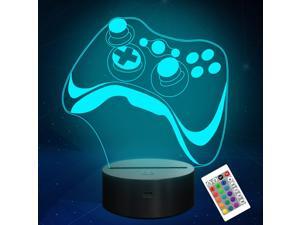
Attivolife Gamepad 3D Lamp, Hologram Illusion Controller Night Light for Kid, 16 Colors ...
- Model #: 814750672921
- Item #: 9SIVSC0KWC9164
- Return Policy: DuoDuoShangHang Return Policy
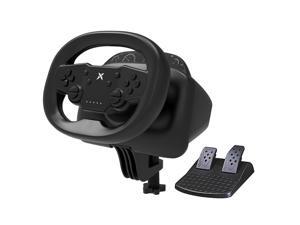
Gaming Steering Wheel with Pedals, 270 Degree Racing Wheel, Wireless Steering Wheel with ...
- Model #: 321446829866
- Item #: 9SIVT2CKWX2997
- Return Policy: NingJingDeXiaTian Return Policy
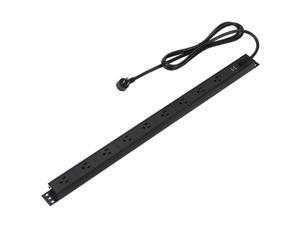
Surge Protector Power Strip, 9-Outlet, Heavy Duty, Metal, 600 Joules, 6ft Extension Cord, ...
- Model #: 516142977725
- Item #: 9SIVT2CKWW9577
- Return Policy: NingJingDeXiaTian Return Policy
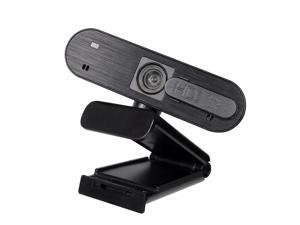
Webcam USB Web Camera Digital Full HD 1080P Webcam WebCam with Microphone Clip-on ...
- Model #: DF-Web-Camera0229
- Item #: 9SIV9F7KGK1560
- Return Policy: Fashion Technology Return Policy
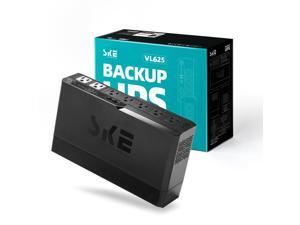
SKE VL625 625VA/360W UPS Battery Backup and Surge Protector - Uninterruptible Power ...
- Model #: 229865184290
- Item #: 9SIVT2CKWW4949
- Return Policy: NingJingDeXiaTian Return Policy
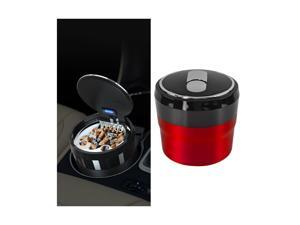
Car Ashtray with Lid, Portable Mini Vehicle Smokeless Smoking Cylinder Cup Holder Ash Tray, ...
- Model #: 150268404673
- Item #: 9SIVT2FKWX6875
- Return Policy: YouZiXingBaiHuo Return Policy
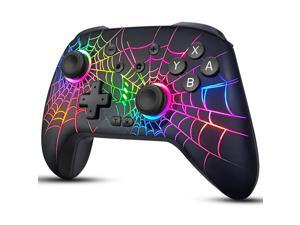
Switch Controllers for Nintendo Switch/OLED/Lite, Wireless Switch Pro Controller with 10 Colors ...
- Model #: 227673845064
- Item #: 9SIVSC0KWZ8702
- Return Policy: DuoDuoShangHang Return Policy
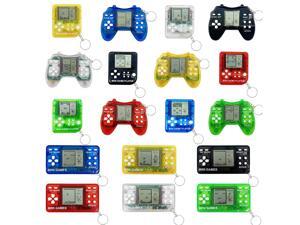
18Pcs Video Game Party Favors for Kids,Mini Game Console Keychain for Kids Boys Birthday ...
- Model #: 404095546577
- Item #: 9SIVT2FKWU7377
- Return Policy: YouZiXingBaiHuo Return Policy
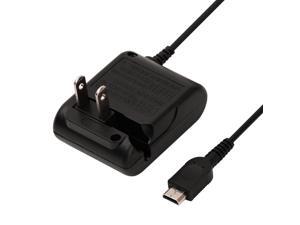
Charger for Gameboy Micro, AC Adapter for Nintendo Game Boy Micro Console, Wall Travel ...
- Model #: 956824397458
- Item #: 9SIVT2CKWX1918
- Return Policy: NingJingDeXiaTian Return Policy
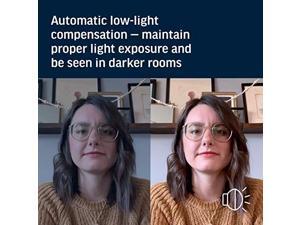
Plantronics Poly - Studio P5 Webcam with Poly Sync 20+ Speakerphone Kit Polycom - 1080p HD ...
- Model #: 965111460887
- Item #: 9SIVGXPKH59461
- Return Policy: Lezone Return Policy
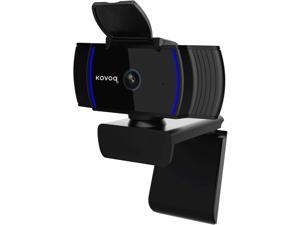
1080P Webcam with Microphone and Privacy Cover, Streaming Webcam Full HD, USB ...
- Model #: Lan120342456386681
- Item #: 9SIVNUDKKR3954
- Return Policy: DigitalFlash Return Policy
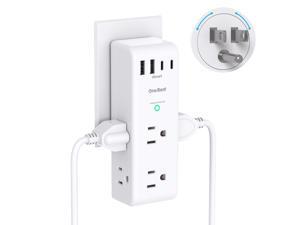
Surge Protector Outlet Extender - with Rotating Plug, 6 AC Multi Plug Outlet with 4 USB Ports (2 ...
- Model #: 049245209873
- Item #: 9SIVT2CKWX5955
- Return Policy: NingJingDeXiaTian Return Policy
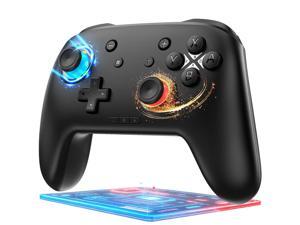
Switch Controller, Wireless Bluetooth Controller for Nintendo Switch 2/Switch/Lite/OLED, ...
- Model #: 912392715325
- Item #: 9SIVSC0KWD1163
- Return Policy: DuoDuoShangHang Return Policy
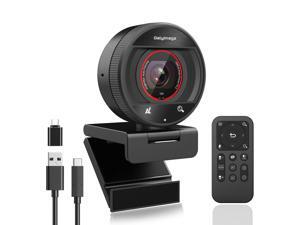
2K Webcam for pc with AI,Web Camera/8X Digital Zoom Computer Camera with USB ...
- Brand: Galyimage
- Name: 873 6
- Interface: USB
- Image Sensor: 5 megapixels
- Max. Image Resolution: 2K
- Effective Pixels: 5 megapixels
- Video Capture Resolution: 2K
- Focus Settings: Auto Focus
- Model #: 526804128887
- Item #: 9SIVT1VKWU6315
- Return Policy: Zexinoujayoshop Return Policy
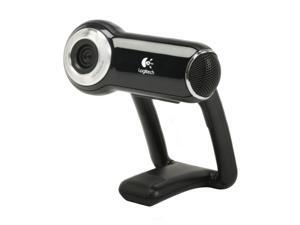

Logitech QuickCam Pro 9000 2.0 M Effective Pixels USB 2.0 WebCam
- Image Sensor: Native 2-MP HD sensor
- Max. Image Resolution: 8.0 MP (Software Enhanced)
- Video Capture Resolution: Up to 1600 x 1200
- Frame Rate: 30 fps
- Focus Settings: Autofocus system
- Lens: Carl Zeiss lens
- Operating Systems Supported: Windows XP / Vista
- Windows Vista: Certified for Windows Vista
- Model #: 960-000048
- Item #: 9SIVMRNKWT9428
- Return Policy: dnajknwd Return Policy
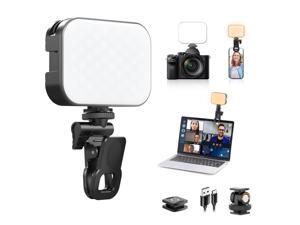
ULANZI VL100X Selfie Light, LED Video Camera Light, Portable Clip on Light Panel for ...
- Model #: 287840542587
- Item #: 9SIVT2FKWU7596
- Return Policy: YouZiXingBaiHuo Return Policy
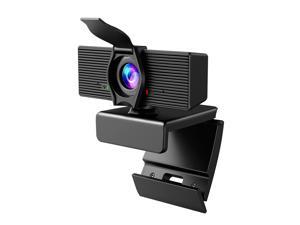
Webcam with Microphone & Privacy Cover, 1080P HD Web Computer Camera, USB Plug and ...
- Brand: LITEPRO
- Name: C70
- Interface: USB
- Image Sensor: 1080 megapixels
- Max. Image Resolution: 1080p
- Effective Pixels: 2 megapixels
- Video Capture Resolution: 1080p
- Frame Rate: 30 frames_per_second
- Model #: 007394992138
- Item #: 9SIVT1VKWU5863
- Return Policy: Zexinoujayoshop Return Policy
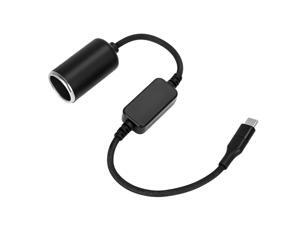
USB C to 12V Adapter, USB C to 12V Cigarette Lighter Adapter Type C Male to 12V Cigarette ...
- Model #: 351042279175
- Item #: 9SIVT2CKWV7814
- Return Policy: NingJingDeXiaTian Return Policy
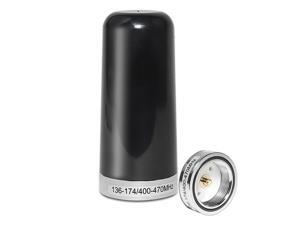
3DB Gain GMRS Antenna NMO Mount, Dual-Band UHF VHF 136-174MHz 400-470MHz, 3.5 ...
- Model #: 253230459214
- Item #: 9SIVT2CKWF2651
- Return Policy: NingJingDeXiaTian Return Policy
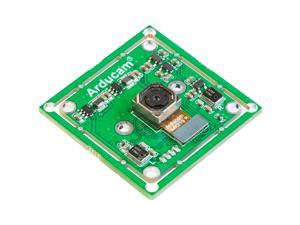
Arducam 4K 8MP IMX219 Autofocus USB Camera Module with Microphone, 1080P Mini UVC ...
- Model #: 990160749669
- Item #: 9SIVTDYKWD3373
- Return Policy: Voltrix Return Policy
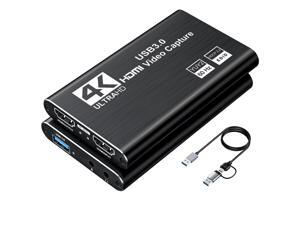
Video Capture Card, Audio Video Capture Card, USB 3.0 Capture Card 4K HDMI Loop-Out, ...
- Model #: 096362314891
- Item #: 9SIVT2FKWX7683
- Return Policy: YouZiXingBaiHuo Return Policy
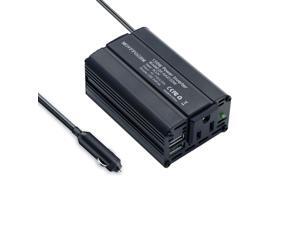
150W Power Inverter 12V DC to 110V AC Car Plug Adapter Outlet Converter with 2.4A Dual USB ...
- Model #: 598219104157
- Item #: 9SIVT2CKWF1787
- Return Policy: NingJingDeXiaTian Return Policy
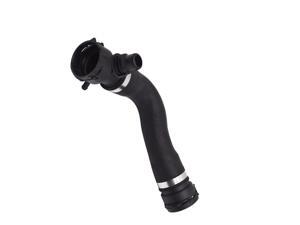
Upper Radiator Coolant Hose Replacement for 135i 135is 335i xDrive 335xi Z4 X1 2007-2014 ...
- Model #: 277231611091
- Item #: 9SIVT2FKWV9133
- Return Policy: YouZiXingBaiHuo Return Policy
How to Choose the Right Webcam
Introduction
Adding a webcam to your conference calls and online conversations can enhance the experience for both you and the other party. In addition, it is a more economical and environmentally-friendly alternative to paying for a plane ticket and flying in for a face-to-face meeting in another city. Before purchasing a webcam however, you should consider how it will be used and what features you.
Video Resolution
Similar to a monitor or a HDTV, a webcam’s video resolution is represented as the number of horizontal pixels by vertical pixels. A few of the more common resolutions include 640 × 480, 1280 × 720 (720p), and 1920 × 1080 (1080p). A higher resolution means that the video you capture will be sharper and more detailed. For HD video recording, you will need a webcam that is capable of at least 720p video capture.
Image Resolution
Aside from recording and sending live video, a web cam can also be used to take still images. Some webcams have their video and image resolutions listed separately, with the latter rated in megapixels. If you plan to use the webcam to take still photos, you should try to find one that has a high megapixel rating.
Frame Rate
Along with resolution, frame rate is another important factor for capturing video. A higher frame rate will result in a smoother video with less stuttering. Some webcams are capable of 30 frames per second video recording, though more budget-oriented models may have frame rates that are slightly lower than that.
Microphone
For recording audio, you can either utilize a webcam’s built-in microphone or connect a dedicated microphone. A built-in microphone is usually adequate for most tasks that do not require professional-grade sound recording. If you plan to record or live stream studio-quality audio however, you will want to utilize a dedicated microphone.
Mounting
There are several different mounting methods and designs for webcams. Some need to be clipped on, others require a flat horizontal surface, and a few even support tripods. Clip-on webcams are excellent for use with thin LCD monitors and laptops but not for thicker objects such as desktop towers or CRT monitors. A freestanding webcam is beneficial if you have a large flat surface such as the top of a tower or perhaps a conference table.

