


Webcam - Showing 1201 - 1224 of 3756 Products
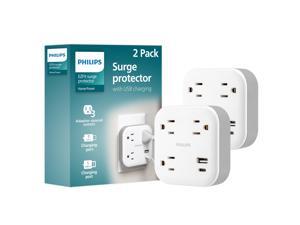
EZFit 3-Outlet Surge Outlet Extender with USB, 1 USB-A, 1 Type-C, Adapter Spaced, Charging ...
- Model #: 837845441589
- Item #: 9SIVTAJKXT0156
- Return Policy: "Deal Mall" Return Policy
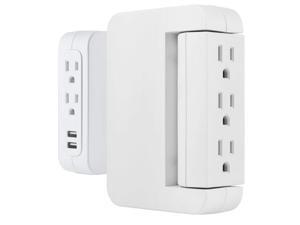
Pro Side-Access Swivel Surge Protector, 2 Pack, 5-Outlet Extender with 2 USB Ports, Wall Tap ...
- Model #: 031694342355
- Item #: 9SIVTAJKXT0191
- Return Policy: "Deal Mall" Return Policy
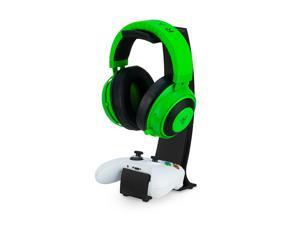
Headphone Stand & Game Controller Holder Sleek Headset Hanger & Gamepad Stand for ...
- Model #: 660115056066
- Item #: 9SIVT2CKWF1786
- Return Policy: NingJingDeXiaTian Return Policy
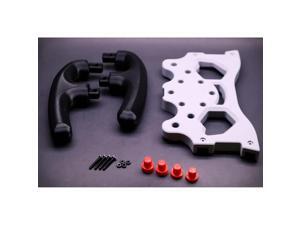
F1 Racing Wheel Mod Kit for Logitech G29 G920 G923, Professional Simulator Upgrade, ...
- Model #: 947659215630
- Item #: 9SIVSC0KWZ9457
- Return Policy: DuoDuoShangHang Return Policy
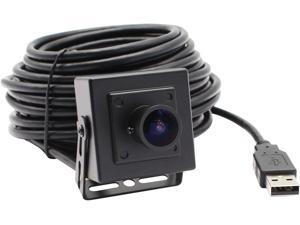
ELP USB Fisheye Camera 170degree 960P PC Camera Wide Angle Low Light Webcam for ...
- Brand: MEGAWHALE
- Model #:
- Item #: 9SIVP0HKJ00006
- Return Policy: ElectroVille Return Policy
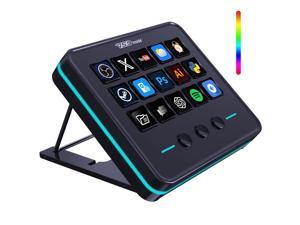
VSDINSIDE Macro Keypad, Stream Controller Deck Gaming Streaming Shortcut Keyboard, 18 ...
- Model #: 171637149839
- Item #: 9SIVSC0KWP9654
- Return Policy: DuoDuoShangHang Return Policy
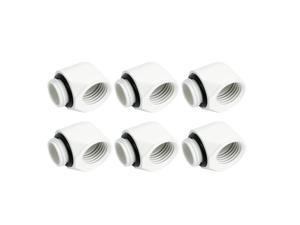
Dracaena.io 6 Pack G1/4" Male to Female 90° Angle Elbow Fittings, Brass Water Cooling ...
- Model #: 683903130078
- Item #: 9SIVSC0KWP9614
- Return Policy: DuoDuoShangHang Return Policy
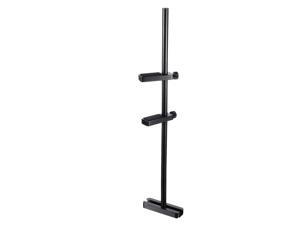
GPU Stand for Fan Mount, Graphics Card Support Bracket Adjustable Aluminum GPU Sag ...
- Model #: 719977761182
- Item #: 9SIVT2CKWE7721
- Return Policy: NingJingDeXiaTian Return Policy
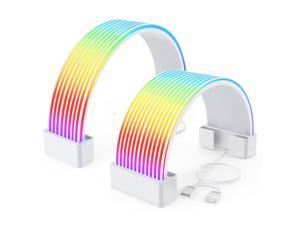
RGB Cables Cover Kit, Flex Power Cable Cover for 24-Pin Motherboard and 8-Pin/16-Pin GPU, ...
- Model #: 120390740617
- Item #: 9SIVRTNKX42570
- Return Policy: Jiamayanonly Return Policy
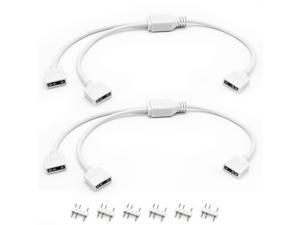
2PCS White ARGB Spliter Cables, 5V 3-Pin Addressable RGB 1-to-2 Y Spliter Cables, for ...
- Model #: 707887657420
- Item #: 9SIVT4VKWW8537
- Return Policy: halongzhiUKshop Return Policy
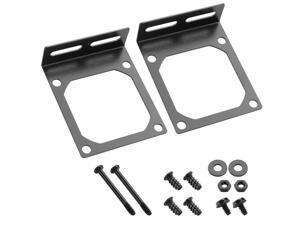
Fan Mount Stand Bracket, Metal Computer Case Fan Mount Rack Kit, Universal PC Case Fan ...
- Model #: 904370571848
- Item #: 9SIVT2CKWG7240
- Return Policy: NingJingDeXiaTian Return Policy
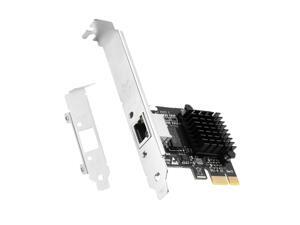
5G PCIe Network Card, 5GBase-T Ethernet Adapter with RJ45 Port, 2.5G/1G/100M ...
- Model #: 807761403142
- Item #: 9SIVT2CKWG8365
- Return Policy: NingJingDeXiaTian Return Policy
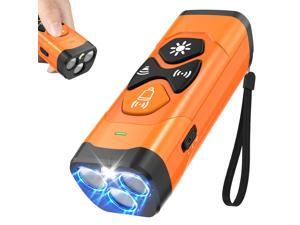
Dog Bark Deterrent Devices | Stop Your & Neighbors Dog Barking | 3X Ultrasonic & 23ft Range ...
- Model #: 133523576712
- Item #: 9SIVT2FKWU5971
- Return Policy: YouZiXingBaiHuo Return Policy
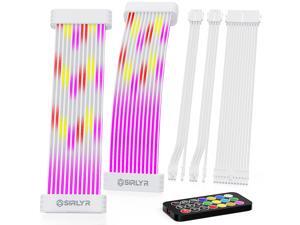
RGB PSU Cables Set with Lighting Panels and 24 Pin Motherboard,2× 8 Pin GPU PC Power Supply ...
- Model #: 999542979729
- Item #: 9SIVSC0KWM9511
- Return Policy: DuoDuoShangHang Return Policy
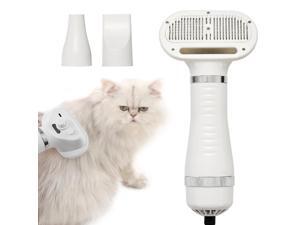
3-in-1 Pet Hair Dryer Brush for Dogs & Cats Portable Blower & Slicker Brush, Adjustable ...
- Model #: 599115916380
- Item #: 9SIVT2FKWU5916
- Return Policy: YouZiXingBaiHuo Return Policy

Dog Bark Deterrent Device, 65 FT Range,3X Ultrasonic Bark Deterrent Device & Ultrasonic Dog ...
- Model #: 772089767277
- Item #: 9SIVT2FKWX2290
- Return Policy: YouZiXingBaiHuo Return Policy
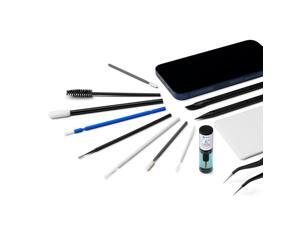
Precision Cleaning Kit - Phone, Laptop, Tablet
- Model #: 756480597658
- Item #: 9SIVT2FKWU9282
- Return Policy: YouZiXingBaiHuo Return Policy
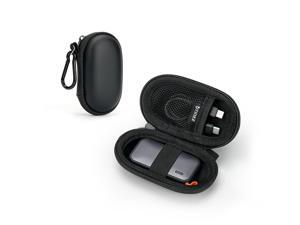
Portable SSD Case for SSK Portable SSD TB External Solid State Drives 1TB 2TB 250GB 500GB, ...
- Model #: 242414102263
- Item #: 9SIVT2CKWW2235
- Return Policy: NingJingDeXiaTian Return Policy
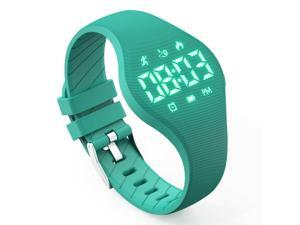
Kids Led Fitness Tracker Watch for Boys Girls, No App, Digital Sport Wristwatch, Waterproof, ...
- Model #: 849371892330
- Item #: 9SIVSC0KWY1896
- Return Policy: DuoDuoShangHang Return Policy
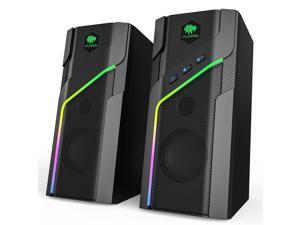
W-206Re RGB Computer Speakers, Bluetooth 5.1 & 3.5mm Wired Desktop Speakers with 21 ...
- Model #: 964136840835
- Item #: 9SIVSC0KWZ8614
- Return Policy: DuoDuoShangHang Return Policy
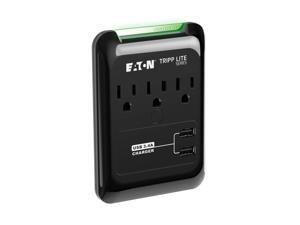
Series SK30USB 3 Outlet Extender Surge Protector Power Strip with 2 USB Charging Ports, 540 ...
- Model #: 294296051673
- Item #: 9SIVTAJKXT0344
- Return Policy: "Deal Mall" Return Policy
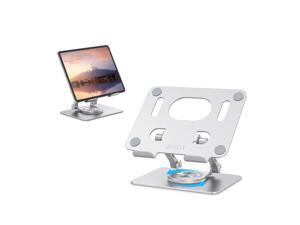
Tablet Stand, Swivel Ipad Stand with 360 Rotating Base, Adjustable Tablet Holder for Drawing, ...
- Model #: 853172053699
- Item #: 9SIVTAJKXR3626
- Return Policy: "Deal Mall" Return Policy
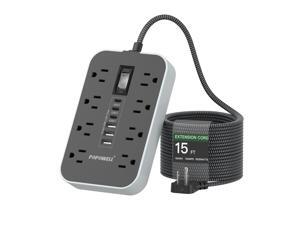
15FT Extension Cord- Power Strip Surge Protector with 8 AC Outlet & 6 USB Charging Block3 ...
- Model #: 382957063763
- Item #: 9SIVTAJKXS9935
- Return Policy: "Deal Mall" Return Policy
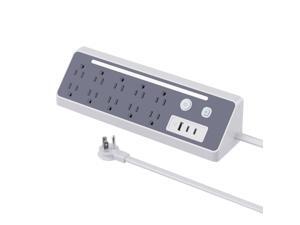
Power Strip Surge Protector,10 Outlets 1875W with 1 USB A and 2 USB C Port 5V 3.4A 17W ...
- Model #: 634737348106
- Item #: 9SIVTAJKXT0084
- Return Policy: "Deal Mall" Return Policy
How to Choose the Right Webcam
Introduction
Adding a webcam to your conference calls and online conversations can enhance the experience for both you and the other party. In addition, it is a more economical and environmentally-friendly alternative to paying for a plane ticket and flying in for a face-to-face meeting in another city. Before purchasing a webcam however, you should consider how it will be used and what features you.
Video Resolution
Similar to a monitor or a HDTV, a webcam’s video resolution is represented as the number of horizontal pixels by vertical pixels. A few of the more common resolutions include 640 × 480, 1280 × 720 (720p), and 1920 × 1080 (1080p). A higher resolution means that the video you capture will be sharper and more detailed. For HD video recording, you will need a webcam that is capable of at least 720p video capture.
Image Resolution
Aside from recording and sending live video, a web cam can also be used to take still images. Some webcams have their video and image resolutions listed separately, with the latter rated in megapixels. If you plan to use the webcam to take still photos, you should try to find one that has a high megapixel rating.
Frame Rate
Along with resolution, frame rate is another important factor for capturing video. A higher frame rate will result in a smoother video with less stuttering. Some webcams are capable of 30 frames per second video recording, though more budget-oriented models may have frame rates that are slightly lower than that.
Microphone
For recording audio, you can either utilize a webcam’s built-in microphone or connect a dedicated microphone. A built-in microphone is usually adequate for most tasks that do not require professional-grade sound recording. If you plan to record or live stream studio-quality audio however, you will want to utilize a dedicated microphone.
Mounting
There are several different mounting methods and designs for webcams. Some need to be clipped on, others require a flat horizontal surface, and a few even support tripods. Clip-on webcams are excellent for use with thin LCD monitors and laptops but not for thicker objects such as desktop towers or CRT monitors. A freestanding webcam is beneficial if you have a large flat surface such as the top of a tower or perhaps a conference table.

