




Shop Computer Hardware
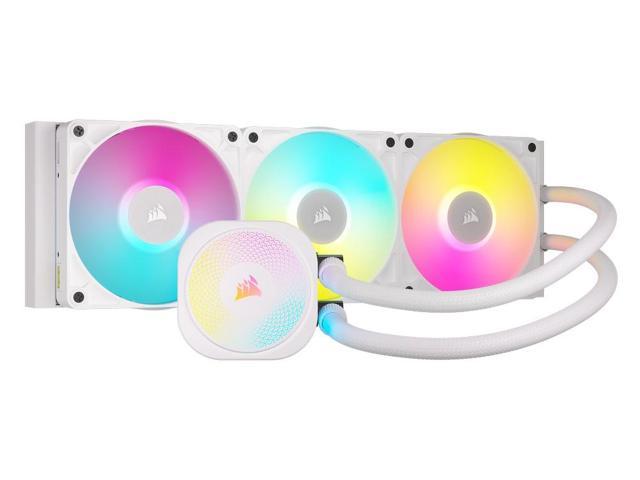
Featured Products See All
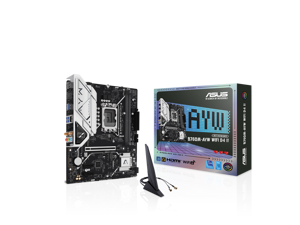

ASUS B760M-AYW WIFI D4 II Intel B760 (LGA 1700) microATX mATX motherboard, PCIe 5.0 ...
Save: $10.00 (9%)
$99 .99
Free Shipping
- Intel LGA 1700 Socket: Ready for Intel Core 14th & 13th Gen Processors, Intel Core 12th Gen, Pentium Gold and Celeron Processors
- Ultrafast Connectivity: PCIe 5.0, two M.2 slots, Realtek 2.5Gb Ethernet, Wi-Fi 6, rear USB 5Gbps Type-A, front USB 5Gbps support
- Comprehensive Cooling: VRM heatsink, PCH heatsink, hybrid fan headers and Fan Xpert 2+
- Aura Sync RGB Lighting: Onboard Addressable Gen 2 headers for RGB LED strips, easily synced with Aura Sync-capable hardware
Save: $10.00 (9%)
$99 .99
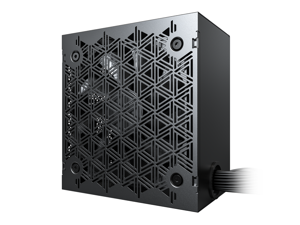
MONTECH BETA 2 650W Power Supply, ATX 3.1 Ready, 80+ Bronze Certified, DC-to-DC ...
Save: $10.00 (17%)
$49 .90
Free Shipping
- [MODERN ATX 3.1 READY] Engineered to dominate sudden power spikes. Supports 200% total system peak wattage and 300% GPU power excursions, ensuring your PC stays stable during the most intense gaming.
- [STABLE DC-TO-DC TECHNOLOGY] Features advanced DC-to-DC topology for tighter voltage regulation. This ensures clean, independent power to your components, providing better stability for gaming and professional workloads than standard units.
- [JAPANESE MAIN CAPACITOR] Engineered for longevity using a premium Japanese main capacitor. Offers superior heat resistance and ripple suppression to protect your internal components and ensure a longer PSU lifespan.
- [80 PLUS BRONZE EFFICIENCY] Certified for over 85% efficiency at typical loads. Optimized power conversion reduces heat and lowers electricity costs, while the quiet fan adjusts speed based on load for a near-silent experience.
- [6-POINT SAFETY & 5-YEAR WARRANTY] Complete industrial-grade protection: OCP, OVP, UVP, OPP, SCP, and OTP. Backed by a 5-year warranty with high-flexibility, easy-route cables for a clean and safe PC build.
Save: $10.00 (17%)
$49 .90
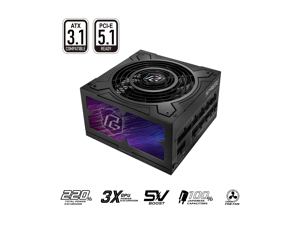

ASRock Phantom Gaming PG-1000G 1000W 80 PLUS GOLD & Cybenetics GOLD Full Modular ...
Save: $80.00 (42%)
$109 .99
Free Shipping
- 80 PLUS® GOLD Certified
- Cybenetics GOLD and LAMBDA A Certified
- ATX3.1 & PCIe5.1 Ready
- Fully Modular Cable Design
- Native 12V-2x6 Connector Dual Color Design with TempGuard
- 100% Highly Reliable Japanese Capacitors
- 135mm Striped Axial FDB Fan
- iCool Intelligent Fan Control Mode
- 5V BOOST Mode
- Remarkable 10-Year Warranty
Save: $80.00 (42%)
$109 .99
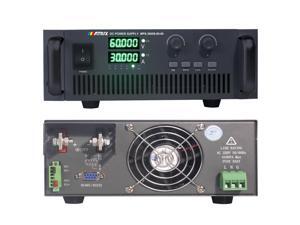
MATRIX High-Power Lab Power Supply 3600W, 60V 60A
$1,555 .00
Free Shipping
- High-power DC Power Supply: MATRIX MPS-3600S-60-60 adjustable power supply Rated output 0-60V 0-60A 3600W. Input voltage 198Vac-242Vac, 50Hz. Accuracy 0.1%F.S+0.1%F.S. 5-digit display with up to 3 decimal places The bench DC power supply adopts PWM modulation and high gain amplification circuit design, which is stable and reliable The variable DC power supply has RS-485 and RS-232 communication interface, using MODBUS RTU protocol, can realize the remote control of computer and PLC The panel has preset buttons that can preset voltage and current values Complete protection functions: OVPOCPOTPShort circuit protection. Key lock function

be quiet! Power Zone 2 850W ATX12V 3.1 Power Supply | 80 Plus Platinum and Cybenetics ...
$129 .90
Free Shipping
- ATX12V 3.1
- Modular
- 80 PLUS® Platinum and Cybenetics Platinum efficiency (up to 94%)
$129 .90
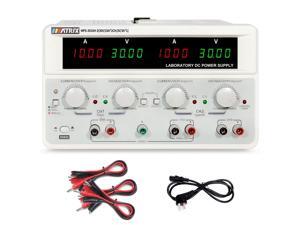
Dc Power Supply Variable 30V 10A, Triple Output Power Supply 615W, MATRIX MPS-3010H-3 ...
$770 .00
Free Shipping
- High Accuracy and Stability: MATRIX MPS-3010H-3 triple output adjustable dc power supply rated maximum for 30V and 10A. The bench power supply with a 4-digit LED display and 10mV/1mA high resolution in voltage and current output. Voltage precision<0.01%+8mV, Current precision< 0.1%+5mA. Low ripple and noise of less than 2mVrms ensure stable and accurate DC output, minimizing interference and protecting electronic devices. 4 Encoder Adjustment Knobs: MATRIX variable dc power supply says goodbye to the hassle of coarse and fine adjustments by 4 precise encoder knobs, every time you turn the knob, the value changes by 1 unit. Our dc bench power supply also has protection so that if the knob is touched unconsciously, the value does not change. One-key Series and Parallel Function: MATRIX bench power supply allows for easy switching between series and parallel or is used in synchronous mode circuit configurations with just the press of a button, without the need for manual reconnection of wires. And the series-parallel mode directly displays the voltage and current. The adjustable lab power supply is more convenient, time-saving, efficient, safe, and accurate.
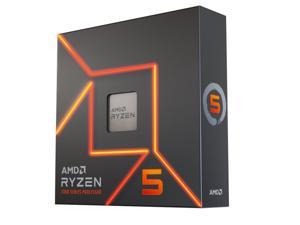

AMD Ryzen 5 7600X - Zen 4 6-Core 4.7 GHz - Socket AM5 - 105W Desktop Processor ...
Save: $70.00 (23%)
$229 .00
Free Shipping
- Zen 4 - TSMC 5nm FinFET 105W
- 32MB L3 Cache
- Windows 11 Supported
- Cooling Device not Included - Processor Only
Save: $70.00 (23%)
$229 .00
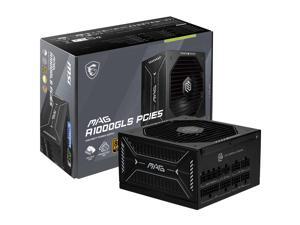

MSI MAG A1000GLS PCIE5, Fully Modular Compact Gaming 1000W Power Supply, 80+ Gold, ...
$129 .99
Free Shipping
- 80 PLUS GOLD CERTIFIED- With 80 PLUS Gold certification (up to 90% efficiency), this PSU is ideal for powering hardware with high energy demands, such as GPUs and CPUs.
- NATIVE 12V-2x6 CONNECTOR- Equipped with native 12V-2x6 PCIe connectors, it can deliver up to 600W of power to support PCIe 5.1 GPUs.
- DURABLE DESIGN - An LLC half-bridge with DC-to-DC converter and an active PFC design ensure a reliable output (OCP / OTP / OPP / SCP / OVP / UVP / SIP / NLO protection).
- COMPACT SIZE -
- A compact 150 mm-long and 150 mm-wide ATX form factor ensures a comfortable and easy fit in most PC cases. This frees up more space for cable management and airflow to the rest of the system.
- LOW-NOISE OPERATION -
- The average sound level is maintained as low as that of a peaceful night.
- Equipped with a 135 mm Fluid-dynamic bearing (FDB) fan, designed to enhance durability.
$129 .99
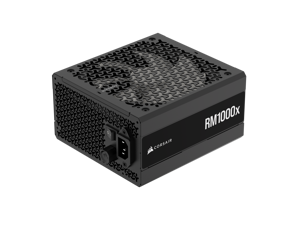

CORSAIR RMx Series RM1000x ATX Power Supply - Fully Modular - ATX 3.1 - PCIe 5.1 - ...
$177 .99
Free Shipping
- Fully modular
- Cybenetics Gold-certified
- ATX 3.1 Compliant
- Supports PCIe 5.1
- Native 12V-2x6 connector
- Ultra-flexible embossed cables with low-profile combs
- Fan speed adjustment knob
- 100% Japanese 105°C-rated electrolytic capacitors
- 50°C Maximum operating temperature
- Low-noise 140mm FDB fan
- Zero RPM fan mode
$177 .99
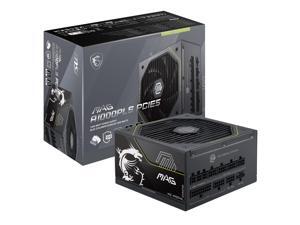
MSI MAG A1000PLS PCIE5, Fully Modular Gaming 1000W Power Supply, 80+ Platinum, Native ...
Save: $30.00 (16%)
$159 .99
Free Shipping
- GPU SAFEGUARD - This PSU provides real-time current protection. This proactive mechanism delivers an early alert if it detects the 12V-2x6 current in an abnormal status, allowing users to resolve the issue immediately.
- 80 PLUS PLATINUM CERTIFIED - With 80 PLUS Platinum certification (up to 92% efficiency), this PSU is ideal for powering hardware with high energy demands, such as high-end GPUs and CPUs.
- NATIVE 12V-2x6 CONNECTOR - Equipped with a native 12V-2x6 PCIe connector, it can deliver up to 600W of power to support PCIe 5.1 GPUs.
- DURABLE DESIGN - This power supply is equipped with a 135 mm Fluid-dynamic bearing (FDB) fan, designed to enhance durability. The UL embossed jacket modular cables with premium copper alloy connectors to ensure reliable performance.
- COMPACT SIZE - A compact 150 mm-long and 150 mm-wide ATX form factor ensures a comfortable and easy fit in most PC cases. This frees up more space for cable management and airflow to the rest of the system.
- Cables included: 1 x Motherboard, 2 x CPU, 1 x 12V-2x6, 2 x PCIe, 1 x PCIe to dual PCIe, 2 x SATA, 1 x PERIPHERAL.
Save: $30.00 (16%)
$159 .99
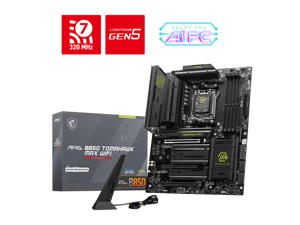
MSI MAG B850 TOMAHAWK MAX WIFI Motherboard, ATX - Supports AMD Ryzen 9000 / 8000 / ...
$209 .99
Free Shipping
- AMD B850
- Ryzen 7000 Series / Ryzen 8000 Series / Ryzen 9000 Series
- Up to DDR5 8400+ MT/s (OC)
- 5G Network Solution: Featuring premium 5G LAN to deliver better network experience.
- Wi-Fi7: The latest wireless solution with a new 320MHz channel achieving a maximum transmission speed of 5.8Gbps, which is 2.4 times faster than Wi-Fi 6/6E
- Audio Boost 5: Isolated audio with a high quality audio processor for the most immersive gaming experience.
- EZ PCIe Release: A simple press of a button to effortlessly lock or unlock the PCIe slot, simplifying the installation and removal of the graphics card.
- EZ M.2 Shield Frozr II: The New tool-less design makes installing or removing your M.2 SSD and Shield Frozr much easier
- Lightning Gen 5: the latest PCIe 5.0 solution with up to 128GB/s bandwidth for maximum transfer speed.
$209 .99
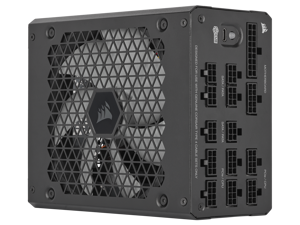
Corsair HX1000i Fully Modular Ultra-Low Noise ATX Power Supply - ATX 3.1 & PCIe 5.1 ...
Save: $58.00 (19%)
$242 .99
Free Shipping
- Fully Modular Cabling: Connect only the cables your system needs, making clean and tidy builds easy.
- Intel® ATX 3.0 Certified: Compliant with the ATX 3.0 power standard, supporting the PCIe Gen 5 platform and resisting transient power spikes.
- 140mm Fluid Dynamic Bearing (FDB) Fan: Delivers extremely quiet and long-lasting fan performance.
- Powerful CORSAIR iCUE Software: Create custom fan curves, monitor power settings, and toggle between single to multi-rail overcurrent protection (OCP) on-the-fly.
- Zero RPM Fan Mode: At low and medium loads the cooling fan switches off entirely for near-silent operation.
- 100% Japanese 105°C Electrolytic Capacitors: Premium internal components ensure unwavering power delivery and long-term reliability.
- Fully Digital Platform: Resonant LLC topology and DC-to-DC conversion provides clean, consistent power and minimizes coil whine and noise for quiet operation.
Save: $58.00 (19%)
$242 .99
Loading Dynamic Data...
Computer Parts and Hardware Guide
Introduction
Assembling a desktop or server workstation can be an easy and straightforward process, provided that you have all the necessary computer parts. There are several advantages to building a computer in-house, including potentially lower costs and more customizability. Below, NeweggBusiness will outline various computer parts that will be needed to assemble a system.
Computer Parts
Processors
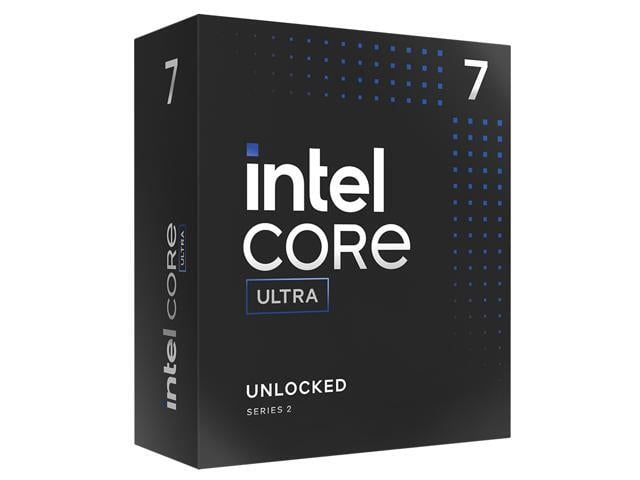
The processor directly affects overall computer performance, more than other components such as the sound card or power supply.
When selecting a processor, some important considerations include the number of cores, the clock speed of those cores, and the amount of cache memory.
Motherboards
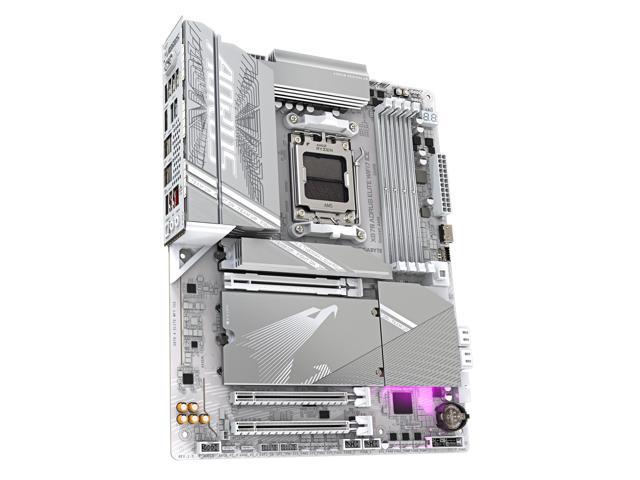
The motherboard is the component that unifies the internal hardware. You will need to ensure that the processor, memory, and other computer parts are compatible with the motherboard.
Though the motherboard can affect system performance, it can be difficult to quantify how much of an impact it has. Several important considerations include, the maximum amount of memory supported, compatible processors, data interface standards, and expansion card slots.
Random Access Memory (RAM)
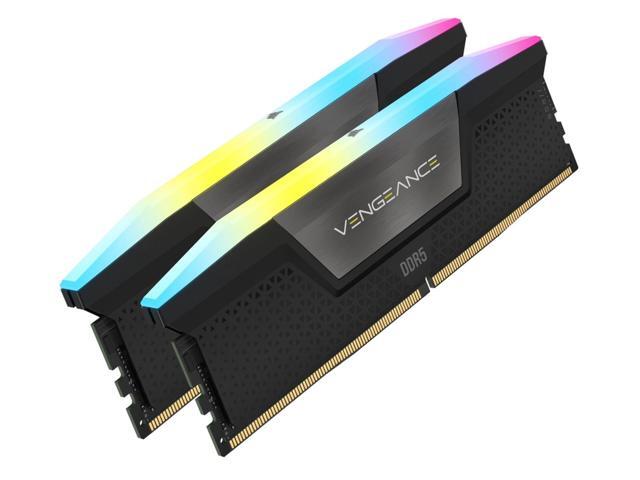
Both the amount and speed of memory are quantifiable factors that directly affect computer performance. Generally, the more memory a computer has, the better it will be able to multitask. Faster memory can speed up tasks that require data to be frequently loaded and retrieved.
Computer Cases
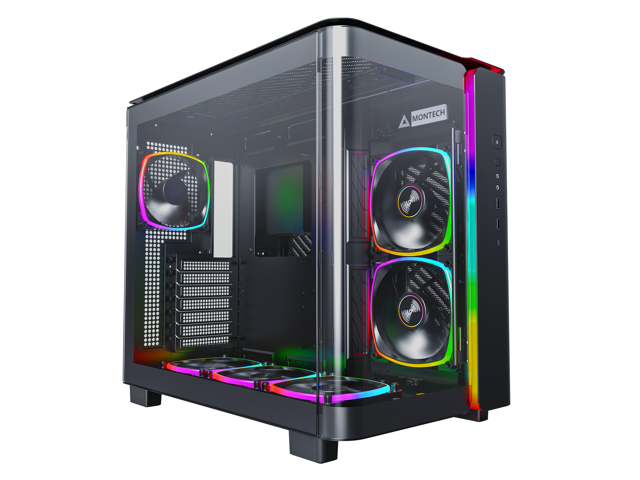
There are many different types of computer cases, from small portable ITX cases to larger E-ATX cases for servers and workstations.
When selecting a case, you should consider how and where the computer will be used. Also, determine if the case’s internal dimensions are adequate for the components that you plan to use.
Power Supply Unit (PSU)
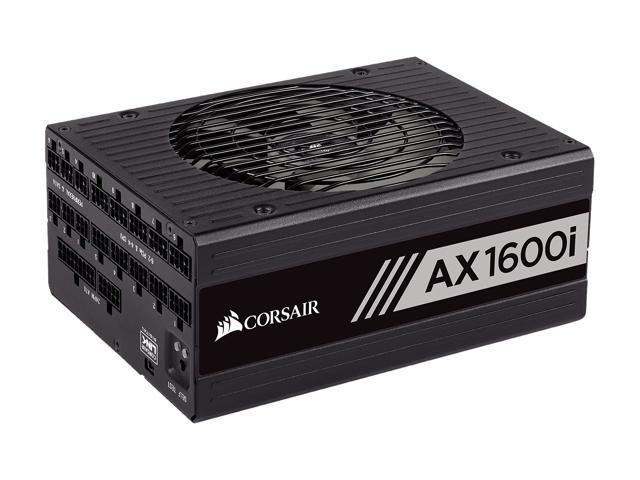
Computer power supplies are components that connect to an electrical outlet and send power to the individual computer parts. When selecting a power supply, you will need to determine if can handle the total power requirement of all the components.
To do that, add up the power loads of all the internal components and ensure that the PSU can supply at least that much power. It is recommended that you choose a power supply well above that minimum for more flexibility.
Hard Drives
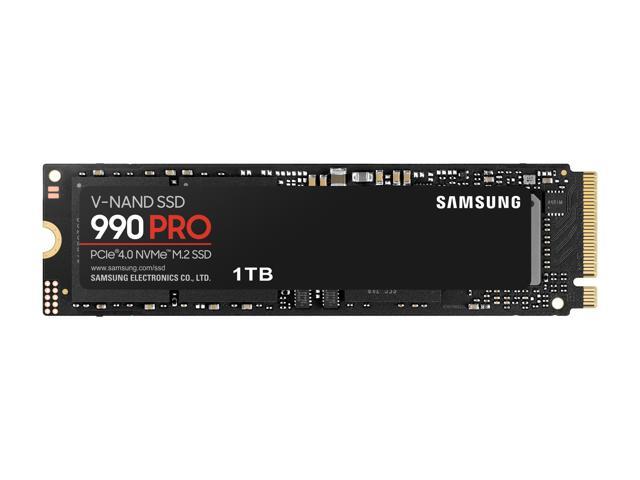
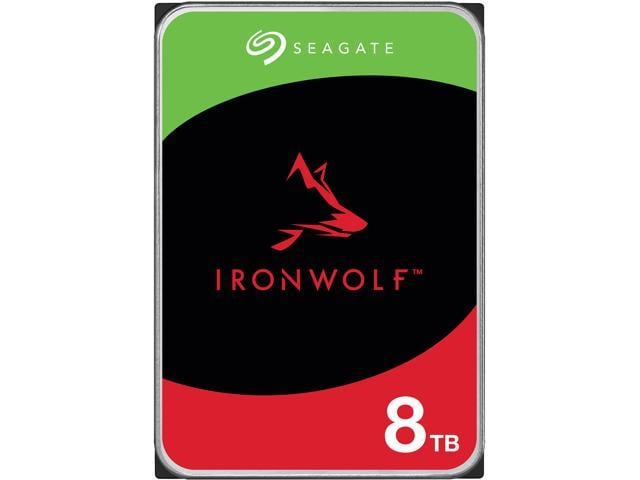
The hard drive is a data storage device that can be used to store the operating system, programs, documents, and other important files. When selecting a hard drive, ensure that it is compatible with the motherboard as well as being large and quick enough for your needs.
Alternatively, you can use a solid state drive for increased data transfer speeds, lower noise output, and better energy efficiency.
Video Cards
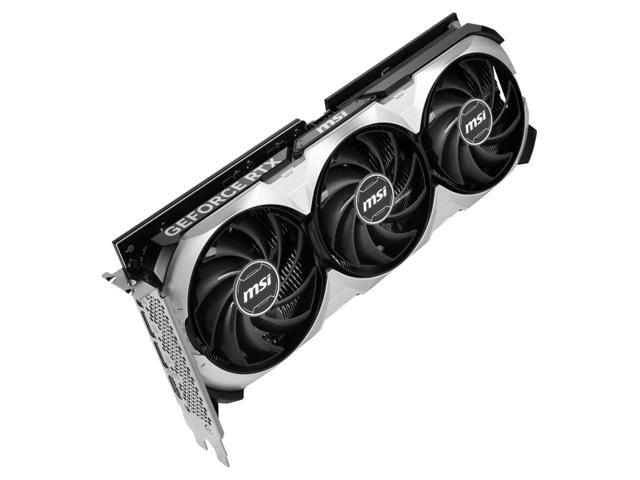
A video card is a required component, but many motherboards already have one built-in. However, some tasks may require the use of a dedicated video card even if the motherboard has onboard video capabilities. Tasks such as 3D rendering and simulation can sometimes require the use of workstation-grade video cards.
Network Adapters
While not required for the computer to be used, network connectivity is necessary for internet and local area network (LAN) access. Some motherboards have network adapters built into them, so separate adapters are not always required.
There are two main types of network adapters, internal and external. Internal network adapters utilize expansion slots while external variants are usually USB.
Sound Cards
Many desktop motherboards have sound cards built-in, allowing for audio playback without the need for a dedicated sound card. However, the quality of these built-in sound cards is generally not on par with high-end dedicated sound cards. For tasks that require high definition audio playback, dedicated sound cards are usually better than onboard solutions.
Optical Drives
An optical drive is beneficial for many uses, including backing up data, installing software, and playing multimedia content. Before shopping for an optical drive however, you should check what type of data connector the motherboard utilizes and if any are available for use.
Conclusion
If a pre-assembled desktop or server workstation is not within your budget, assembling one in-house can be a lower cost alternative. For underperforming desktop computers, upgrading individual computer parts may be more cost-effective than replacing the entire system.
