




Shop Computer Hardware
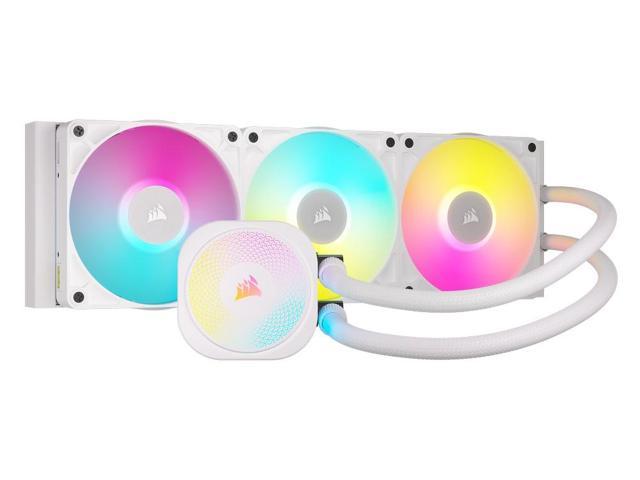
Featured Products See All
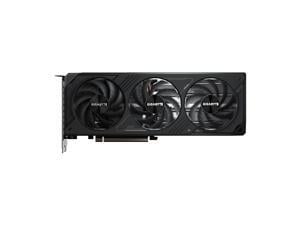

GIGABYTE WindForce GeForce RTX 5070 12GB GDDR7 PCI Express 5.0 ATX Graphics Card ...
$635 .99
Free Shipping
- 12GB 192-Bit GDDR7
- Core Clock 2542 MHz
- 1 x HDMI 2.1b 3 x DisplayPort 2.1b
- 6144 Cores CUDA Cores
- PCI Express 5.0
$635 .99
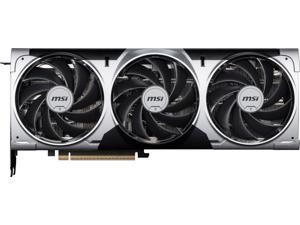

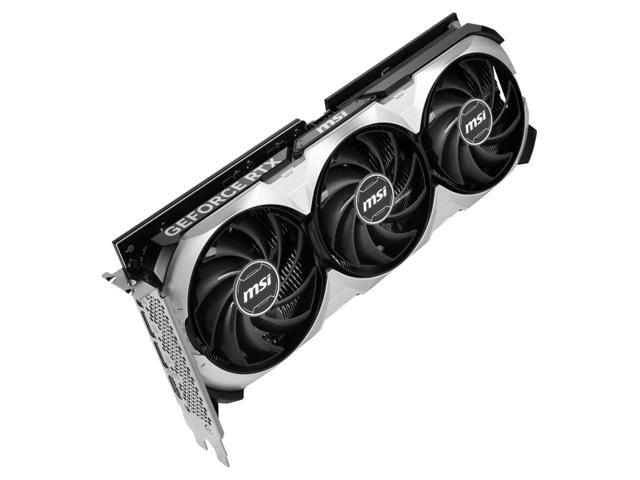
MSI Ventus GeForce RTX 5070 12GB GDDR7 PCI Express 5.0 ATX Graphics Card RTX 5070 12G ...
Save: $40.00 (6%)
$639 .99
Free Shipping
- 12GB 192-Bit GDDR7
- Boost Clock 2542 MHz
- 1 x HDMI 2.1b 3 x DisplayPort 2.1b
- 6144 Cores CUDA Cores
- PCI Express 5.0
Save: $40.00 (6%)
$639 .99
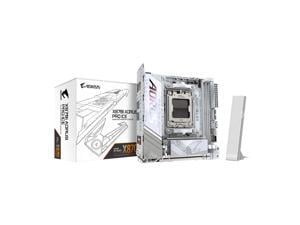
GIGABYTE X870I AORUS PRO ICE AMD AM5 LGA 1718 Motherboard, Mini-ITX, DDR5, 2x M.2, ...
$289 .99
Free Shipping
- AMD Socket AM5: Supports AMD Ryzen 9000 / Ryzen 8000 / Ryzen 7000 Series Processors
- DDR5 Compatible: 2*DIMMs with AMD EXPO Support
- Power Design: 8+2+1, 110A Smart Power Stage
- Thermals: VRM and M.2 Thermal Guard
- Connectivity: PCIe 5.0, 2x M.2 Slots, Front and Rear USB-C
- DIY Friendly: M.2 EZ-Latch, PCIe EZ-Latch, Wi-Fi EZ-Plug, EZ-Debug Zone
- Networking: WIFI7, 2.5GbE LAN
- 5-Year Warranty
$289 .99
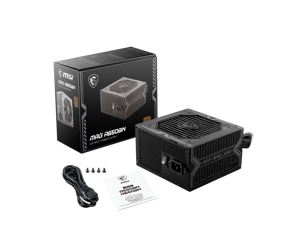
MSI MAG A650BN, Non-Modular Compact 650W Power Supply, 80+ Bronze, Low-Noise Fan, ...
$64 .98
Free Shipping
+ $10 off w/ promo code BCYGF44, limited offer
- 80 Plus Bronze certified for high efficiency
- 120mm Low Noise Fan
- Industrial level protection with OVP,OCP,OPP,OTP, SCP
- DC-DC Circuit Design
- Active PFC design
$64 .98
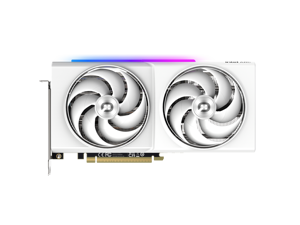
ONIX LUMI Arc B580 12GB GDDR6 PCI Express 4.0 x8 ATX Graphics Card 8346-00278
$309 .99
Free Shipping
- 12GB 192-Bit GDDR6
- Core Clock 2740 MHz
- 1 x HDMI 2.1 3 x DisplayPort 2.1
- PCI Express 4.0 x8
$309 .99
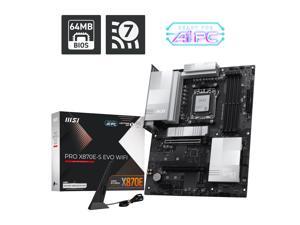
MSI PRO X870E-S EVO WIFI ATX AM5 Motherboard, USB 4.0, 4x SATA 6Gb/s, AMD Wi-Fi 7, USB ...
$159 .99
Free Shipping
- 64MB BIOS: A larger BIOS ROM capacity allows the motherboard to support
- next-level CPU upgrades with better compatibility.
- Wi-Fi 7: The latest wireless solution with a new 160MHz channel,
- achieving a maximum transmission speed of 2.9Gbps.
- Lightning USB 40G: Featuring a built-in USB 4 port, it offers a lightning-fast 40Gbps transmission speed.
- 5G Network Solution: Featuring premium 5G LAN to deliver better network experience.
- EZ M.2 Shield Frozr II: The new tool-less design makes installing or removing your M.2 SSD and Shield Frozr much easier
- EZ Antenna: EZ Antenna makes the process effortless by simply attaching
- fasteners to the motherboard without rotation.
- EZ PCIe Clip II: Allows for easy removal of the graphics card by pressing the tail-like lock with one finger, even in the cramped case spaces.
- Latest DDR5 Memory: A huge step of DDR performance enhancement with the latest DDR5 memory and MSI Memory Boost technology.
- Lightning Gen 5: The latest PCIe 5.0 solution with up to 128GB/s bandwidth for
- maximum transfer speed.
- Extended Heatsink Design: MSI extended PWM heatsink and enhanced circuit design ensures even high-end processors to run in full speed.
- Pre-installed I/O Shielding: Better EMI protection and more convenience for installation
$159 .99
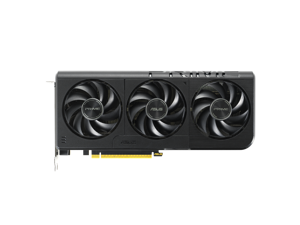

ASUS GeForce RTX 5060 8GB GDDR7 PCI Express 5.0 x8 Graphics Card PRIME-RTX5060-8G
$389 .99
Free Shipping
- 8GB 128-Bit GDDR7
- Boost Clock OC mode: 2527MHz Default mode: 2497MHz (Boost Clock) Default mode: 2565MHz (Boost Clock)
- 1 x HDMI 2.1b 3 x DisplayPort 2.1b
- 3840 Cores CUDA Cores
- PCI Express 5.0 x8
$389 .99
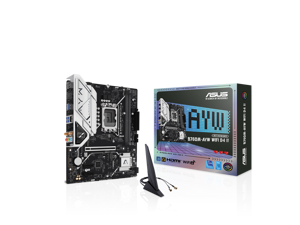
ASUS B760M-AYW WIFI D4 II Intel B760 (LGA 1700) microATX mATX motherboard, PCIe 5.0 ...
Save: $20.00 (17%)
$99 .99
Free Shipping
- Intel LGA 1700 Socket: Ready for Intel Core 14th & 13th Gen Processors, Intel Core 12th Gen, Pentium Gold and Celeron Processors
- Ultrafast Connectivity: PCIe 5.0, two M.2 slots, Realtek 2.5Gb Ethernet, Wi-Fi 6, rear USB 5Gbps Type-A, front USB 5Gbps support
- Comprehensive Cooling: VRM heatsink, PCH heatsink, hybrid fan headers and Fan Xpert 2+
- Aura Sync RGB Lighting: Onboard Addressable Gen 2 headers for RGB LED strips, easily synced with Aura Sync-capable hardware
Save: $20.00 (17%)
$99 .99

AMD Ryzen Threadripper PRO 9985WX - Ryzen Threadripper PRO 9000 WX-Series Shimada ...
$7,499 .99
Free Shipping
- TSMC 4nm FinFET Shimada Peak 350W
- 256MB L3 Cache
- 64MB L2 Cache
- None Integrated Graphics
$7,499 .99
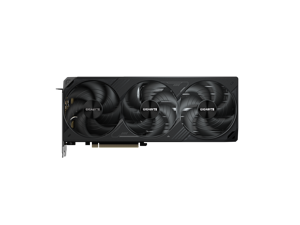
GIGABYTE WINDFORCE GeForce RTX 5080 16GB GDDR7 PCI Express 5.0 Graphics Card ...
$1,399 .99
Free Shipping
- 16GB 256-Bit GDDR7
- Core Clock 2670 MHz
- 1 x HDMI 2.1b 3 x DisplayPort 2.1b
- 10752 Cores CUDA Cores
- PCI Express 5.0 x16
$1,399 .99
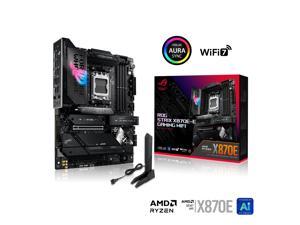
ASUS ROG STRIX X870E-E GAMING WIFI AMD AM5 X870 ATX motherboard 18+2+2 power ...
$409 .99
Free Shipping
- Ready for Advanced AI PC: Designed for the future of AI computing, with the power and connectivity needed for demanding AI applications.
- AMD AM5 Socket: Ready for AMD Ryzen™ 9000, 8000 and 7000 series desktop processors.
- Intelligent Control: ASUS-exclusive AI Overclocking, AI Cooling II, AI Networking and AEMP to simplify setup and improve performance.
- ROG Strix Overclocking technologies: Dynamic OC Switcher, Core Flex, Asynchronous Clock and PBO Enhancement.
- Robust Power Solution: 18+2+2 power solution rated for 110A per stage with dual ProCool II power connectors, high-quality alloy chokes and durable capacitors to support multi-core processors.
- Latest M.2 Support: Three onboard PCIe® 5.0 M.2 slots, and two PCIe 4.0 M.2 slots, all with substantial cooling solutions.
- Abundant Connectivity: Dual USB4® Type-C ports, USB 20Gbps Type-C® front-panel connector, one USB 10Gbps port with PD 3.0 up to 30W and USB Wattage Watcher, nine additional USB 10Gbps ports
$409 .99
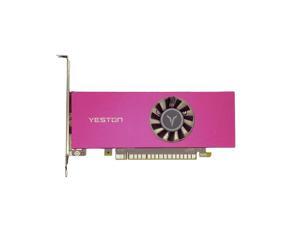
Yeston GeForce RTX 3050 6GB GDDR6 LP Graphics cards pci express 3.0 video cards Desktop ...
$259 .00
- 6G/96bit/GDDR6 Core Clock 1042 MHz Boost Clock 1470 MHz 2304 Cores PCI Express 4.0 x8 Output interface: HDMI 2.1*1 + DP1.4a*1 External power supply: N (Power supply above 400W) SIZE: 160 * 120 * 35mm (full height baffle size)/160 * 70 * 35mm (with half height baffle size)
Loading Dynamic Data...
Computer Parts and Hardware Guide
Introduction
Assembling a desktop or server workstation can be an easy and straightforward process, provided that you have all the necessary computer parts. There are several advantages to building a computer in-house, including potentially lower costs and more customizability. Below, NeweggBusiness will outline various computer parts that will be needed to assemble a system.
Computer Parts
Processors
The processor directly affects overall computer performance, more than other components such as the sound card or power supply.
When selecting a processor, some important considerations include the number of cores, the clock speed of those cores, and the amount of cache memory.
Motherboards
The motherboard is the component that unifies the internal hardware. You will need to ensure that the processor, memory, and other computer parts are compatible with the motherboard.
Though the motherboard can affect system performance, it can be difficult to quantify how much of an impact it has. Several important considerations include, the maximum amount of memory supported, compatible processors, data interface standards, and expansion card slots.
Random Access Memory (RAM)
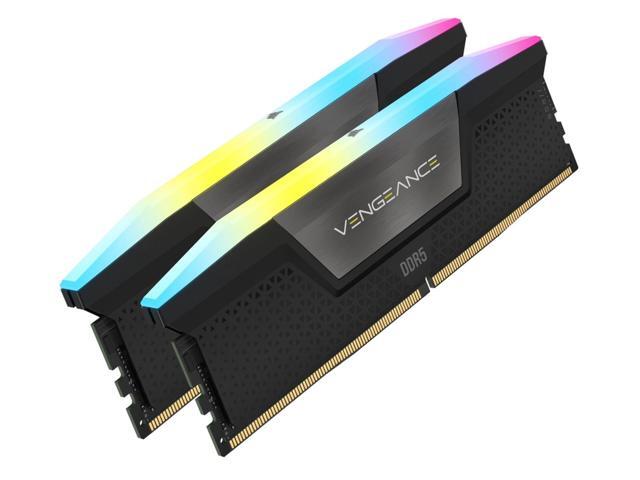
Both the amount and speed of memory are quantifiable factors that directly affect computer performance. Generally, the more memory a computer has, the better it will be able to multitask. Faster memory can speed up tasks that require data to be frequently loaded and retrieved.
Computer Cases
There are many different types of computer cases, from small portable ITX cases to larger E-ATX cases for servers and workstations.
When selecting a case, you should consider how and where the computer will be used. Also, determine if the case’s internal dimensions are adequate for the components that you plan to use.
Power Supply Unit (PSU)
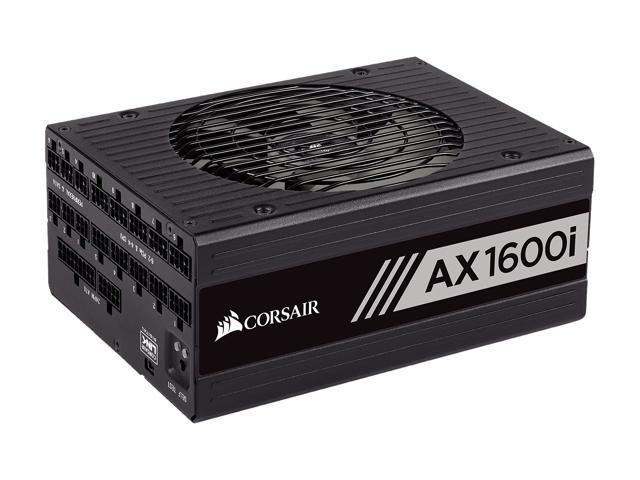
Computer power supplies are components that connect to an electrical outlet and send power to the individual computer parts. When selecting a power supply, you will need to determine if can handle the total power requirement of all the components.
To do that, add up the power loads of all the internal components and ensure that the PSU can supply at least that much power. It is recommended that you choose a power supply well above that minimum for more flexibility.
Hard Drives
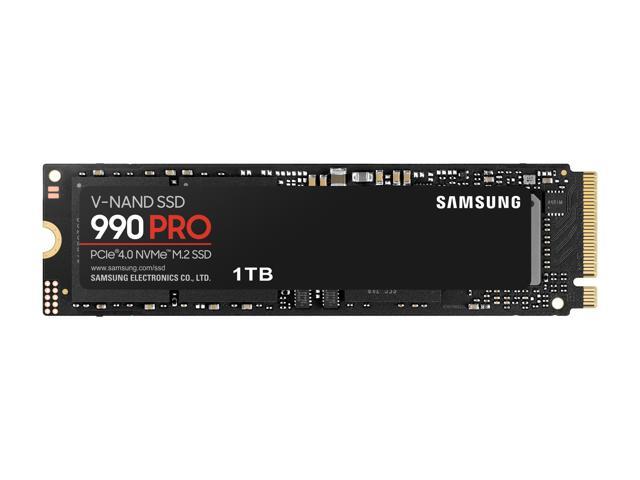
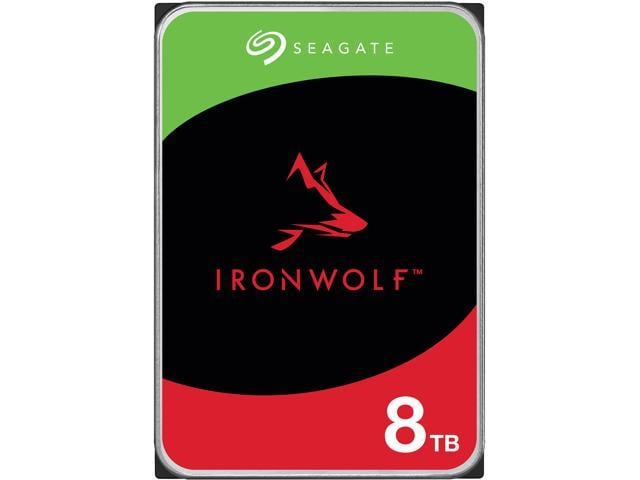
The hard drive is a data storage device that can be used to store the operating system, programs, documents, and other important files. When selecting a hard drive, ensure that it is compatible with the motherboard as well as being large and quick enough for your needs.
Alternatively, you can use a solid state drive for increased data transfer speeds, lower noise output, and better energy efficiency.
Video Cards
A video card is a required component, but many motherboards already have one built-in. However, some tasks may require the use of a dedicated video card even if the motherboard has onboard video capabilities. Tasks such as 3D rendering and simulation can sometimes require the use of workstation-grade video cards.
Network Adapters
While not required for the computer to be used, network connectivity is necessary for internet and local area network (LAN) access. Some motherboards have network adapters built into them, so separate adapters are not always required.
There are two main types of network adapters, internal and external. Internal network adapters utilize expansion slots while external variants are usually USB.
Sound Cards
Many desktop motherboards have sound cards built-in, allowing for audio playback without the need for a dedicated sound card. However, the quality of these built-in sound cards is generally not on par with high-end dedicated sound cards. For tasks that require high definition audio playback, dedicated sound cards are usually better than onboard solutions.
Optical Drives
An optical drive is beneficial for many uses, including backing up data, installing software, and playing multimedia content. Before shopping for an optical drive however, you should check what type of data connector the motherboard utilizes and if any are available for use.
Conclusion
If a pre-assembled desktop or server workstation is not within your budget, assembling one in-house can be a lower cost alternative. For underperforming desktop computers, upgrading individual computer parts may be more cost-effective than replacing the entire system.
