




Shop Computer Hardware
Featured Products See All

ASRock PRO Series PRO-650B 650 W ATX 3.1 Compatible 80 PLUS BRONZE Certified Power ...
$44 .99
Free Shipping
- 80 PLUS® BRONZE Certified
- ATX3.1
- Low noise 120mm FAN
- Reliable 3-Year Warranty
$44 .99

ASUS TUF GAMING B850M-E WIFI AMD B850 mATX motherboard, 8+2+1 80A DrMOS power ...
Save: $40.00 (18%)
$179 .99
Free Shipping
- Ready for Advanced AI PC: Designed for the future of AI computing, with the power and connectivity needed for demanding AI applications
- AMD AM5 Socket: Ready for AMD Socket AM5 for AMD Ryzen 9000 & 8000 & 7000 Series Desktop Processors
- Enhanced Power Solution: 8+2+1 80A DrMOS power stages, 8-layer PCB, 8+4 pin ProCool power connectors, alloy chokes and durable capacitors for stable power delivery
- Latest M.2 Support: One onboard PCIe 5.0 M.2 slot and two PCIe 4.0 M.2 slots
- Ultrafast Connectivity: Wi-Fi 6E, PCIe 5.0 x16 slot, Realtek 2.5Gb Ethernet, rear USB 10Gbps Type-C port, front USB 5Gbps Type-C connector support
- Comprehensive Cooling: Enlarged VRM heatsink, M.2 heatsink, PCH heatsink, hybrid fan headers and Fan Xpert 2+
- DIY Friendly Design: PCIe Slot Q-Release, M.2 Q-Latch, Q-LED, BIOS FlashBack and Pre-mounted I/O shield
- Unmatched Personalization: Three Addressable RGB Gen 2 headers, all configurable with ASUS-exclusive Aura Sync RGB lighting
Save: $40.00 (18%)
$179 .99

Intel Core Ultra 9 285K - Core Ultra 9 (Series 2) Arrow Lake 24-Core (8P+16E), LGA 1851, 125W ...
$584 .99
Free Shipping
- 3nm (TSMC N3B) Arrow Lake 125W
- 36MB L3 Cache
- 40MB L2 Cache
- Intel Graphics
- Cooling device not included - Processor Only
$584 .99
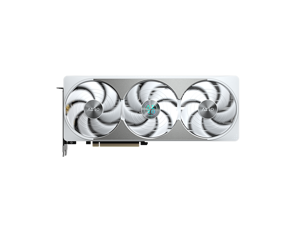

GIGABYTE AERO GeForce RTX 5080 16GB GDDR7 PCI Express 5.0 Graphics Card ...
$1,619 .99
Free Shipping
- 16GB 256-Bit GDDR7
- 1 x HDMI 2.1b 3 x DisplayPort 2.1a
- PCI Express 5.0
$1,619 .99
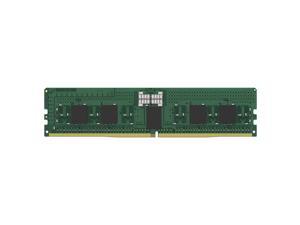
Kingston KSM56R46BS8PMI-16HAI 16GB DDR5 SDRAM Memory Module - For Motherboard - ...
COMING SOON
- Up to 5600 MHz speed with CL46 latency for playing the latest games and using heavy software
- DIMM 16 GB bar will run multiple applications together and enhance your computer's performance
- The DDR5 SDRAM efficiently move data across electric components and provide smooth PC performance
- RAM Module is the single answer to all your desired and heavy-duty application memory needs
- Motherboard device support for your ram module for maximum productivity and convenience
- Registered signal processing allows high speed and accuracy to allow maximum reliability
- 288-pin for enhanced, dependable system performance with maximum usability
- DIMM form factor with 288-pin and 16 GB memory size effectively reduces minimizes the load on the server memory BUS to ensure maximum productivity
- CL46 CAS latency for faster, dependable clock cycles which allows quick access and retrieval of data and information
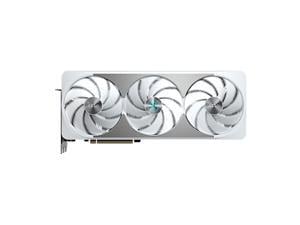
GIGABYTE AERO GeForce RTX 5070 Ti 16GB GDDR7 PCI Express 5.0 ATX Graphics Card ...
$1,299 .99
Free Shipping
- 16GB 256-Bit GDDR7
- Core Clock 2588 MHz (Reference: 2452 MHz)
- 1 x HDMI 2.1b 3 x DisplayPort 2.1b
- 8960 Cores CUDA Cores
- PCI Express 5.0
$1,299 .99
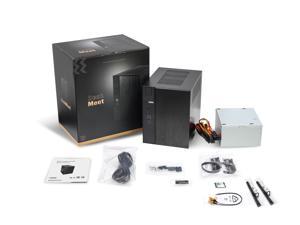
ASRock DeskMeet X600 Series Barebone mini PC , Supports AMD Socket AM5 Ryzen™ ...
Save: $14.50 (7%)
$179 .99
Free Shipping
- *Supports AMD Socket AM5 Ryzen™ 9000&8000&7000 Series Processors, up to 65W
- *Supports MAX Height <=54mm CPU Cooler
- *Supports 4 x DDR5 DIMMs, up to 7200+ MHz (OC), 256GB
- *1 x PCIe 4.0 x16
- *Graphics Output Options:2 x DisplayPort, HDMI
- *2.5G LAN
- *2 x SATA3
- *1 x Blazing M.2 (PCIe Gen5 x4)
- *1 x Hyper M.2 (PCIe Gen4 x4)
- *1 x USB 3.2 Gen1 Type-C Port
- *4 x USB 3.2 Gen1 Type-A port (2 Front, 2 Rear)
- *4 x USB 2.0 Type-A port (2 Front, 2 Rear)
- *1 x M.2 Key-E for Wi-Fi
- *500W power supply (80+ Bronze)
- *8 Liter compact size
Save: $14.50 (7%)
$179 .99
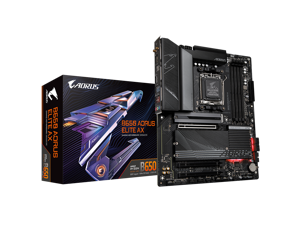
GIGABYTE B650 AORUS ELITE AX AM5 LGA 1718 AMD B650 ATX Motherboard DDR5, M.2, PCIe ...
Save: $60.00 (27%)
$159 .99
- "AMD Socket AM5:Supports AMD Ryzen 7000 / Ryzen 8000 / Ryzen 9000 Series Processors
- DDR5 Compatible: 4*DIMMs with AMD EXPO & Intel XMP Memory Module Support
- Commanding Power Design: Twin 14+2+1 Phases with 70A Power Stage Digital VRM Solution, 8-Layer 2X Copper PCB
- Cutting-Edge Thermal Design: 6mm Heatpipe, Fully Covered MOSFET Heatsinks, M.2 Thermal Guard, PCIe Ultra Durable Armor
- Next Gen Connectivity: PCIe 5.0, PCIe 5.0 NVMe x4 M.2, Front and rear USB-C
- EZ-Latch: PCIe 5.0 & M.2 Connectors with a Quick Release & Screwless Design
- Fast Networking: 2.5GbE LAN, WiFi 6E, BT5
- Dynamic Audio: Hi-Fi Audio with High-End Audio Capacitors
- Fine Tuning Features: Smart Fan 6, Multi-key for Reset/RGB Switch/Direct to BIOS/Safe Mode, Q-Flash"
Save: $60.00 (27%)
$159 .99
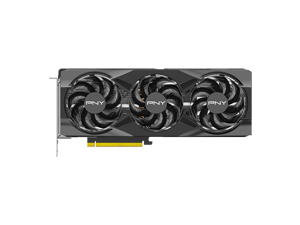
Refurbished: PNY OC GeForce RTX 5070 Ti 16GB GDDR7 DLSS 4.0 PCI Express 5.0 x16 ATX ...
$899 .99
Free Shipping
- 16 Pin (12+4Pin) 12VHPWR Power Supply Adapter is NOT included
- 16GB 256-Bit GDDR7
- Core Clock 2295 MHz
- Boost Clock 2572 MHz
- 1 x HDMI 2.1b 3 x DisplayPort 2.1b
- 8960 Cores CUDA Cores
- PCI Express 5.0 x16
$899 .99
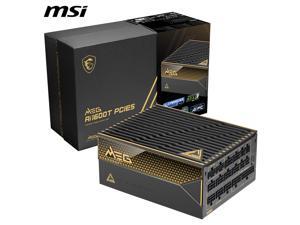

MSI MEG Ai1600T PCIE5, Fully Modular Gaming 1600W Power Supply, 80+ Titanium, Dual ...
Save: $80.00 (10%)
$689 .99
Free Shipping
- 80 PLUS TITANIUM CERTIFIED – With 80 PLUS Titanium certification (up to 94% efficiency)
- DUAL-NATVIE 12V-2x6 CONNECTOR - Equipped with dual-native 12V-2x6 PCIe connectors, it can deliver up to 600W of power per connector to support PCIe 5.1 GPUs.
- DURABLE DESIGN - This power supply is equipped with a 135 mm Double-ball bearing fan, designed to enhance durability and extend the fan's lifespan. The braided modular cables feature premium copper alloy connectors to ensure reliable performance.
- SERVER-GRADE SiC MOSFET - The first power supply with server-grade SiC materials are used in the interleaved PFC MOSFETs to enhance overall efficiency and keep temperatures low simultaneously.
- Recommended PSU Table For NVIDIA 30/40/50 Series: https://us.msi.com/blog/recommended-psu-table
Save: $80.00 (10%)
$689 .99
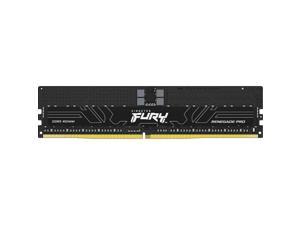
Kingston KF564R32RBE2-32 32GB (1 x 32GB) DDR5 6400MT/s CL32 FURY Renegade Pro ...
COMING SOON
- No matter how heavy and numerous the applications that you are using, 6400 MHz memory speed with registered signal and CL32 latency will run them smoothly
- 32 GB of memory to maintain symmetry with processor and hard drive and bring out the ultimate computing experience
- DDR5 SDRAM memory technology effectively enables data to be moved at various points in a CPU clock cycle to allow maximum productivity
- Enables efficient and smooth execution of all your heavy-duty applications with maximum productivity
- Motherboard device support for your ram module to allow maximum efficiency and dependability
- Registered signal processing allows convenient and easy reconfiguration according to your requirements
- 1 x 32GB modules for quick access and retrieval of data and information to ensure maximum usability
- CL32 CAS latency for faster, dependable clock cycles which allows quick access and retrieval of data and information
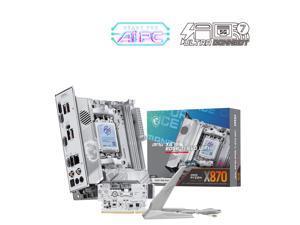
MSI MPG X870I EDGE TI EVO WIFI White Motherboard, ITX - Supports AMD Ryzen 9000 / 8000 / ...
$369 .99
Free Shipping
- EZ M.2 Shield Frozr II: The new tool-less design makes installing or removing your M.2 SSD and Shield Frozr much easier
- 64MB BIOS: A larger BIOS ROM capacity allows the motherboard to support
- next-level CPU upgrades with better compatibility.
- Lightning Gen 5: The latest PCIe 5.0 solution with up to 128GB/s bandwidth for
- maximum transfer speed.
- Latest DDR5 Memory: A huge step of DDR performance enhancement with the latest DDR5 memory and MSI Memory Boost technology.
- Triple M.2 Connectors: Onboard 3x M.2 connectors with one PCIe 5.0 solution,
- strengthened by M.2 Shield Frozr.
- Lightning USB 40G: Featuring a built-in USB 4 port, it offers a lightning-fast 40Gbps transmission speed.
- 5G Network Solution: Featuring premium 5G LAN to deliver better network experience.
- Wi-Fi 7: The latest wireless solution with a new 320MHz channel, achieving a maximum transmission speed of 5.8Gbps, which is 2.4 times faster than Wi-Fi 6/6E.
- Audio Boost 5: Isolated audio with a high-quality audio processor for the most
- immersive gaming experience
$369 .99
Loading Dynamic Data...
Computer Parts and Hardware Guide
Introduction
Assembling a desktop or server workstation can be an easy and straightforward process, provided that you have all the necessary computer parts. There are several advantages to building a computer in-house, including potentially lower costs and more customizability. Below, NeweggBusiness will outline various computer parts that will be needed to assemble a system.
Computer Parts
Processors
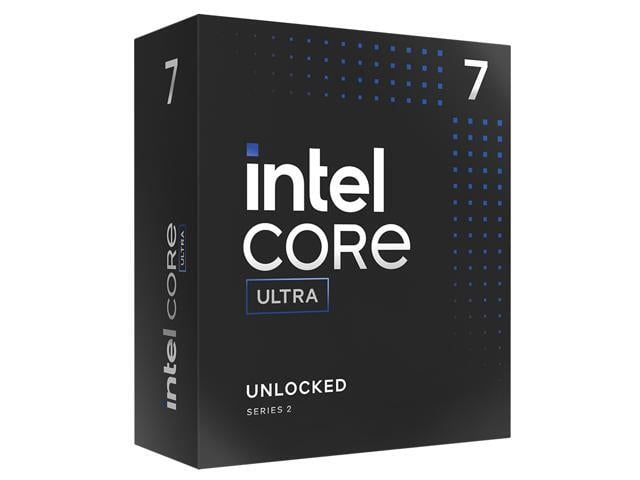
The processor directly affects overall computer performance, more than other components such as the sound card or power supply.
When selecting a processor, some important considerations include the number of cores, the clock speed of those cores, and the amount of cache memory.
Motherboards
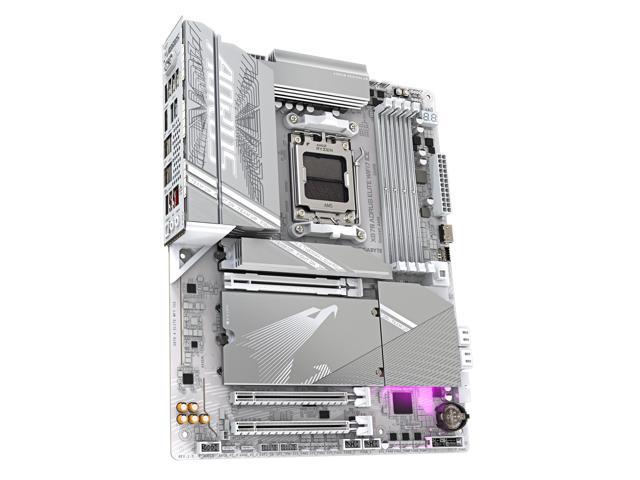
The motherboard is the component that unifies the internal hardware. You will need to ensure that the processor, memory, and other computer parts are compatible with the motherboard.
Though the motherboard can affect system performance, it can be difficult to quantify how much of an impact it has. Several important considerations include, the maximum amount of memory supported, compatible processors, data interface standards, and expansion card slots.
Random Access Memory (RAM)
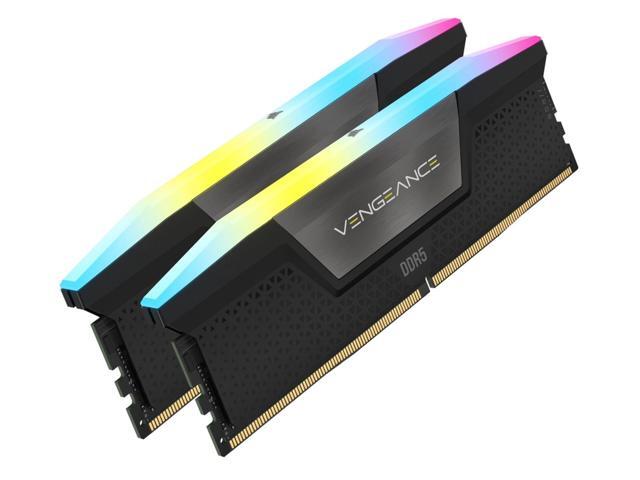
Both the amount and speed of memory are quantifiable factors that directly affect computer performance. Generally, the more memory a computer has, the better it will be able to multitask. Faster memory can speed up tasks that require data to be frequently loaded and retrieved.
Computer Cases
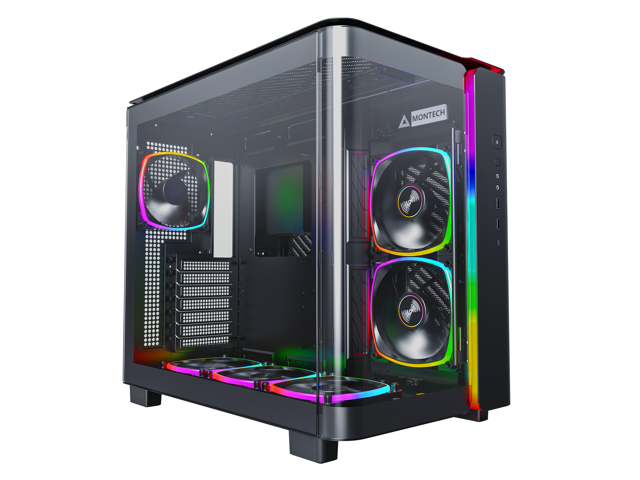
There are many different types of computer cases, from small portable ITX cases to larger E-ATX cases for servers and workstations.
When selecting a case, you should consider how and where the computer will be used. Also, determine if the case’s internal dimensions are adequate for the components that you plan to use.
Power Supply Unit (PSU)
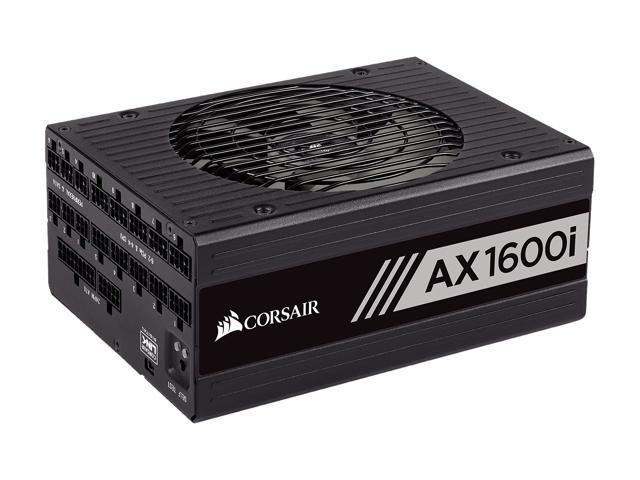
Computer power supplies are components that connect to an electrical outlet and send power to the individual computer parts. When selecting a power supply, you will need to determine if can handle the total power requirement of all the components.
To do that, add up the power loads of all the internal components and ensure that the PSU can supply at least that much power. It is recommended that you choose a power supply well above that minimum for more flexibility.
Hard Drives
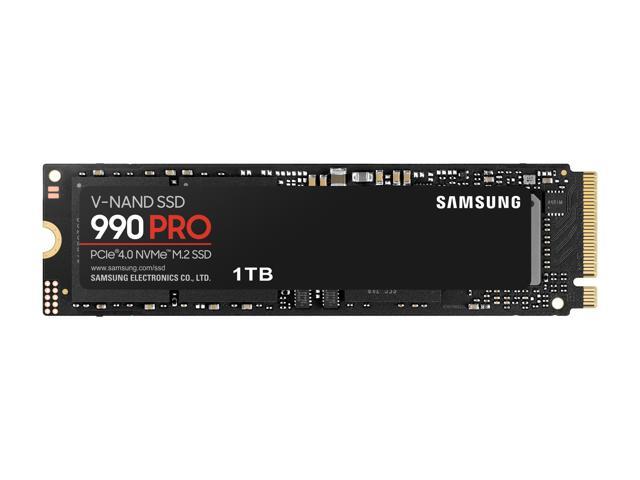
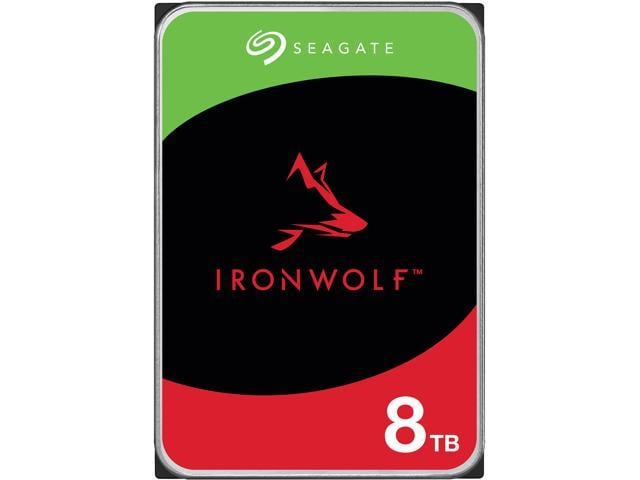
The hard drive is a data storage device that can be used to store the operating system, programs, documents, and other important files. When selecting a hard drive, ensure that it is compatible with the motherboard as well as being large and quick enough for your needs.
Alternatively, you can use a solid state drive for increased data transfer speeds, lower noise output, and better energy efficiency.
Video Cards
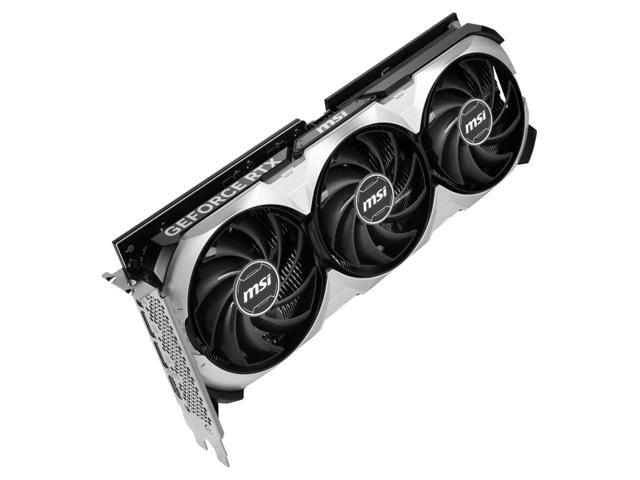
A video card is a required component, but many motherboards already have one built-in. However, some tasks may require the use of a dedicated video card even if the motherboard has onboard video capabilities. Tasks such as 3D rendering and simulation can sometimes require the use of workstation-grade video cards.
Network Adapters
While not required for the computer to be used, network connectivity is necessary for internet and local area network (LAN) access. Some motherboards have network adapters built into them, so separate adapters are not always required.
There are two main types of network adapters, internal and external. Internal network adapters utilize expansion slots while external variants are usually USB.
Sound Cards
Many desktop motherboards have sound cards built-in, allowing for audio playback without the need for a dedicated sound card. However, the quality of these built-in sound cards is generally not on par with high-end dedicated sound cards. For tasks that require high definition audio playback, dedicated sound cards are usually better than onboard solutions.
Optical Drives
An optical drive is beneficial for many uses, including backing up data, installing software, and playing multimedia content. Before shopping for an optical drive however, you should check what type of data connector the motherboard utilizes and if any are available for use.
Conclusion
If a pre-assembled desktop or server workstation is not within your budget, assembling one in-house can be a lower cost alternative. For underperforming desktop computers, upgrading individual computer parts may be more cost-effective than replacing the entire system.
