




Shop Computer Hardware
Featured Products See All
Kingston KF560R32RBE-32 FURY Renegade Pro 32GB DDR5 SDRAM Memory Module - For ...
COMING SOON
- Up to 6000 MHz speed with CL32 latency for smooth computer performance
- Whether you are playing games, using heavy loaded OS or video editing software, the 32 GB of memory will make them run in a flash
- With DDR5 SDRAM get efficient data transfer rate and enhanced computer's performance
- Enables efficient and smooth execution of all your heavy-duty applications with maximum productivity
- Motherboard device support for your ram module to allow enhanced performance and reliable memory solution
- Registered signal processing provides reliable optimization for your required applications to allow maximum usability
- 1 x 32GB modules for quick access and retrieval of data and information to ensure maximum usability
- CL32 CAS latency for faster, dependable clock cycles which allows quick access and retrieval of data and information
- 288-pin for optimal performance and maximum reliability
Kingston KF564R32RBE2-32 32GB (1 x 32GB) DDR5 6400MT/s CL32 FURY Renegade Pro ...
$1,099 .99
Free Shipping
- No matter how heavy and numerous the applications that you are using, 6400 MHz memory speed with registered signal and CL32 latency will run them smoothly
- 32 GB of memory to maintain symmetry with processor and hard drive and bring out the ultimate computing experience
- DDR5 SDRAM memory technology effectively enables data to be moved at various points in a CPU clock cycle to allow maximum productivity
- Enables efficient and smooth execution of all your heavy-duty applications with maximum productivity
- Motherboard device support for your ram module to allow maximum efficiency and dependability
- Registered signal processing allows convenient and easy reconfiguration according to your requirements
- 1 x 32GB modules for quick access and retrieval of data and information to ensure maximum usability
- CL32 CAS latency for faster, dependable clock cycles which allows quick access and retrieval of data and information
$1,099 .99
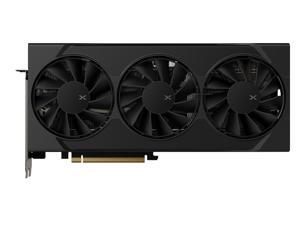

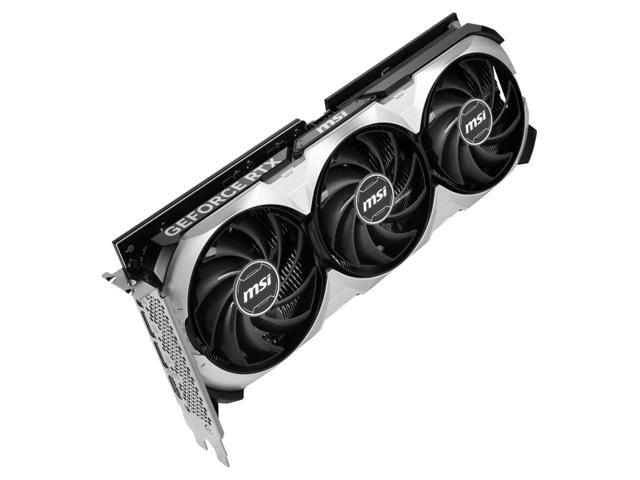
XFX SWIFT Radeon RX 9060 XT 16GB 128-Bit GDDR6 PCI Express 5.0 x16 Graphics Card ...
$449 .99
Free Shipping
- 16GB 128-Bit GDDR6
- Core Clock 1900 MHz
- Boost Clock 3320 MHz
- 1 x HDMI 2.1 2 x DisplayPort 2.1
- 2048 Stream Processors
- PCI Express 5.0 x16
$449 .99
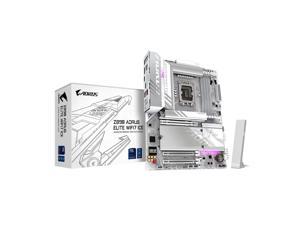

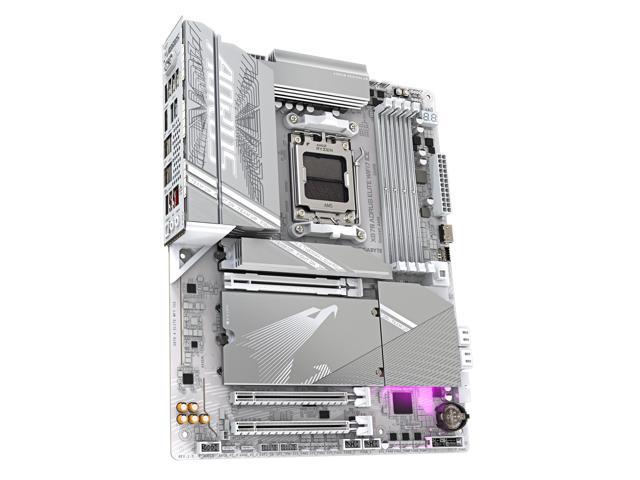
GIGABYTE Z890 AORUS ELITE WIFI7 ICE Ultra Core (Series 2) LGA 1851, ATX, DDR5, 4x M.2, ...
Save: $90.00 (31%)
$199 .99
Free Shipping
- Supports Intel Core Ultra Processors (Series 2)
- DDR5 Compatible: 4*DIMMs with XMP Memory Module Support
- Power Design: 16+1+2, 80A Smart Power Stage
- Thermals: VRM Thermal Armor and M.2 Thermal Guard
- Connectivity: PCIe 5.0, 4x M.2 Slots, Thunderbolt 4, Front USB-C, Sensor Panel Link
- DIY Friendly: M.2 EZ-Latch, PCIe EZ-Latch, WIFI EZ-Plug, EZ-Debug Zone
- Networking: WIFI7, 2.5GbE LAN"
Save: $90.00 (31%)
$199 .99
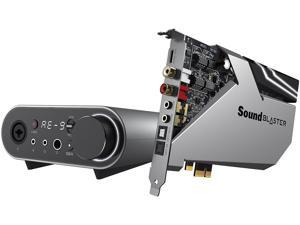
Creative Sound Blaster AE-9 5.1 surround channels, and up to 7.1 virtual surround channels ...
Save: $22.50
$427 .49
Free Shipping
Save even more w/ promo code BLUSF32, limited offer
- 5.1 surround channels, and up to 7.1 virtual surround channels Channels
- 32-bit 384 KHz
- PCI Express x1 Interface
Save: $22.50
$427 .49
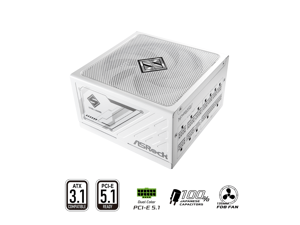

ASRock SL-1000GW 1000W 80 PLUS GOLD & Cybenetics PLATINUM Full Modular Power ...
Save: $50.00 (28%)
$129 .99
Free Shipping
- 80 PLUS® GOLD Certified
- Cybenetics PLATINUM and LAMBDA A Certified
- ATX3.1 & PCIe5.1 Ready
- Fully Modular Cable Design
- Native 12V-2x6 Connector Dual Color Design
- 100% Highly Reliable Japanese Capacitors
- 135mm Striped Axial FDB Fan
- iCool Intelligent Fan Control Mode
- Built-in 5V BOOST function
- Remarkable 10-Year Warranty
Save: $50.00 (28%)
$129 .99
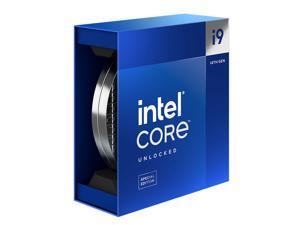

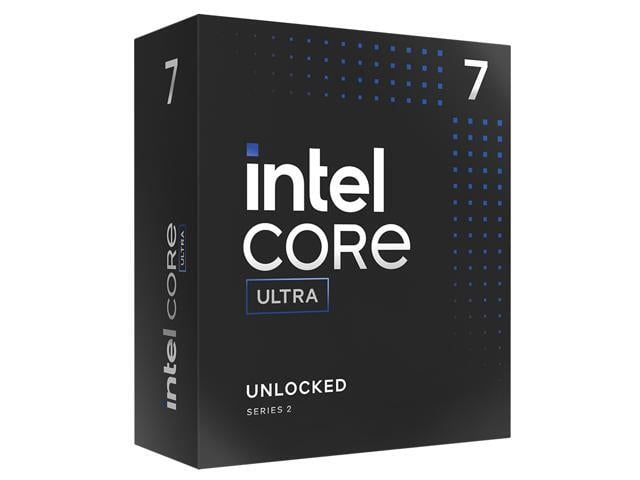
Intel Core i9-14900KS - Core i9 14th Gen Raptor Lake 24-Core (8P+16E) Performance-core ...
$689 .99
Free Shipping
- Intel 7 Raptor Lake 150W
- 36MB L3 Cache
- 32MB L2 Cache
- Intel UHD Graphics 770
$689 .99
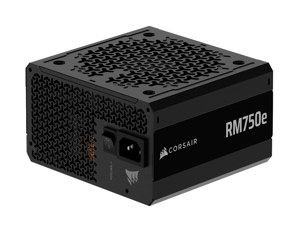

CORSAIR RM750e (2025) Fully Modular Low-Noise ATX Power Supply with 12V-2x6 Cable – ...
Save: $25.00 (21%)
$93 .99
Free Shipping
- Fully Modular PSU: Reliable and efficient, low-noise power supply with fully modular cabling, so you only have to connect the cables your system build needs.
- Intel ATX 3.1 Certified: Compliant with the ATX 3.1 power standard, supporting PCIe 5.1 platform withstands 2x transient power excursions from the GPU.
- Keeps Quiet: A 120mm rifle bearing fan with a specially calculated fan curve keeps fan noise down, even when operating at full load.
- 105°C-Rated Capacitors: Delivers steady, reliable power and dependable electrical performance.
- Modern Standby Compatible: Extremely fast wake-from-sleep times and better low-load efficiency.
Save: $25.00 (21%)
$93 .99
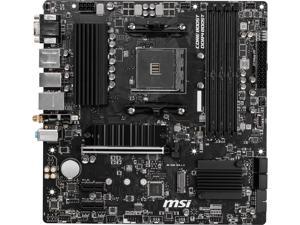

MSI PRO B550M PRO-VDH WIFI AM4 AMD B550 USB 3.1 USB 3.0 HDMI Micro ATX AMD ...
Save: $10.00 (9%)
$99 .99
Free Shipping
- AMD B550
- Supports AM4 socket 3rd Gen AMD Ryzen processors, and future AMD Ryzen processors with BIOS update
- Supports DDR4 4400+/ 4266/ 4133/ 4000/ 3866/ 3733/ 3600/ 3466/ 3200/ 3066/ 3000/ 2933/ 2800/ 2667 MHz by A-XMP OC MODE Supports DDR4 3200/ 3066/ 3000/ 2933/ 2800/ 2667/ 2400/ 2133/ 1866 MHz by JEDEC 1DPC 1R max speed 4400 MHZ 1DPC 2R max speed 3733 MHZ 2DPC 1R max speed 3866 MHZ 2DPC 2R max speed 3466 MHZ
Save: $10.00 (9%)
$99 .99
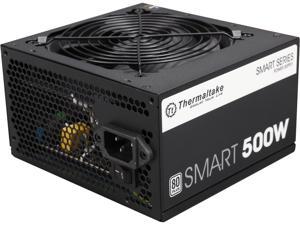

Thermaltake Smart Series 500W SLI/CrossFire Ready Continuous Power ATX 12V V2.3 / EPS ...
Save: $10.00 (20%)
$39 .99
- Intel ATX 12V 2.31 & EPS 12V 2.92
- Hardlined
- 80 PLUS Certified
- 100 - 240 V 50/60 Hz
- +3.3V@20A, +5V@15A, +12V@35A, -12V@0.5A, +5VSB@2.5A
Save: $10.00 (20%)
$39 .99
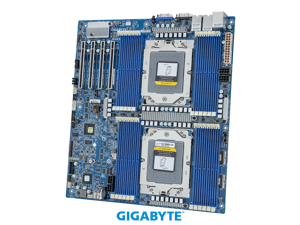
GIGABYTE MZ73-LM1 Server Motherboard - AMD EPYC™ 9005/9004 - E-ATX DP PCIe Gen4 ...
Save: $59.01 (6%)
$936 .99
Free Shipping
- Dual AMD EPYC™ 9005/9004 Series Processors
- 12-Channel DDR5 RDIMM, 24 x DIMMs
- 2 x 10Gb/s LAN ports via Broadcom® BCM57416
- 2 x SlimSAS 8i connectors with PCIe Gen4 x8 or SATA interface
- 1 x SlimSAS 4i connector with SATA interface
- 1 x M.2 slot with PCIe Gen4 x4 interface
- 4 x PCIe Gen4 x16 expansion slots
Save: $59.01 (6%)
$936 .99
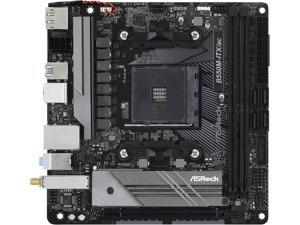
ASRock B550M-ITX/AC AM4 AMD B550 Mini ITX AMD Motherboard
Save: $10.00 (10%)
$89 .99
Free Shipping
- BIOS update might require for AMD Zen 3 Ryzen 5000 series CPU
- AMD B550
- Supports 3rd Gen AMD AM4 Ryzen / future AMD Ryzen Processors
- AMD Ryzen series CPUs (Matisse) support DDR4 4600+(OC)/ 4533(OC)/ 4466(OC)/ 4400(OC)/ 4333(OC)/ 4333(OC)/ 4266(OC)/ 4200(OC)/ 4133(OC)/ 4000(OC)/ 3866(OC)/ 3800(OC)/ 3733(OC)/ 3600(OC)/ 3466(OC)/ 3200/ 2933/ 2667/ 2400/ 2133 ECC & non-ECC, un-buffered memory
- AMD Ryzen series APUs support DDR4 4733+(OC)/ 4666(OC)/ 4600(OC)/ 4533(OC)/ 4466(OC)/ 4400(OC)/ 4333(OC)/ 4266(OC)/ 4200(OC)/ 4133(OC)/ 4000(OC)/ 3866(OC)/ 3800(OC)/ 3733(OC)/ 3600(OC)/ 3466(OC)/ 3200/ 2933/ 2667/ 2400/ 2133 ECC & non-ECC, un-buffered memory
Save: $10.00 (10%)
$89 .99
Loading Dynamic Data...
Computer Parts and Hardware Guide
Introduction
Assembling a desktop or server workstation can be an easy and straightforward process, provided that you have all the necessary computer parts. There are several advantages to building a computer in-house, including potentially lower costs and more customizability. Below, NeweggBusiness will outline various computer parts that will be needed to assemble a system.
Computer Parts
Processors
The processor directly affects overall computer performance, more than other components such as the sound card or power supply.
When selecting a processor, some important considerations include the number of cores, the clock speed of those cores, and the amount of cache memory.
Motherboards
The motherboard is the component that unifies the internal hardware. You will need to ensure that the processor, memory, and other computer parts are compatible with the motherboard.
Though the motherboard can affect system performance, it can be difficult to quantify how much of an impact it has. Several important considerations include, the maximum amount of memory supported, compatible processors, data interface standards, and expansion card slots.
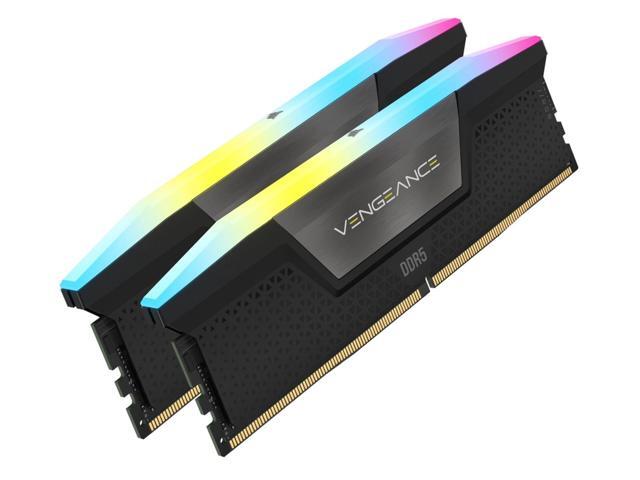
Random Access Memory (RAM)
Both the amount and speed of memory are quantifiable factors that directly affect computer performance. Generally, the more memory a computer has, the better it will be able to multitask. Faster memory can speed up tasks that require data to be frequently loaded and retrieved.
Computer Cases
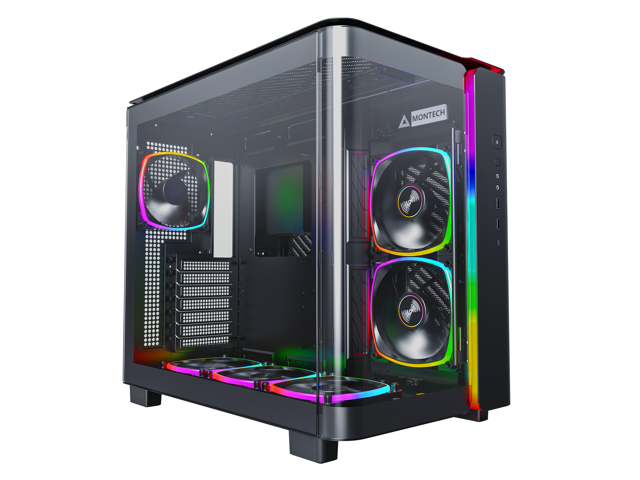
There are many different types of computer cases, from small portable ITX cases to larger E-ATX cases for servers and workstations.
When selecting a case, you should consider how and where the computer will be used. Also, determine if the case’s internal dimensions are adequate for the components that you plan to use.
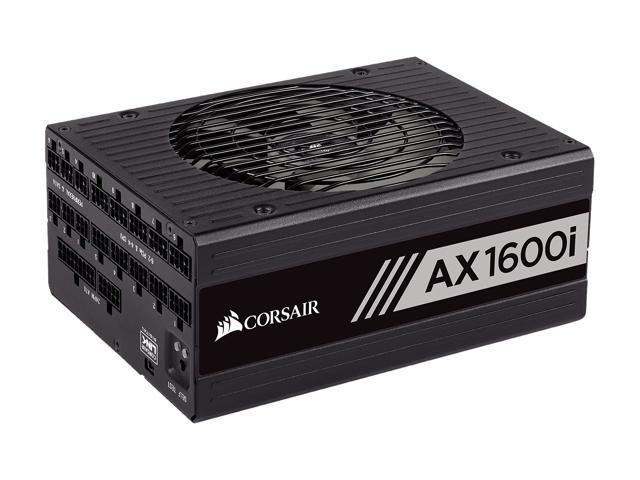
Power Supply Unit (PSU)
Computer power supplies are components that connect to an electrical outlet and send power to the individual computer parts. When selecting a power supply, you will need to determine if can handle the total power requirement of all the components.
To do that, add up the power loads of all the internal components and ensure that the PSU can supply at least that much power. It is recommended that you choose a power supply well above that minimum for more flexibility.
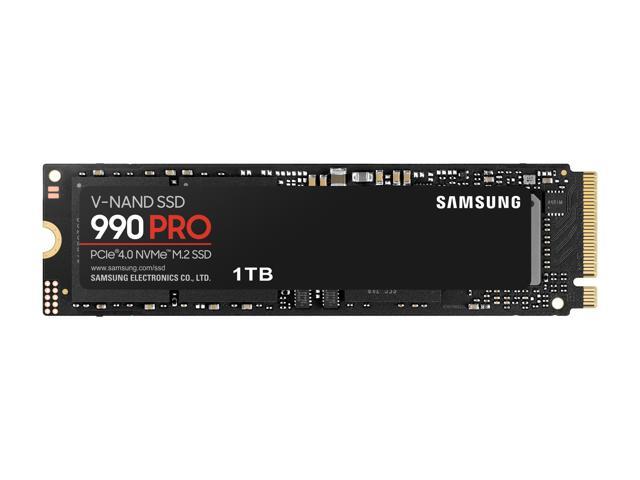
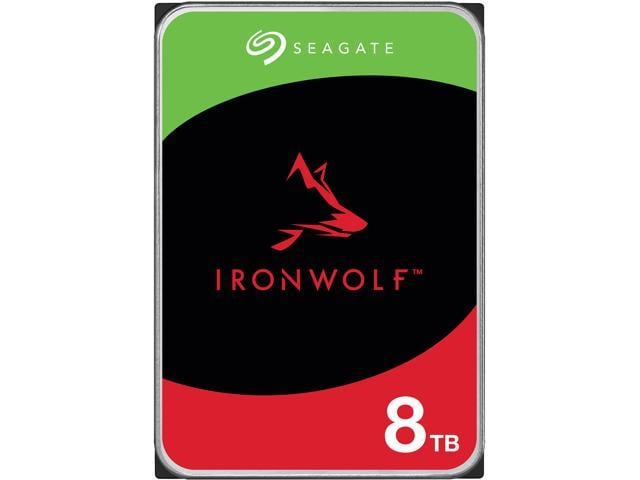
Hard Drives
The hard drive is a data storage device that can be used to store the operating system, programs, documents, and other important files. When selecting a hard drive, ensure that it is compatible with the motherboard as well as being large and quick enough for your needs.
Alternatively, you can use a solid state drive for increased data transfer speeds, lower noise output, and better energy efficiency.
Video Cards
A video card is a required component, but many motherboards already have one built-in. However, some tasks may require the use of a dedicated video card even if the motherboard has onboard video capabilities. Tasks such as 3D rendering and simulation can sometimes require the use of workstation-grade video cards.
Network Adapters
While not required for the computer to be used, network connectivity is necessary for internet and local area network (LAN) access. Some motherboards have network adapters built into them, so separate adapters are not always required.
There are two main types of network adapters, internal and external. Internal network adapters utilize expansion slots while external variants are usually USB.
Sound Cards
Many desktop motherboards have sound cards built-in, allowing for audio playback without the need for a dedicated sound card. However, the quality of these built-in sound cards is generally not on par with high-end dedicated sound cards. For tasks that require high definition audio playback, dedicated sound cards are usually better than onboard solutions.
Optical Drives
An optical drive is beneficial for many uses, including backing up data, installing software, and playing multimedia content. Before shopping for an optical drive however, you should check what type of data connector the motherboard utilizes and if any are available for use.
Conclusion
If a pre-assembled desktop or server workstation is not within your budget, assembling one in-house can be a lower cost alternative. For underperforming desktop computers, upgrading individual computer parts may be more cost-effective than replacing the entire system.
