


Desktop Memory - Showing 865 - 888 of 2254 Products


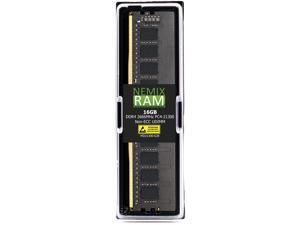
NEMIX RAM 16GB (1X16GB) DDR4 2666MHZ PC4-21300 2Rx8 1.2V 288-PIN Non-ECC ...
- CAS Latency: CL19
- Voltage: 1.20V
- Brand: NEMIX RAM
- Chipset: Major OEM Samsung, Micron, Hynix
- Series: NEMIX RAM DDR4 Orignial Desktop PC 288-Pin Non-ECC Unbuffered UDIMM Memory
- Capacity: 16GB
- Speed: DDR4 2666 (PC4 21300)
- Model #: MD21300-628K01-1504
- Item #: 9SIV094E2P2267
- Return Policy: NEMIX RAM Return Policy
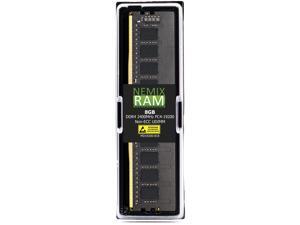
NEMIX RAM 8GB (1X8GB) DDR4 2400MHZ PC4-19200 1Rx8 1.2V 288-PIN Non-ECC UDIMM ...
- CAS Latency: CL17
- Voltage: 1.20V
- Brand: NEMIX RAM
- Chipset: Major OEM Samsung, Micron, Hynix
- Series: NEMIX RAM DDR4 Orignial Desktop PC 288-Pin Non-ECC Unbuffered UDIMM Memory
- Capacity: 8GB
- Speed: DDR4 2400 (PC4 19200)
- Model #: MD19200-818K1-QN-RAM-8GDR4A1-UD-2400
- Item #: 9SIV094K0Z7471
- Return Policy: NEMIX RAM Return Policy
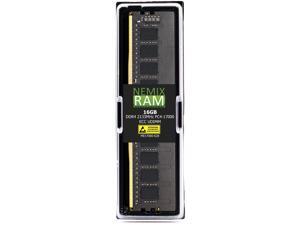
NEMIX RAM 16GB (1X16GB) DDR4 2133MHZ PC4-17000 2Rx8 1.2V 288-PIN ECC UDIMM ...
- Chipset: Major OEM Samsung, Micron, Hynix
- CAS Latency: CL15
- Voltage: 1.20V
- Part Number: ME17000-628K1
- Type: 288-Pin DDR4 ECC UDIMM
- Rank: 2Rx8
- Parts: Lifetime Replacement Warranty
- Model #: ME17000-628K01-2455
- Item #: 9SIV094DN24696
- Return Policy: NEMIX RAM Return Policy
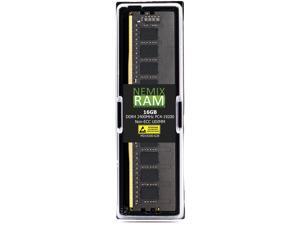
NEMIX RAM 16GB (1X16GB) DDR4 2400MHZ PC4-19200 2Rx8 1.2V 288-PIN Non-ECC UDIMM ...
- CAS Latency: CL17
- Voltage: 1.20V
- Brand: NEMIX RAM
- Chipset: Major OEM Samsung, Micron, Hynix
- Series: NEMIX RAM DDR4 Orignial Desktop PC 288-Pin Non-ECC Unbuffered UDIMM Memory
- Capacity: 16GB
- Speed: DDR4 2400 (PC4 19200)
- Model #: MD19200-628K01-109
- Item #: 9SIV0947CE5383
- Return Policy: NEMIX RAM Return Policy
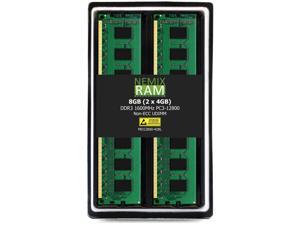
NEMIX RAM 4GB (1X4GB) DDR3 1333MHZ PC3-10600 2Rx8 1.35V 240-PIN Non-ECC UDIMM ...
- CAS Latency: CL9
- Voltage: 1.50V
- Brand: NEMIX RAM
- Chipset: Major OEM Samsung, Micron, Hynix
- Series: NEMIX RAM DDR3 Orignial Desktop PC 240-Pin Non-ECC Unbuffered UDIMM Memory
- Capacity: 4GB
- Speed: DDR3 1333 (PC3 10600)
- Model #: MD10600-428LK01-641
- Item #: 9SIV0947CE5376
- Return Policy: NEMIX RAM Return Policy
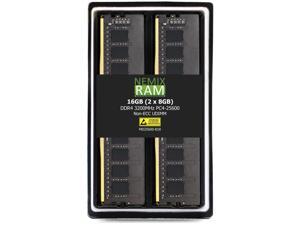
NEMIX RAM 8GB (1X8GB) DDR4 2400MHZ PC4-19200 1Rx8 1.2V 288-PIN Non-ECC UDIMM ...
- CAS Latency: CL17
- Voltage: 1.20V
- Brand: NEMIX RAM
- Chipset: Major OEM Samsung, Micron, Hynix
- Capacity: 8GB
- Speed: DDR4 2400 (PC4 19200)
- Buffered/Registered: Unbuffered
- Model #: MD19200-818K01-947
- Item #: 9SIV09484U7984
- Return Policy: NEMIX RAM Return Policy
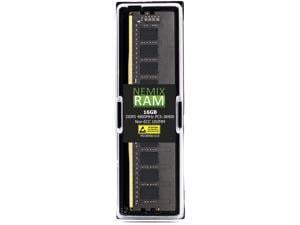
NEMIX RAM 16GB (1X16GB) DDR5 4800MHZ PC5-38400 1Rx8 1.1V 288-PIN Non-ECC ...
- CAS Latency: CL40
- Voltage: 1.10V
- Brand: NEMIX RAM
- Chipset: Major OEM Samsung, Micron, Hynix
- Series: NEMIX RAM DDR5 Orignial Series 288-Pin Non-ECC Unbuffered UDIMM Desktop PC Memory
- Capacity: 16GB
- Speed: DDR5 4800 (PC5 38400)
- Model #: MD38400-618-DL-SNPK7G24C/16G
- Item #: 9SIV094K247510
- Return Policy: NEMIX RAM Return Policy
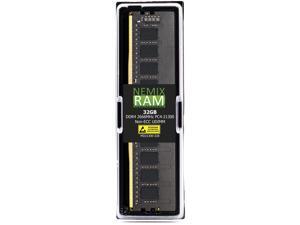
NEMIX RAM 32GB (1X32GB) DDR4 2666MHZ PC4-21300 2Rx8 1.2V 288-PIN Non-ECC ...
- Chipset: Major OEM Samsung, Micron, Hynix
- CAS Latency: CL19
- Voltage: 1.20V
- Part Number: MD21300-328K1
- Type: 288-Pin DDR4 UDIMM
- Rank: 2Rx8
- Parts: Lifetime Replacement Warranty
- Model #: 0759170863556
- Item #: 9SIV094B0T3812
- Return Policy: NEMIX RAM Return Policy
NEMIX RAM 16GB (1X16GB) DDR4 2133MHZ PC4-17000 2Rx8 1.2V 288-PIN ECC Unbuffered ...
- Chipset: Major OEM Samsung, Micron, Hynix
- CAS Latency: CL15
- Voltage: 1.20V
- Part Number: ME17000-628K1
- Type: 288-Pin DDR4 ECC UDIMM
- Rank: 2Rx8
- Parts: Lifetime Replacement Warranty
- Model #: ME17000-628K01-998
- Item #: 9SIV09484U7901
- Return Policy: NEMIX RAM Return Policy
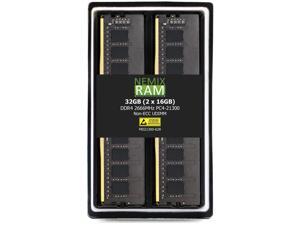
NEMIX RAM 32GB (2X16GB) DDR4 2666MHZ PC4-21300 2Rx8 1.2V 288-PIN Non-ECC ...
- CAS Latency: CL19
- Voltage: 1.35V
- Brand: NEMIX RAM
- Chipset: Major OEM Samsung, Micron, Hynix
- Series: Dell PowerEdge Series Memory
- Capacity: 32GB (2 x 16GB)
- Speed: DDR4 2666 (PC4 21300)
- Model #: MD21300-628K2-DL-PET150
- Item #: 9SIV094JWA4741
- Return Policy: NEMIX RAM Return Policy
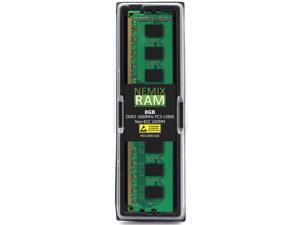
NEMIX RAM 8GB (1X8GB) DDR3 1600MHZ PC3-12800 2Rx8 1.35V 240-PIN Non-ECC UDIMM ...
- CAS Latency: CL11
- Voltage: 1.35V
- Brand: NEMIX RAM
- Chipset: Major OEM Samsung, Micron, Hynix
- Capacity: 8GB
- Speed: DDR3 1600 (PC3 12800)
- Buffered/Registered: Unbuffered
- Model #: MD12800-828K01-2645
- Item #: 9SIV094KBG6828
- Return Policy: NEMIX RAM Return Policy
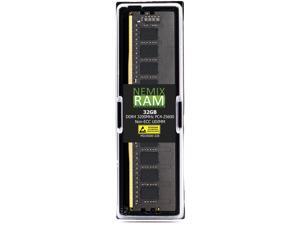
NEMIX RAM 32GB (1X32GB) DDR4 3200MHZ PC4-25600 2Rx8 1.2V 288-PIN Non-ECC ...
- CAS Latency: CL22
- Voltage: 1.20V
- Brand: NEMIX RAM
- Chipset: Major OEM Samsung, Micron, Hynix
- Series: NEMIX RAM DDR4 Orignial Desktop PC 288-Pin Non-ECC Unbuffered UDIMM Memory
- Capacity: 32GB
- Speed: DDR4 3200 (PC4 25600)
- Model #: MD25600-328K1-QN-RAM-32GDR4S0-UD-3200
- Item #: 9SIV094K0Z7461
- Return Policy: NEMIX RAM Return Policy
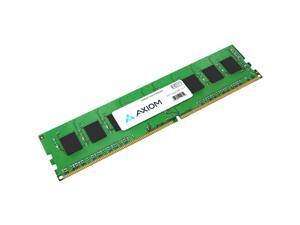
Axiom 16GB DDR4 SDRAM Memory Module 4X70Z78725-AX
- BIOS/Performance Profile: Intel XMP 2.0
- Model #: 4X70Z78725-AX
- Item #: 9SIV0Z4KRG7655
- Return Policy: Compute4Less Corp Return Policy
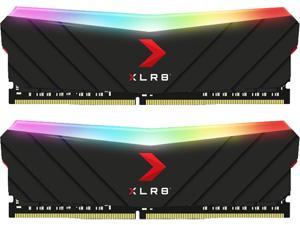
PNY XLR8 Gaming EPIC-X RGB 32GB (2 x 16GB) DDR4 3200MHz 288-pin DIMM Memory Kit ...
- CAS Latency: CL16
- Voltage: 1.35V
- Multi-channel Kit: Dual Channel Kit
- Heat Spreader: Yes
- BIOS/Performance Profile: Intel XMP 2.0
- Color: Black
- LED Color: RGB
- Model #: MD32GK2D4320016XRGB
- Item #: 9SIA4N9KP23500
- Return Policy: Platinum Micro Inc. Memory (Desktop Memory) Return Policy
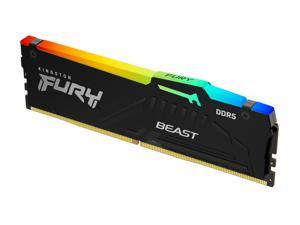
Kingston Fury Beast RGB 16GB 6000MT/s DDR5 CL30 Desktop Memory | AMD Expo | Plug N Play ...
- CAS Latency: CL30
- Voltage: 1.35 volts
- Multi-channel Kit: 1
- Timing: CL30
- Brand: Kingston
- Series: Kingston FURY Beast DDR5 RGB Memory
- Capacity: 16GB
- Speed: 6000 mt_s
- Model #: KF560C30BBEA-16
- Item #: 9SIV0Z4KRH1654
- Return Policy: Compute4Less Corp Return Policy
QNAP 8GB DDR4 SDRAM Memory Module RAM8GDR4ECT0SO2666
- Model #: RAM8GDR4ECT0SO2666
- Item #: 9SIV0Z4G298704
- Return Policy: Compute4Less Corp Return Policy
Axiom AX42666E19B-16G 16 GB DDR4-2666 ECC UDIMM Memory
- BIOS/Performance Profile: Intel XMP 2.0
- Model #: AX42666E19B/16G
- Item #: 9SIV0Z49PZ9751
- Return Policy: Compute4Less Corp Return Policy
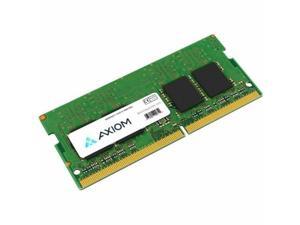
Axiom 16GB DDR5 SDRAM Memory Module - For Notebook, Server - 16 GB - ...
- Brand: Axiom
- Capacity: 16GB
- Speed: DDR5 5600 (PC5 44800)
- Model #: 79U71AA-AX
- Item #: 9SIV0Z4KRG9408
- Return Policy: Compute4Less Corp Return Policy
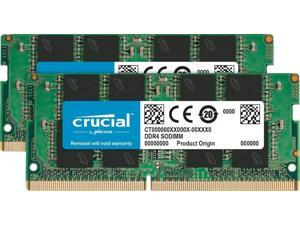
Micron Memory Kit with 16GB (2x8GB) DDR4 PC4-21300 2666MHz SR x8 SODIMM Memory ...
- Model #: 840104308486
- Item #: 9SIV178J0E9595
- Return Policy: Aventis Systems Return Policy
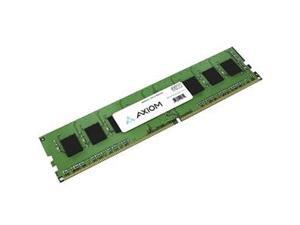
Axiom 16GB DDR4 3200MHz 288pin DIMM Memory Module for HP Desktops 141H3AAAX
- CAS Latency: CL1.5
- Brand: Axiom
- Capacity: 16GB
- Speed: DDR4 3200 (PC4 25600)
- Color: Black
- LED Color: None
- Model #: 141H3AAAX
- Item #: 9SIV0Z4KRG7696
- Return Policy: Compute4Less Corp Return Policy
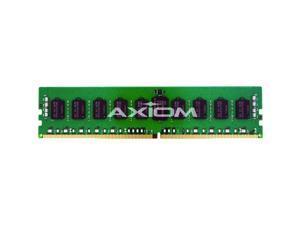
Axiom AX42400R17B/8G Axiom - Ddr4 - 8 Gb - Dimm 288-Pin - 2400 Mhz / Pc4-19200 - Cl17 - ...
- Model #: AX42400R17B/8G
- Item #: 9SIV0Z4KRG7013
- Return Policy: Compute4Less Corp Return Policy
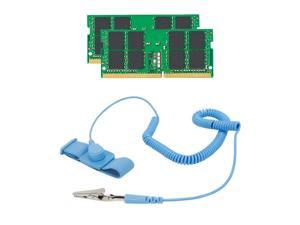
Kingston Memory Bundle with 32GB (2 x 16GB) DDR4 PC4-21300 2666MHz Memory ...
- Model #: 840104303979
- Item #: 9SIV178FSD3593
- Return Policy: Aventis Systems Return Policy
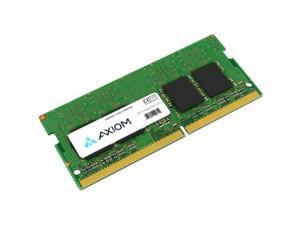
Axiom 32GB DDR5 SDRAM Memory Module - For Notebook, Server - 32 GB - ...
- Brand: Axiom
- Capacity: 32GB
- Speed: DDR5 5600 (PC5 44800)
- Model #: AC774046-AX
- Item #: 9SIV0Z4KKD1405
- Return Policy: Compute4Less Corp Return Policy
Kingston Memory Bundle with 64GB (2 x 32GB) DDR4 PC4-21300 2666MHz Unbuffered ...
- Model #: 840104304006
- Item #: 9SIV178FSD3601
- Return Policy: Aventis Systems Return Policy
Common Questions about Desktop Memory
Introduction
For a sluggish or underperforming desktop computer, a PC memory upgrade is often an effective way to increase performance. However, choosing the right desktop memory upgrade is not always easy. If you are looking for desktop memory, the memory finder tool is an excellent resource. In the next section, NeweggBusiness answers several of the most common questions about upgrading PC memory.
Questions
Why does PC memory have MHz ratings and what do they mean?
The MHz rating for PC memory is an indication of how quickly it can transfer data. The higher the MHz rating, the quicker the memory can transfer data. However, the transfer speed is bottlenecked by the motherboard and processor. If a stick of memory is rated at 1600 MHz but the processor and motherboard are limited to 1333 MHz, the memory will operate at the slower speed.
What does latency or timing mean for PC memory?
PC memory timings are performance measurements based around four parameters. These four ratings are written as four numbers separated by dashes, such as 7-8-7-24. It is better to have lower timings, as that means less latency. You should prioritize having lower latencies over faster MHz ratings.
What does memory voltage mean?
In order for PC memory modules to achieve their rated timings, they must operate at indicated voltages. If the memory modules are ran either under or over-voltage, there will be a risk of system instability and damage to the memory. However, increasing memory voltage can also lower timings for slightly faster performance.
Are there any advantages to multi-channel memory kits?
Multi-module PC memory upgrades are often marketed as dual-channel, triple-channel, or quad-channel. Known as matched memory, they are designed to work in conjunction for slightly increased performance. However, the motherboard must support multi-channel memory for there to be any benefit.
For example, if you have a motherboard that supports dual-channel memory, utilizing a matched 8 GB (2 x 4 GB) memory upgrade kit will net slightly better performance gains than two unmatched 4 GB memory sticks.
Can I use different memory brands, capacities, and speeds in the same computer?
Yes, you can use PC memory modules from different brands, with different capacities, and different speeds in the same computer. However, there will be no multi-channel performance gains because they will not be matched sets of memory. In addition, if the PC memory modules have different speeds, they will all run at the speed of the slowest module.
Are there limitations on how much memory I can install?
Yes, there are several limiting factors on how much memory you can install into one system. Most desktop motherboards only accommodate up to four unbuffered memory modules. On top of that, the largest capacity for a single unbuffered memory module is 8 GB. So the maximum amount of memory based on hardware limitations is 64 GB for unbuffered memory.
Another limitation on the benefits of additional PC memory is the operating system. An operating system can only utilize a limited amount of memory, and any extra memory past that amount will not be recognized. For example, Windows® 8 64-bit supports a maximum of 128 GB of PC memory while Windows 8 32-bit supports up to 4 GB. Past those maximums, any extra PC memory will not be recognized.

