


Keyboard - Showing 265 - 288 of 6787 Products


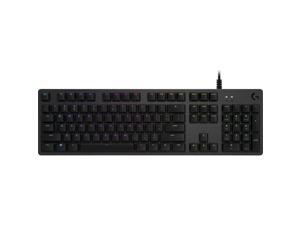

Logitech G512 Lightsync Rgb Mechanical Gaming Keyboard
- Keyboard Interface: USB 2.0
- Design Style: Gaming
- Keyboard Color: Carbon
- Brand: Logitech
- Type: Wired
- Normal Keys: 104
- Model #: 920009342
- Item #: 9SIV009DV84220
- Return Policy: Antonline.com Return Policy
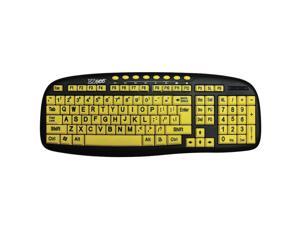
Ergoguys CD-1038 Black USB Wired Ergonomic Ezsee Low Vision Keyboard Large Print Yellow ...
- Operating System Supported: Windows 98 /2000/ ME/ NT/ XP/vista/ Windows 7
- Parts: 1 year limited
- Labor: 1 year limited
- Model #: CD-1038
- Item #: 9SIV1DSKAE2498
- Return Policy: NothingButSavings Return Policy
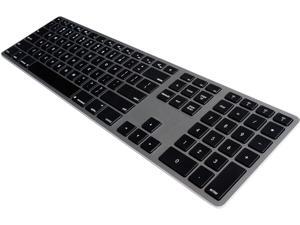
Matias Wired Aluminum Keyboard
- Keyboard Interface: USB Type A
- Keyboard Color: Space Gray
- Brand: Matias
- Name: Wired Aluminum Keyboard
- Type: Others
- Features: Keyboard/Keypad Connectivity Technology:Cable
- Package Contents: Wired Aluminum Keyboard Users Manual
- Parts: 1 Year
- Model #: FK318B
- Item #: 9SIV009K8E4278
- Return Policy: Antonline.com Return Policy
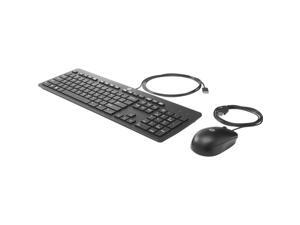

HP INC. T4E63AT#ABA SBUY USB BUS SLIM KYBOARD/MOUSE/MSPD
- Brand: .HP.
- Type: Others
- Parts: 1 Year
- Model #: T4E63AT
- Item #: 9SIV009KK13438
- Return Policy: Antonline.com Return Policy
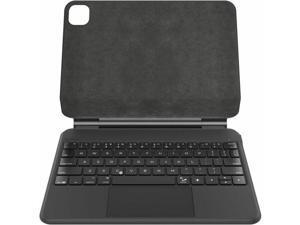
Belkin Connect Keyboard/Cover Case (Folio) for 11" Apple iPad Pro 11 (2024) Tablet - ...
- Model #: BBZ002TT-V2
- Item #: 9SIV1DSKSP8352
- Return Policy: NothingButSavings Return Policy
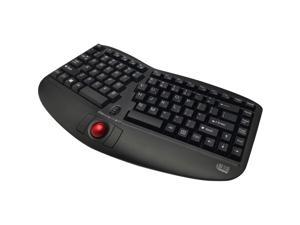
ADESSO Tru-Form Media 3150 WKB-3150UB Black USB RF Wireless Ergonomic Keyboard
- Mouse Included: Yes
- Tracking Method: TrackBall
- Palm Rest: Integrated
- Mouse Color: Red
- Hand Orientation: Both Hands
- Operating System Supported: Windows 2000 / XP / Vista / 7 / 8 / 10
- Dimensions: 1.50" x 13.80" x 9.40"
- Mouse DPI: 1000 dpi
- Model #: WKB-3150UB
- Item #: 9SIV1PDABF1144
- Return Policy: Technology Galaxy Return Policy
SEAL SHIELD SSKSV208FR SILVER SEAL WATERPROOF KB (FRENCH)
- Mouse Interface: Cable
- Mouse Color: Black
- Model #: SSKSV208FR
- Item #: 9SIV009KEP8764
- Return Policy: Antonline.com Return Policy
Ergoguys RGB Backlite Wired Alumnium Keyboard
- Mouse Included: Keyboard
- Mouse Interface: Cable
- Mouse Color: Black
- Function Keys: Volume Control Customizable RGB Light
- Operating System Supported: Windows Linux PC
- Parts: 1 Year
- Model #: FK318PCLBB
- Item #: 9SIV009KEP8778
- Return Policy: Antonline.com Return Policy
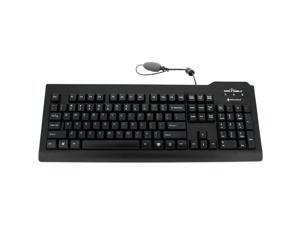
SEAL SHIELD SSKSV208DE SILVER SEAL WATERPROOF KB (DEUTSCHE)
- Model #: SSKSV208DE
- Item #: 9SIV009KEP8655
- Return Policy: Antonline.com Return Policy
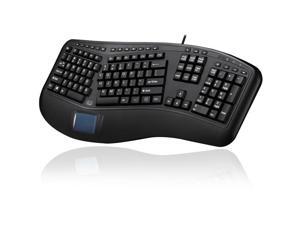
ERGONOMIC TOUCHPAD KEYBOARD USB
- Parts: 1 Year
- Model #: AKB-450UB
- Item #: 9SIV1PD7SA0603
- Return Policy: Technology Galaxy Return Policy
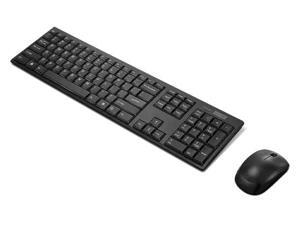

Lenovo 100 USB-A Wireless Combo Keyboard and Mouse - US English
- Part Number: GX31K80998
- Parts: 1 Year
- Model #: GX31K80998
- Item #: 9SIV009KFV9062
- Return Policy: Antonline.com Return Policy
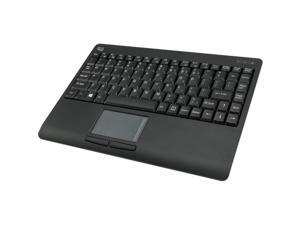
Seal Shield Silver Seal Glow Waterproof Keyboard Long Cable SSWKSV207GL
- Model #: SSWKSV207GL
- Item #: 9SIV0F2K335753
- Return Policy: TELeasy Return Policy
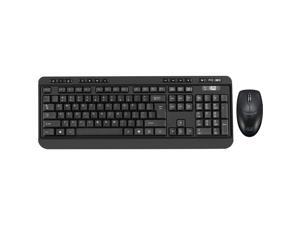
ADESSO WKB-1320CB ANTIMICROBIAL WIRELESS DESKETOP KEYBOARD & MOUSE COMBO
- Parts: 1 Year
- Model #: WKB1320CB
- Item #: 9SIV1PDKPC9563
- Return Policy: Technology Galaxy Return Policy
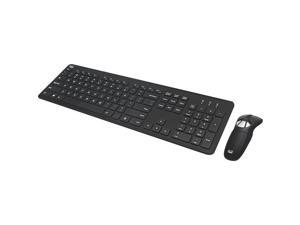
Adesso Ads Adesso Air Mouse Go Plus with Full Size Keyboard - USB Scissors Wireless 2.40 GHz ...
- Mouse Included: Yes
- Mouse Interface: RF Wireless
- Mouse Color: Black
- Scrolling Capability: 1 x Wheel
- Operating System Supported: Windows XP / Windows Vista / Windows 8 / Windows 7 / Windows 10
- System Requirement: 1 USB Port
- Dimensions: 0.70" x 17.50" x 5.30"
- Package Contents: Air Mouse Go Plus With Full Size Keyboard Desktop Charging Cradle and USB Charging Cable 2.4 GHz USB Receive Quick Start Guide
- Model #: WKB-5300CB
- Item #: 9SIV1PDKDM4993
- Return Policy: Technology Galaxy Return Policy
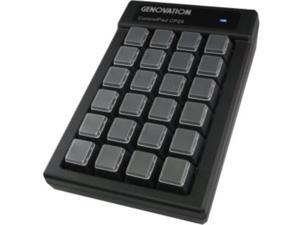
CONTROLPAD 24KEY USB HID 6FT
- Brand: Genovation Inc.
- Type: Office Products
- Key Switch: Black Cherry MX
- Parts: Manufacturers Limited Warranty: 1 Year / Parts Only
- Model #: CP24-U
- Item #: 9SIV009KEZ2704
- Return Policy: Antonline.com Return Policy
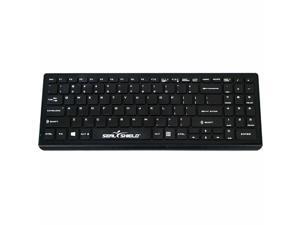
Seal Shield Cleanwipe Pro Waterproof Keyboard, Black SSKSV101PRO
- Brand: SEAL SHIELD
- Type: See Description
- Model #: SSKSV101PRO
- Item #: 9SIV009KER5440
- Return Policy: Antonline.com Return Policy
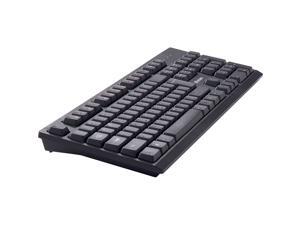
Verbatim Wireless Keyboard and Mouse 70724
- Parts: 1 Year
- Model #: 70724
- Item #: 9SIV1PDKPC1270
- Return Policy: Technology Galaxy Return Policy
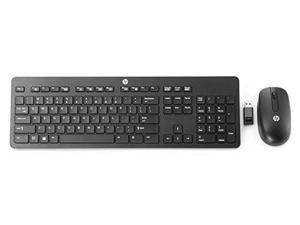
SMART BUY SLIM WL KB AND
- Parts: 1 Year
- Model #: T6L04UT#ABA
- Item #: 9SIV009KEP8789
- Return Policy: Antonline.com Return Policy
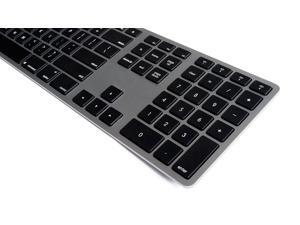
Matias Wireless Aluminum Keyboard - Space Gray (Black)
- Mouse Color: Gray
- Parts: 1 Year
- Model #: ADIB0195OR3BA
- Item #: 9SIV009KEU6840
- Return Policy: Antonline.com Return Policy
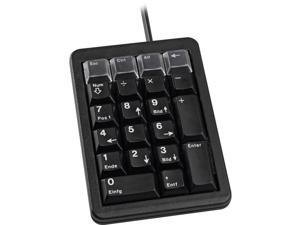
4IN ULTRA SLIM US 21 KEY
- Mouse Color: Black
- Model #: 4025112063053
- Item #: 9SIV0F27AJ6145
- Return Policy: TELeasy Return Policy
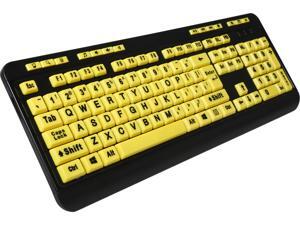
ADESSO EasyTouch 132 AKB-132UY Black / Yellow 104 Normal Keys Previous Track Home ...
- Normal Keys: 104
- Function Keys: Previous Track Home Email Favourites Volume Down Volume Up Search Back Forward Play/Pause Close Mute Next Track Refresh Internet
- Operating System Supported: Windows 8, 7, Vista, XP & 2000
- System Requirement: 1 USB Port
- Dimensions: 0.80" x 17.70" x 6.60"
- Parts: 1 Year
- Model #: AKB-132UY
- Item #: 9SIV1DSKMN0459
- Return Policy: NothingButSavings Return Policy
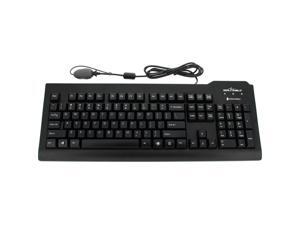
Seal Shield Silver Seal Glow Waterproof True Type Keyboard - Backlit
- Model #: SSKSV207GL
- Item #: 9SIV0099914796
- Return Policy: Antonline.com Return Policy
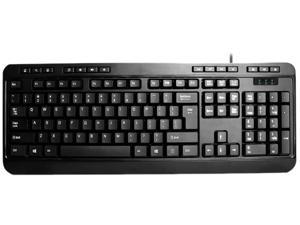
ADESSO AKB-132PB Black PS/2 Office Products Standard Keyboard
- Keyboard Interface: PS/2
- Design Style: Standard
- Keyboard Color: Black
- Brand: ADESSO
- Type: Office Products
- Mouse Color: Black
- Operating System Supported: Windows 8 / 7 / Vista / XP / 2000
- Model #: AKB-132PB
- Item #: 9SIV1PDABF3959
- Return Policy: Technology Galaxy Return Policy
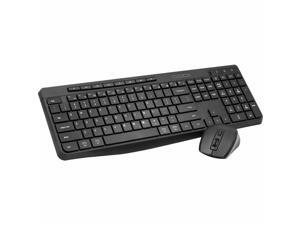
CODi Triple Connection Multi-Device Keyboard and Mouse Combination - Rechargeable ...
- Brand: CODi
- Power Source: Lithium-ion Rechargeable Battery
- Model #: KM-2B1W-R
- Item #: 9SIV009KFN3471
- Return Policy: Antonline.com Return Policy
Computer Keyboard Buying Tips
Introduction
Your staff may sometimes be at their workstations for hours on end, which means that they will need to have ergonomic computer keyboards that are adequate for the tasks that they will be performing. Purchasing keyboards with features that your staff will not utilize is not good use of your budget however, and you should try to find a balance between price and features. Below, NeweggBusiness will outline some considerations so that you can decide if they will be of value to your staff.
Connectivity
Keyboards can be connected to computers in one of two ways, wired or wireless. In terms of cost, wired keyboards can be found at much lower prices than wireless keyboards; however wireless keyboards can be used in situations where using wired keyboards would not be practical. Generally, most desktop workstations for completing general office tasks do not require wireless keyboards except in rare cases.
Wired computer keyboards have several advantages over wireless keyboards, including better responsiveness, not requiring additional software, and no need for batteries. Wireless keyboards on the other hand, decrease cable clutter and can be used with media center computers. If the computer will be used from a distance, a wireless keyboard is better than using a wired keyboard with long extension cables.
In addition to computers, keyboards can also be used with tablets to give them laptop-like functionality. For use with tablets, a keyboard will need Bluetooth® functionality, as tablets typically lack support for USB keyboards. Bluetooth keyboards can also be used with laptops and desktops, but they will need to have support for Bluetooth.
Layout
A standard Windows® compatible QWERTY computer keyboard has a 104-key layout, but there are specialized keyboards with additional keys or altered key placement. For example, a standard full-sized QWERTY keyboard will typically have a number pad to the right side of the keyboard but other layouts may drop the number pad in favor of slimmer dimensions.
Then there are multimedia keyboards and gaming keyboards that have programmable buttons, program-specific keys, and more. A standard Windows QWERTY keyboard is more than sufficient for most office tasks, and specialized keyboards are only needed for workstations that will be used for tasks that require those extra keys and functionality.
Ergonomics
Ergonomics are a very important consideration when selecting keyboards to use with your organization’s computers, as poor ergonomics can result in wrist injuries. To alleviate concerns about ergonomics, keyboard manufacturers have designed and market keyboards with comfortable ergonomics in mind. These keyboards typically have designs that split the QWERTY pattern in half and angle them so that the wrist is not bent when typing. Another approach that manufacturers may take to improve ergonomics is including wrist rests, which are often detachable. Ergonomic keyboards are usually more expensive but can reduce injury, so you may want to consider equipping workstations with them if their users will be typing for very long periods of time.

