


USB Flash Drives - Showing 529 - 552 of 969 Products
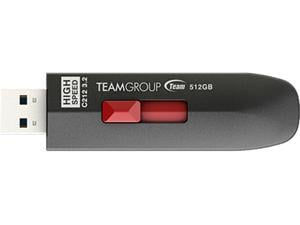

TEAM 512GB C212 Extreme Speed USB 3.2 Gen2 Flash Drive, Speed Up to 1000MB/s ...
- Brand: Team
- Series: C212
- Capacity: 512GB
- USB Specification: USB 3.2 Gen 2
- USB Connectors: Type A
- Color: Black
- Read Speed: Up to 1000MB/s
- Write Speed: Up to 800MB/s
- Model #: TC2123512GB01
- Item #: 9SIV04GKDY8085
- Return Policy: Hot Deals 4 Less Return Policy
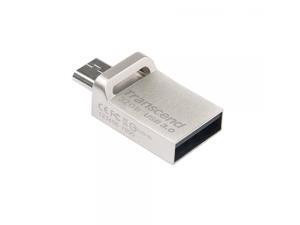
32GB Transcend Jetflash 880S OTG USB3.0 Flash Drive - Silver Edition
- Model #: ADIB00SGPG6I6
- Item #: 9SIV04GJVB1706
- Return Policy: Hot Deals 4 Less Return Policy
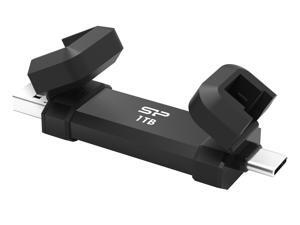

Silicon Power 1TB Marvel Xtreme DS72 USB3.2 Gen2 USB Drive Model SP001TBUC3S72VPK
- Capacity: 1TB
- USB Specification: USB 3.2 Gen 2
- Model #: Silicon Power
- Item #: 9SIV04GKT38402
- Return Policy: Hot Deals 4 Less Return Policy
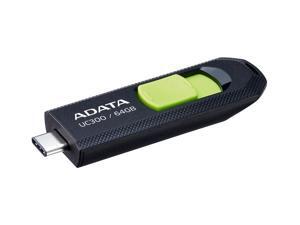

64GB AData USB3.2 UC300 Type-C USB Flash Drive Black/Green
- Capacity: 64GB
- Model #: ACHO-UC300-64G-RBK/GN
- Item #: 9SIV04GJVD2057
- Return Policy: Hot Deals 4 Less Return Policy
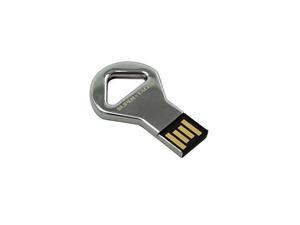
SUPER TALENT STU16GCKBS
- Brand: SUPER TALENT
- Capacity: 16GB
- USB Specification: USB 2.0
- Color: Silver
- Model #: 878294021052
- Item #: 9SIV04GJVB2566
- Return Policy: Hot Deals 4 Less Return Policy
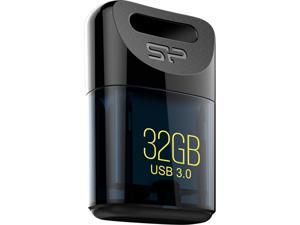
Silicon Power 32GB Jewel J06 USB 3.0 Flash Drive (SP032GBUF3J06V1D)
- Brand: Silicon Power
- Series: J06
- Capacity: 32GB
- USB Specification: USB 3.0
- Color: Deep Blue
- Features: Tiny and Trendy design Specialized shape design for easier operation Waterproof, vibration-proof and dustproof Plug in and use, no external power supply required SP Widget free download software, providing 7 major back-up and Secure functions Recuva File Recovery, allowing recovery of erased files, such as digital photos, documents, music and videos
- Dimensions: 0.33" x 0.63" x 0.94"
- Weight: 0.01 lb.
- Model #: SP032GBUF3J06V1D
- Item #: 9SIV04GJVB3377
- Return Policy: Hot Deals 4 Less Return Policy
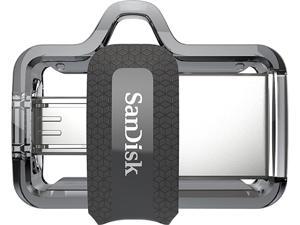

SanDisk 64GB Ultra Dual Drive m3.0, Speed Up to 150MB/s (SDDD3-064G-G46)
- Brand: SanDisk
- Series: Ultra Dual m3.0
- Capacity: 64GB
- USB Specification: USB 3.0
- USB Connectors: Micro B USB-A
- Read Speed: up to 150MB/s
- Features: Compatible with OTG-enabled Android Devices The SanDisk Ultra Dual Drive m3.0 is compatible with Android smartphones and tablets featuring OTG (On-The-Go) USB support. Free up Memory on Your Smartphone and Tablet Quickly free up space on your Android smartphone or tablet so you can take more pictures and videos. Easily Move Content Between Computers and Android Devices The SanDisk Ultra Dual Drive m3.0 lets you move and share files between Android devices and desktop or laptop computers. Dual micro-USB and USB 3.0 Connectors Sleek, retractable design offers both micro-USB and USB 3.0 connectors. The USB 3.0 connector is high-performance and backward-compatible ...
- Model #: SDDD3-064G-G46
- Item #: 9SIV1ZZ8D37241
- Return Policy: OEMPCWORLD Return Policy
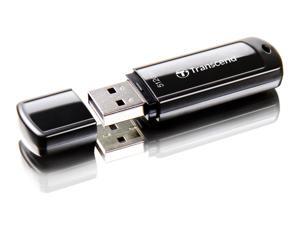
512GB Transcend JetFlash 700 USB3.0 Flash Drive
- Capacity: 512GB
- Model #: TS512GJF700
- Item #: 9SIV04GJWN1824
- Return Policy: Hot Deals 4 Less Return Policy
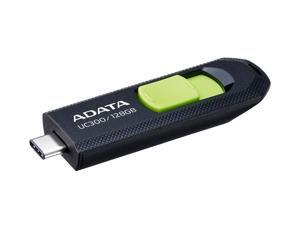
128GB AData USB3.2 UC300 Type-C USB Flash Drive Black/Green
- Capacity: 128GB
- Model #: ACHO-UC300-128G-RBK/GN
- Item #: 9SIV04GJVD2061
- Return Policy: Hot Deals 4 Less Return Policy
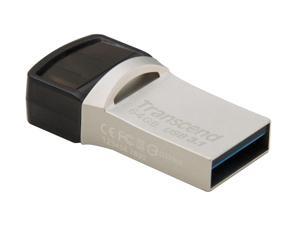
64GB Transcend JetFlash 890S OTG Flash Drive with USB3.1 and USB Type-C Connectors
- Brand: Transcend
- Capacity: 64GB
- Model #: TS64GJF890S
- Item #: 9SIV04GJVB1621
- Return Policy: Hot Deals 4 Less Return Policy
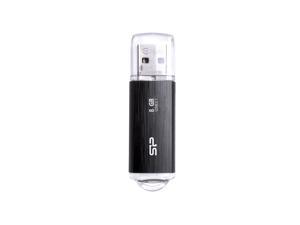
8GB Silicon Power Blaze B02 USB3.1 Flash Drive Black
- Capacity: 8GB
- Ready Boost: Yes
- USB Specification: USB 3.0
- Model #: SP008GBUF3B02V1K
- Item #: 9SIV04GJVB3428
- Return Policy: Hot Deals 4 Less Return Policy
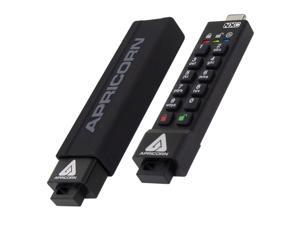
Apricorn 32GB USB3.2 Type-C Flash Drive Black Model ASK3-NXC-32GB
- Model #: ASK3-NXC-32GB
- Item #: 9SIV04GJVC9842
- Return Policy: Hot Deals 4 Less Return Policy
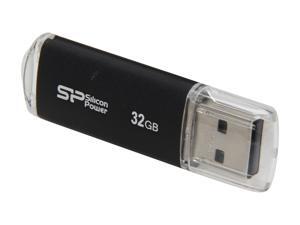
Silicon Power Ultima II-I Series 32GB USB 2.0 Flash Drive (Black) Model SP032GBUF2M01V1K
- Brand: Silicon Power
- Capacity: 32GB
- USB Specification: USB 2.0
- Color: Black
- Features: Silicon Power Ultima II-I series is an USB 2.0 flash drive designed with durable aluminum solid casing. The aluminum casing protects the surface from fingerprints and scratches. The build-in LED indicator light displays power on and data transfer status.
- Dimensions: 60.6mm x 18.0mm x 8.1mm
- Weight: 10g
- Model #: SP032GBUF2M01V1K
- Item #: 9SIV04GJVB3407
- Return Policy: Hot Deals 4 Less Return Policy
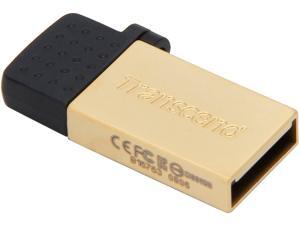
Transcend JetFlash 380 8GB USB 2.0 OTG Flash Drive TS8GJF380G
- Brand: Transcend
- Series: JetFlash 380
- Capacity: 8GB
- USB Specification: USB 2.0/Micro USB
- Color: Gold
- Features: Refined zinc alloy body COB (Chip on Board) manufacturing technique Excellent for USB OTG (On-The-Go) Easy Plug and Play installation USB powered. No external power or battery needed Offers a free download of Transcend Elite data management tools
- Dimensions: 28.1mm x 12.25mm x 4.5mm
- Weight: 3.2g
- Model #: TS8GJF380G
- Item #: 9SIV04GJVB1599
- Return Policy: Hot Deals 4 Less Return Policy
16GB Silicon Power Blaze B02 USB3.1 Flash Drive Black
- Capacity: 16GB
- Ready Boost: Yes
- USB Specification: USB 3.0
- Model #: SP016GBUF3B02V1K
- Item #: 9SIV04GJVB3436
- Return Policy: Hot Deals 4 Less Return Policy
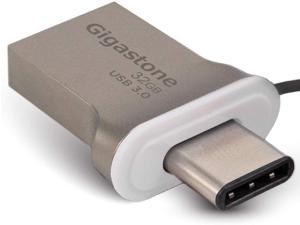

GIGASTONE 32GB USB Flash Drive USB 3.0 Type C OTG USB-C Dual Interface Memory Stick for ...
- Brand: Gigastone
- Series: U332OTGC
- Capacity: 32GB
- Part Number: GS-U332OTGC-R
- USB Specification: USB 3.0
- USB Connectors: Type C
- Color: Silver
- Read Speed: up to 100MB/s
- Model #: GS-U332OTGC-R
- Item #: 9SIV91DK9J5095
- Return Policy: Gigastone Return Policy
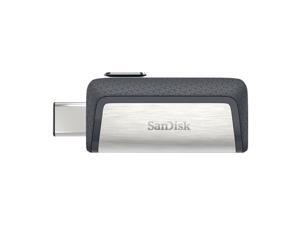
SANDISK SDDDC2-128G-A46 128GB Ultra Dual USB Type C
- Brand: SanDisk
- Parts: 5 Year
- Model #: SDDDC2-128G-A46 DUP
- Item #: 9SIV00CK7H3722
- Return Policy: Beach Audio Return Policy
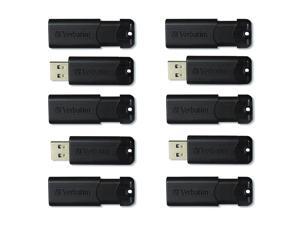
Microban 32GB PinStripe USB 3.2 Flash Drive Business Pack
- Brand: Verbatim Corporation
- Model #: 70902
- Item #: 9SIV2G2JV27194
- Return Policy: PremierSource Return Policy
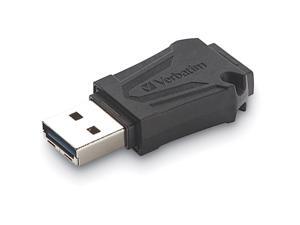
64GB TOUGHMAX USB FLASH DRIVE
- Model #: 70058
- Item #: 9SIV00CK048159
- Return Policy: Beach Audio Return Policy
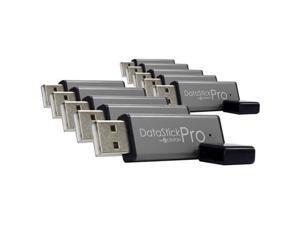
Centon 4GB DataStick Pro USB 2.0 Flash Drive - 10 Pack
- Brand: CENTON
- Series: DataStick Pro
- Capacity: 4GB
- USB Specification: USB 2.0
- Color: Gray
- Parts: Lifetime
- Model #: DSP4GB10PK
- Item #: 9SIV0F3BCC6565
- Return Policy: MichaelElectronics2 Return Policy
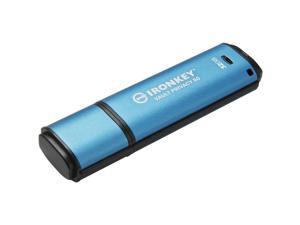
IronKey Vault Privacy 50 Series 32GB USB 3.2 Gen 1 Type A Flash Drive IKVP5032GB
- Brand: Kingston
- Capacity: 32GB
- Security: Encrypted
- Part Number: IKVP50/32GB
- USB Specification: usb3.2_gen_1
- Color: Blue
- Read Speed: 250 megabytes_per_second
- Write Speed: 180.0
- Model #: IKVP5032GB
- Item #: 9SIV18PKXV1008
- Return Policy: Neworld Return Policy
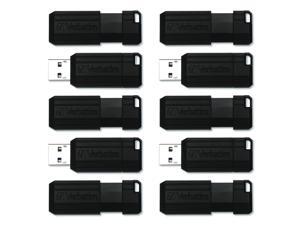
Verbatim PinStripe USB Drive 70901
- Brand: Verbatim Corporation
- Model #: 70901
- Item #: 9SIV00CESM9715
- Return Policy: Beach Audio Return Policy
Centon S1-U2P1-4G100PK Mp Valuepack Usb 2.0 Datastick Pro Grey, 4Gb 100Pack
- Brand: CENTON
- Capacity: 4GB
- Part Number: S1-U2P1-4G100PK
- USB Specification: USB 2.0
- Model #: S1-U2P1-4G100PK
- Item #: 9SIV00CKRW2467
- Return Policy: Beach Audio Return Policy
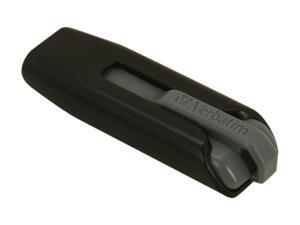
Verbatim 32GB Store 'n' Go V3 USB 3.0 Flash Drive, Black/Gray Model 49173
- Brand: Verbatim
- Series: Store 'n' Go V3
- Capacity: 32GB
- USB Specification: USB 3.0
- Color: Black/Gray
- Read Speed: up to 80MB/s
- Write Speed: up to 25MB/s
- Features: USB 3.0 interface is up to 10X faster than USB 2.0 interface New retractable design, shields USB connector in transit Faster data transfer vs USB 2.0 drives when used with USB 3.0 ports Available in a variety of trendy colors Password protection software available for download* * Works with Windows operating systems only
- Model #: 49173
- Item #: 9SIV1PDKDM7649
- Return Policy: Technology Galaxy Return Policy
Other Uses for USB Flash Drives
Introduction
A USB flash drive is a versatile data storage solution that can be used for many purposes, some of which are not widely known. While flash drives are popular for backing up and transferring data, other uses include boosting computer performance or serving as an operating system boot disk. Below, NeweggBusiness presents several lesser-known benefits of flash drives that you may find useful.
Increase System Performance
Certain operating systems allow you to use a USB flash drive to increase system performance by complementing the main system memory. Known as ReadyBoost ®, it is supported by Windows® Vista®, Windows 7, and Windows 8. In order for a USB flash drive to be used, it must have at least 256 MB of unused space.
Portable Applications
What are portable applications? They are programs that can be installed onto a USB flash drive and run on a host computer without modifying the host computer’s settings or configurations. For instance, a portable .pdf reader on a USB flash drive will allow you to read .pdf files without requiring installation.
Boot Disk
A boot disk can be used for many purposes, including operating system installation, updating Basic Input / Output System (BIOS) settings, and troubleshooting operating system issues. Traditionally, boot disks were specially formatted 3.5 inch floppy disks and later optical discs, but USB flash drives can also be used. The process to make a USB flash drive a boot disk varies depending on the operating system.
Automated Backup
Some USB flash drives include automated backup software bundled or preinstalled onto the drive. With automatic backup, files, folders, and settings can be backed up to a flash drive whenever it is inserted into a USB slot.
Lock or Unlock a Computer
If you have concerns about computer security and do not feel that a password is sufficient protection, a USB flash drive can be used to add an extra layer of security. Some programs, when installed onto your computer and USB flash drive, require the flash drive to be inserted in order for the computer to be locked or unlocked.
Security Tools
By installing portable security tools onto a USB drive, you can scan for viruses and malware on any computer that the flash drive is connected to. A useful tool if you need to remove viruses, malware, or other malicious software from multiple computers or frequently use public computers.
Optical Drive Replacement
Installing an operating system typically requires you to have the installation disc, which can be an issue if the computer does not have an optical drive. One workaround is to use a USB flash drive as the installation medium, rather than an optical disc. This is accomplished by formatting the USB flash drive as a boot disk and copying the operating system installation files.

