


USB Flash Drives - Showing 145 - 168 of 1002 Products
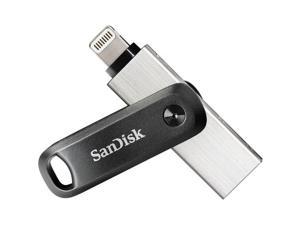

256GB SDIX60N-256G-AN6NE IXPAND
- Brand: SanDisk
- Parts: 1 Year
- Model #: SDIX60N-256G-AN6NE
- Item #: 9SIV1DSKAE8676
- Return Policy: NothingButSavings Return Policy
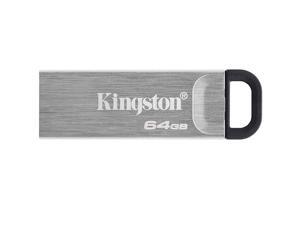
Kingston Data Traveler Kyson 64GB Memory (USB Flash Drive) DTKN/64GB
- Brand: Kingston
- Series: Data Traveler Kyson
- Capacity: 64GB
- USB Specification: USB 3.2 Gen 1
- USB Connectors: Type A
- Color: Black / Silver
- Read Speed: up to 200MB/s
- Write Speed: up to 60MB/s
- Model #: DTKN/64GB
- Item #: 9SIV05ZJGU7834
- Return Policy: 3C Expert Return Policy
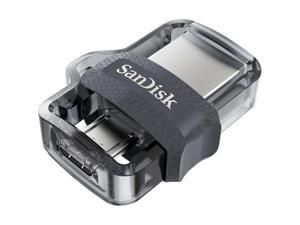
32GB SDDD3-032G ULTRA DUAL
- Brand: SanDisk
- Capacity: 32GB
- USB Specification: USB 3.0
- Parts: 5 Year
- Model #: SDDD3-032G-A46
- Item #: 9SIV009K8K9760
- Return Policy: Antonline.com Return Policy
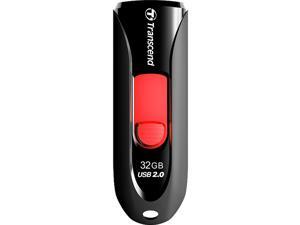
Transcend JetFlash 590 32GB USB 2.0 Flash Drive Model TS32GJF590K
- Brand: Transcend
- Series: JetFlash 590
- Capacity: 32GB
- USB Specification: USB 2.0
- Color: Red
- Features: Fully compatible with Hi-Speed USB 2.0 Easy Plug and Play installation USB powered. No external power or battery needed LED usage status indicator Offers a free download of Transcend Elite data management tools
- Dimensions: 10.6mm x 21.2mm x 63.6mm (H x W x L)
- Weight: 4.9g
- Model #: TS32GJF590K
- Item #: 9SIV1DSKTR8335
- Return Policy: NothingButSavings Return Policy
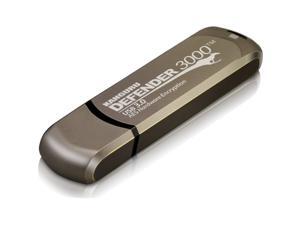
KANGURU KDF3000-64G 64GB DEFENDER 3000 FLASH DRIVE
- Brand: Kanguru
- Series: Defender 3000
- Capacity: 64GB
- USB Specification: USB 3.2 Gen 1x1
- Read Speed: up to 300MB/s
- Write Speed: up to 170MB/s
- Dimensions: 0.35" x 0.77" x 2.85"
- Weight: 1.30 oz.
- Model #: KDF3000-64G
- Item #: 9SIV0Z45DN9605
- Return Policy: Compute4Less Corp Return Policy
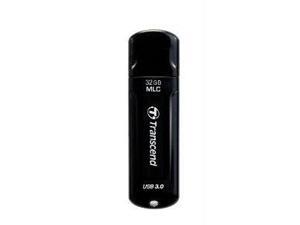
Transcend 32GB JetFlash 750 USB 3.0 Flash Drive
- Brand: Transcend
- Series: JetFlash 750
- Capacity: 32GB
- Ready Boost: Yes
- USB Specification: USB 3.0
- Color: Black
- Write Speed: up to 30MB/s
- Dimensions: Height:0.3" x Width:0.8" x Length:2.7"
- Model #: TS32GJF750K
- Item #: 9SIV009KX55418
- Return Policy: Antonline.com Return Policy
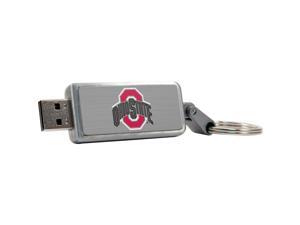
Centon 16GB Keychain V2 USB 2.0 Ohio State University
- Brand: CENTON
- Series: DataStick Keychain V2
- Capacity: 16GB
- USB Specification: USB 2.0
- Parts: 1 Year
- Model #: S1-U2K1COHS-16G
- Item #: 9SIV009K6P4800
- Return Policy: Antonline.com Return Policy
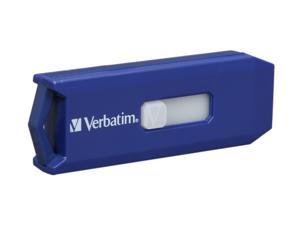
Verbatim Smart 8GB USB 2.0 Flash Drive 97088
- Brand: Verbatim
- Series: Smart
- Capacity: 8GB
- USB Specification: USB 2.0
- Features: Convenient cap-less design means less to loose and no more looking for lost caps in laptop bags
- Dimensions: 74 x 21 x 11mm
- Weight: 8.98g
- Labor: 5 years limited
- Model #: 97088
- Item #: 9SIV0F24DW8580
- Return Policy: TELeasy Return Policy
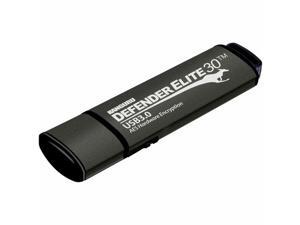
Kanguru Defender Elite 30 SuperSpeed AES Hardware-Encrypted Secure Flash Drive
- Model #: KDFE30512G
- Item #: 9SIV009KUX1851
- Return Policy: Antonline.com Return Policy
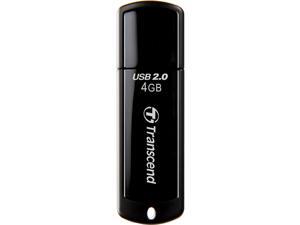
Transcend JetFlash 350 4 GB USB 2.0 Flash Drive - Black - 1 Pack
- Brand: Transcend
- Series: JetFlash 350
- Capacity: 4GB
- USB Specification: USB 2.0
- Color: Black
- Dimensions: Height:0.3" x Width:0.7" x Length:2.4"
- Weight: 0.30 oz
- Model #: TS4GJF350
- Item #: 9SIV1DSKXX1285
- Return Policy: NothingButSavings Return Policy
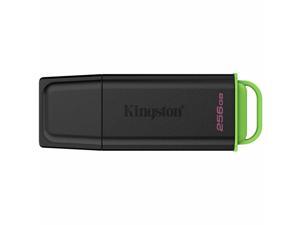
Kingston DataTraveler Exodia USB Flash Drive - 256 GB - USB 3.2 (Gen 1) Type A - Black, Green
- Brand: Kingston
- Model #: DTXG2/256GB
- Item #: 9SIV009KX71366
- Return Policy: Antonline.com Return Policy
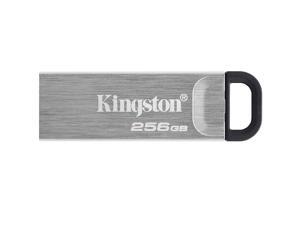
Kingston 256GB DataTraveler Kyson USB 3.2 Gen 1 Metal Flash Drive (DTKN/256GB)
- Brand: Kingston
- Series: DataTraveler Kyson
- Capacity: 256GB
- Security: Lightweight
- Part Number: DTKN/256GB
- USB Specification: USB 3.2 Gen 1
- USB Connectors: Type A
- Color: Black / Silver
- Model #: DTKN/256GB
- Item #: 9SIV1ZZDE19760
- Return Policy: OEMPCWORLD Return Policy
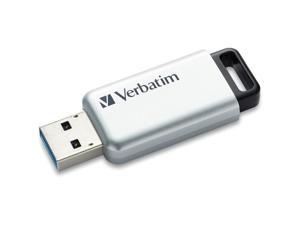
DataLocker K350 16GB Encrypted USB Drive SK350016FE
- Brand: DataLocker
- Capacity: 16
- Part Number: SK350-016-FE
- USB Specification: usb2.0_a
- Color: Sliver
- Read Speed: 190 megabytes_per_second
- Write Speed: 190 MB/s
- Dimensions: 5.4 L x 2.2 W x 0.5 H inches
- Model #: SK350016FE
- Item #: 9SIV009GG49402
- Return Policy: Antonline.com Return Policy
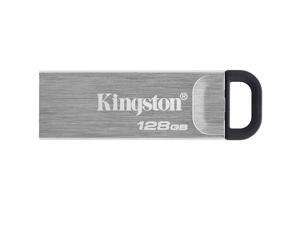
Kingston 128GB DataTraveler Kyson USB 3.2 Gen 1 Metal Flash Drive (DTKN/128GB)
- Brand: Kingston
- Series: DataTraveler Kyson
- Capacity: 128GB
- Security: Lightweight
- Part Number: DTKN/128GB
- USB Specification: USB 3.2 Gen 1
- USB Connectors: Type A
- Color: Black / Silver
- Model #: DTKN/128GB
- Item #: 9SIV009DV85166
- Return Policy: Antonline.com Return Policy
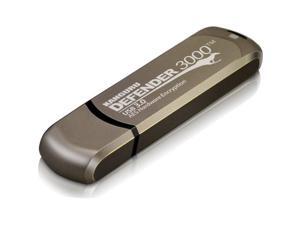
KANGURU SOLUTIONS KDF3000-16G 16GB Defender 3000 Secure
- Brand: Kanguru
- Parts: Manufacturers Limited Warranty: 3 Year / Parts Only
- Model #: KDF3000-8G-PRO
- Item #: 9SIV009K7E9470
- Return Policy: Antonline.com Return Policy
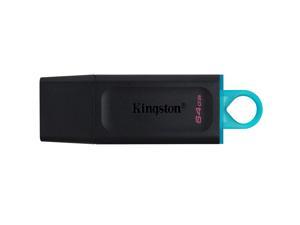
Kingston 64GB DataTraveler Exodia USB 3.2 Gen 1 Flash Drive (DTX/64GB)
- Brand: Kingston
- Series: DataTraveler Exodia
- Capacity: 64GB
- Security: Functionality
- Part Number: DTX/64GB
- USB Specification: USB 3.2 Gen 1
- USB Connectors: Type A
- Color: Black / Blue
- Model #: DTX/64GB
- Item #: 9SIV05ZCN00597
- Return Policy: 3C Expert Return Policy
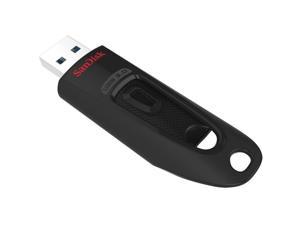
SanDisk Ultra USB 3.0 Flash Drive 512GB SDCZ48512GA46
- Brand: SanDisk
- Model #: SDCZ48512GA46
- Item #: 9SIV05ZJ845751
- Return Policy: 3C Expert Return Policy
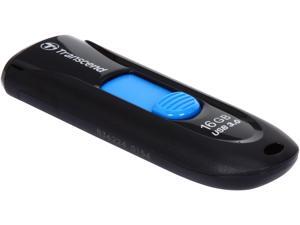
Transcend JetFlash 790 16GB USB 3.0 Flash Drive TS16GJF790K
- Brand: Transcend
- Series: JetFlash 790
- Capacity: 16GB
- USB Specification: USB 3.0
- Color: Black
- Features: Fully compatible with SuperSpeed USB 3.0 & Hi-Speed USB 2.0 Capless design with slide-out USB connector LED usage status indicator Lightweight and compact Lanyard / key ring attachment loop Exclusive Transcend Elite data management software
- Dimensions: 10.6mm x 63.6mm x 21.2mm (H x W x D)
- Weight: 4.9g
- Model #: TS16GJF790K
- Item #: 9SIV04GJVB1794
- Return Policy: Hot Deals 4 Less Return Policy
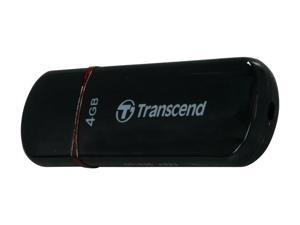
Transcend JetFlash 600 4GB USB 2.0 Flash Drive TS4GJF600
- Brand: Transcend
- Series: JetFlash 600
- Capacity: 4GB
- USB Specification: USB 2.0
- Read Speed: up to 32MB/s
- Write Speed: up to 10MB/s
- Features: Streamlined, contoured design Comes with LED status indicator to show the status of data transfer USB 2.0 interface for high-speed data transfer USB powered-no external power or battery needed Easy plug and play design Compact and easy to carry Includes JetFlash elite data management tool Compatible with Windows 7, Vista, XP, 2000
- Labor: Lifetime limited
- Model #: TS4GJF600
- Item #: 9SIV009KUG5118
- Return Policy: Antonline.com Return Policy
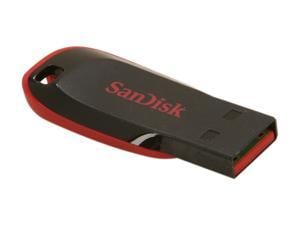
SanDisk Cruzer Blade 32GB USB 2.0 Flash Drive SDCZ50-032G-A11
- Brand: SanDisk
- Series: Cruzer Blade
- Capacity: 32GB
- USB Specification: USB 2.0
- Color: Black / Red
- Dimensions: 1.63" x 0.69" x 0.29"
- Weight: 0.01 lbs.
- Model #: SDCZ50-032G-A11 DUP
- Item #: 9SIV05Z6R63606
- Return Policy: 3C Expert Return Policy

Sandisk Ultra Dual Drive Luxe Usb Type-C Flash Drive
- Brand: SanDisk
- Model #: SDDDC4-1T00-A46
- Item #: 9SIV05ZDZD6210
- Return Policy: 3C Expert Return Policy
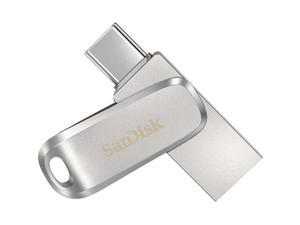
SanDisk 512GB Ultra Dual Drive Luxe USB TYPE-C - 512 GB - USB 3.1 (Gen 1) Type C - 150 MB/s ...
- Brand: SanDisk
- Capacity: 512GB
- Part Number: SDDDC4-512G-A46
- USB Specification: USB Type-C
- Parts: 5 Year
- Model #: SDDDC4-512G-A46
- Item #: 9SIV05ZFFU9849
- Return Policy: 3C Expert Return Policy
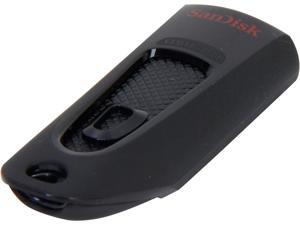
SanDisk Ultra 64GB USB 3.0 Flash Drive SDCZ48-064G-A46
- Brand: SanDisk
- Series: Ultra
- Capacity: 64GB
- USB Specification: USB 3.0
- Features: Ultra-fast performance up to 80 MB/s Keep your private files private with included SanDisk SecureAccess software
- Dimensions: 0.87" x 0.42" x 0.31"
- Weight: 13.6g
- Model #: SDCZ48-064G-A46
- Item #: 9SIV05Z2NT0527
- Return Policy: 3C Expert Return Policy
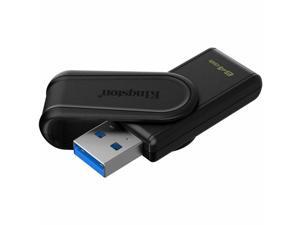
Kingston DataTraveler Exodia S USB Flash Drive - 64 GB - USB 3.2 (Gen 1) - Black - 5 Year ...
- Brand: Kingston
- Parts: 5 Year
- Model #: DTXS/64GB
- Item #: 9SIV009KH18328
- Return Policy: Antonline.com Return Policy
Other Uses for USB Flash Drives
Introduction
A USB flash drive is a versatile data storage solution that can be used for many purposes, some of which are not widely known. While flash drives are popular for backing up and transferring data, other uses include boosting computer performance or serving as an operating system boot disk. Below, NeweggBusiness presents several lesser-known benefits of flash drives that you may find useful.
Increase System Performance
Certain operating systems allow you to use a USB flash drive to increase system performance by complementing the main system memory. Known as ReadyBoost ®, it is supported by Windows® Vista®, Windows 7, and Windows 8. In order for a USB flash drive to be used, it must have at least 256 MB of unused space.
Portable Applications
What are portable applications? They are programs that can be installed onto a USB flash drive and run on a host computer without modifying the host computer’s settings or configurations. For instance, a portable .pdf reader on a USB flash drive will allow you to read .pdf files without requiring installation.
Boot Disk
A boot disk can be used for many purposes, including operating system installation, updating Basic Input / Output System (BIOS) settings, and troubleshooting operating system issues. Traditionally, boot disks were specially formatted 3.5 inch floppy disks and later optical discs, but USB flash drives can also be used. The process to make a USB flash drive a boot disk varies depending on the operating system.
Automated Backup
Some USB flash drives include automated backup software bundled or preinstalled onto the drive. With automatic backup, files, folders, and settings can be backed up to a flash drive whenever it is inserted into a USB slot.
Lock or Unlock a Computer
If you have concerns about computer security and do not feel that a password is sufficient protection, a USB flash drive can be used to add an extra layer of security. Some programs, when installed onto your computer and USB flash drive, require the flash drive to be inserted in order for the computer to be locked or unlocked.
Security Tools
By installing portable security tools onto a USB drive, you can scan for viruses and malware on any computer that the flash drive is connected to. A useful tool if you need to remove viruses, malware, or other malicious software from multiple computers or frequently use public computers.
Optical Drive Replacement
Installing an operating system typically requires you to have the installation disc, which can be an issue if the computer does not have an optical drive. One workaround is to use a USB flash drive as the installation medium, rather than an optical disc. This is accomplished by formatting the USB flash drive as a boot disk and copying the operating system installation files.

