


Webcam - Showing 49 - 72 of 3550 Products
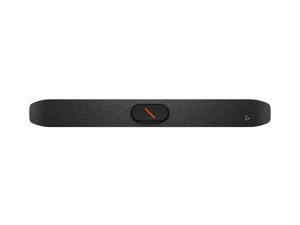

Poly Studio V12 USB Video Bar No Power Supply
- Brand: HP
- Model #: A9DD8AA#ABA
- Item #: 9B-1EF-004V-002X6
- Return Policy: Standard Return Policy
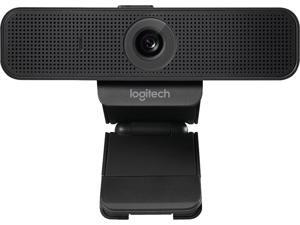

Logitech C925-E Webcam, HD 1080p/30fps Video Calling, Light Correction, Autofocus, Clear ...
- Brand: Logitech
- Interface: Hi-speed USB 2.0 certified (USB 3.0 ready)
- Max. Image Resolution: 1920 x 1080
- Frame Rate: 30 fps
- Focus Settings: Autofocus
- Part Number: C925e
- Operating Systems Supported: Windows 7 or higher macOS X 10.7 or higher SUSE Linux 11 SP2 (for Cisco VXC6215)
- Color: Black
- Model #: 960-001075
- Item #: 9SIV02FKS27361
- Return Policy: American Telecom Headquarters Return Policy
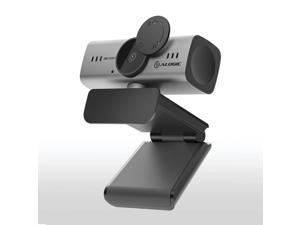
Alogic A09 Webcam 2 Megapixel 30 fps Silver Black USB Type A 1 Pack IUWA09
- Model #: IUWA09
- Item #: 9B-1EF-01ZZ-00001
- Return Policy: Standard Return Policy
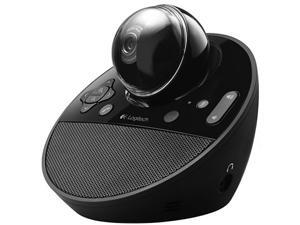
Logitech BCC950 All-In-One Webcam and Speakerphone
- Brand: Logitech
- Name: ConferenceCam BCC950
- Interface: USB 2.0
- Max. Image Resolution: 1920 x 1080
- Frame Rate: 30 fps
- Operating Systems Supported: Supported OS: - Windows XP x32/x64 - Windows Vista x32/x64 - Windows 7 x32/x64 - Mac OS X 10.6 and above Hardware Requirements: - Processor Minimum: Core 2 2.4 GHz - Processor Recommended: i7 Quad Core CPU - RAM Minimum: 2GB - RAM Recommended: 4GB
- Color: Black
- Features: Motorized pan, tilt and zoom Integrated full duplex omni-directional speakerphone with 8-foot range On-board H.264 encoding USB video class (UVC) supported applications Full HD 1080p30fps video calling Camera and speakerphone controls, speakerphone and remote control 10-foot range remote control Pan, tilt and zoom, Volume, Audio mute, Answer/Hang up Carl...
- Model #: 960-000866
- Item #: 9SIV1DSKCW6163
- Return Policy: NothingButSavings Return Policy
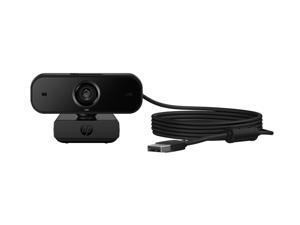
HP 435 FHD Webcam
- Brand: HP
- Part Number: 77B10AA#ABA
- Weight: 0.45 lb
- Model #: 77B10AA#ABA
- Item #: 9SIVFEUKBP2423
- Return Policy: Official HP Store Return Policy
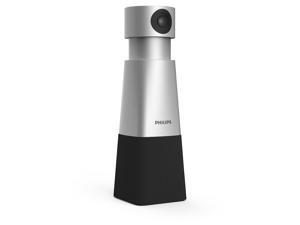
Philips SmartMeeting HD Audio and Video Conferencing Solution (PSE0550)
- Color: Silver and Black
- Model #: PSE0550
- Item #: 9B-1EF-0016-00050
- Return Policy: Standard Return Policy
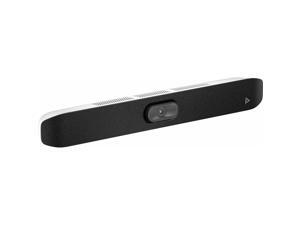
Poly Studio X32 All-In-One Video Bar No Power Supply - 4K UHD - 30 fps - Network (RJ-45) - 1 x ...
- Brand: HP
- Name: Studio X32 All-In-One Video Bar
- Part Number: A3SV5AA#ABA
- Package Contents: Studio X32 All-In-One Video Bar Ethernet Cable Privacy Cover HDMI Cable Display Mounting Clamp
- Model #: A3SV5AA#ABA
- Item #: 9B-1EF-004V-002X7
- Return Policy: Standard Return Policy
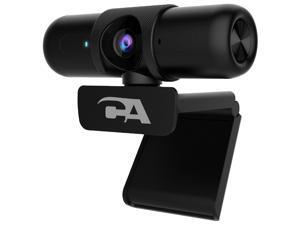
CA Essential Webcam 1080HD-AF USB Webcam with Microphone for Desktop or Notebooks, ...
- Brand: Cyber Acoustics
- Name: CA Essential Webcam 1080HD-AF
- Interface: USB
- Image Sensor: 2 megapixels
- Max. Image Resolution: 1080p
- Effective Pixels: 2 megapixels
- Video Capture Resolution: 1080p
- Frame Rate: 30 frames_per_second
- Model #: 785149424734
- Item #: 9SIVSS4KWT0711
- Return Policy: YiManYunDongZhuangBeiSHOP Return Policy
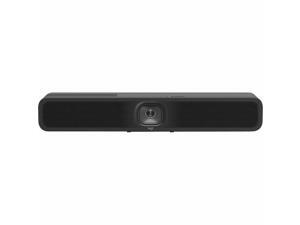
Logitech MeetUp 2 Video Conferencing Camera - USB 3.1 Type C - 4K - 3840 x 2160 Video - 120° ...
- Brand: Logitech
- Model #: 960-001691
- Item #: 9B-1EF-000C-00E06
- Return Policy: Standard Return Policy
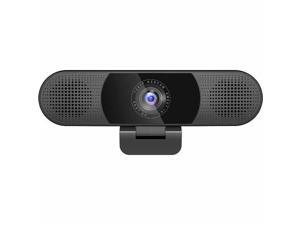
EMEET C980 Pro 4K - Plug & Play 3-in-1 Webcam with 4K lens, Four Noise Reduction Mics, Two 1W ...
- Model #: EMC8BU-LD
- Item #: 9SIV009KM22228
- Return Policy: Antonline.com Return Policy

Elgato Key Light - Professional studio LED panel, app-controlled, 2800 lumens, color ...
- Type: Virtual Studio Accessory
- Specification: Brightness: 2800 Lumens, adjustable Color range: 2900K - 7000K
- System Requirements: Connection: Wi-Fi 802.11 b, g, n Supported Encryption: WPA/WPA 2 Wi-Fi enabled PC / Mac or iOS / Android device for initial setup, Windows 10 (64-bit), macOS 10.14 or newer
- Power Consumption: Up to 45W
- Dimensions: Light Dimension: 9.84" x 13.77" x 1.18" Pole Mount length: Minimum 22.00", Maximum 49.00" Pole Mount clamp: Padded and expandable up to 2.35"
- Weight: 2.86 lbs.
- Package Content: Elgato Key Light Metal Pole Mount Power Supply Quick Start Guide
- Model #: 10GAK9901
- Item #: 9B-15-131-042
- Return Policy: Standard Return Policy
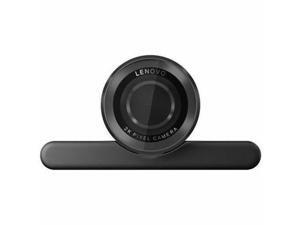

Lenovo Webcam 4 Megapixel 30 fps Black USB 2.0 Type C 1 Pack 4XC1Q25245
- Brand: lenovo
- Image Sensor: 4 megapixels
- Effective Pixels: 4 megapixels
- Part Number: 4XC1Q25246
- Color: Black
- Dimension: 1.69 in x 1.5 in x 3.35 in
- Weight: 104 grams
- Parts: 3 Year Manufacturer
- Model #:
- Item #: 9SIV009KMC1937
- Return Policy: Antonline.com Return Policy
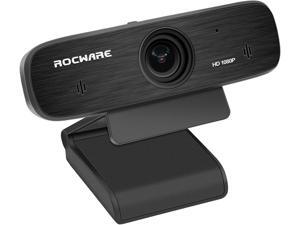
ROCWARE RC19 USB Camera with Built-in Privacy Shelter
- Brand: ROCWARE
- Model #: 684514110860
- Item #: 9SIV009KEB4441
- Return Policy: Antonline.com Return Policy
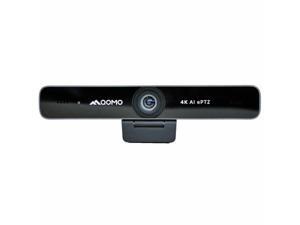
Qomo HiteVision ConferenceCam Webcam 30 fps USB 3.0 Type B QWC006
- Brand: Qomo
- Model #: QWC006
- Item #: 9SIV1DSKAE3998
- Return Policy: NothingButSavings Return Policy
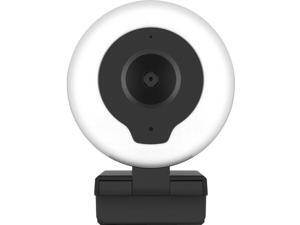
Aluratek AWCL2KFR Webcam 5 Megapixel 30 fps USB 2.0 Type A
- Frame Rate: 30 fps
- Parts: 1 Year
- Model #: AWCL2KFR
- Item #: 9SIV009KFT9356
- Return Policy: Antonline.com Return Policy
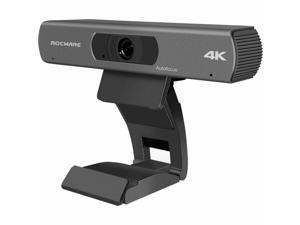
ROCWARE RC18 Webcam 8.3 Megapixel 30 fps USB 3.0 Type B 684514110747
- Brand: ROCWARE
- Model #: 684514110747
- Item #: 9SIV1DSKF36077
- Return Policy: NothingButSavings Return Policy
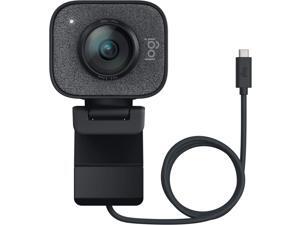
Logitech Webcam 2.1 Megapixel 60 fps Graphite USB 960001280
- Color: Graphite
- Parts: 1 Year
- Model #: 960001280
- Item #: 9SIV009E8A5864
- Return Policy: Antonline.com Return Policy
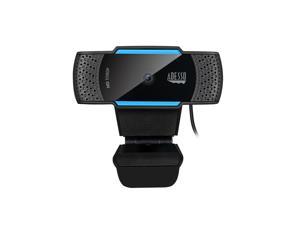
1080P ( 2.0 Megapixel) H.264, Auto Focus Webcam with Build in Dual Microphone & Privacy ...
- Brand: Adesso
- Name: CyberTrack H5-TAA
- Interface: USB 2.0
- Image Sensor: CMOS
- Max. Image Resolution: 1080p
- Effective Pixels: 2.0 M
- Video Capture Resolution: 1920 x 1080
- Frame Rate: 30 fps
- Model #: CyberTrack H5-TAA
- Item #: 9SIV009EEP9468
- Return Policy: Antonline.com Return Policy
Lenovo 510 FHD Webcam
- Color: Gray
- Model #: GXC1D66063
- Item #: 9SIV009J4S4910
- Return Policy: Antonline.com Return Policy
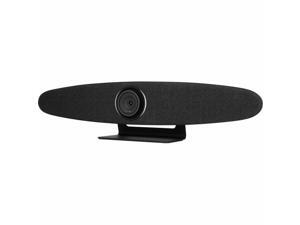
ROCWARE RC10 Video Conferencing Camera - USB 3.0 Type C - 4K - 3840 x 2160 Video - CMOS ...
- Brand: ROCWARE
- Model #: 684514110679
- Item #: 9SIV009KEB4442
- Return Policy: Antonline.com Return Policy
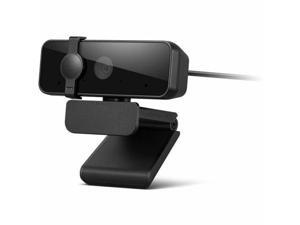
Lenovo Essential Webcam - 30 fps - Black - USB 2.0 Type A - Full HD - 1920 x 1080 Video - 85° ...
- Brand: lenovo
- Model #: 4XC1S15018
- Item #: 9SIV009KH62851
- Return Policy: Antonline.com Return Policy
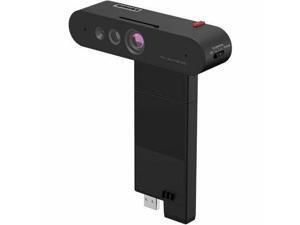
Lenovo ThinkVision MC60 (S) Monitor Webcam
- Brand: lenovo
- Part Number: 4XC1K97399
- Color: Black
- Dimension: 6.9 in x 4.0 in x 2.3 in
- Weight: 0.50 lb
- Parts: Information Not Available
- Model #: 4XC1K97399
- Item #: 9SIV009K566902
- Return Policy: Antonline.com Return Policy
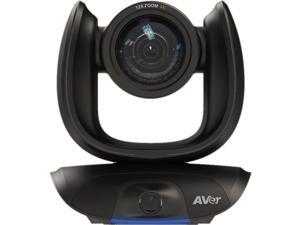
AVer CAM550 Video Conferencing Camera - 30 fps - USB 3.1 - 1920 x 1080 Video - Exmor R ...
- Brand: AVer
- Part Number: COMCAM550
- Dimension: 10.7 in x 10.2 in x 10.0 in
- Weight: 10.35 lb
- Parts: 3 Year
- Model #: COMCAM550
- Item #: 9SIV009J3U0304
- Return Policy: Antonline.com Return Policy
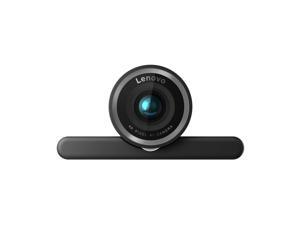
Lenovo 4K Pro Webcam
- Brand: lenovo
- Name: 4XC1Q25246 27890358
- Interface: USB
- Image Sensor: 8 megapixels
- Max. Image Resolution: 2K
- Video Capture Resolution: 2K
- Focus Settings: Auto Focus
- Power Source: USB
- Model #: 4XC1Q25246
- Item #: 9SIV1DSKP52851
- Return Policy: NothingButSavings Return Policy
How to Choose the Right Webcam
Introduction
Adding a webcam to your conference calls and online conversations can enhance the experience for both you and the other party. In addition, it is a more economical and environmentally-friendly alternative to paying for a plane ticket and flying in for a face-to-face meeting in another city. Before purchasing a webcam however, you should consider how it will be used and what features you.
Video Resolution
Similar to a monitor or a HDTV, a webcam’s video resolution is represented as the number of horizontal pixels by vertical pixels. A few of the more common resolutions include 640 × 480, 1280 × 720 (720p), and 1920 × 1080 (1080p). A higher resolution means that the video you capture will be sharper and more detailed. For HD video recording, you will need a webcam that is capable of at least 720p video capture.
Image Resolution
Aside from recording and sending live video, a web cam can also be used to take still images. Some webcams have their video and image resolutions listed separately, with the latter rated in megapixels. If you plan to use the webcam to take still photos, you should try to find one that has a high megapixel rating.
Frame Rate
Along with resolution, frame rate is another important factor for capturing video. A higher frame rate will result in a smoother video with less stuttering. Some webcams are capable of 30 frames per second video recording, though more budget-oriented models may have frame rates that are slightly lower than that.
Microphone
For recording audio, you can either utilize a webcam’s built-in microphone or connect a dedicated microphone. A built-in microphone is usually adequate for most tasks that do not require professional-grade sound recording. If you plan to record or live stream studio-quality audio however, you will want to utilize a dedicated microphone.
Mounting
There are several different mounting methods and designs for webcams. Some need to be clipped on, others require a flat horizontal surface, and a few even support tripods. Clip-on webcams are excellent for use with thin LCD monitors and laptops but not for thicker objects such as desktop towers or CRT monitors. A freestanding webcam is beneficial if you have a large flat surface such as the top of a tower or perhaps a conference table.

