


Webcam - Showing 73 - 96 of 4071 Products
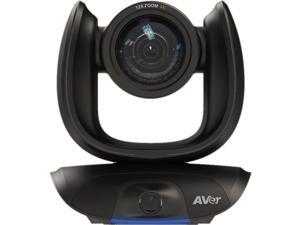
AVer CAM550 Video Conferencing Camera - 30 fps - USB 3.1 - 1920 x 1080 Video - Exmor R ...
- Brand: AVer
- Part Number: COMCAM550
- Dimension: 10.7 in x 10.2 in x 10.0 in
- Weight: 10.35 lb
- Parts: 3 Year
- Model #: COMCAM550
- Item #: 9SIV009J3U0304
- Return Policy: Antonline.com Return Policy
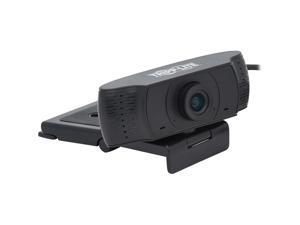
Tripp Lite HD 1080p USB Webcam 2.0 Megapixels Black (AWC-001)
- Color: Black
- Model #: AWC001
- Item #: 9SIV04GK1B8339
- Return Policy: Hot Deals 4 Less Return Policy
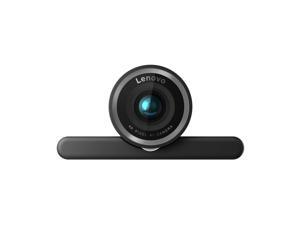

Lenovo 4K Pro Webcam
- Brand: lenovo
- Name: 4XC1Q25246 27890358
- Interface: USB
- Image Sensor: 8 megapixels
- Max. Image Resolution: 2K
- Video Capture Resolution: 2K
- Focus Settings: Auto Focus
- Power Source: USB
- Model #: 4XC1Q25246
- Item #: 9SIV1DSKP52851
- Return Policy: NothingButSavings Return Policy
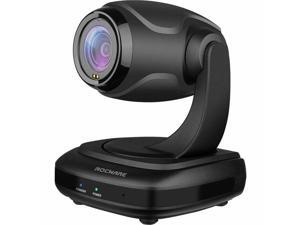
ROCWARE RC310 Video Conferencing Camera - 2.1 Megapixel - USB 2.0 Type C - Full HD - 1920 ...
- Model #: 684514110723
- Item #: 9SIV1DSKFZ1064
- Return Policy: NothingButSavings Return Policy
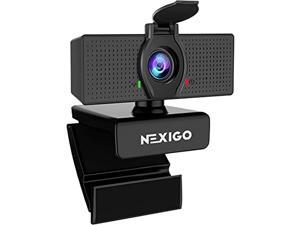
1080p web camera, hd webcam with microphone & privacy cover, nexigo n60 usb computer ...
- Model #: RNAB088TSR6YJ
- Item #: 9SIV009KSN8961
- Return Policy: Antonline.com Return Policy
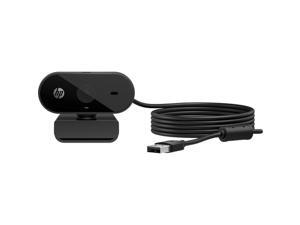

HP 325 FHD Webcam for business
- Brand: HP
- Color: Black
- Parts: 1 Year
- Model #: 53X27AA
- Item #: 9SIV009HWY3573
- Return Policy: Antonline.com Return Policy
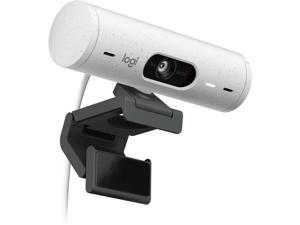

Logitech BRIO 505 Webcam 4 Megapixel 60 fps Off White USB Type C 960001454
- Brand: Logitech
- Parts: 3 Year
- Model #: 960001454
- Item #: 9SIV009K4G5924
- Return Policy: Antonline.com Return Policy
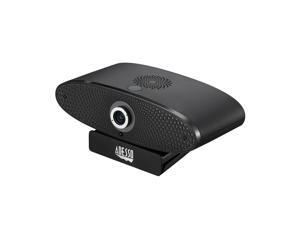
Adesso CyberTrack C100 Webcam 8 Megapixel 30 fps USB 2.0 CYBERTRACKC100
- Brand: Adesso
- Name: CyberTrack C100
- Interface: USB
- Image Sensor: 8 megapixels
- Max. Image Resolution: 4K
- Effective Pixels: 8 megapixels
- Video Capture Resolution: 4K
- Focus Settings: Manual Focus
- Model #: CYBERTRACKC100
- Item #: 9SIV1DSKAE9500
- Return Policy: NothingButSavings Return Policy
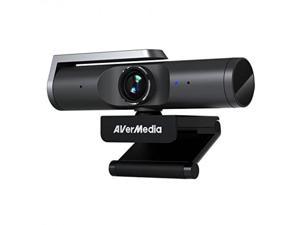
AVerMedia 4K Ultra HD Webcam - PW515
- Operating Systems Supported: Windows 10 or later macOS 10.14 or later Chrome OS 85.0.4183.131 or later
- Color: Black
- Package Contents: PW515 Quick Guide USB-A to USB-C cable (2 m/6.56 ft.)
- Model #: PW515
- Item #: 9SIV009HTN6944
- Return Policy: Antonline.com Return Policy
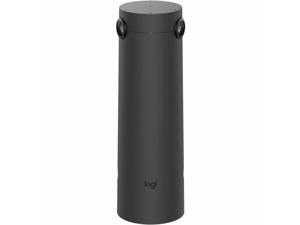
Logitech Sight Video Conferencing Camera - 60 fps - Graphite - 3840 x 2160 Video - ...
- Brand: Logitech
- Model #: 960-001510
- Item #: 9SIV009K4X0886
- Return Policy: Antonline.com Return Policy
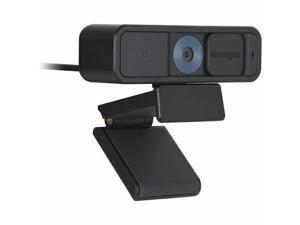
Kensington W2005 Webcam 30 fps USB Type A/USB Type C K81180WW
- Brand: Kensington
- Model #:
- Item #: 9SIV1DSKFV4995
- Return Policy: NothingButSavings Return Policy
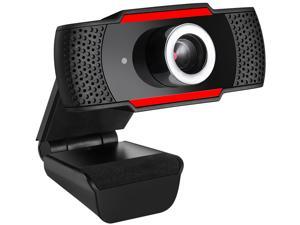
Adesso CYBERTRACK H3 2.0 M Effective Pixels USB WebCam with Built-in Microphone
- Brand: Adesso
- Interface: USB
- Image Sensor: CMOS
- Max. Image Resolution: 13 MP (Software Enhanced)
- Effective Pixels: 2.0 M
- Video Capture Resolution: 1280 x 720
- Frame Rate: 30 fps
- Focus Settings: Fixed Focus
- Model #: CYBERTRACK H3
- Item #: 9SIV0F2CA06401
- Return Policy: TELeasy Return Policy
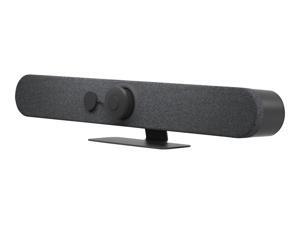
Logitech Rally Bar Mini - Video conferencing device - Zoom Certified, Certified for Microsoft ...
- Brand: Logitech
- Name: Rally Bar
- Interface: SuperSpeed USB 3.0
- Max. Image Resolution: 480p, 720p, 1080p, 4K, 1440p, 900p
- Frame Rate: 30 fps
- Part Number: 960-001563
- Color: Graphite
- Model #: 960-001563
- Item #: 9SIV009JB99645
- Return Policy: Antonline.com Return Policy
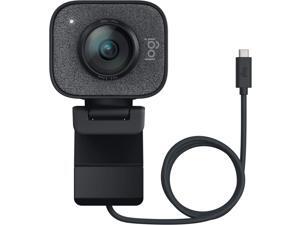
Logitech Webcam 2.1 Megapixel 60 fps Graphite USB 960001280
- Color: Graphite
- Parts: 1 Year
- Model #: 960001280
- Item #: 9SIV009E8A5864
- Return Policy: Antonline.com Return Policy
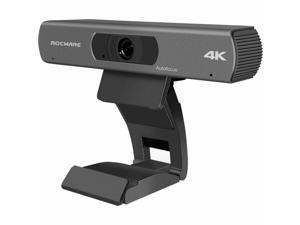
ROCWARE RC18 Webcam 8.3 Megapixel 30 fps USB 3.0 Type B 684514110747
- Brand: ROCWARE
- Model #: 684514110747
- Item #: 9SIV1DSKF36077
- Return Policy: NothingButSavings Return Policy
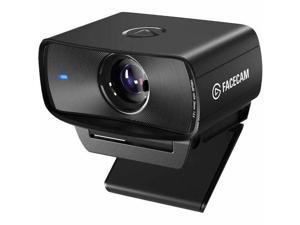
Elgato FaceCam MK.2 Webcam - 60 fps - USB 3.0 Type C - Full HD - 1920 x 1080 Video - CMOS ...
- Image Sensor: CMOS
- Video Capture Resolution: 1920 x 1080
- Frame Rate: 60 fps
- Lens: Elgato Prime Lens (fixed focus)
- Power Source: USB Type C
- Model #: 10WAC9901
- Item #: 9SIV009KFJ7035
- Return Policy: Antonline.com Return Policy
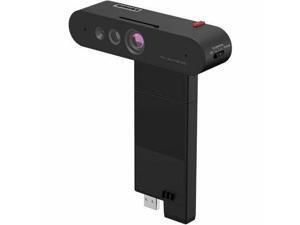
Lenovo ThinkVision MC60 (S) Monitor Webcam
- Brand: lenovo
- Part Number: 4XC1K97399
- Color: Black
- Dimension: 6.9 in x 4.0 in x 2.3 in
- Weight: 0.50 lb
- Parts: Information Not Available
- Model #: 4XC1K97399
- Item #: 9SIV009K566902
- Return Policy: Antonline.com Return Policy
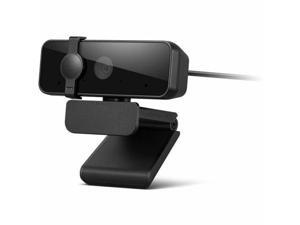
Lenovo Essential Webcam - 30 fps - Black - USB 2.0 Type A - Full HD - 1920 x 1080 Video - 85° ...
- Brand: lenovo
- Model #: 4XC1S15018
- Item #: 9SIV0F2KKJ6175
- Return Policy: TELeasy Return Policy
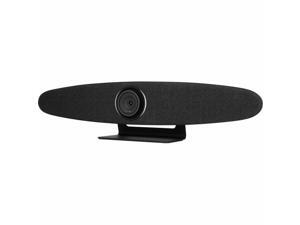
ROCWARE RC10 Video Conferencing Camera - USB 3.0 Type C - 4K - 3840 x 2160 Video - CMOS ...
- Brand: ROCWARE
- Model #: 684514110679
- Item #: 9SIV009KEB4442
- Return Policy: Antonline.com Return Policy
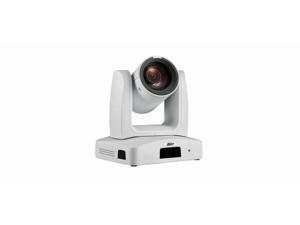
AVer Ptz231 2 Megapixel Webcam - 60 fps - USB 3.0 Type B - TAA Compliant - Full HD - Exmor R ...
- Brand: AVer
- Color: White
- Parts: 5 Year
- Model #: PAPTZ231W
- Item #: 9SIV009KMK9621
- Return Policy: Antonline.com Return Policy
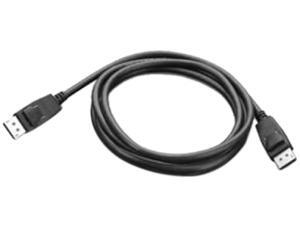
Lenovo 510 FHD Webcam
- Color: Gray
- Model #: GXC1D66063
- Item #: 9SIV009J4S4910
- Return Policy: Antonline.com Return Policy
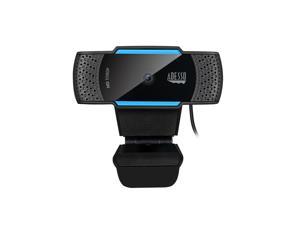
1080P ( 2.0 Megapixel) H.264, Auto Focus Webcam with Build in Dual Microphone & Privacy ...
- Brand: Adesso
- Name: CyberTrack H5-TAA
- Interface: USB 2.0
- Image Sensor: CMOS
- Max. Image Resolution: 1080p
- Effective Pixels: 2.0 M
- Video Capture Resolution: 1920 x 1080
- Frame Rate: 30 fps
- Model #: CyberTrack H5-TAA
- Item #: 9SIV009EEP9468
- Return Policy: Antonline.com Return Policy
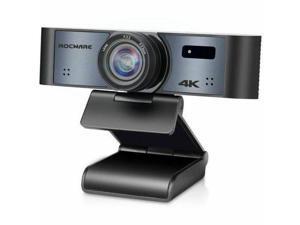
ROCWARE RC16 Webcam - 8.3 Megapixel - 30 fps - USB 3.0 Type C - 4K - 3840 x 2160 Video - ...
- Brand: ROCWARE
- Model #: 684514110853
- Item #: 9SIV009KJ26267
- Return Policy: Antonline.com Return Policy
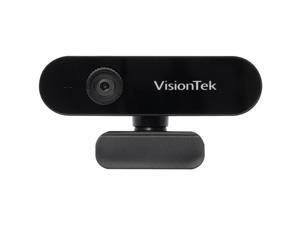
VisionTek VTWC30 HD 1080p Webcam Black (901379)
- Color: Black
- Frame Rate: 30 fps
- Parts: 1 Year
- Model #: 901379
- Item #: 9SIV1PDKPC1649
- Return Policy: Technology Galaxy Return Policy
How to Choose the Right Webcam
Introduction
Adding a webcam to your conference calls and online conversations can enhance the experience for both you and the other party. In addition, it is a more economical and environmentally-friendly alternative to paying for a plane ticket and flying in for a face-to-face meeting in another city. Before purchasing a webcam however, you should consider how it will be used and what features you.
Video Resolution
Similar to a monitor or a HDTV, a webcam’s video resolution is represented as the number of horizontal pixels by vertical pixels. A few of the more common resolutions include 640 × 480, 1280 × 720 (720p), and 1920 × 1080 (1080p). A higher resolution means that the video you capture will be sharper and more detailed. For HD video recording, you will need a webcam that is capable of at least 720p video capture.
Image Resolution
Aside from recording and sending live video, a web cam can also be used to take still images. Some webcams have their video and image resolutions listed separately, with the latter rated in megapixels. If you plan to use the webcam to take still photos, you should try to find one that has a high megapixel rating.
Frame Rate
Along with resolution, frame rate is another important factor for capturing video. A higher frame rate will result in a smoother video with less stuttering. Some webcams are capable of 30 frames per second video recording, though more budget-oriented models may have frame rates that are slightly lower than that.
Microphone
For recording audio, you can either utilize a webcam’s built-in microphone or connect a dedicated microphone. A built-in microphone is usually adequate for most tasks that do not require professional-grade sound recording. If you plan to record or live stream studio-quality audio however, you will want to utilize a dedicated microphone.
Mounting
There are several different mounting methods and designs for webcams. Some need to be clipped on, others require a flat horizontal surface, and a few even support tripods. Clip-on webcams are excellent for use with thin LCD monitors and laptops but not for thicker objects such as desktop towers or CRT monitors. A freestanding webcam is beneficial if you have a large flat surface such as the top of a tower or perhaps a conference table.

