


Webcam - Showing 193 - 216 of 4071 Products
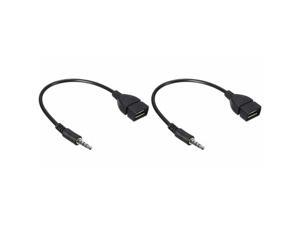
2X Audio AUX Jack 3.5mm Male to USB 2.0 Type A Female OTG Converter Cable
- Model #: TY#362881342558
- Item #: 9SIVBN4KE30162
- Return Policy: XINJING Return Policy
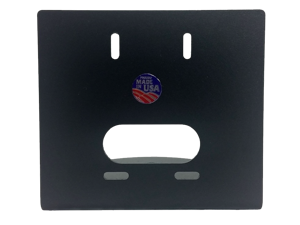
Small Camera Wall Mount, 3x, 10x
- Model #: HCM-1
- Item #: 9SIV00CK049134
- Return Policy: Beach Audio Return Policy
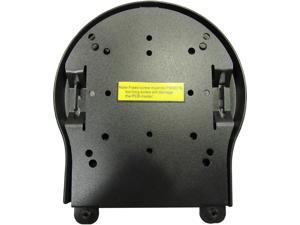
Universal Ceiling Mount
- Frame Rate: 30 fps
- Model #: PT-CM-1-BK
- Item #: 9SIV00CK9S9168
- Return Policy: Beach Audio Return Policy
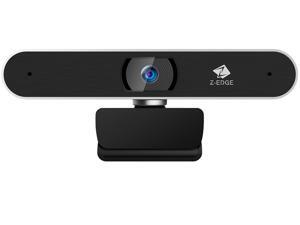

Z-EDGE ZW511 Full HD 1080P Webcam Auto Focus Web Camera for PC/Desktop/Laptop, ...
- Brand: Z-EDGE
- Interface: USB 2.0
- Image Sensor: CMOS
- Max. Image Resolution: 1920 x 1080
- Effective Pixels: 2.0 M
- Video Capture Resolution: 1920 x 1080
- Frame Rate: 30 fps
- Focus Settings: Auto focus
- Model #: ZW511
- Item #: 9SIVEY3JXA2475
- Return Policy: Z-EDGE Official Authorized Store Return Policy
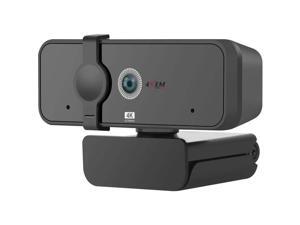
4XEM 1080P 3MP 30fps USB Fixed Focus Microphone Pro Webcam 4XWEBCAM1080P
- Frame Rate: 30 fps
- Parts: 1 Year
- Model #: 4XWEBCAM1080P
- Item #: 9SIV1PDKPB8562
- Return Policy: Technology Galaxy Return Policy
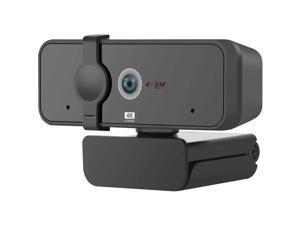
4XEM 3MP 30fps Auto Focus Microphone Webcam 4XWEBCAM1080HD
- Frame Rate: 30 fps
- Parts: 1 Year
- Model #: 4XWEBCAM1080HD
- Item #: 9SIV1PDKPB8547
- Return Policy: Technology Galaxy Return Policy
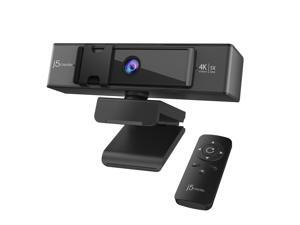
j5create USB™ 4K ULTRA HD Webcam with 5x Digital Zoom Remote Control
- Brand: j5create
- Name: USB™ 4K ULTRA HD Webcam with 5x Digital Zoom Remote Control
- Interface: USB
- Image Sensor: CMOS
- Max. Image Resolution: 3840 x 2160
- Effective Pixels: 3840(H) × 2160(V)
- Video Capture Resolution: 3840 x 2160
- Frame Rate: 30 fps
- Model #: JVCU435
- Item #: 9SIV0F3KRB1546
- Return Policy: MichaelElectronics2 Return Policy
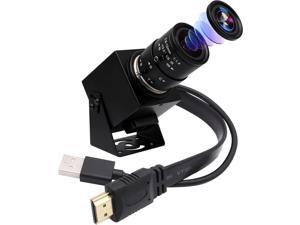
4K USB HDMI Camera Manual Zoom Webcam Variable Focus PC Camera Mini Close-up ...
- Model #: BEELP4KWBC
- Item #: 9SIVB0EK9P2585
- Return Policy: Best Electronics Return Policy
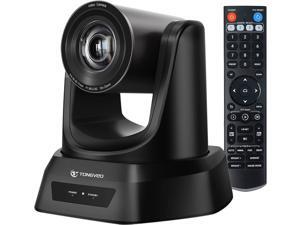
HDMI/USB PTZ Camera 10X Optical Zoom 60fps 1080P Video Conference Camera for Church ...
- Model #: BETONGVEO10XB
- Item #: 9SIVB0EK5K9540
- Return Policy: Best Electronics Return Policy
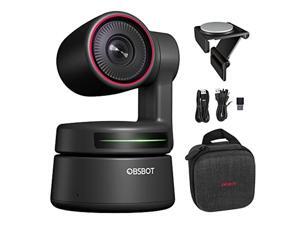
OBSBOT Tiny 4K AI-Powered PTZ 4K Webcam Ultra HD Auto-Frame Gesture Control HDR ...
- Model #: Tinycam-0
- Item #: 9SIVB0EHDN1743
- Return Policy: Best Electronics Return Policy
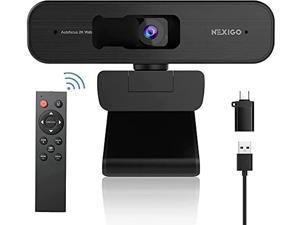
Zoom Certified, NexiGo N940P 2K Zoomable Webcam with Remote and Software Controls | ...
- Model #: 39939059908705
- Item #: 9SIVB0EJMD5784
- Return Policy: Best Electronics Return Policy
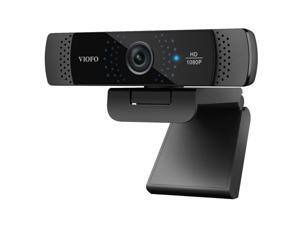

VIOFO P800 2MP Full HD Webcam with Built-In Dual Microphone
- Model #: P800
- Item #: 9SIV18MEVB0365
- Return Policy: Adorama Camera Return Policy
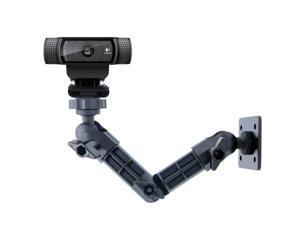
Webcam Wall Mount, Logitech C920 Stand Logitech C922x C920 C930e C922 C930 C615, ...
- Model #: #07GVJMWFF
- Item #: 9SIVB0EH6Y0143
- Return Policy: Best Electronics Return Policy
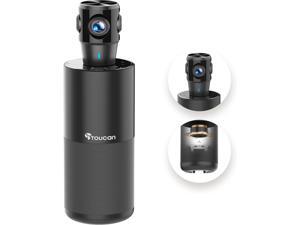
TOUCAN 360-Degree Video Conference Camera, 1080p HD Webcam with 4 Noise Reduction ...
- Model #: BESC360
- Item #: 9SIVB0EKFS8244
- Return Policy: Best Electronics Return Policy

aoni A20 Full HD Webcam with Auto Focus
- Model #: A20
- Item #: 9SIV18MC8M5221
- Return Policy: Adorama Camera Return Policy
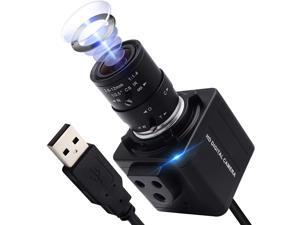
ALPCAM 4K USB Camera Ultra HD 2160P Webcam,5X Optical Manual Wide Angle Webcam with ...
- Model #: RB08ZY3RYWQ
- Item #: 9SIVB0EJB30200
- Return Policy: Best Electronics Return Policy
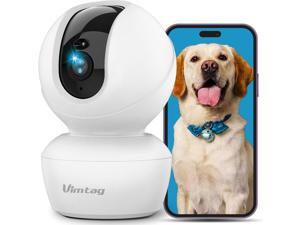
Dog Camera, 3.5K/6MP 360° Pan/Tilt 2.4G WiFi Indoor Camera for Pet/Baby/Home Security ...
- Model #: GB003022
- Item #: 9SIVB0EKEC9372
- Return Policy: Best Electronics Return Policy
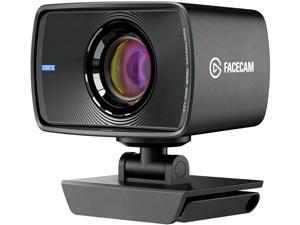
Elgato Facecam - 1080p60 True Full HD Webcam for Live Streaming, Gaming, Video Calls, ...
- Model #: IFSJOWODV
- Item #: 9SIVB0EK5G2171
- Return Policy: Best Electronics Return Policy
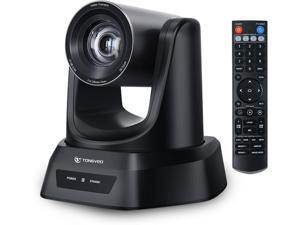
3X Optical Zoom PTZ Camera 1080P 60fps USB 3.0 114-Degree Wide-Angle for Video ...
- Model #: BE5V79Z0G2
- Item #: 9SIVB0EK5K9548
- Return Policy: Best Electronics Return Policy
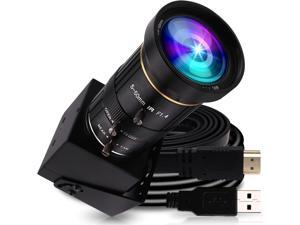
4K USB HDMI USB Camera Manual Zoom Webcam Variable Focus PC Camera Mini Close-up ...
- Model #: BEELP4KCAM
- Item #: 9SIVB0EK9P2581
- Return Policy: Best Electronics Return Policy
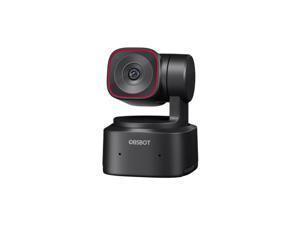
OBSBOT Tiny 2 Lite 4K Ultra HD USB-C AI-Powered PTZ Webcam
- Model #: OWB-2210-CE
- Item #: 9SIV18MKD66992
- Return Policy: Adorama Camera Return Policy
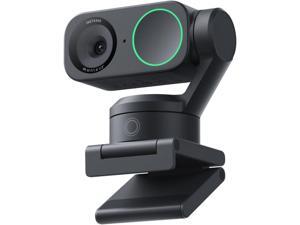
Insta360 Link 2 - PTZ 4K Webcam for PC/Mac, 1/2" Sensor, AI Tracking, HDR, AI ...
- Model #: BELink 2
- Item #: 9SIVB0EKFS8268
- Return Policy: Best Electronics Return Policy
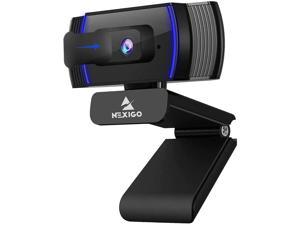
NexiGo N930AF Webcam with Software Control, Stereo Microphone and Privacy Cover, ...
- Color: Black
- Model #: CP0489624722
- Item #: 9SIVB0EHAY4068
- Return Policy: Best Electronics Return Policy
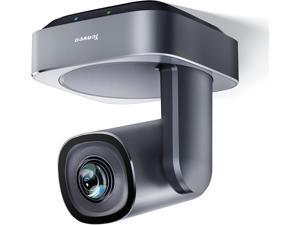
VLoop PTZ Camera with 20X Optical Zoom Wide View Angle USB3.0/HDMI Works with Zoom ...
- Model #: GB003283
- Item #: 9SIVB0EKHE9203
- Return Policy: Best Electronics Return Policy
How to Choose the Right Webcam
Introduction
Adding a webcam to your conference calls and online conversations can enhance the experience for both you and the other party. In addition, it is a more economical and environmentally-friendly alternative to paying for a plane ticket and flying in for a face-to-face meeting in another city. Before purchasing a webcam however, you should consider how it will be used and what features you.
Video Resolution
Similar to a monitor or a HDTV, a webcam’s video resolution is represented as the number of horizontal pixels by vertical pixels. A few of the more common resolutions include 640 × 480, 1280 × 720 (720p), and 1920 × 1080 (1080p). A higher resolution means that the video you capture will be sharper and more detailed. For HD video recording, you will need a webcam that is capable of at least 720p video capture.
Image Resolution
Aside from recording and sending live video, a web cam can also be used to take still images. Some webcams have their video and image resolutions listed separately, with the latter rated in megapixels. If you plan to use the webcam to take still photos, you should try to find one that has a high megapixel rating.
Frame Rate
Along with resolution, frame rate is another important factor for capturing video. A higher frame rate will result in a smoother video with less stuttering. Some webcams are capable of 30 frames per second video recording, though more budget-oriented models may have frame rates that are slightly lower than that.
Microphone
For recording audio, you can either utilize a webcam’s built-in microphone or connect a dedicated microphone. A built-in microphone is usually adequate for most tasks that do not require professional-grade sound recording. If you plan to record or live stream studio-quality audio however, you will want to utilize a dedicated microphone.
Mounting
There are several different mounting methods and designs for webcams. Some need to be clipped on, others require a flat horizontal surface, and a few even support tripods. Clip-on webcams are excellent for use with thin LCD monitors and laptops but not for thicker objects such as desktop towers or CRT monitors. A freestanding webcam is beneficial if you have a large flat surface such as the top of a tower or perhaps a conference table.

