


Mouse - Showing 649 - 672 of 17931 Products


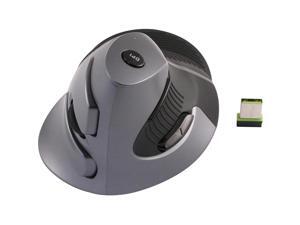
ERGOGUYS CST3645A WIRELESS VERTICAL MOUSE DPI
- Features: Sold as 1 Each.
- Model #: CST3645A
- Item #: 9SIV0F2HZ56833
- Return Policy: TELeasy Return Policy
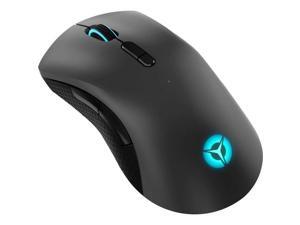

Lenovo Legion M600 Wireless Gaming Mouse
- Model #: 194632497441
- Item #: 9SIV00CK4D9572
- Return Policy: Beach Audio Return Policy
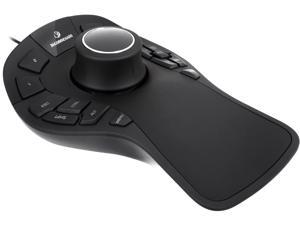
3Dconnexion 3DX-700040 SpaceMouse Pro 3D Mouse
- Operating System Supported: Microsoft Windows, OS X, Linux
- Package Contents: SpaceMouse Pro CD ROM: Drivers, Demos and Tools
- Model #: 3DX-700040
- Item #: 9SIV00C20D9448
- Return Policy: Beach Audio Return Policy
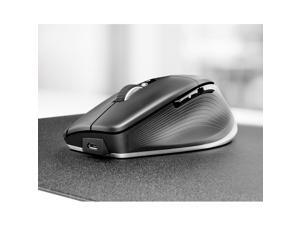
3Dconnexion 3DX-700116 CadMouse Pro Wireless
- Resolution (DPI): 7200 dpi
- Part Number: 3DX-700116
- Model #: 3DX-700116
- Item #: 9SIV2G2JK80371
- Return Policy: PremierSource Return Policy
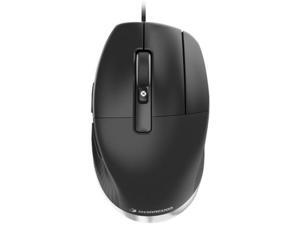
3Dconnexion CadMouse Pro 3DX700080
- Model #: 3DX700080
- Item #: 9SIV2G2CXU5676
- Return Policy: PremierSource Return Policy
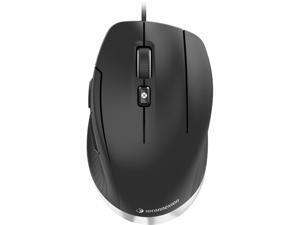
3Dconnexion CadMouse Compact 3DX-700081 7 Buttons 1 x Wheel Wired Mouse
- Operating System Supported: Microsoft Windows 10 Microsoft Windows 8.1 macOS 10.11 or greater
- Model #: 3DX-700081
- Item #: 9SIV00CKA19397
- Return Policy: Beach Audio Return Policy
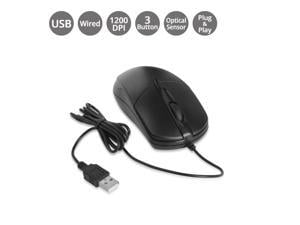
SIIG Mouse USB Optical Mouse Bulk Pack
- Model #: JK-US0T11-S1
- Item #: 9SIV2D5JX14478
- Return Policy: Mastertronics, Inc. Return Policy
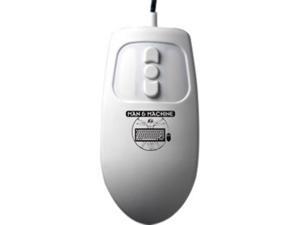
MAN & MACHINE MM/W5
- Model #: 835193002575
- Item #: 9SIV00CK3T7878
- Return Policy: Beach Audio Return Policy
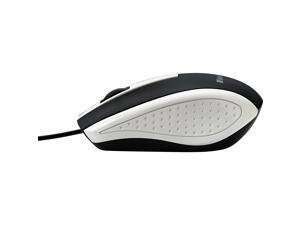
Verbatim Mouse Optical Corded f/PCs & Macs White/Black 99740
- Brand: Verbatim
- Color: White
- Type: Office Products
- Features: Sold as 1 Each.
- Parts: 1 Year
- Model #: 99740
- Item #: 9SIV1PDKDM7531
- Return Policy: Technology Galaxy Return Policy
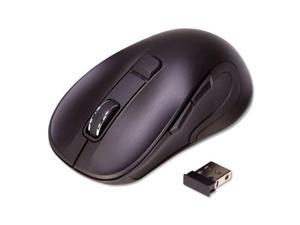
Innovera Mouse,2.4g,Laser,Wrls,Bk 62500
- Brand: Innovera
- Name: IVR62500
- Color: Black
- Buttons: 3
- Scrolling Capability: Wireless
- Interface: Wireless
- Type: RF Wireless
- Tracking Method: Laser
- Model #: 62500
- Item #: 9SIV0F2KU43193
- Return Policy: TELeasy Return Policy
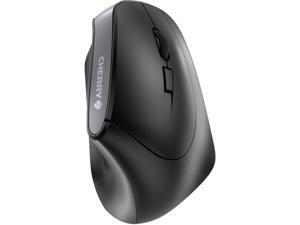
Cherry Wireless Ergonomic 6 Buttons Adjustable Mouse Model JW-4500
- Brand: Cherry
- Name: Wireless Mouse
- Color: Black
- Buttons: 6
- Scrolling Capability: 1 x Wheel
- Interface: Bluetooth
- Type: Bluetooth Wireless
- Model #: Model JW-4500
- Item #: 9SIV00CKUK3499
- Return Policy: Beach Audio Return Policy
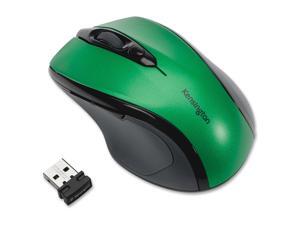
Kensington MOUSE PRO FIT MID WRLS EMERALD GREEN
- Model #: 72424
- Item #: 9SIV00CA174460
- Return Policy: Beach Audio Return Policy
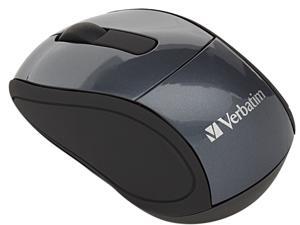
Verbatim 97470 Graphite 3 Buttons 1 x Wheel USB RF Wireless Optical Mouse
- Operating System Supported: Windows 7 Windows Vista Windows XP
- Package Contents: 97470 Mouse Nano Receiver 1 x AAA Battery Quick Start Guide
- Parts: 1 year limited
- Labor: 1 year limited
- Model #: 97470
- Item #: 9SIV2G293P5587
- Return Policy: PremierSource Return Policy
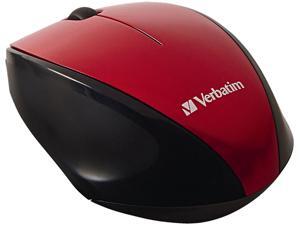
Verbatim 97995 Wireless Multi-Trac Blue LED Optical Mouse (Red)
- Brand: Verbatim
- Name: Wireless Multi-Trac Blue LED Optical Mouse
- Color: Red
- Buttons: 3
- Scrolling Capability: 1 x Wheel
- Interface: USB
- Type: RF Wireless
- Tracking Method: Optical
- Model #: 97995
- Item #: 9SIV2G293U2487
- Return Policy: PremierSource Return Policy
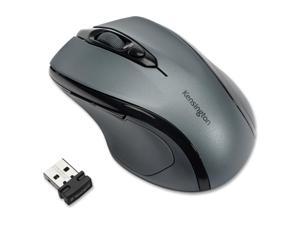
Kensington Pro Fit Mid-Size Wireless Mouse Graphite Gray
- Model #: 72423
- Item #: 9SIV00CB6C6811
- Return Policy: Beach Audio Return Policy
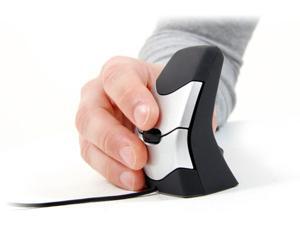
Kinesis Dxt 2 Ergonomic Wired Optical Fingertip Mouse PD7DXT
- Hand Orientation: Both Hands
- Model #: PD7DXT
- Item #: 9SIV00CK2F7216
- Return Policy: Beach Audio Return Policy
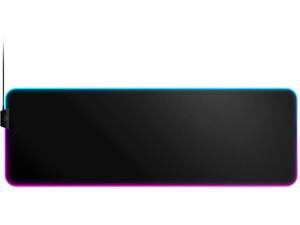
steelseries qck gaming surface xl rgb prism cloth best selling mouse pad of all time sized to ...
- Model #: ADIB07HYXKWS9
- Item #: 9SIV00CK6X1945
- Return Policy: Beach Audio Return Policy
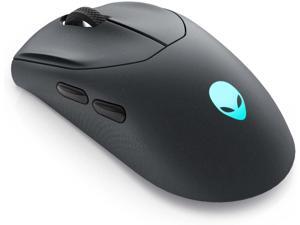
Alienware Tri-Mode Wireless Gaming Mouse - 2.4GHz Wireless, Bluetooth 5.1, 26,000 DPI, ...
- Model #: BEC0ZUWRE1
- Item #: 9SIVB0EJNB0443
- Return Policy: Best Electronics Return Policy
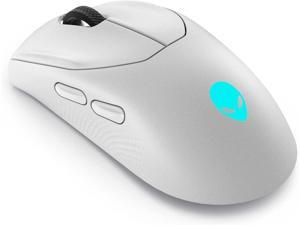
Alienware Tri-Mode Wireless Gaming Mouse - 2.4GHz Wireless, Bluetooth 5.1, 26,000 DPI, ...
- Model #: BECZ0JUW93
- Item #: 9SIVB0EJNB0447
- Return Policy: Best Electronics Return Policy
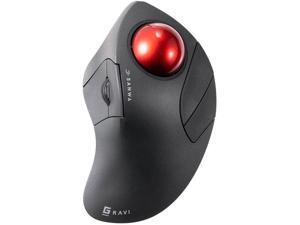
Bluetooth 5.1 + 2.4 G Wireless Ergonomic Trackball Mouse, Finger Control Roller Ball Mouse, 3 ...
- Version: Wireless
- Model #: BEGMAWBTTB138N
- Item #: 9SIVB0EKK26417
- Return Policy: Best Electronics Return Policy
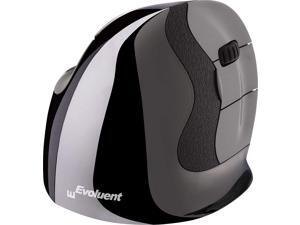
Evoluent VMDLW VerticalMouse D Large Right Hand Ergonomic Mouse with Wireless USB ...
- Model #: TB08578T74J
- Item #: 9SIVB0EH6Y3752
- Return Policy: Best Electronics Return Policy
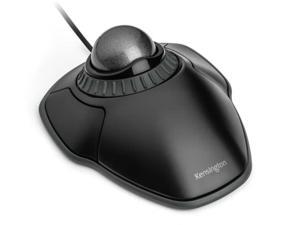
Kensington Trackball Office Professional Wired Mouse PS Mapping CAD , Mapping control ring ...
- Model #: BEK75327
- Item #: 9SIVB0EJSS4688
- Return Policy: Best Electronics Return Policy
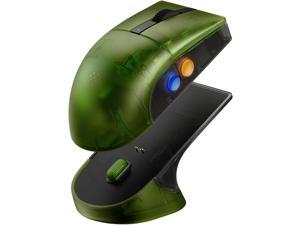
8BitDo Retro R8 Mouse with PAW 3395 Optical Sensor DPI 26K, Wireless 4K Polling Mouse with ...
- Model #: BE8BitDoRetro R8 XB
- Item #: 9SIVB0EKFS8295
- Return Policy: Best Electronics Return Policy
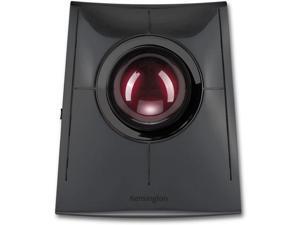
Kensington SlimBlade Pro Wireless Trackball, Rechargeable Battery, Bluetooth 2.4GHz ...
- Model #: BEK72080WW
- Item #: 9SIVB0EKK26407
- Return Policy: Best Electronics Return Policy
Considerations for Buying Computer Mice
Introduction
Like a keyboard, a computer mouse is an essential device for any workstation, even though touchscreen input is becoming more popular. However, with so many different features and types of mice available, you may be wondering which ones are essential for your staff and which ones are unneeded. Below, NeweggBusiness will go over some common considerations when purchasing computer mice.
Optical Technology
There are two major types of optical technology used in mice today, LED and laser. Neither is better than the other, as they are ideal for different types of users.
LED
An LED mouse usually costs less than a laser mouse, but may have slightly lower dots per inch (DPI) and is not as capable on shiny, black, and transparent surfaces. Sensitivity for an optical mouse typically ranges from 400 to 800 DPI, which is more than adequate for most tasks such as internet browsing, checking e-mail, or data entry.
Laser
One major advantage of a laser mouse is sensitivity, which can reach up to several thousand DPI. Also, laser mice can be used with a wider variety of surfaces than LED mice. So while an LED mouse may struggle with shiny, black, or glass surfaces, a laser mouse has no trouble. However, one downside is that laser mice typically cost more than most LED mice.
Connectivity
There are two types of connectivity for mice, wired and wireless. Users often debate over which type is superior, but to definitely declare that one is superior to the other is a difficult. Similar to the distinction between laser and LED, wired and wireless mice appeal to different types of users.
Wired
Some of the advantages of purchasing wired mice include lower cost, no worries about batteries, and no worries about wireless interference. It is the ideal option for staff that do not travel with their computers or mice in tow. If your staff do not have unused USB ports on their computers, consider equipping them with accessories such as USB hubs or Bluetooth dongles so that they can use Bluetooth mice.
Wireless
Wireless mice can potentially have issues with interference and many use batteries that need to be replaced, but does that make them inferior? Not quite, as they offer more convenience and are better suited for travellers and professionals mired by cable clutter. If you’ve decided to purchase wireless for some of your staff, then you will need to decide between RF mice and Bluetooth® mice.
- Radio frequency (RF) – RF wireless mice require use of USB dongles that are included with the mice. Some users may not like the fact that USB dongles are required, as it uses a USB port and can be lost if not careful.
- Bluetooth – Bluetooth mice do not require USB dongles but will require Bluetooth functionality on the computer. Another advantage of using Bluetooth mice is that they can be used with some tablets. However, some users do report that Bluetooth mice do require a little bit of time to “wakeup” after long periods of inactivity.
Size and Ergonomics
Mice can come in several sizes, with some better for laptop users and others for desktop users. Smaller mice are more convenient, especially if your users will be packing them into messenger bags or laptop cases. Desktop users that don’t expect to move their computers very much will find that larger mice are more than adequate
Alternatives
While most people are familiar with the standard mouse, there are a few alternatives that NeweggBusiness offers. Some are designed for increased ergonomics while others for precision. Here are two of the more common options.
Vertical Mice
These are special types of mice that are used with your hand in a vertical position, similar to how a joystick is held. Some manufacturers assert that using a vertical mouse puts less strain on the wrist and shoulder.
Trackball Mice
Trackball mice track movements of a ball in a socket instead of the entire mouse. The ball can be manipulated by the thumb, fingers, or palm depending on the design of the trackball mouse. Similar to vertical mice, trackball mice manufacturers state that they reduce strain and the likelihood of injury.

