


Webcam - Showing 145 - 168 of 2896 Products
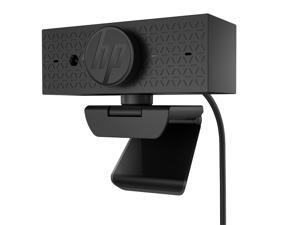

HP 625 Webcam 4 Megapixel 60 fps USB Type A 6Y7L1AAABL
- Parts: 1 Year
- Model #: 6Y7L1AA#ABL
- Item #: 9SIVFEUKBP2415
- Return Policy: Official HP Store Return Policy
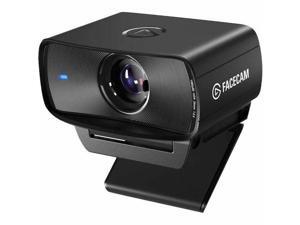

Elgato Facecam MK.2 Premium Full HD Webcam 10WAC9901
- Brand: Corsair
- Model #:
- Item #: 9SIV1DSKSP5952
- Return Policy: NothingButSavings Return Policy
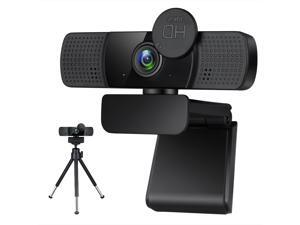
TROPRO Tw8 Webcam with Microphone, 1080P Full HD Computer Camera for PC with Cover, ...
- Image Sensor: CMOS
- Max. Image Resolution: 1920 x 1080
- Video Capture Resolution: 1920 x 1080
- Frame Rate: 30 fps
- Focus Settings: Auto focus
- Lens: Optical lens
- Operating Systems Supported: Windows XP / VISTA / win8 / win10 and Mac OSX system
- Color: Black
- Model #: WC005
- Item #: 9SIV30UD3H1029
- Return Policy: Tropro Return Policy
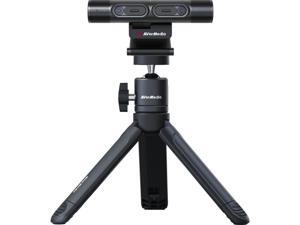
AVerMedia DualCam PW313D Video Conferencing Camera 5MP 30fps Black
- Model #: PW313D
- Item #: 9SIA4N9JRE7036
- Return Policy: Platinum Micro Inc. Webcam Return Policy
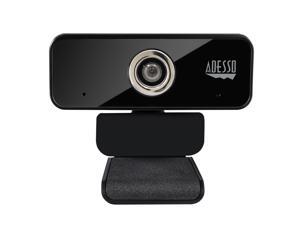
Adesso CyberTrack 6S Webcam 8 Megapixel 30 fps USB 2.0 CYBERTRACK6S
- Frame Rate: 30 fps
- Model #: CYBERTRACK6S
- Item #: 9SIV1DSKAS1139
- Return Policy: NothingButSavings Return Policy
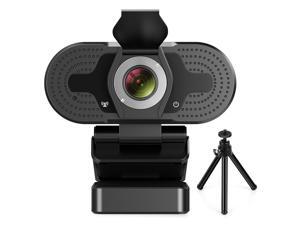
TROPRO 1080P webcam for PC, full HD computer camera with cover, USB web cam with ...
- Model #: WC-002
- Item #: 9SIV30UKW79999
- Return Policy: Tropro Return Policy
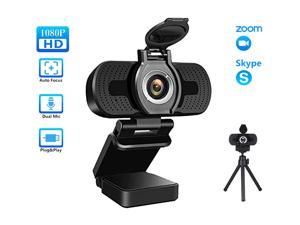
TROPRO 1080P Webcam for PC, Full HD Computer Camera with Cover, USB Web Cam with ...
- Brand: Tropro
- Interface: USB
- Max. Image Resolution: 1920 x 1080
- Video Capture Resolution: 1920 x 1080
- Frame Rate: 30 fps
- Operating Systems Supported: Windows XP / 7 / 8 / 8.1, Win 10 and higher, Android V5.0, OS, Vista, MAC OS10.6 or higher. It widely connects with PC, Desktop, Laptop, Mac, Mac Book, Smart TV, and LCD Monitors. supports mass social media and game Apps, like SKY GO, Netflix, OBS, Xbox, YouTube, Facebook, Face Time and more.
- Color: Black
- Model #: WC002
- Item #: 9SIV30UBUB1424
- Return Policy: Tropro Return Policy
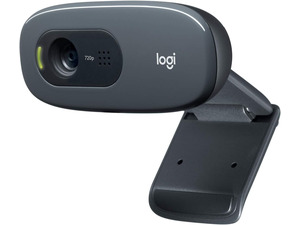
C270 720p Webcam Plug-and-Play Wide Screen Video Calling - Black Auto-Light Correct, ...
- Model #: 69089057534211454
- Item #: 9SIVAMDM8V5104
- Return Policy: SuperiorQuality Return Policy

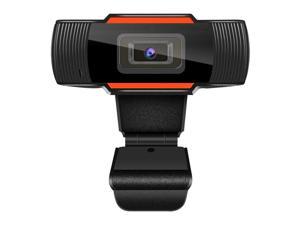
Webcam with Microphone, Hannord 1080P HD Streaming USB Computer Webcam Web ...
- Brand: HANNORD
- Interface: USB 2.0
- Image Sensor: CMOS
- Max. Image Resolution: 1920 x 1080
- Effective Pixels: 5.0 M
- Video Capture Resolution: 1920 x 1080
- Frame Rate: 30 fps
- Operating Systems Supported: Windows & Mac OS
- Model #: E000159-1
- Item #: 9SIV3BSF1Y7540
- Return Policy: Hannord Store Return Policy
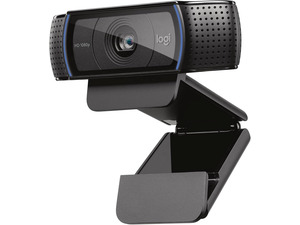
C920 Pro HD PC Webcam Full 1080p/30fps Video - Black 30fps Video, Clear Audio, Light ...
- Model #: 6908908976332
- Item #: 9SIVAMDM8V5397
- Return Policy: SuperiorQuality Return Policy
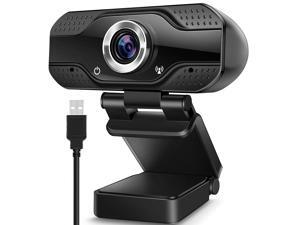
Hannord Video Calling Recording Conferencing Live Class Webcam,1080P Full HD Webcam ...
- Brand: HANNORD
- Interface: USB 2.0
- Image Sensor: CMOS
- Max. Image Resolution: 1920 x 1080
- Effective Pixels: 2.0 M
- Video Capture Resolution: 1920 x 1080
- Frame Rate: 30 fps
- Operating Systems Supported: Windows & Mac OS
- Model #: E000152-1
- Item #: 9SIV3BSF1Y8125
- Return Policy: Hannord Store Return Policy
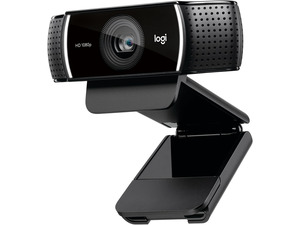
C922 Pro PC Webcam, Full HD 1080p/30fps or 720p/60fps Video, HD Light Correction, Works ...
- Model #: 690789044388790
- Item #: 9SIVAMDM8V5230
- Return Policy: SuperiorQuality Return Policy


L2 LifeCam HD-3000 Win USB Port
- Part Number: T3H-00011
- Color: Black
- Image Sensor: CMOS
- Max. Image Resolution: 1280 x 720
- Video Capture Resolution: 1280 x 720
- Frame Rate: 30 fps
- Focus Settings: Fixed focus from 0.3m to 1.5m
- Operating Systems Supported: Windows 7, Windows Vista Windows XP (with Service Pack 2 (SP2) or higher)
- Model #: T3H-00011
- Item #: 9SIV15WDS01433
- Return Policy: 6AVE Return Policy
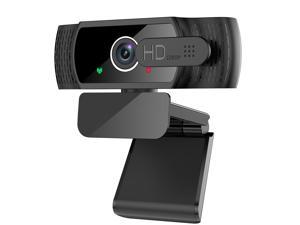
1080P Webcam with Microphone - FHD Web Cam with Privacy Cover, Plug and Play USB Web ...
- Interface: USB 2.0
- Image Sensor: CMOS
- Max. Image Resolution: 1920 x 1080
- Effective Pixels: 2.0 M
- Video Capture Resolution: 1920 x 1080
- Color: Black
- Model #: E000015
- Item #: 9SIV3BSEAG2046
- Return Policy: Hannord Store Return Policy
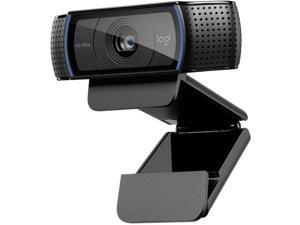

Logitech C920x Pro HD 1080p Webcam - 960-001335
- Brand: Logitech
- Name: C920x
- Interface: USB 3.0
- Image Sensor: CCD
- Max. Image Resolution: 1920 x 1080
- Focus Settings: Auto Focus
- Lens: glass
- Power Source: USB, false, lithium_ion
- Model #: 960-001335
- Item #: 9SIV0F3M5H3414
- Return Policy: MichaelElectronics2 Return Policy
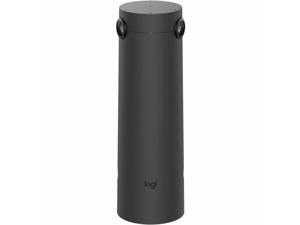
Logitech Sight Video Conferencing Camera - 60 fps - Graphite - 3840 x 2160 Video - ...
- Brand: Logitech
- Model #: 960-001510
- Item #: 9SIV0Z4M6G2600
- Return Policy: Compute4Less Corp Return Policy
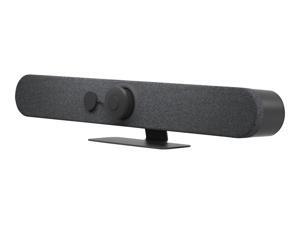
Logitech Rally Bar Mini - Video conferencing device - Zoom Certified, Certified for Microsoft ...
- Brand: Logitech
- Name: Rally Bar
- Interface: SuperSpeed USB 3.0
- Max. Image Resolution: 480p, 720p, 1080p, 4K, 1440p, 900p
- Frame Rate: 30 fps
- Part Number: 960-001563
- Color: Graphite
- Model #: 960-001563
- Item #: 9SIV0Z4M6G2608
- Return Policy: Compute4Less Corp Return Policy
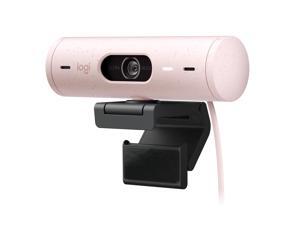
Logitech Brio 500 Full HD Webcam with Auto Light Correction,Show Mode, Dual Noise ...
- Brand: Logitech
- Name: BRIO 500
- Interface: USB-C plug-and-play
- Max. Image Resolution: 1920 x 1080
- Effective Pixels: 4.0 M
- Video Capture Resolution: 1920 x 1080
- Frame Rate: 1080p/30fps (1920x1080 pixels) 720p/60fps (1280x720 pixels)
- Focus Settings: Autofocus
- Model #: 960-001432
- Item #: 9SIVF24KW31114
- Return Policy: KINI COMPUTER MARKET Return Policy
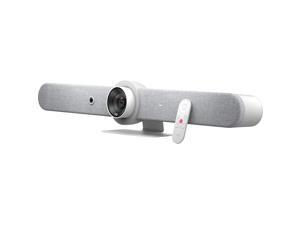
Logitech Rally Bar Mini White 960001348
- Model #: 960001348
- Item #: 9SIV04GJVB7497
- Return Policy: Hot Deals 4 Less Return Policy
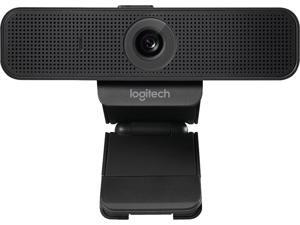
Logitech C925-E Webcam, HD 1080p/30fps Video Calling, Light Correction, Autofocus, Clear ...
- Brand: Logitech
- Interface: Hi-speed USB 2.0 certified (USB 3.0 ready)
- Max. Image Resolution: 1920 x 1080
- Frame Rate: 30 fps
- Focus Settings: Autofocus
- Part Number: C925e
- Operating Systems Supported: Windows 7 or higher macOS X 10.7 or higher SUSE Linux 11 SP2 (for Cisco VXC6215)
- Color: Black
- Model #: 960-001075
- Item #: 9SIVF24KW40165
- Return Policy: KINI COMPUTER MARKET Return Policy
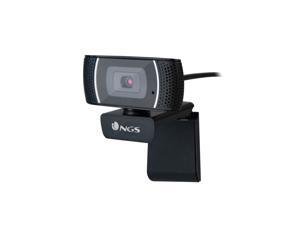
NGS Full HD 1920 x 1080 USB Webcam with built in Microphone
- Model #: XPRESSCAM1080
- Item #: 9SIV04GJVB5250
- Return Policy: Hot Deals 4 Less Return Policy
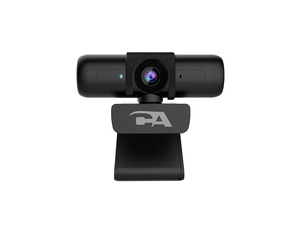
Ca Essential Webcam 1080Hd-Af – Usb Webcam With Microphone For Desktop Or Notebooks, ...
- Model #: FGTY0078530
- Item #: 9SIV04GJVC4205
- Return Policy: Hot Deals 4 Less Return Policy
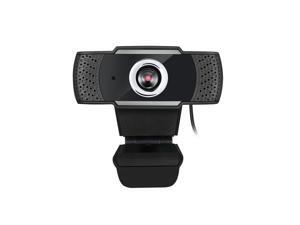
ADESSO CYBERTRACKH4 1080P HD USB Webcam Micphone
- Brand: Adesso
- Part Number: CYBERTRACKH4
- Color: Black
- Model #: ADES#CYBERTRACKH4
- Item #: 9SIV04GJVD1321
- Return Policy: Hot Deals 4 Less Return Policy
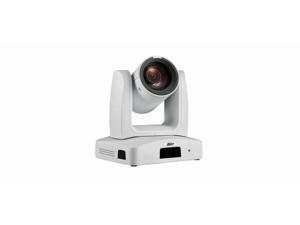
AVer Ptz231 2 Megapixel Webcam - 60 fps - USB 3.0 Type B - TAA Compliant - Full HD - Exmor R ...
- Brand: AVer
- Parts: 5 Year
- Model #: PAPTZ231W
- Item #: 9SIV0Z4KDC6616
- Return Policy: Compute4Less Corp Return Policy
How to Choose the Right Webcam
Introduction
Adding a webcam to your conference calls and online conversations can enhance the experience for both you and the other party. In addition, it is a more economical and environmentally-friendly alternative to paying for a plane ticket and flying in for a face-to-face meeting in another city. Before purchasing a webcam however, you should consider how it will be used and what features you.
Video Resolution
Similar to a monitor or a HDTV, a webcam’s video resolution is represented as the number of horizontal pixels by vertical pixels. A few of the more common resolutions include 640 × 480, 1280 × 720 (720p), and 1920 × 1080 (1080p). A higher resolution means that the video you capture will be sharper and more detailed. For HD video recording, you will need a webcam that is capable of at least 720p video capture.
Image Resolution
Aside from recording and sending live video, a web cam can also be used to take still images. Some webcams have their video and image resolutions listed separately, with the latter rated in megapixels. If you plan to use the webcam to take still photos, you should try to find one that has a high megapixel rating.
Frame Rate
Along with resolution, frame rate is another important factor for capturing video. A higher frame rate will result in a smoother video with less stuttering. Some webcams are capable of 30 frames per second video recording, though more budget-oriented models may have frame rates that are slightly lower than that.
Microphone
For recording audio, you can either utilize a webcam’s built-in microphone or connect a dedicated microphone. A built-in microphone is usually adequate for most tasks that do not require professional-grade sound recording. If you plan to record or live stream studio-quality audio however, you will want to utilize a dedicated microphone.
Mounting
There are several different mounting methods and designs for webcams. Some need to be clipped on, others require a flat horizontal surface, and a few even support tripods. Clip-on webcams are excellent for use with thin LCD monitors and laptops but not for thicker objects such as desktop towers or CRT monitors. A freestanding webcam is beneficial if you have a large flat surface such as the top of a tower or perhaps a conference table.

