


Battery Backup (UPS) - Showing 577 - 600 of 1050 Products


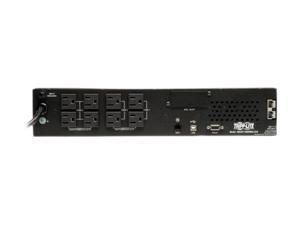
Tripp Lite SMART1500RMXL2UA 1500VA 1350W UPS Smart Rackmount AVR LCD 120V USB ...
- Outlets: 8
- Battery Run Time: Full load runtime 4.9 minutes Half load runtime 14 minutes
- Output Frequency: 60 Hz
- Battery Recharge Time: 2 - 4 hour(s) to 90%
- Brand: TRIPP LITE
- Series: SmartPro
- Input Voltage Range: 120V
- Input Connection: NEMA 5-15P
- Model #: SMART1500RMXL2UA
- Item #: 9SIV04Z21V9560
- Return Policy: IPC Store Return Policy
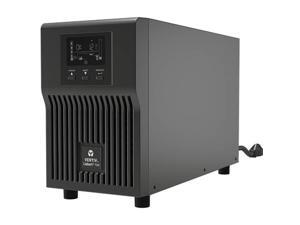
Vertiv Liebert PSI5 UPS 750VA 675W 120V Line Interactive AVR Mini Tower UPS
- Brand: Liebert
- Model #:
- Item #: 9SIV1UZKNF6374
- Return Policy: Deal Targets Return Policy
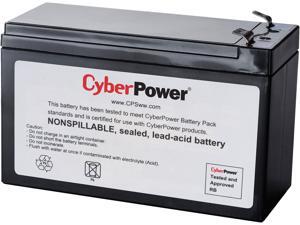
CyberPower RB1290 UPS Replacement Battery Cartridge - 1 X 12 V / 9 Ah Sealed Lead-Acid ...
- Type: Battery Unit
- Compatibility: CyberPower CP1000AVRLCD UPS
- Specifications: Battery Type: Sealed Lead-Acid Battery Size: 12V/9AH User Replaceable: Yes Number of Batteries: 1
- Dimensions: 3.86" x 5.94" x 2.56" (H x W x D)
- Weight: 6.06 lbs.
- Parts: 18 Month Limited
- Model #: RB1290
- Item #: 9SIV04ZK8M4351
- Return Policy: IPC Store Return Policy
Tripp Lite SMART1000RM1U UPS, TRIPPLITE, RACKMOUNT UPS W/PDU
- Model #: TR#SMART1000RM1U
- Item #: 9SIV04Z9DW5977
- Return Policy: IPC Store Return Policy
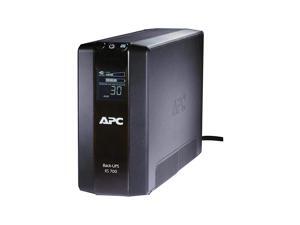
BackUPS Pro 700VA UPS Battery Backup Surge Protector BR700G
- Model #: lLJwS-B002RCNX8K
- Item #: 9SIV04ZEV57577
- Return Policy: IPC Store Return Policy
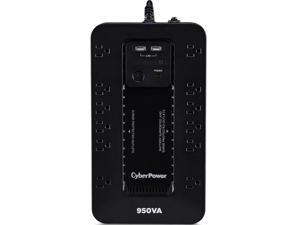
CyberPower SX950U UPS PC Battery Backup
- Model #: SX950U
- Item #: 9SIV0MT9RW8676
- Return Policy: Electronic Express Return Policy
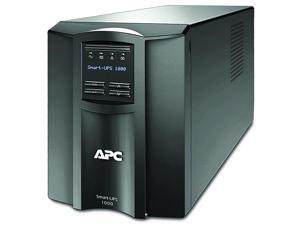
1000VA Smart UPS with SmartConnect SMT1000C Sinewave UPS Battery Backup AVR 120V ...
- Model #: 8LOBZ-B0762LKQVP
- Item #: 9SIV04ZE6E2265
- Return Policy: IPC Store Return Policy
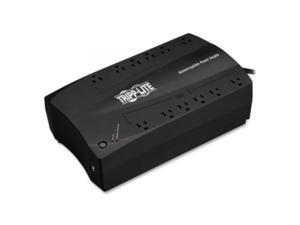
TRIPP LITE INTERNET750U 750VA 6UPS/Surge and 6 Surge UPS System
- Model #: INTERNET750U/TRI
- Item #: 9SIV04Z22H7988
- Return Policy: IPC Store Return Policy
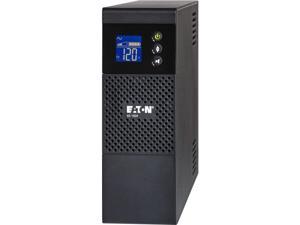
Eaton 5S Ups
- Weight: 27.85
- Model #: 3571333
- Item #: 9SIV04ZKK43100
- Return Policy: IPC Store Return Policy
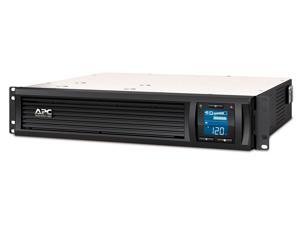
APC SMC1500-2UC 1440 VA 900 Watts 6 Outlets Pure Sinewave Smart-UPS with ...
- Outlets: 6
- Battery Run Time: At Half load: 18 Minutes At Full load: 6 Minutes
- Output Frequency: 47 - 63 Hz
- International Version: 120V
- Input Voltage Range: 106 - 130V
- Input Frequency: 50/60 Hz +/- 3 Hz
- Input Connection: NEMA 5-15P
- Output Voltage: 120V
- Model #: SMC1500-2UC
- Item #: 9SIV1DSKAD2513
- Return Policy: NothingButSavings Return Policy
Tripp Lite series SmartOnline 750VA 675W 120V Double-Conversion Sine Wave UPS - 8 ...
- Outlets: 8
- Battery Run Time: Full load runtime: 7.9 min. (675W) Half load runtime: 20.9 min. (338W)
- Battery Recharge Time: 3 hours recharge to 90%
- Brand: TRIPP LITE
- Series: SMARTONLINE Series
- International Version: 120V
- Input Connection: NEMA 5-15P
- VA Rating: 750 VA
- Model #: SU750RTXLCD2U
- Item #: 9SIV04ZKT38522
- Return Policy: IPC Store Return Policy
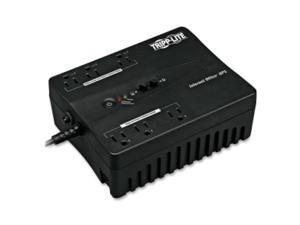
TRIPP LITE INTERNET350U 3UPS/Surge 3 Surge UPS System
- Model #: INTERNET350U/TRI
- Item #: 9SIV04Z22H7831
- Return Policy: IPC Store Return Policy
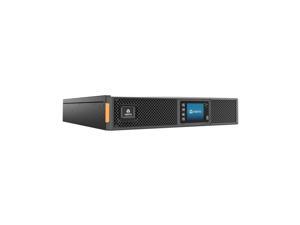
Liebert GXT5-3000LVRT2UXLN GXT5 3000VA 120V UPS with SNMP/Webcard - 2U Rack/Tower ...
- Outlets: 1 x NEMA L5-30R 6 x NEMA 5-15/20R
- Input Voltage Range: 110 V AC - 125 V AC
- Output Voltage: 120 V AC
- Parts: 3 Year
- Model #: GXT5-3000LVRT2UXLN
- Item #: 9SIV0Z4KRG6064
- Return Policy: Compute4Less Corp Return Policy
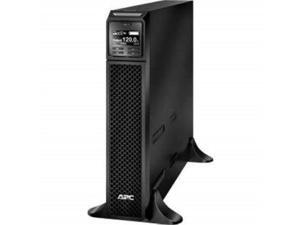
apc srt2200xla smartups srt 2200va 120v
- Model #: ADIB01MDRJC6E
- Item #: 9SIV04ZB9Z7320
- Return Policy: IPC Store Return Policy
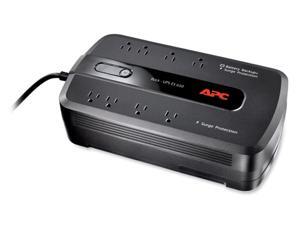
APC BE650G 650 VA 390 Watts 8 Outlets UPS
- Outlets: 8
- Battery Run Time: Typical Backup Time at Half Load: 13.1 minutes (195 Watts) Typical Backup Time at Full Load: 3.8 minutes (390 Watts)
- Battery Recharge Time: 16 hour(s)
- Brand: APC
- VA Rating: 650 VA
- Watts: 390 Watts
- Output Voltage: 120V
- Outlet Type: (4) NEMA 5-15R (Battery Backup) (4) NEMA 5-15R (Surge Protection)
- Model #: BE650G
- Item #: 9SIV04ZKT28254
- Return Policy: IPC Store Return Policy
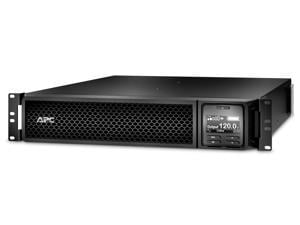
APC SRT2200RMXLA-NC 2200 VA 1800 Watts Online Smart-UPS with Network Card
- Outlets: 7
- Output Frequency: 50/60 Hz +/- 3 Hz
- Battery Recharge Time: 3 hour(s)
- Brand: APC
- Series: Smart-UPS
- International Version: 120V
- Input Frequency: 40 - 70 Hz (auto sensing)
- Input Connection: NEMA 5-20P
- Model #: SRT2200RMXLA-NC
- Item #: 9SIV04ZKAM8610
- Return Policy: IPC Store Return Policy
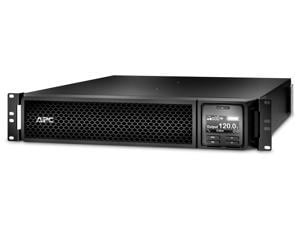
APC BY SCHNEIDER ELECTRIC SRT1500RMXLA APC SMART-UPS SRT 1500VA RM 120V
- Outlets: 6
- Battery Run Time: At Full Load: 4.5 Minutes At Half Load: 13.2 Minutes
- Output Frequency: 50/60 Hz +/- 3 Hz
- Battery Recharge Time: 3 Hour(s)
- Brand: APC
- Series: Smart-UPS
- International Version: 120V
- Input Voltage Range: 90 - 150V
- Model #: SRT1500RMXLA
- Item #: 9SIV08GHS27595
- Return Policy: TECHNOLOGY TRADERS INC Return Policy
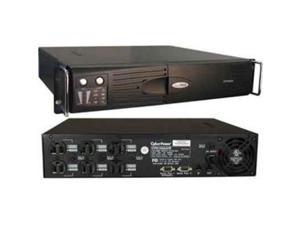
CYBERPOWER CPS1500AVR Smart App AVR CPS1500AVR 1500VA UPS
- Model #: CPS1500AVR/CYB
- Item #: 9SIV04Z22J1333
- Return Policy: IPC Store Return Policy
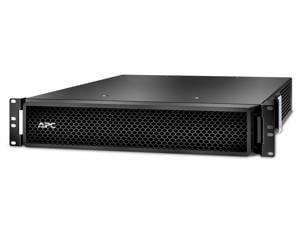
APC BY SCHNEIDER ELECTRIC SRT5KRMTF APC SMART-UPS ON-LINE, INPUT: 208V, INPUT ...
- Weight: 112
- Model #: SRT5KRMTF
- Item #: 9SIV08GJNB3654
- Return Policy: TECHNOLOGY TRADERS INC Return Policy

CyberPower SX500G 500 VA 300 W 8 Outlets Simulated Sine Wave UPS
- Outlets: 8
- Battery Run Time: Runtime at Half Load (min): 8 Runtime at Full Load (min): 2
- Battery Recharge Time: 8 Hours
- Input Voltage Range: 96Vac - 140Vac
- Input Frequency: 47 - 63 Hz
- Input Connection: NEMA 5-15P
- Output Voltage: On Battery Voltage: 120Vac +/- 5%
- Outlet Type: NEMA 5-15R
- Model #: SX500G
- Item #: 9SIV04Z22S2780
- Return Policy: IPC Store Return Policy
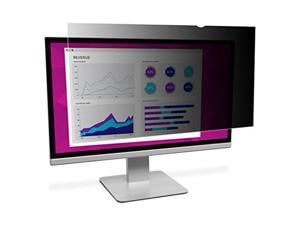
3M HC240W1B High Clarity Privacy Filter For 24 Inch Widescreen Monitor (16:10) - Display ...
- Model #: HC240W1B
- Item #: 9SIV0F2FC85118
- Return Policy: TELeasy Return Policy
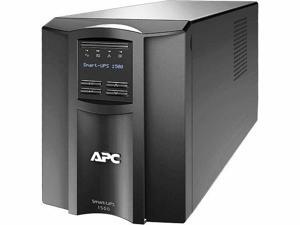
APC by Schneider Electric Smart-UPS 1500VA (SMT1500C) LCD 120V with SmartConnect
- Brand: APC
- Model #: SMT1500C-
- Item #: 9SIV04ZKN58008
- Return Policy: IPC Store Return Policy
TRIPP LITE PDUMH20 PDU Metered 120V 20A 12 Outlet
- Model #: PDUMH20/TRI
- Item #: 9SIV04Z22H8576
- Return Policy: IPC Store Return Policy
BackUPS Pro 700VA UPS Battery Backup amp Surge Protector BR700G
- Model #: GxZdb-B002RCNX8K
- Item #: 9SIV04ZEV57581
- Return Policy: IPC Store Return Policy
What is an Uninterruptible Power Supply?
Your organization can function without utilizing uninterruptible power supplies (UPS), but it is far from ideal. A UPS can protect your organization’s computer workstations and other electronic equipment from spikes in power, supply power during brief outages, and allow for time to safely power down computers in long outages. A UPS can be considered to be a type of insurance policy for computers and electronic equipment.
What Does a UPS Do?
Consider the following situation if you do not have UPSs deployed in your organization. During a heavy storm, lightning strikes and causes a black out. You don’t know how long it will last, your staff just lost all of their unsaved work, and electronic equipment may have been damaged. If your organization utilized uninterruptible power supplies throughout critical areas, your staff would have been able to save their work, safely power down their workstations, and your equipment would have been surge protected.
In addition to allowing your staff save their work and safely power down their desktops, a UPS can also defend against surges and under-voltage. However, they are not power generators that can power your organization’s workstations through extended periods of downtime. Rather, they keep your equipment powered and running while backup power generators – if you have them – start up and begin supplying power.
Considerations
If the above information about the benefits UPSs is something that your organization finds intriguing and would like to utilize them throughout its locations, then here are some considerations for selecting the ideal UPS.
Types of Uninterruptible Power Supplies
There are three main types of power supplies, differentiated by what they do and how much they cost.
- Stand-by UPS – The most basic type and lowest cost UPS, a stand-by UPS is essentially a backup battery that can supply power when it notices that the outlet has stopped providing it or isn’t providing enough. When the outlet supplies power normally, the UPS charges the battery to capacity.
- Line-Interactive UPS – A line-interactive uninterruptible power supply is a step up from a stand-by unit and features a built-in transformer that can moderate some voltage fluctuations. While a stand-by UPS is very useful for power outages, it is not designed to deal with small fluctuations in power.
- Online UPS – An online UPS is the most expensive option, but is the one that offers the most functionality. While stand-by and line-interactive UPSs are inactive while power is supplied regularly, an online UPS always modifies the power from the wall. It acts as an intermediary that is always moderating power so that it can smooth out even the tiniest of fluctuations. Online UPSs also tend to have larger batteries than the either stand-by or line-interactive UPSs. These are ideal for datacenters that employ equipment such as server systems and other costly equipment.
Wattage
Ensure that the UPS provides sufficient power for the equipment that will be connected to it. Add up the total wattage of all the equipment that will be connected to the UPS, and try to find one that provides several minutes of power for that amount of wattage. For example, if you calculate that your equipment uses a total of 500 watts, find a UPS that can supply 500 watts for several minutes and not a UPS that can supply 500 watts but only for a few seconds.
Outlets
Try to find a UPS with sufficient amount of outlets for your equipment. Be careful when looking at the numbers however, as not all outlets on an UPS may be powered by the backup battery. For example, a UPS with six outlets may only supply power from the backup battery to three outlets while the other three are just surge protected.
Operating System Compatibility
Some UPSs have the capability to alert your staff through their workstations when there is a power outage that they should save all work and safely shut down their computers.

