


USB Flash Drives - Showing 649 - 672 of 970 Products
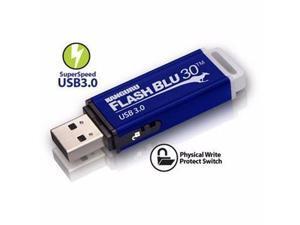
32gb Flashblu30 - ALK-FB30-32G
- Brand: ALK-FB30-32G
- Model #: DHALKFB3032G
- Item #: 9SIV1PDKDM7053
- Return Policy: Technology Galaxy Return Policy
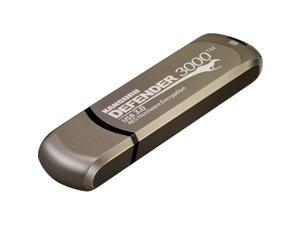
Kanguru - KDF3000-256G - Kanguru 256GB Defender 3000 Flash Drive - 256 GB - 3 Year ...
- Brand: Kanguru
- Parts: 3 Year
- Model #: KDF3000-256G
- Item #: 9SIV0Z4BVY4270
- Return Policy: Compute4Less Corp Return Policy
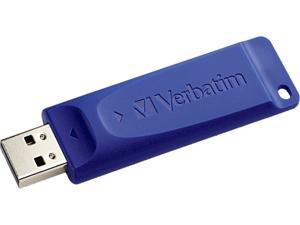
Verbatim 64GB USB Flash Drive 98658
- Brand: Verbatim
- Capacity: 64GB
- Color: Blue
- Features: Get back to basics-with Verbatim's classic USB drive! Transport and share files without the unnecessary bells and whistles. These classic USB drives give you just the basics-the ability to capture your data in one small, convenient location and move that information with you throughout the day. The retractable housing protects the USB connectors and easily slides in and out--great for preventing breakage and prolonging product life! Whether you have a lot or a little to save, Verbatim has a capacity to suit your needs! Convenient cap-less design means less to lose and no more searching for lost caps Compatible with ALL USB ports
- Parts: 5 Year
- Model #: 98658
- Item #: 9SIV1PD7SA0014
- Return Policy: Technology Galaxy Return Policy
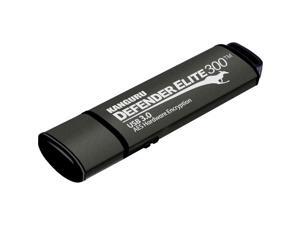
Kanguru Defender Elite300 8GB FIPS 140-2 Certified, SuperSpeed USB 3.0 Flash Drive 256bit ...
- Brand: Kanguru
- Series: Defender Elite300
- Capacity: 8GB
- Security: 256bit AES Encryption
- USB Specification: USB 3.0
- Read Speed: up to 260MB/s
- Write Speed: up to 120MB/s
- Features: The Kanguru Defender Elite300 SuperSpeed USB 3.0 secure flash drive is designed for high data security organizations looking to meet the most demanding regulatory security standards. With AES 256-bit hardware encryption (using XTS Mode), lightning-fast USB 3.0 transfer speeds, FIPS 140-2 Level 2 certification, tamper-resistance, and remote management capabilities, the Defender Elite300 is perfect for high security environments, including government, healthcare and financial industries. The Defender Elite300 complies with the Trade Agreements Act (TAA Compliance). The Defender Elite300 has a handy physical write protect s...
- Model #: KDFE300-8G-PRO
- Item #: 9SIV1PD7S97624
- Return Policy: Technology Galaxy Return Policy
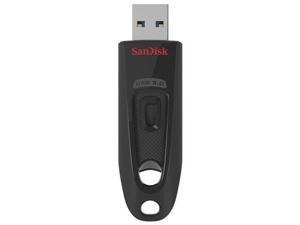

Sandisk SDCZ48-064G-A46 64gb Ultra Usb 3.0 (sdcz48064ga46)
- Model #: ef0-251849000232371
- Item #: 9SIV1PDKDM7896
- Return Policy: Technology Galaxy Return Policy
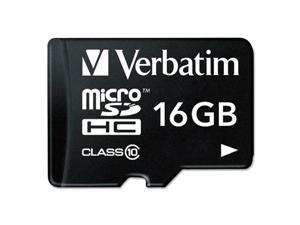
Verbatim microSDHC Card w/Adapter Class 10 16GB 44082
- Model #: 8cc-237885000202508
- Item #: 9SIV1PDKDM7906
- Return Policy: Technology Galaxy Return Policy
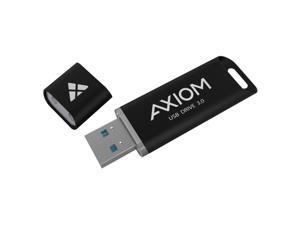
AXIOM 512GB USB 3.0 FLASH DRIVE - USB3FD512GB-AX
- Brand: Axiom Memory
- Capacity: 512GB
- USB Specification: USB 3.0
- Model #: USB3FD512GB-AX
- Item #: 9SIV0Z4KFK2166
- Return Policy: Compute4Less Corp Return Policy
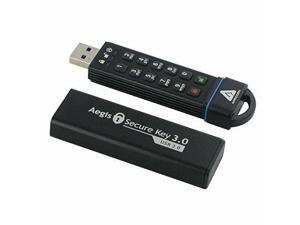
APRICORN MASS STORAGE ASK3-60GB 60GB 256BIT AES XTS HARDWARE
- Model #: 81e-790497000352568
- Item #: 9SIV1PDKDM7913
- Return Policy: Technology Galaxy Return Policy
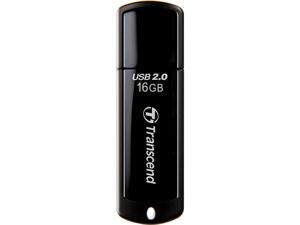
Transcend JetFlash 350 16 GB USB 2.0 Flash Drive - Black
- Brand: Transcend
- Series: JetFlash 350
- Capacity: 16GB
- USB Specification: USB 2.0
- Color: Black
- Dimensions: Height:0.3" x Width:0.7" x Length:2.4"
- Weight: 0.30 oz
- Model #: TS16GJF350
- Item #: 9SIV1PDKDW0668
- Return Policy: Technology Galaxy Return Policy
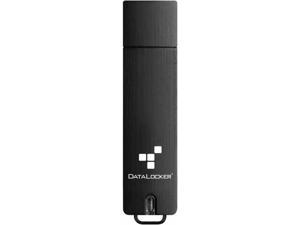
DataLocker Sentry 5 256GB USB 3.2 (Gen 1) Type A Flash Drive - 256 GB - USB 3.2 (Gen 1) Type A - ...
- Capacity: 256MB
- USB Specification: USB 3.2 Gen 1
- Color: Black
- Model #: S5-256-FE-M
- Item #: 9SIV0Z4K9F5227
- Return Policy: Compute4Less Corp Return Policy
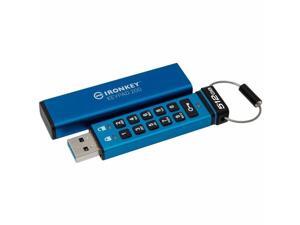
Kingston IronKey Keypad 200 Type -A Hardware-encrypted USB Flash Drive FIPS 140-3 Level 3 ...
- Brand: IronKey
- Parts: 3 Year
- Model #: IKKP200/512GB
- Item #: 9SIV18PKXV1024
- Return Policy: Neworld Return Policy
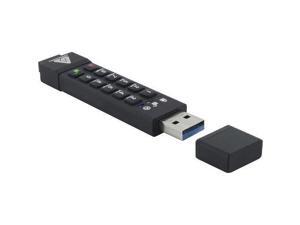
Apricorn Secure Key 3z - USB 3.1 Flash Drive-128GB
- Model #: dd9-365984000292637
- Item #: 9SIV1PDKDM7902
- Return Policy: Technology Galaxy Return Policy
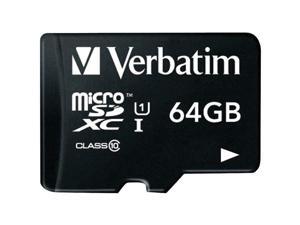
VERBATIM 44084 64gb Microsdhc C10/adptr
- Model #: VE#44084
- Item #: 9SIV1PDKDM6286
- Return Policy: Technology Galaxy Return Policy

Kanguru Defender Elite Encrypted Flash Drive
- Brand: Kanguru
- Series: Defender Elite
- Capacity: 128GB
- USB Specification: USB 2.0
- Color: Black
- Dimensions: Height:0.4" x Width:1.1" x Length:2.8"
- Weight: 0.78 oz
- Parts: 3 Year
- Model #: KDFE30-128G
- Item #: 9SIV0Z45DP0824
- Return Policy: Compute4Less Corp Return Policy
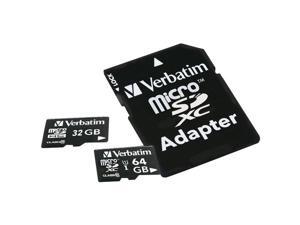
VERBATIM 44082 16gb Microsdhc C10/adptr
- Model #: VE#44082
- Item #: 9SIV1PDKDM6282
- Return Policy: Technology Galaxy Return Policy
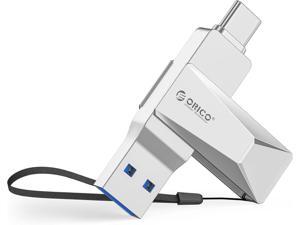

ORICO 32GB USB 3.2 Gen 1 Flash Drive, 150MB/s Read Speed, Metal Swivel Design, USB-A & ...
- Brand: Orico
- Series: CB05
- Capacity: 32GB
- USB Specification: USB 3.0
- Color: Silver
- Read Speed: up to 150MB/s
- Write Speed: up to 70MB/s
- Features: Dual USB Connector, Lightweight
- Model #: CB05-32-SV-EP
- Item #: 9SIV055KTN4294
- Return Policy: ORICO TECHNOLOGIES CO.,LIMITED Return Policy
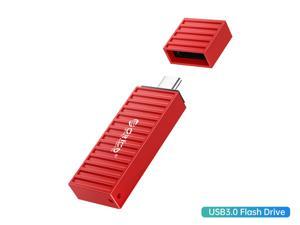
ORICO USB 3.0 Flash Drive 64GB Memory Stick 260 MB/s Reading Thumb Drive with Keychain ...
- Capacity: 64GB
- USB Specification: USB 3.0
- Color: Red
- Model #: U3S-J-C64G-RD-BP
- Item #: 9SIV055JSJ6126
- Return Policy: ORICO TECHNOLOGIES CO.,LIMITED Return Policy
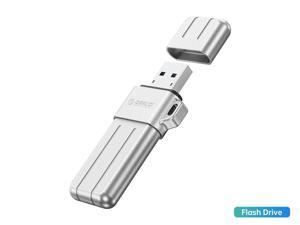
ORICO USB 3.0 Flash Drive 64GB,Memory Stick 64GB 260 MB/s Reading Thumb Drive with ...
- Capacity: 64GB
- USB Specification: USB 3.2 Gen 1
- Color: Silver
- Model #: U3S-X-A64G-SV-BP
- Item #: 9SIV055JSJ6067
- Return Policy: ORICO TECHNOLOGIES CO.,LIMITED Return Policy
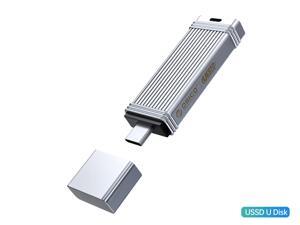
ORICO USSD Mobile Solid U Disk 128GB Memory Stick Speed Up to 520MB/s Reading Thumb ...
- Capacity: 128GB
- USB Specification: USB 3.2 Gen 1
- Color: Silver
- Model #: USSD-I-C128G-SV-BP
- Item #: 9SIV055JSJ6265
- Return Policy: ORICO TECHNOLOGIES CO.,LIMITED Return Policy
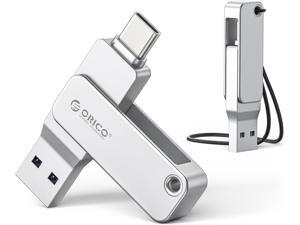
ORICO 32GB USB-C & USB-A Dual Flash Drive, 150MB/s Read Speed, Mini Thumb Drive for ...
- Brand: Orico
- Series: EB05
- Capacity: 32GB
- USB Specification: USB 3.2 Gen 1
- Color: Silver
- Read Speed: up to 150MB/s
- Write Speed: up to 70MB/s
- Features: Dual USB Connector, Lightweight, X-Ray Proof
- Model #: EB05-32GB-SV-EP
- Item #: 9SIV055KTN4302
- Return Policy: ORICO TECHNOLOGIES CO.,LIMITED Return Policy
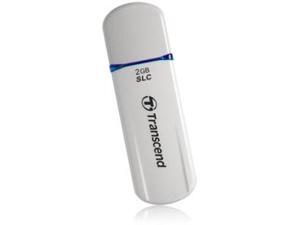
2GB JETFLASH 170
- Brand: Transcend
- Series: JetFlash
- Capacity: 2GB
- USB Specification: USB 2.0
- Color: Pearl White
- Model #: TS2GJF170
- Item #: 9SIVB66K4K5476
- Return Policy: powerful Electronics Return Policy
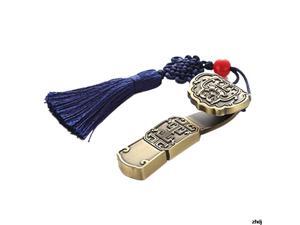
USB Flash drive Metal 8GB Pen Drive Storage Memory Disk Simple Style for Computer PC Tablet ...
- Model #: CCOOC-0045854
- Item #: 9SIVDRCJRK7935
- Return Policy: Ruth's sister Return Policy
USB Flash Drive 16GB USB 2.0 Flash Memory Card U Stick High Speed 16G External Memory ...
- Model #: CCOOC-0045837
- Item #: 9SIVDRCJRK7429
- Return Policy: Ruth's sister Return Policy
2GB Flash Drive 10 Pack Bulk 2G USB Flash Drive Thumb Drive USB 2.0 Memory Stick Data ...
- Model #: B07RSQ8MF2USB0666
- Item #: 9SIV462K9T8272
- Return Policy: Electronic Supermarket Return Policy
Other Uses for USB Flash Drives
Introduction
A USB flash drive is a versatile data storage solution that can be used for many purposes, some of which are not widely known. While flash drives are popular for backing up and transferring data, other uses include boosting computer performance or serving as an operating system boot disk. Below, NeweggBusiness presents several lesser-known benefits of flash drives that you may find useful.
Increase System Performance
Certain operating systems allow you to use a USB flash drive to increase system performance by complementing the main system memory. Known as ReadyBoost ®, it is supported by Windows® Vista®, Windows 7, and Windows 8. In order for a USB flash drive to be used, it must have at least 256 MB of unused space.
Portable Applications
What are portable applications? They are programs that can be installed onto a USB flash drive and run on a host computer without modifying the host computer’s settings or configurations. For instance, a portable .pdf reader on a USB flash drive will allow you to read .pdf files without requiring installation.
Boot Disk
A boot disk can be used for many purposes, including operating system installation, updating Basic Input / Output System (BIOS) settings, and troubleshooting operating system issues. Traditionally, boot disks were specially formatted 3.5 inch floppy disks and later optical discs, but USB flash drives can also be used. The process to make a USB flash drive a boot disk varies depending on the operating system.
Automated Backup
Some USB flash drives include automated backup software bundled or preinstalled onto the drive. With automatic backup, files, folders, and settings can be backed up to a flash drive whenever it is inserted into a USB slot.
Lock or Unlock a Computer
If you have concerns about computer security and do not feel that a password is sufficient protection, a USB flash drive can be used to add an extra layer of security. Some programs, when installed onto your computer and USB flash drive, require the flash drive to be inserted in order for the computer to be locked or unlocked.
Security Tools
By installing portable security tools onto a USB drive, you can scan for viruses and malware on any computer that the flash drive is connected to. A useful tool if you need to remove viruses, malware, or other malicious software from multiple computers or frequently use public computers.
Optical Drive Replacement
Installing an operating system typically requires you to have the installation disc, which can be an issue if the computer does not have an optical drive. One workaround is to use a USB flash drive as the installation medium, rather than an optical disc. This is accomplished by formatting the USB flash drive as a boot disk and copying the operating system installation files.

