


Keyboard - Showing 409 - 432 of 5941 Products


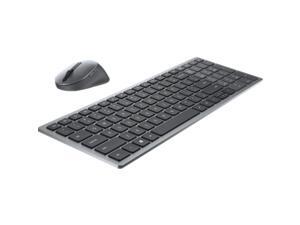

Dell KM7120W Multi-Device Wireless Keyboard and Mouse Combo - Titan Gray
- Model #: KM7120WGYUS
- Item #: 9SIV1UZBMC6287
- Return Policy: Deal Targets Return Policy
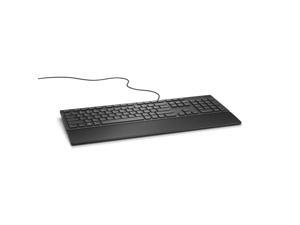
DELL Wired Qwerty Keyboard - Black KB216-BK-US Black 104 Normal Keys USB Wired Compact ...
- Keyboard Interface: USB
- Design Style: Compact
- Keyboard Color: Black
- Brand: DELL
- Name: Wired Qwerty Keyboard - Black
- Type: Wired
- Normal Keys: 104
- Model #: KB216-BK-US
- Item #: 9SIV1UZJEN2182
- Return Policy: Deal Targets Return Policy
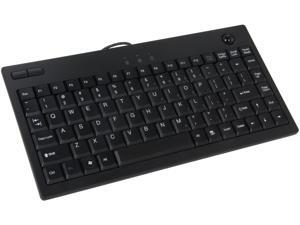
Adesso AKB-310UB Mini USB Keyboard built-in Optical Trackball (Black)
- Keyboard Interface: USB
- Keyboard Color: Black
- Brand: ADESSO
- Type: Wired
- Tracking Method: Optical Trackball
- Buttons: 2
- Mouse Color: Black
- Model #: AKB-310UB
- Item #: 9SIV1DSKCM2581
- Return Policy: NothingButSavings Return Policy
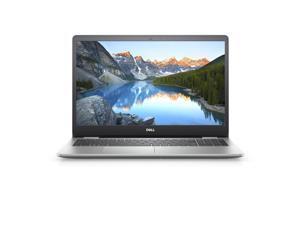
Dell Inspiron 15 5593 Laptop 15.6" Intel i5-1035G1 256GB SSD 8GB RAM
- Model #: nn5593dssdh
- Item #: 9SIV2Y0GUM0465
- Return Policy: Lone Star Computer Return Policy
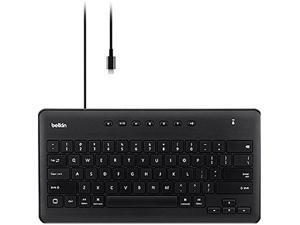
BELKIN B2B124 Black Wired Secure Keyboard for iPad with Lightning Connector
- Keyboard Color: Black
- Brand: BELKIN
- Type: Wired
- Features: Apple MFI Certified Plug and play Full-size keys "Correct connect" diagnostic indicator Durable, lightweight design Multimedia control keys Well-spaced keys for comfortable typing No additional software required No batteries required Made for classrooms
- Package Contents: 36823W
- Parts: 1 Year
- Labor: 1 Year
- Model #: B2B124
- Item #: 9SIV1UZEEX3433
- Return Policy: Deal Targets Return Policy
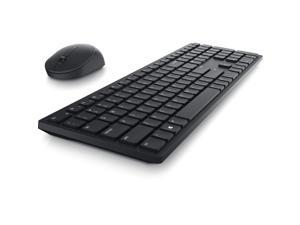
Dell Pro KM5221W Keyboard & Mouse KM5221WBKBUS
- Parts: 3 Year
- Model #: KM5221WBKBUS
- Item #: 9SIV7ZNKNP0358
- Return Policy: Tekserve Inc Return Policy
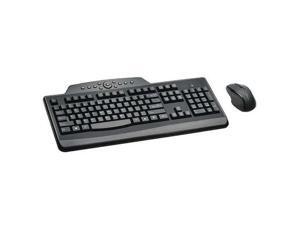
Kensington Black Proprietary Interface RF Wireless Standard Wireless Media Desktop Set
- Mouse Included: Yes
- Tracking Method: Scroll Wheel
- Mouse Color: Black
- Scrolling Capability: 1 x Wheel
- Model #: K72408-US
- Item #: 9SIV0F3BG00907
- Return Policy: MichaelElectronics2 Return Policy
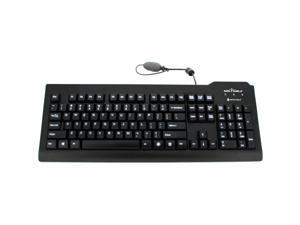
Seal Shield Silver Seal Glow Medical Grade Keyboard
- Keyboard Interface: USB
- Keyboard Color: Black
- Brand: SEAL SHIELD
- Name: Silver Seal Glow Medical Grade Keyboard
- Type: Office Products
- Mouse Color: Black
- Normal Keys: 104
- Features: Keyboard / Keypad Connectivity Technology: Cable
- Model #: SSKSV207G
- Item #: 9SIV0F26N16934
- Return Policy: TELeasy Return Policy
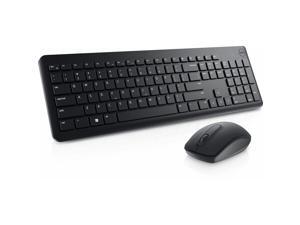
Dell KM3322W Keyboard and Mouse
- Keyboard Interface: USB Type-C
- Design Style: Modern
- Keyboard Color: Black
- Brand: Lenovo
- Mouse Interface: USB
- Tracking Method: TouchPad
- Mouse Color: Black
- Normal Keys: 104
- Model #: KM3322W
- Item #: 9SIVNBXKG23757
- Return Policy: AYC DEALS INC Return Policy
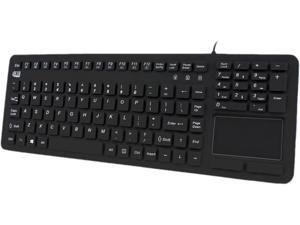
Adesso AKB-270UB SlimTouch Antimicrobial Waterproof USB Compact size Touchpad ...
- Keyboard Interface: USB
- Keyboard Color: Black
- Brand: ADESSO
- Name: AKB-270UB Antimicrobial Waterproof Touchpad Keyboard
- Type: Office Products
- Tracking Method: TouchPad
- Normal Keys: 108
- Features: Keyboard / Keypad Connectivity Technology: Cable
- Model #: AKB-270UB
- Item #: 9SIV0F27AJ5991
- Return Policy: TELeasy Return Policy

BELKIN B2B130 Black Lightning Wired Tablet Keyboard
- Keyboard Interface: Lightning
- Keyboard Color: Black
- Brand: BELKIN
- Type: Wired
- Features: MFi certified to Apple’s latest specifications Lightning Connector compatible with iPad 4, iPad Air and iPad Mini SBAC and PARCC testing compliant Integrated case-compatible stand allows portrait or landscape orientation Plug and play Pry-resistant, full-size keys Durable, stackable design Multimedia and function keys Cable management compartment No additional software required No batteries or charging required
- Package Contents: 21891X
- Model #: B2B130
- Item #: 9SIV2G293U1639
- Return Policy: PremierSource Return Policy
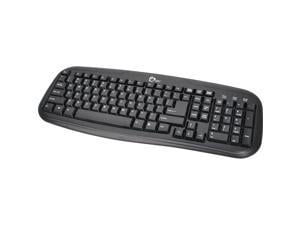
SIIG JK-US0012-S1 Black 103 Normal Keys USB Office Products Standard Desktop Keyboard
- Normal Keys: 103
- Operating System Supported: Windows 7 (32-/64-bit) / Vista (32-/64-bit) / XP (32-/64-bit) / Server 2003 & 2008 (32-/64-bit) / 2000
- System Requirement: USB port
- Parts: 1 year limited
- Labor: 1 year limited
- Model #: JK-US0012-S1
- Item #: 9SIV04GJVB3529
- Return Policy: Hot Deals 4 Less Return Policy
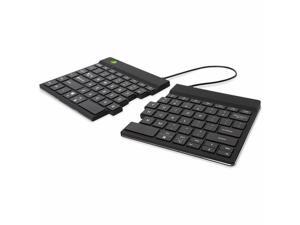
R-Go Split Break ergonomic keyboard QWERTYUS RGOSBUSWLBL
- Model #: RGOSBUSWLBL
- Item #: 9SIV1UZKGN3842
- Return Policy: Deal Targets Return Policy
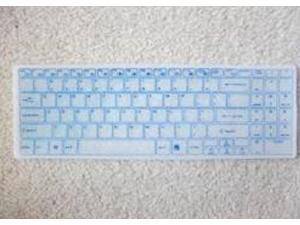
Seal Shield Transparent Replacement Cover for Clean Wipe Chiclet Keyboardr Model ...
- Model #: SSKSV099CW
- Item #: 9SIV0F26N14604
- Return Policy: TELeasy Return Policy
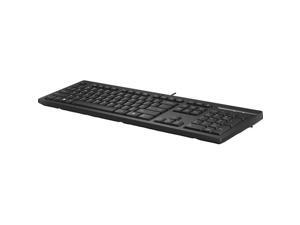

HP 125 Wired Keyboard
- Brand: HP
- Type: Keyboards & Keypads
- Model #: 266C9AA#ABA
- Item #: 9SIV18MKW12285
- Return Policy: Adorama Camera Return Policy
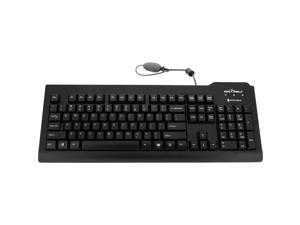
SEAL SHIELD SSKSV207 MEDICAL GRADE KEYBOARD W/ QUICK CONNECT - DISHWASHER ...
- Model #: 810491020391
- Item #: 9SIV04GKT38388
- Return Policy: Hot Deals 4 Less Return Policy
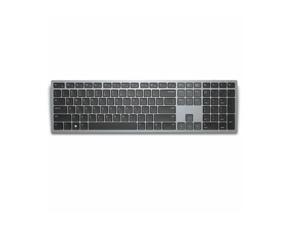
Dell Premier Multi-Device Wireless Bluetooth Keyboard KB700-GY-R-US
- Keyboard Interface: Wireless
- Keyboard Color: Grey
- Brand: DELL
- Part Number: KB700-GY-R-US
- Key Switch: Scissor Switches
- Model #: KB700-GY-R-US
- Item #: 9SIV3HVM000563
- Return Policy: asgroupllcb2b Return Policy
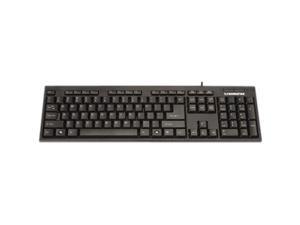
MANHATTAN 175708 Black USB Wired Ergonomic Enhanced Keyboard
- Operating System Supported: Windows XP/Vista/7/8.1/10 compatible
- Dimensions: 1.13" x 17.50" x 6.00"
- Package Contents: Enhanced Keyboard Instructions
- Model #: 175708
- Item #: 9SIV1DSKAF3602
- Return Policy: NothingButSavings Return Policy
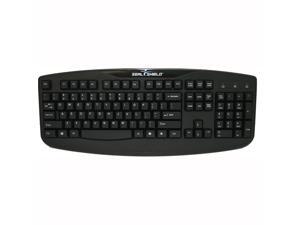
Seal Shield Silver Storm (STK503) Washable Keyboard
- Mouse Color: Red
- Model #: STK503RED
- Item #: 9SIV0F26N15103
- Return Policy: TELeasy Return Policy
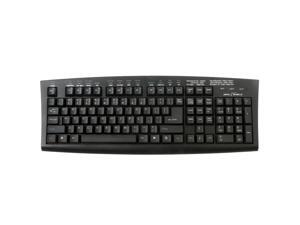
SEAL SHIELD SSKSVMM107 WASHABLE MEDITECH MAGIC MEDICAL GRADE KEYBOARD - ...
- Model #: 718122138630
- Item #: 9SIV0F26N32015
- Return Policy: TELeasy Return Policy
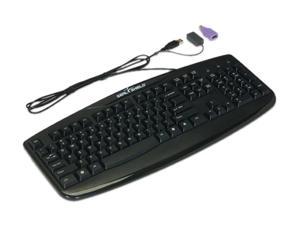
SEAL SHIELD Silver Storm Medical Grade Keyboard STK503 Black USB Wired Keyboard
- Model #: STK503
- Item #: 9SIV0F3BG01561
- Return Policy: MichaelElectronics2 Return Policy
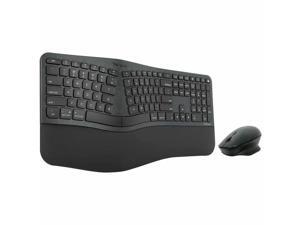
Targus EcoSmart Ergonomic Keyboard & ErgoFlip Mouse Combo, Black AKM624USZ
- Brand: Targus
- Type: Keyboard & Mouse Combos
- Model #:
- Item #: 9SIV1DSKNJ6925
- Return Policy: NothingButSavings Return Policy
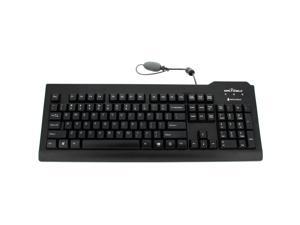
Seal Shield Silver Seal Medical Grade Keyboard
- Keyboard Interface: USB
- Keyboard Color: White
- Brand: SEAL SHIELD
- Name: Silver Seal Medical Grade Keyboard
- Type: Office Products
- Normal Keys: 104
- Features: Keyboard / Keypad Connectivity Technology: Cable
- Model #: SSWKSV207
- Item #: 9SIV02WKMV7941
- Return Policy: Tech For Less Return Policy
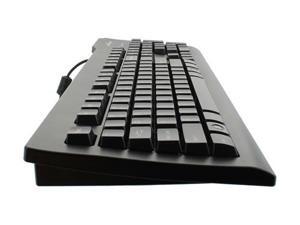
Seal Shield Silver Seal Keyboard Long Cable
- Mouse Color: Black
- Model #: SSKSV207L
- Item #: 9SIV0F3BG01573
- Return Policy: MichaelElectronics2 Return Policy
Computer Keyboard Buying Tips
Introduction
Your staff may sometimes be at their workstations for hours on end, which means that they will need to have ergonomic computer keyboards that are adequate for the tasks that they will be performing. Purchasing keyboards with features that your staff will not utilize is not good use of your budget however, and you should try to find a balance between price and features. Below, NeweggBusiness will outline some considerations so that you can decide if they will be of value to your staff.
Connectivity
Keyboards can be connected to computers in one of two ways, wired or wireless. In terms of cost, wired keyboards can be found at much lower prices than wireless keyboards; however wireless keyboards can be used in situations where using wired keyboards would not be practical. Generally, most desktop workstations for completing general office tasks do not require wireless keyboards except in rare cases.
Wired computer keyboards have several advantages over wireless keyboards, including better responsiveness, not requiring additional software, and no need for batteries. Wireless keyboards on the other hand, decrease cable clutter and can be used with media center computers. If the computer will be used from a distance, a wireless keyboard is better than using a wired keyboard with long extension cables.
In addition to computers, keyboards can also be used with tablets to give them laptop-like functionality. For use with tablets, a keyboard will need Bluetooth® functionality, as tablets typically lack support for USB keyboards. Bluetooth keyboards can also be used with laptops and desktops, but they will need to have support for Bluetooth.
Layout
A standard Windows® compatible QWERTY computer keyboard has a 104-key layout, but there are specialized keyboards with additional keys or altered key placement. For example, a standard full-sized QWERTY keyboard will typically have a number pad to the right side of the keyboard but other layouts may drop the number pad in favor of slimmer dimensions.
Then there are multimedia keyboards and gaming keyboards that have programmable buttons, program-specific keys, and more. A standard Windows QWERTY keyboard is more than sufficient for most office tasks, and specialized keyboards are only needed for workstations that will be used for tasks that require those extra keys and functionality.
Ergonomics
Ergonomics are a very important consideration when selecting keyboards to use with your organization’s computers, as poor ergonomics can result in wrist injuries. To alleviate concerns about ergonomics, keyboard manufacturers have designed and market keyboards with comfortable ergonomics in mind. These keyboards typically have designs that split the QWERTY pattern in half and angle them so that the wrist is not bent when typing. Another approach that manufacturers may take to improve ergonomics is including wrist rests, which are often detachable. Ergonomic keyboards are usually more expensive but can reduce injury, so you may want to consider equipping workstations with them if their users will be typing for very long periods of time.

