


Keyboard - Showing 337 - 360 of 6206 Products


ADESSO TruForm Media 1600 – Wireless Ergonomic Keyboard and Optical Mouse
- Keyboard Interface: USB
- Design Style: Ergonomic
- Keyboard Color: Black
- Brand: ADESSO
- Type: RF Wireless
- Mouse Included: Yes
- Mouse Interface: RF Wireless
- Tracking Method: Optical
- Model #: WKB-1600CB
- Item #: 9SIV1PDABF6786
- Return Policy: Technology Galaxy Return Policy
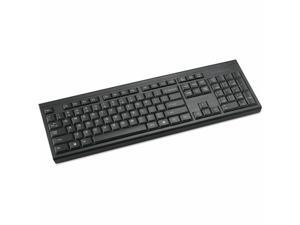
Kensington KB150 EQ Wireless Keyboard
- Brand: Kensington
- Type: See Description
- Model #: K75561NA
- Item #: 9SIV1DSKCX6166
- Return Policy: NothingButSavings Return Policy
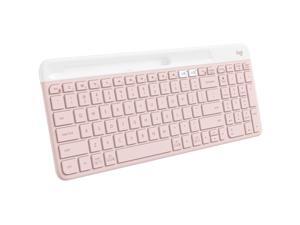

Logitech K585 Slim Multi-Device Wireless Keyboard - Rose
- Keyboard Interface: USB
- Keyboard Color: Rose
- Brand: Logitech
- Type: Bluetooth/RF
- Mouse Interface: USB
- Operating System Supported: Operating System Compatibility: iPadOS 14 Operating System Compatibility: Android 8.0 Operating System Compatibility: Chrome OS Operating System Compatibility: iOS 14 Operating System Compatibility: Linux Operating System Compatibility: macOS 10.15 Operating System Compatibility: Windows 10 Operating System Compatibility: Windows 11
- Model #: 920-011477
- Item #: 9SIV1PDKPC0265
- Return Policy: Technology Galaxy Return Policy
CHERRY KC 200 MX-Wired Keyboard - MX2A SILENT RED - Silver/White Housing - Linear feel - ...
- Model #: G80-3950LHBUS-1
- Item #: 9SIV009KEP8646
- Return Policy: Antonline.com Return Policy
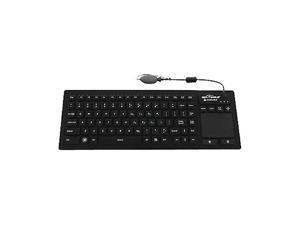
Seal Shield SealTouch Glow Waterproof Wired Keyboard with Touch Pad, Black
- Mouse Color: Black
- Parts: 1 Year
- Model #: S108PG
- Item #: 9SIV009FN66814
- Return Policy: Antonline.com Return Policy
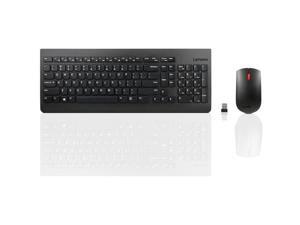

Lenovo 510 Wireless Keyboard & Mouse Combo, 2.4 GHz Nano USB Receiver, Full Size, Island ...
- Keyboard Interface: 2.4 GHz Wireless via Nano USB
- Keyboard Color: Black
- Brand: Lenovo
- Type: Wireless
- Mouse Included: Yes
- Mouse Interface: 2.4 GHz Wireless via Nano USB
- Tracking Method: Optical
- Buttons: 3 (left click, right click, scroll click)
- Model #: GX30N81775
- Item #: 9SIV1PDKDM3379
- Return Policy: Technology Galaxy Return Policy
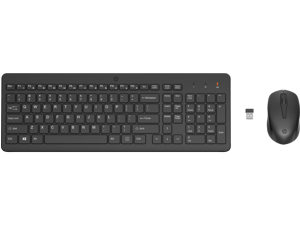

HP 330 Wireless Mouse and Keyboard Combination
- Keyboard Interface: Wireless
- Keyboard Color: Black
- Brand: HP
- Name: 330
- Type: Wireless
- Mouse Included: Yes
- Mouse Interface: USB-A Dongle
- Tracking Method: Optical
- Model #: 2V9E6AA#ABL
- Item #: 9SIVFEUKBP1961
- Return Policy: Official HP Store Return Policy
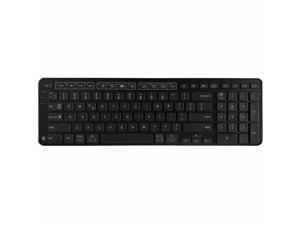
Contour Balance Keyboard - Wireless Connectivity - Windows, Mac OS X - PC, Mac - Plastic - AAA ...
- Model #: 102104
- Item #: 9SIV009KEP8643
- Return Policy: Antonline.com Return Policy
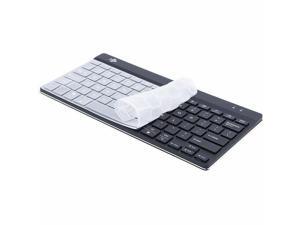
R-Go Tools Hygienic Keyboard Protector Cover for RGOCOUSWDBL RGOHCKCUS78
- Mouse Color: White
- Parts: 1 Year
- Model #: RGOHCKCUS78
- Item #: 9SIV009K8E4273
- Return Policy: Antonline.com Return Policy
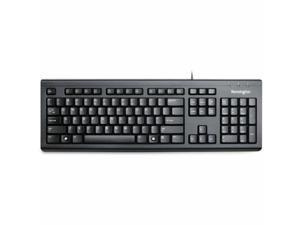
Kensington ValuKeyboard - Wired - Cable Connectivity - Full-size - USB Type A Interface - 104 ...
- Brand: Kensington
- Parts: 3 Year
- Model #: K72391NA
- Item #: 9SIV009KUV2325
- Return Policy: Antonline.com Return Policy
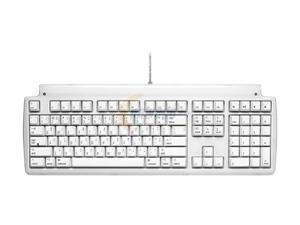
Matias FK302 White USB Wired Standard TactilePro Keyboard
- Keyboard Interface: USB
- Design Style: Standard
- Keyboard Color: White
- Brand: Matias
- Type: Wired
- Features: Keyswitch Technology: Mechanical Keyboard/Keypad Cable Length: 56.69" Keyboard/Keypad Features: USB Hub Dust Resistant Hot Keys: Eject Volume Control
- Parts: 1 year limited
- Labor: 1 year limited
- Model #: FK302
- Item #: 9SIV1PDKPB9415
- Return Policy: Technology Galaxy Return Policy
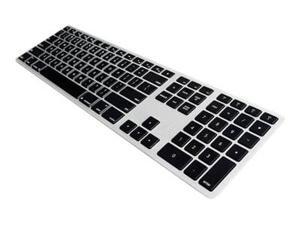
Matias Backlit Wireless Keyboard Black FK418BTLSB
- Brand: Matias
- Type: See Description
- Model #: FK418BTLSB
- Item #: 9SIV009KRW6463
- Return Policy: Antonline.com Return Policy
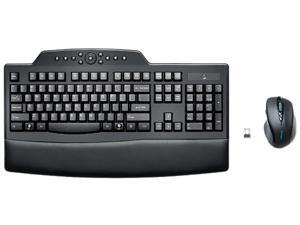
Kensington Pro Fit Wireless Comfort Desktop Set K72403US Black RF Wireless Ergonomic ...
- Mouse Included: Yes
- Palm Rest: Yes
- Mouse Color: Black/Red
- Operating Time: 12 months battery life
- Hand Orientation: Right
- Model #: K72403US
- Item #: 9SIV3HVKWC2399
- Return Policy: asgroupllcb2b Return Policy
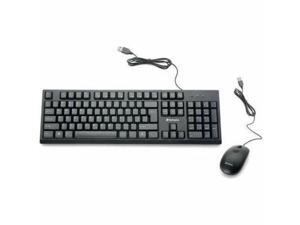
Verbatim 70734 Universal Wired Keyboard and Mouse Black 70734
- Brand: Verbatim Corporation
- Type: Wired
- Model #: 70734
- Item #: 9SIV1PDKPC1285
- Return Policy: Technology Galaxy Return Policy
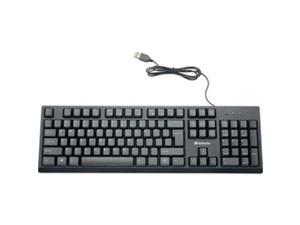
Verbatim Universal Wired Keyboard Black (70735) VER70735
- Model #: 70735
- Item #: 9SIV1PDKPC1327
- Return Policy: Technology Galaxy Return Policy
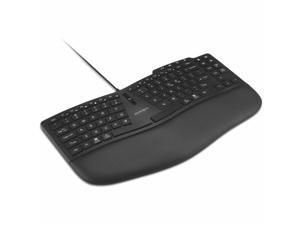
Kensington Pro Fit Ergo KB675 EQ TKL Wireless Keyboard
- Brand: Kensington
- Type: See Description
- Model #: SC-K75491US
- Item #: 9SIV1PDKPC2124
- Return Policy: Technology Galaxy Return Policy
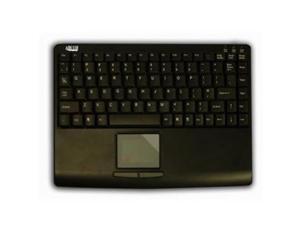
ADESSO AKB-410UB Slim Touch Mini Keyboard with Built in Touchpad
- Model #: AKB-410UB/ADE
- Item #: 9SIV04Z22E1618
- Return Policy: IPC Store Return Policy
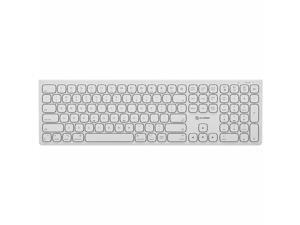
Alogic Echelon USB-C Rechargeable Wireless Keyboard for macOS ASKBT3M
- Brand: ALOGIC
- Type: Keyboard & Mouse Combos
- Model #:
- Item #: 9SIV1DSKFP6482
- Return Policy: NothingButSavings Return Policy
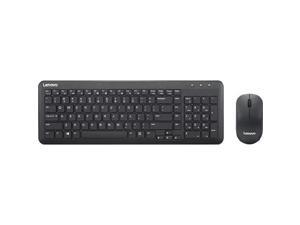
Lenovo 300 Wireless Combo Keyboard and Mouse US English GX31C95738
- Brand: Lenovo
- Type: Wireless
- Model #:
- Item #: 9SIV1DSKFP5650
- Return Policy: NothingButSavings Return Policy
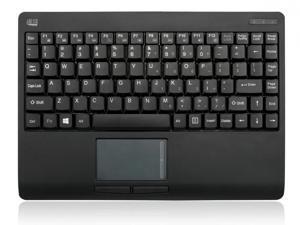
Adesso WKB-4110UB 2.4GHZ RF MINI WIRELESS TOUCHPAD KEYBOAR
- Model #: AD#WKB4110UB
- Item #: 9SIV04ZA275678
- Return Policy: IPC Store Return Policy
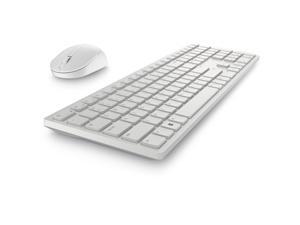

Dell Pro KM5221W Keyboard & Mouse KM5221W-WH-US
- Mouse Interface: USB
- Dimensions: 17" x 4.8" x 1.30"
- Part Number: KM5221W-WH-US
- Mouse DPI: 4000 dpi
- Model #: KM5221W-WH-US
- Item #: 9SIV3HVKWC3443
- Return Policy: asgroupllcb2b Return Policy
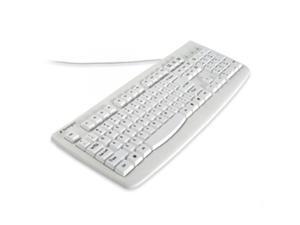
Kensington K64406US WASHABLE ANTIMICROBIAL KEYBOARD USB/PS2
- Model #: KE#K64406US
- Item #: 9SIV04ZK8E3737
- Return Policy: IPC Store Return Policy
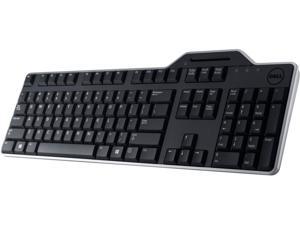
DELL PERIPHERALS KB813-BK-US KEYBOARD SMARTCARD USB
- Parts: 30 DAYS WARRANTY
- Labor: 30 DAYS WARRANTY
- Model #: KB813-BK-US
- Item #: 9SIV0NRKT57998
- Return Policy: IT WHOLESALERS Return Policy
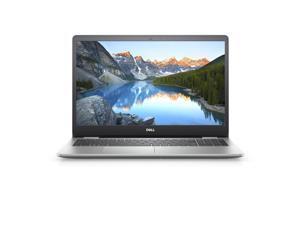
Dell Inspiron 15 5593 Laptop 15.6" Intel i5-1035G1 256GB SSD 8GB RAM
- Model #: nn5593dssdh
- Item #: 9SIV2Y0GUM0465
- Return Policy: Lone Star Computer Return Policy
Computer Keyboard Buying Tips
Introduction
Your staff may sometimes be at their workstations for hours on end, which means that they will need to have ergonomic computer keyboards that are adequate for the tasks that they will be performing. Purchasing keyboards with features that your staff will not utilize is not good use of your budget however, and you should try to find a balance between price and features. Below, NeweggBusiness will outline some considerations so that you can decide if they will be of value to your staff.
Connectivity
Keyboards can be connected to computers in one of two ways, wired or wireless. In terms of cost, wired keyboards can be found at much lower prices than wireless keyboards; however wireless keyboards can be used in situations where using wired keyboards would not be practical. Generally, most desktop workstations for completing general office tasks do not require wireless keyboards except in rare cases.
Wired computer keyboards have several advantages over wireless keyboards, including better responsiveness, not requiring additional software, and no need for batteries. Wireless keyboards on the other hand, decrease cable clutter and can be used with media center computers. If the computer will be used from a distance, a wireless keyboard is better than using a wired keyboard with long extension cables.
In addition to computers, keyboards can also be used with tablets to give them laptop-like functionality. For use with tablets, a keyboard will need Bluetooth® functionality, as tablets typically lack support for USB keyboards. Bluetooth keyboards can also be used with laptops and desktops, but they will need to have support for Bluetooth.
Layout
A standard Windows® compatible QWERTY computer keyboard has a 104-key layout, but there are specialized keyboards with additional keys or altered key placement. For example, a standard full-sized QWERTY keyboard will typically have a number pad to the right side of the keyboard but other layouts may drop the number pad in favor of slimmer dimensions.
Then there are multimedia keyboards and gaming keyboards that have programmable buttons, program-specific keys, and more. A standard Windows QWERTY keyboard is more than sufficient for most office tasks, and specialized keyboards are only needed for workstations that will be used for tasks that require those extra keys and functionality.
Ergonomics
Ergonomics are a very important consideration when selecting keyboards to use with your organization’s computers, as poor ergonomics can result in wrist injuries. To alleviate concerns about ergonomics, keyboard manufacturers have designed and market keyboards with comfortable ergonomics in mind. These keyboards typically have designs that split the QWERTY pattern in half and angle them so that the wrist is not bent when typing. Another approach that manufacturers may take to improve ergonomics is including wrist rests, which are often detachable. Ergonomic keyboards are usually more expensive but can reduce injury, so you may want to consider equipping workstations with them if their users will be typing for very long periods of time.

