


Laptop Internal Hard Drives - Showing 25 - 48 of 600 Products


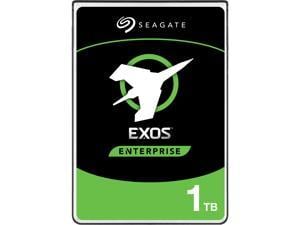

Seagate 1TB Enterprise Capacity 2.5 Internal Hard Disk Drive SATA 6.0Gb/s 7200 RPM 128MB ...
- Average Latency: 4.16ms
- Height (maximum): 15mm
- Width (maximum): 70.10mm
- Length (maximum): 100.45mm
- Model #: ST1000NX0313
- Item #: 9SIV0AHAPC7461
- Return Policy: Best Hdd Inc Return Policy
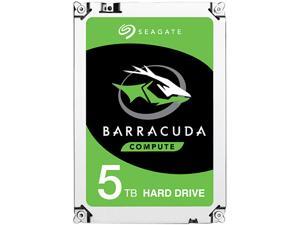
Seagate 5TB BarraCuda 5400 RPM 128MB Cache SATA 6.0Gb/s 2.5" 15mm Laptop Internal ...
- Brand: Seagate
- Series: BarraCuda
- Capacity: 5TB
- RPM: 5400 RPM
- Form Factor: 2.5"
- Interface: SATA 6.0Gb/s
- Packaging: Bare Drive
- Cache: 128MB
- Model #: ST5000LM000
- Item #: 9SIV0AHA7F7921
- Return Policy: Best Hdd Inc Return Policy
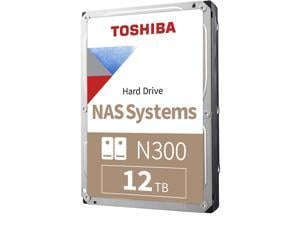
Toshiba Toshiba 12TB N300 7200 RPM SATA III 3.5" Internal NAS HDD #HDWG51CXZSTA
- Model #: HDWG51CXZSTA
- Item #: 9SIV1DSKSP6118
- Return Policy: NothingButSavings Return Policy


WD Black 1TB Mobile Hard Disk Drive - 7200 RPM SATA 6Gb/s 32MB Cache 2.5 Inch - WD10JPLX
- Brand: WD
- Series: Black
- Capacity: 1TB
- RPM: 7200 RPM
- Form Factor: 2.5"
- Interface: SATA 6.0Gb/s
- Cache: 32MB
- Features: Great Things Come in Small Packages - WD Black 1TB Mobile 2.5-inch performance storage is designed to enhance your PC experience, whether at home in your new all-in-one desktop, or on-the-go in your trusty notebook. With 1TB of storage running at 7200 RPM, you get fastest high-capacity mobile hard drive available in the world today, offering the perfect storage solution for a digital artist, video editor, photographer, or gamer. WD Black 1TB Mobile 2.5-inch combines performance and capacity with the reliability of a brand you can trust. For Creative Professionals - Give yourself the room to bring your entire digital portfolio wherever you're at with WD Black Mobile 2.5-inch hard dri...
- Model #: WD10JPLX
- Item #: 9SIV18PKJV3610
- Return Policy: Neworld Return Policy
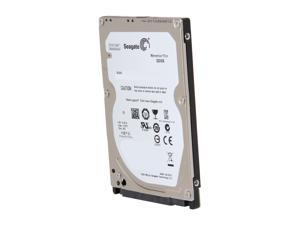
Seagate Momentus Thin ST320LT020 320GB 5400 RPM 16MB Cache SATA 3.0Gb/s 2.5" ...
- Brand: Seagate
- Series: Momentus Thin
- Capacity: 320GB
- RPM: 5400 RPM
- Form Factor: 2.5"
- Interface: SATA 3.0Gb/s
- Packaging: Bare Drive
- Cache: 16MB
- Model #: ST320LT020
- Item #: 9SIV0E4KK22526
- Return Policy: Deus PC Return Policy
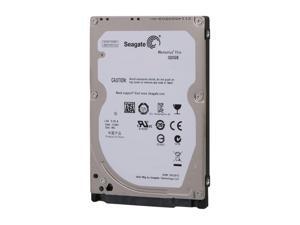
Seagate Momentus Thin ST320LT007 320GB 7200 RPM 16MB Cache SATA 3.0Gb/s 2.5" ...
- Brand: Seagate
- Series: Momentus Thin
- Capacity: 320GB
- RPM: 7200 RPM
- Form Factor: 2.5"
- Interface: SATA 3.0Gb/s
- Packaging: Bare Drive
- Cache: 16MB
- Model #: ST320LT007
- Item #: 9SIV0AHB2Z3784
- Return Policy: Best Hdd Inc Return Policy
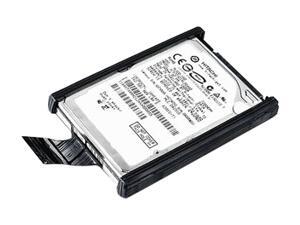

Lenovo ThinkPad 43N3423 500GB 7200 RPM 16MB Cache SATA 3.0Gb/s 2.5" Internal ...
- Average Seek Time: 12ms
- Average Latency: 4.2ms
- Model #: 43N3423
- Item #: 9SIV0E45A14977
- Return Policy: Deus PC Return Policy
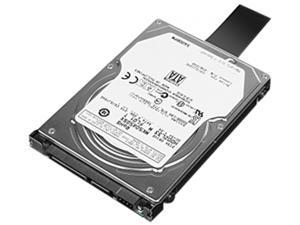
Lenovo ThinkPad 0A65632 500GB 7200 RPM SATA 3.0Gb/s 4K Notebook Hard Drive
- Brand: Lenovo
- Series: ThinkPad
- Capacity: 500GB
- RPM: 7200 RPM
- Interface: SATA 3.0Gb/s
- Features: Storage Capacity: 500 GBRotational Speed: 7200 rpmDrive Interface: SATADrive Type: InternalPackage Contents: ThinkPad 500GB 7200rpm SATA 3.0Gb/s 7mm 4k Hard Drive Setup Poster Green Compliant: YesGreen Compliance Certificate/Authority: RoHSLimited Warranty: 1 Year
- Height (maximum): 7mm
- Parts: 1 Year
- Model #: 0A65632
- Item #: 9SIV0E44N63694
- Return Policy: Deus PC Return Policy
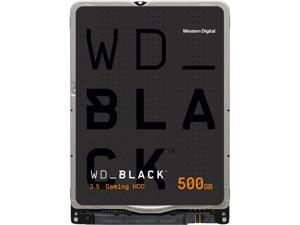
WD Black WD5000LPLX 500GB 7200 RPM 32MB Cache SATA 6.0Gb/s 2.5" Internal Hard Drive ...
- Brand: WD
- Series: Black
- Capacity: 500GB
- RPM: 7200 RPM
- Form Factor: 2.5"
- Interface: SATA 6.0Gb/s
- Packaging: Bare Drive
- Cache: 32MB
- Model #: WD5000LPLX
- Item #: 9SIV1PD92U4461
- Return Policy: Technology Galaxy Return Policy


Samsung PM851 Series MZ-MTE256D MZMTE256HMHP-000D1 mSATA 256GB 256 GB ...
- Model #: SAM-MZMTE256HMHP
- Item #: 9SIV0U8HR37291
- Return Policy: The Best Deals For You Return Policy
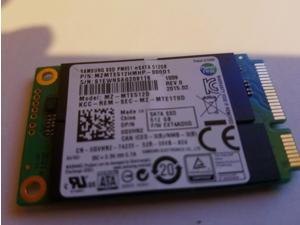
Samsung PM851 Series MZ-MTE512D MZMTE512HMHP-000D1 mSATA 512GB I512 GB ...
- Model #: SAM-MZMTE512HMHP
- Item #: 9SIV0U8BCE0479
- Return Policy: The Best Deals For You Return Policy
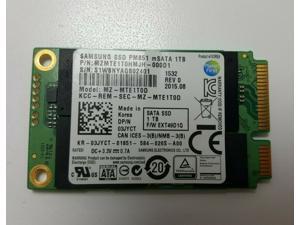
Samsung PM851 mSATA 1TB SSD MZ-MTE1T00 MZMTE1T0HMJH solid state drive SSD
- Model #: MZ-MLE1T00
- Item #: 9SIV0U8BAP0728
- Return Policy: The Best Deals For You Return Policy
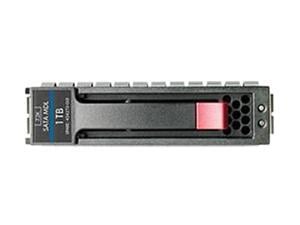

HP 655710-S21 1TB 7200 RPM SATA 6.0Gb/s 2.5" SFF SC Midline Hard Drive S-Buy
- Brand: HP
- Capacity: 1TB
- RPM: 7200 RPM
- Form Factor: 2.5"
- Interface: SATA 6.0Gb/s
- Features: Storage Capacity: 1 TBRotational Speed: 7200 rpmDrive Interface: SATADrive Interface Standard: SATA/600Drive Type: InternalDrive Width: 2.5"Height: 1" (26.4 mm)Width: 4.4" (110.7 mm)Depth: 7.3" (184.2 mm)Weight (Approximate): 1.36 kgCompatibility: HP Proliant Gen8 ServersDevice Supported: ServerLimited Warranty: 1 Year
- Usage: Ideal for Servers
- Parts: 1 Year
- Model #: 655710-S21
- Item #: 9SIV00CKNU1166
- Return Policy: Beach Audio Return Policy
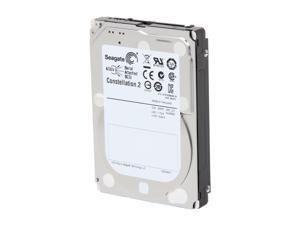
Seagate Constellation.2 ST91000640SS 1TB 7200 RPM 64MB Cache SAS 6Gb/s 2.5" Internal ...
- Model #: ST91000640SS
- Item #: 9SIV16G88Y0792
- Return Policy: ATP Warehouse Return Policy
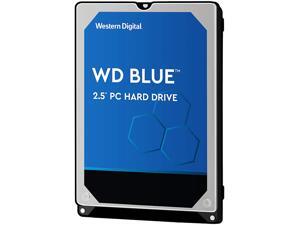
WD Blue 750GB Hard Disk Drive - 5400 RPM SATA 6Gb/s 2.5 Inch - WD7500BPVX
- Brand: WD
- Series: Blue
- Capacity: 750GB
- RPM: 5400 RPM
- Form Factor: 2.5"
- Interface: SATA 6.0Gb/s
- Packaging: Bare Drive
- Cache: 8MB
- Model #: WD7500BPVX
- Item #: 9SIV00CJX66701
- Return Policy: Beach Audio Return Policy
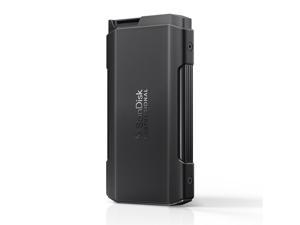

SanDisk Professional PRO-BLADE 4TB SSD TRANSPORT #SDPM2NB-004T-GBAND
- Model #: SDPM2NB-004T-GBAND
- Item #: 9SIV18MK2T4829
- Return Policy: Adorama Camera Return Policy
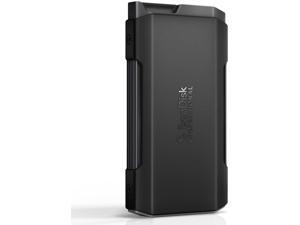
SanDisk Professional PRO-BLADE 2TB SSD TRANSPORT #SDPM2NB-002T-GBAND
- Model #: SDPM2NB-002T-GBAND
- Item #: 9SIVFYJKP49999
- Return Policy: IT Devices Online Inc. Return Policy
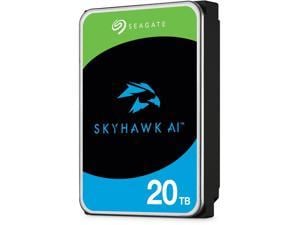
Seagate SkyHawk AI SATA III 3.5" Internal Hard Drive #ST20000VE003
- Model #: ST20000VE003
- Item #: 9SIV18MK9Y5870
- Return Policy: Adorama Camera Return Policy
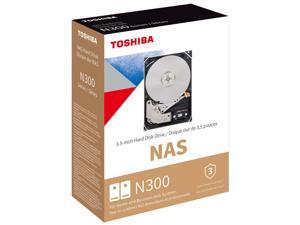
Toshiba N300 16TB SATA III 3.5" Internal NAS Hard Drive #HDWG81GXZSTA
- Model #: HDWG81GXZSTA
- Item #: 9SIV18MKVR8460
- Return Policy: Adorama Camera Return Policy
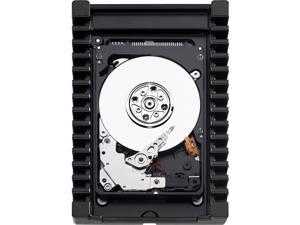
Western Digital VelociRaptor WD1000CHTZ 1 TB 2.5" Internal Hard Drive - 40 Pack
- Model #: WD1000CHTZ-40PK
- Item #: 9SIV0Z4JND0137
- Return Policy: Compute4Less Corp Return Policy
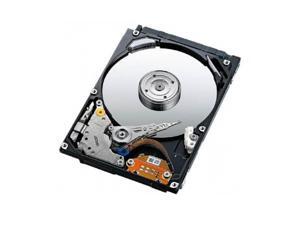

Refurbished: Dell 900GB 10K 6Gbps SAS 2.5 Hard Drive
- Model #: 641329526842
- Item #: 9SIV0D63H50848
- Return Policy: TekBoost Return Policy
Refurbished: Dell 1TB 7.2K 6Gbps SAS 2.5 Hard Drive
- Model #: 641329526859
- Item #: 9SIV0D63H50856
- Return Policy: TekBoost Return Policy
Refurbished: Dell 600GB 10K 6Gbps SAS 2.5 Hard Drive
- Brand: Dell
- RPM: 10000 RPM
- Form Factor: 2.5"
- Interface: SAS
- Usage: For Enterprise Storage
- Parts: 90 Day Warranty
- Labor: 90 Day Warranty
- Model #: 641329526828
- Item #: 9SIV0D63H50826
- Return Policy: TekBoost Return Policy
Refurbished: Dell 600GB 15K 6Gbps SAS 2.5 Hard Drive
- Model #: 641329526835
- Item #: 9SIV0D63H50834
- Return Policy: TekBoost Return Policy
Common Laptop Hard Drive Questions
Introduction
The term laptop hard drive is often applied to 2.5 inch hard drives even though they are used in many types of devices and not just laptops. For instance, they can be found in entertainment devices, desktop computers, server workstations, and more. Below, NeweggBusiness answers several common questions about 2.5 inch and laptop hard drives.
Questions
What does 2.5 inch refer to?
The designation stems from the fact that the disk platters inside of the drive are traditionally 2.5 inches in diameter. The exterior of a 2.5 inch hard drive is actually 100 millimeters (length) by 69.85 millimeters (width).
Thickness can vary, though 9.5 millimeters is very common for most laptops. On the lower end of the scale, Ultrabooks™ can sometimes have hard drives as slim as 5 millimeters. Enterprise-grade hard drives can sometimes be as thick as 15 millimeters.
How do I use a 2.5 inch or laptop hard drive with a device doesn’t support that form factor?
In order to use a 2.5 inch hard drive with a device that is designed for 3.5 inch or desktop hard drives, you will need an adapter bracket. Even with the bracket however, you will still need to ensure that the connectors are compatible.
Can I use an enterprise-grade 2.5 inch hard drive with a laptop?
While some enterprise-grade hard drives and laptop hard drives have similar form factors, they typically utilize different connectors. A laptop for instance, will usually have a SATA connector—or PATA/IDE in the case of older laptops. A server-grade hard drive on the other hand, will typically have a SAS or SCSI connector.
So while a SAS hard drive may physically fit inside a laptop, it cannot be used due to connection differences.
How do I replace a laptop hard drive?
Not all laptops feature removable hard drives, so you will first need to consult the laptop’s user guide or manufacturer’s website for confirmation. If the manufacturer states that your laptop’s hard drive can be replaced, the information below can serve as a general outline.
The first step is to ensure that you have the appropriate tools. Recommended tools include a Phillips screwdriver with a relatively small head, a flat-head screwdriver, and possibly Torx® screwdrivers.
While each laptop model may have a unique design, there are some commonalities with how the hard drives can be accessed. Three of the more common laptop hard drive configurations are as follows.
- Tray-mounted
- Access panel on the underside
- Underneath the keyboard
Once you have determined how to access the laptop hard drive, you should remove the battery and unplug the laptop to avoid electrical damage or injury.

