


USB Flash Drives - Showing 169 - 192 of 969 Products
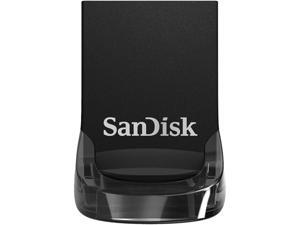

Sandisk 16GB Ultra Fit USB 3.1 Flash Drive, Speed Up to 130MB/s (SDCZ430-016G-G46)
- Brand: SanDisk
- Series: Ultra Fit
- Capacity: 16GB
- Security: 128bit AES Encryption
- USB Specification: USB 3.1 (Gen 1)
- USB Connectors: Type A
- Color: Black
- Read Speed: up to 130MB/s
- Model #: SDCZ430-016G-G46
- Item #: 9SIV05Z73W0534
- Return Policy: 3C Expert Return Policy
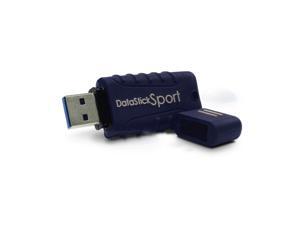
Centon MP Essentials 128GB USB 3.0 Datastick Sport (Blue)
- Brand: CENTON
- Parts: 5 Year
- Model #: S1-U3W2-128G
- Item #: 9SIV009KVE7489
- Return Policy: Antonline.com Return Policy
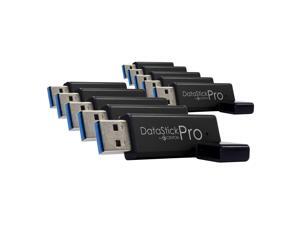
Centon MP ValuePack USB 3.0 Pro (Black) , 8GB x 10P
- Brand: CENTON
- Series: DataStick Pro
- Capacity: 8GB
- USB Specification: USB 3.0
- Color: Black
- Model #: S1-U3P6-8G-10B
- Item #: 9SIV1DSKUG1603
- Return Policy: NothingButSavings Return Policy
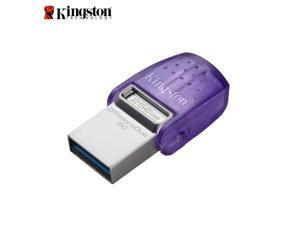
Kingston 256GB DataTraveler microDuo 3C USB Flash Drive USB Type-C and Type-A Flash ...
- Brand: Kingston
- Capacity: 256GB
- Security: Lightweight
- Part Number: DTDUO3CG3/256GB
- USB Specification: USB 3.2 Gen 2
- Color: Silver
- Read Speed: 200 megabytes_per_second
- Write Speed: 200 MB per second
- Model #: DTDUO3CG3/256GB
- Item #: 9SIV009K7F9009
- Return Policy: Antonline.com Return Policy
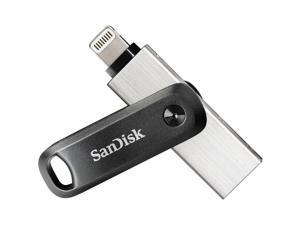
SANDISK SDIX60N-128G-AN6NE SanDisk iXpand Flash Drive Go
- Brand: SanDisk
- Parts: 1 Year
- Model #: SDIX60N-128G-AN6NE
- Item #: 9SIV009ACK1188
- Return Policy: Antonline.com Return Policy
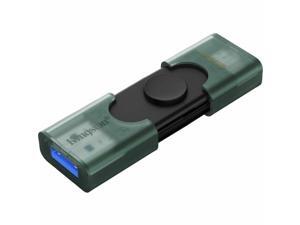
Kingston DataTraveler Duo 256GB (USB 3.2 (Gen 1) Type A + USB 3.2 (Gen 1) Type C) ...
- Brand: Kingston
- Parts: 5 Year
- Model #: DTDEG2/256GB
- Item #: 9SIV009KKR4832
- Return Policy: Antonline.com Return Policy
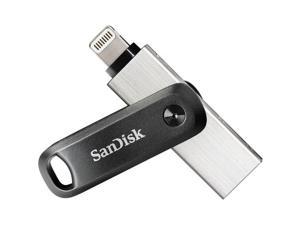
256GB SDIX60N-256G-AN6NE IXPAND
- Brand: SanDisk
- Parts: 1 Year
- Model #: SDIX60N-256G-AN6NE
- Item #: 9SIV009E6E1294
- Return Policy: Antonline.com Return Policy
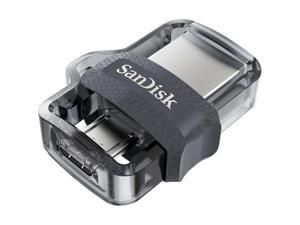
32GB SDDD3-032G ULTRA DUAL
- Brand: SanDisk
- Capacity: 32GB
- USB Specification: USB 3.0
- Parts: 5 Year
- Model #: SDDD3-032G-A46
- Item #: 9SIV009K8K9760
- Return Policy: Antonline.com Return Policy
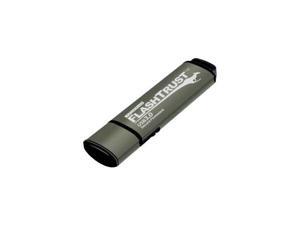
Kanguru FlashTrust USB3.0 Flash Drive with Digitally Signed Secure Firmware
- Brand: Kanguru
- Capacity: 32GB
- USB Specification: USB 3.0
- Dimensions: Height:0.4" x Width:0.7" x Length:2.5"
- Weight: 0.35 oz
- Parts: 3 Year
- Model #: WP-KFT3-32G
- Item #: 9SIV0F2KKJ7203
- Return Policy: TELeasy Return Policy
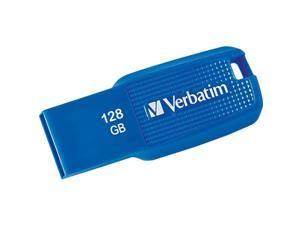
VERBATIM CORPORATION 70880 VERBATIM 128GB ERGO USB 3.0 BLU
- Brand: Verbatim
- Color: Blue
- Features: Sold as 1 Each.
- Model #: 70880
- Item #: 9SIV1DSKJV6330
- Return Policy: NothingButSavings Return Policy
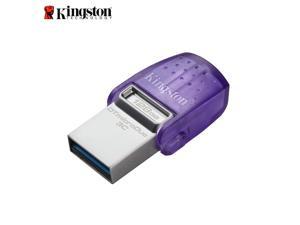
Kingston 128GB DataTraveler microDuo 3C USB Flash Drive USB Type-C and Type-A Flash ...
- Brand: Kingston
- Capacity: 128GB
- Security: Dual USB Connector
- Part Number: DTDUO3CG3/128GB
- USB Specification: USB 3.2 Gen 2
- Color: Silver
- Read Speed: 200 megabytes_per_second
- Write Speed: 200 MB/s
- Model #: DTDUO3CG3/128GB
- Item #: 9SIV009J3J4767
- Return Policy: Antonline.com Return Policy
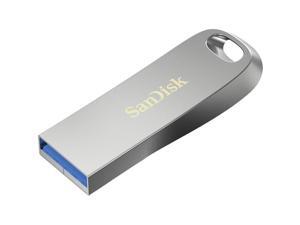
SanDisk Ultra Luxe USB 3.2 Gen 1 Flash Drive, 256GB
- Brand: SanDisk
- Series: Ultra Luxe
- Capacity: 256GB
- USB Specification: USB 3.2 Gen 1
- USB Connectors: Type A
- Read Speed: up to 400MB/s
- Features: Elegant and Enduring Style Keep your content encased in an all-metal design, combining durability with practicality to provide an elegant way to save your files. Speed That Stays Ahead Experience USB 3.2 Gen 1 performance with ultra-fast read speeds up to 400MB/s to transfer large files quickly and reliably. Room for What Matters With capacities up to 1TB, you can store more of your critical files and important photos, videos, and more. Recover Deleted Files RescuePRO Deluxe file recovery software helps you restore files, even if they’re accidentally lost or deleted. Your Content, On the Go Attach the drive to your keychain with the built-in keyrin...
- Model #: SDCZ74-256G-A46
- Item #: 9SIV05ZCHF3031
- Return Policy: 3C Expert Return Policy
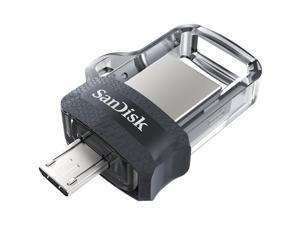
64GB SDDD3-064G ULTRA DUAL
- Brand: SanDisk
- Capacity: 64GB
- USB Specification: USB 3.0
- Parts: 5 Year
- Model #: SDDD3-064G-A46
- Item #: 9SIV18MKG87865
- Return Policy: Adorama Camera Return Policy
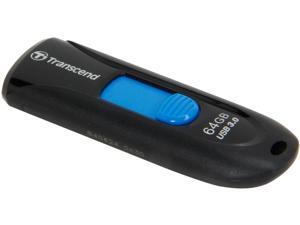
Transcend JetFlash 790 64GB USB 3.0 Flash Drive TS64GJF790K
- Brand: Transcend
- Series: JetFlash 790
- Capacity: 64GB
- USB Specification: USB 3.0
- Color: Blue
- Features: Fully compatible with SuperSpeed USB 3.0 & Hi-Speed USB 2.0 Capless design with slide-out USB connector LED usage status indicator Lightweight and compact Lanyard / key ring attachment loop Exclusive Transcend Elite data management software
- Dimensions: 10.6mm x 63.6mm x 21.2mm (H x W x D)
- Weight: 4.9g
- Model #: TS64GJF790K
- Item #: 9SIV1ZZDE19746
- Return Policy: OEMPCWORLD Return Policy
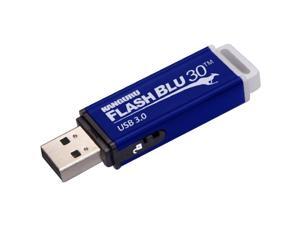
Kanguru FlashBlu30 with Physical Write Protect Switch SuperSpeed USB3.0 Flash Drive
- Brand: Kanguru
- Series: FlashBlu30
- Capacity: 64GB
- USB Specification: USB 3.0
- Color: Blue
- Dimensions: Height:0.4" x Width:0.7" x Length:2.5"
- Weight: 0.35 oz
- Parts: 3 Year
- Model #: ALK-FB30-64G
- Item #: 9SIV1PD7S93683
- Return Policy: Technology Galaxy Return Policy
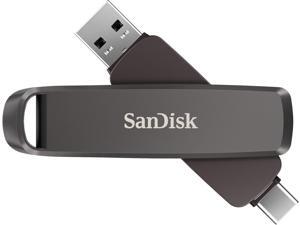
SANDISK Extreme PRO Dual Drive High-Performance USB Type-A and USB Type-C Flash ...
- Brand: SanDisk
- Part Number: SDDDE1-2T00-G46
- USB Specification: USB 3.2 Gen 2
- Model #: SDDDE1-2T00-G46
- Item #: 9SIV05ZKN32765
- Return Policy: 3C Expert Return Policy
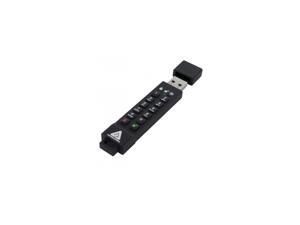
64GB USB3.0 256-BIT AES XTS HW
- Brand: Apricorn
- Color: Black
- Features: Sold as 1 Each.
- Model #: ASK3Z-64GB
- Item #: 9SIV04ZK8M5389
- Return Policy: IPC Store Return Policy
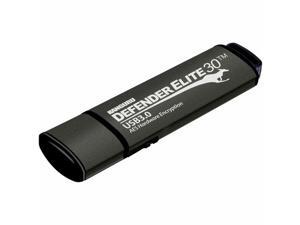
Kanguru Defender Elite 30 SuperSpeed AES Hardware-Encrypted Secure Flash Drive
- Model #: KDFE30512G
- Item #: 9SIV009KUX1851
- Return Policy: Antonline.com Return Policy
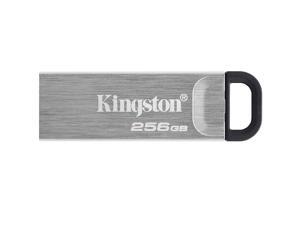
Kingston 256GB DataTraveler Kyson USB 3.2 Gen 1 Metal Flash Drive (DTKN/256GB)
- Brand: Kingston
- Series: DataTraveler Kyson
- Capacity: 256GB
- Security: Lightweight
- Part Number: DTKN/256GB
- USB Specification: USB 3.2 Gen 1
- USB Connectors: Type A
- Color: Black / Silver
- Model #: DTKN/256GB
- Item #: 9SIV1ZZDE19760
- Return Policy: OEMPCWORLD Return Policy
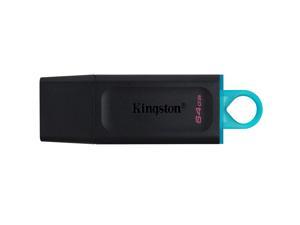
Kingston 64GB DataTraveler Exodia USB 3.2 Gen 1 Flash Drive (DTX/64GB)
- Brand: Kingston
- Series: DataTraveler Exodia
- Capacity: 64GB
- Security: Functionality
- Part Number: DTX/64GB
- USB Specification: USB 3.2 Gen 1
- USB Connectors: Type A
- Color: Black / Blue
- Model #: DTX/64GB
- Item #: 9SIV18PKSC7996
- Return Policy: Neworld Return Policy
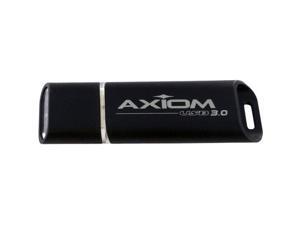
Axiom 32GB USB 3.0 Flash Drive
- Brand: Axiom
- Capacity: 32GB
- USB Specification: USB 3.0
- Parts: 5 Year
- Model #: USB3FD032GB-AX
- Item #: 9SIV0F2K326019
- Return Policy: TELeasy Return Policy
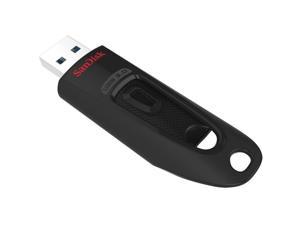
SanDisk Ultra USB 3.0 Flash Drive 512GB SDCZ48512GA46
- Brand: SanDisk
- Model #: SDCZ48512GA46
- Item #: 9SIV05ZJ845751
- Return Policy: 3C Expert Return Policy
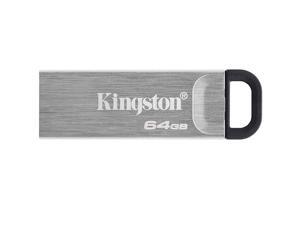
Kingston Data Traveler Kyson 64GB Memory (USB Flash Drive) Lightweight DTKN/64GB
- Brand: Kingston
- Series: Data Traveler Kyson
- Capacity: 64GB
- Security: Lightweight
- Part Number: DTKN/64GB
- USB Specification: USB 3.2 Gen 1
- USB Connectors: Type A
- Color: Black / Silver
- Model #: DTKN/64GB
- Item #: 9SIV05ZDZD3073
- Return Policy: 3C Expert Return Policy
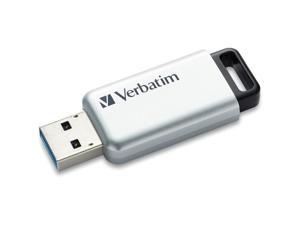
DataLocker K350 16GB Encrypted USB Drive SK350016FE
- Brand: DataLocker
- Capacity: 16
- Part Number: SK350-016-FE
- USB Specification: usb2.0_a
- Color: Sliver
- Read Speed: 190 megabytes_per_second
- Write Speed: 190 MB/s
- Dimensions: 5.4 L x 2.2 W x 0.5 H inches
- Model #: SK350016FE
- Item #: 9SIV009GG49402
- Return Policy: Antonline.com Return Policy
Other Uses for USB Flash Drives
Introduction
A USB flash drive is a versatile data storage solution that can be used for many purposes, some of which are not widely known. While flash drives are popular for backing up and transferring data, other uses include boosting computer performance or serving as an operating system boot disk. Below, NeweggBusiness presents several lesser-known benefits of flash drives that you may find useful.
Increase System Performance
Certain operating systems allow you to use a USB flash drive to increase system performance by complementing the main system memory. Known as ReadyBoost ®, it is supported by Windows® Vista®, Windows 7, and Windows 8. In order for a USB flash drive to be used, it must have at least 256 MB of unused space.
Portable Applications
What are portable applications? They are programs that can be installed onto a USB flash drive and run on a host computer without modifying the host computer’s settings or configurations. For instance, a portable .pdf reader on a USB flash drive will allow you to read .pdf files without requiring installation.
Boot Disk
A boot disk can be used for many purposes, including operating system installation, updating Basic Input / Output System (BIOS) settings, and troubleshooting operating system issues. Traditionally, boot disks were specially formatted 3.5 inch floppy disks and later optical discs, but USB flash drives can also be used. The process to make a USB flash drive a boot disk varies depending on the operating system.
Automated Backup
Some USB flash drives include automated backup software bundled or preinstalled onto the drive. With automatic backup, files, folders, and settings can be backed up to a flash drive whenever it is inserted into a USB slot.
Lock or Unlock a Computer
If you have concerns about computer security and do not feel that a password is sufficient protection, a USB flash drive can be used to add an extra layer of security. Some programs, when installed onto your computer and USB flash drive, require the flash drive to be inserted in order for the computer to be locked or unlocked.
Security Tools
By installing portable security tools onto a USB drive, you can scan for viruses and malware on any computer that the flash drive is connected to. A useful tool if you need to remove viruses, malware, or other malicious software from multiple computers or frequently use public computers.
Optical Drive Replacement
Installing an operating system typically requires you to have the installation disc, which can be an issue if the computer does not have an optical drive. One workaround is to use a USB flash drive as the installation medium, rather than an optical disc. This is accomplished by formatting the USB flash drive as a boot disk and copying the operating system installation files.

